Widget de FAQ para su sitio web
Cree una sección de FAQ con búsqueda que ayude a los visitantes a encontrar respuestas sin salir de la página. El widget de FAQ de Jotform le permite organizar preguntas, agregar respuestas con texto enriquecido y contenido multimedia, elegir diseños flexibles, personalizar el diseño e insertar todo sin necesidad de programar.
Create Now — It’s Free!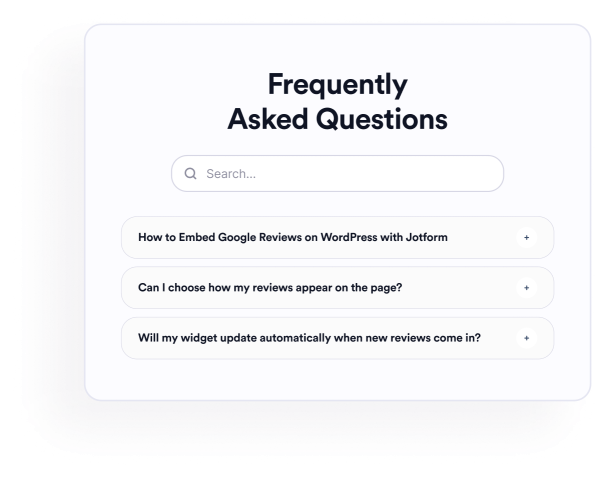

Cómo crear un widget Preguntas Frecuentes
Añada sus preguntas
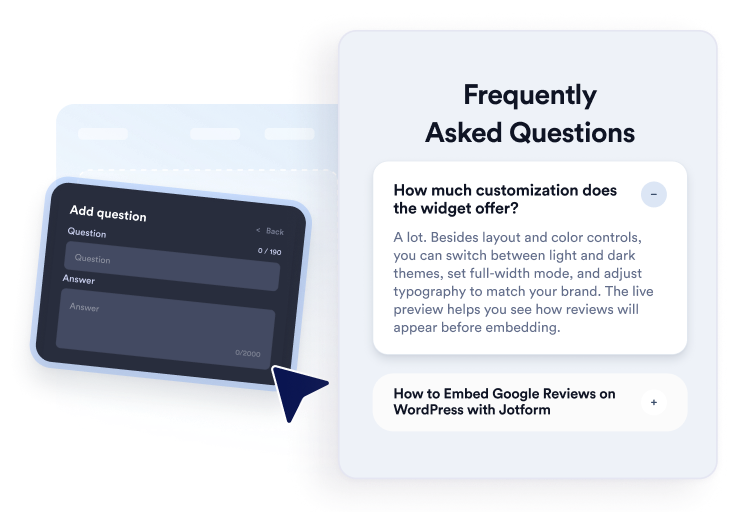
Redacte y organice respuestas para temas de producto, precios, soporte, políticas o incorporación. Agregue enlaces o imágenes cuando sea útil y luego duplique, reordene o elimine preguntas en el editor visual.
Personalice el diseño y el estilo
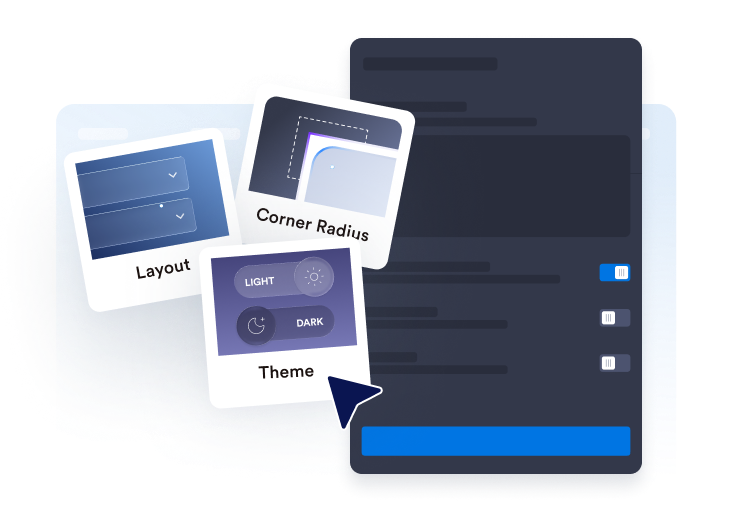
Elija un diseño de acordeón, lista o varias columnas. Configure la barra de búsqueda, los iconos, el comportamiento de las preguntas, los colores, el espaciado y otros ajustes de diseño para adaptarlos a su sección de FAQ.

Integrarlo en su sitio web
Previsualice la FAQ completada, copie el código de inserción generado y péguelo en un bloque de HTML personalizado o de inserción. Publique la página y pruebe sus preguntas, búsqueda, enlaces y contenido multimedia.
Cree FAQ útiles y con búsqueda fácilmente
Organice las preguntas en un solo editor
Agregue, duplique, reordene y elimine preguntas sin tener que volver a crear la sección manualmente. Use respuestas en texto enriquecido para organizar detalles de productos, políticas de facturación, instrucciones de configuración, información de envío u otros temas sobre los que los visitantes suelen preguntar.

Adapte las FAQ a diferentes diseños
Elija un acordeón para grupos de preguntas compactos, una lista para respuestas que deban permanecer visibles o un diseño de varias columnas para secciones de FAQ más amplias. El diseño adecuado puede facilitar la lectura rápida de colecciones grandes.
Ayude a los visitantes a buscar en el contenido de las FAQ
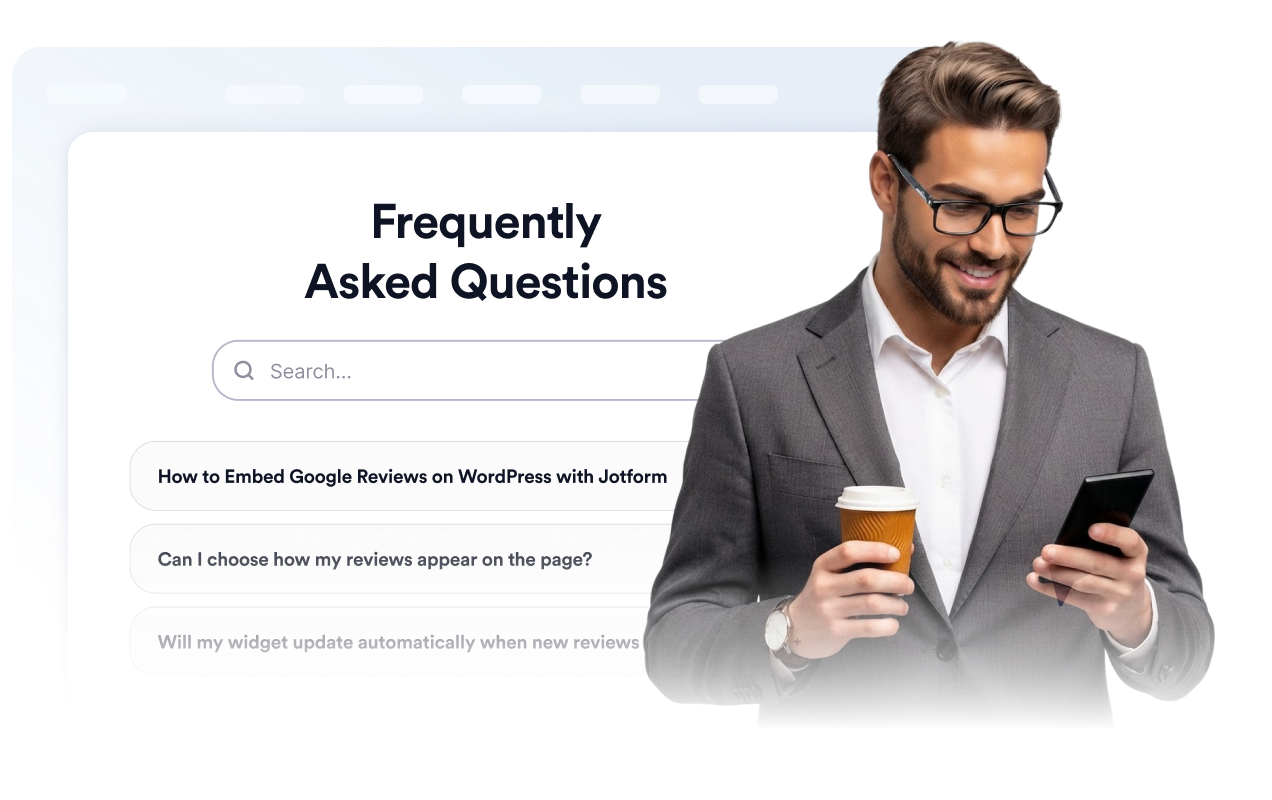
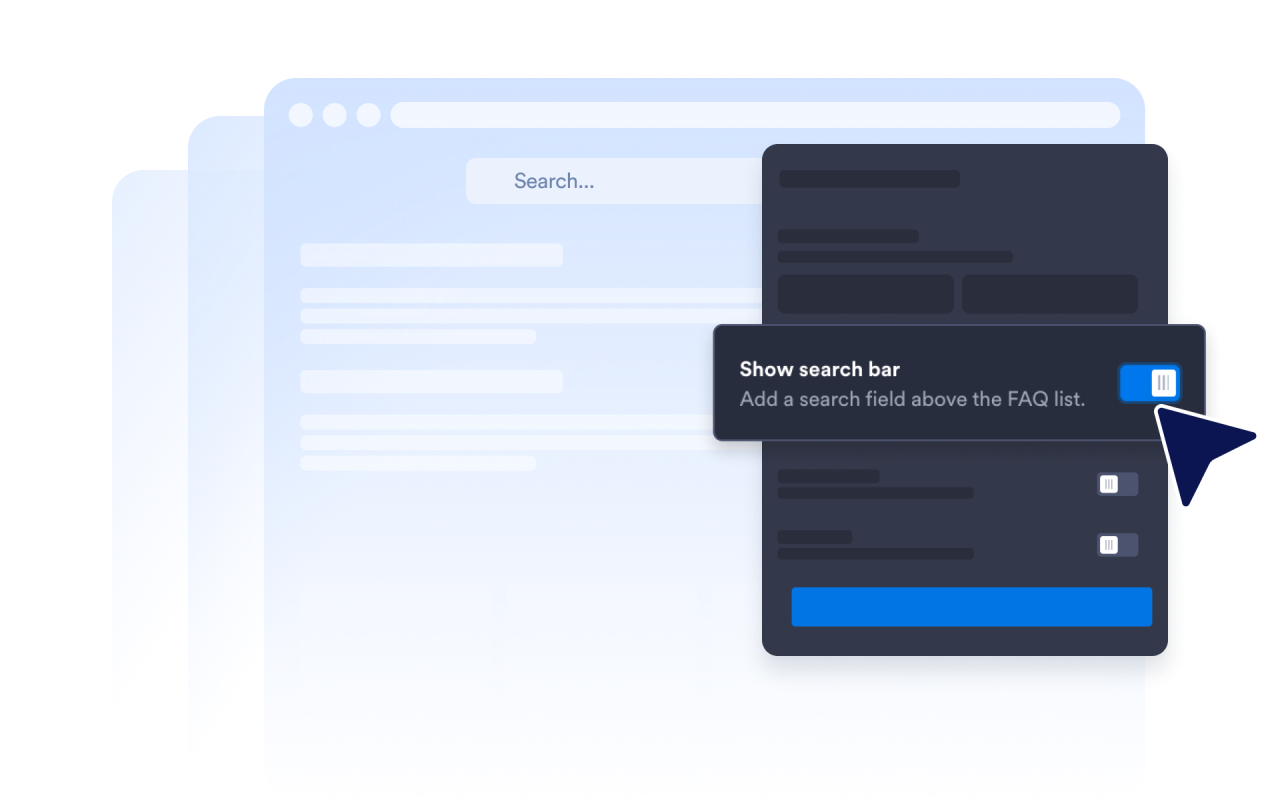
Habilite la barra de búsqueda para que los visitantes puedan filtrar preguntas y respuestas mediante palabras clave. La búsqueda es especialmente útil en páginas de ayuda y secciones detalladas de FAQ donde revisar manualmente cada pregunta llevaría más tiempo.
Controle cómo se expanden las respuestas
Elija el icono del acordeón y su posición, defina cuántas preguntas aparecen inicialmente y decida si una o varias respuestas pueden permanecer abiertas. Estos controles le permiten definir cómo exploran los visitantes las secciones de FAQ más largas.

Por qué destacan los Widgets para Sitios Web de Jotform
Los widgets de Jotform hacen que su sitio web sea más interactivo y aumentan las conversiones. Hay muchas herramientas disponibles, desde valoraciones con estrellas y controles deslizantes de testimonios hasta ventanas emergentes de prueba social e inserciones de medios. Agregue widgets a sus formularios o páginas de destino para recopilar datos, mostrar pruebas y captar prospectos — sin necesidad de programación.
Agregue widgets de Jotform a su sitio web con un simple código de inserción. Personalice el widget, previsualice su aspecto y péguelo en cualquier página que admita HTML personalizado o bloques de inserción, todo sin un desarrollador.
Utilice los Widgets para Sitios Web de Jotform para captar prospectos, mostrar comentarios de clientes, presentar pruebas sociales, insertar medios o agregar herramientas útiles para páginas web. Cada widget ayuda a los visitantes a interactuar con su negocio directamente desde su sitio web.
Si necesita ayuda para configurar, personalizar, insertar o solucionar problemas de su widget, el equipo de atención al cliente de Jotform está disponible las 24 horas, los 7 días de la semana. Puede avanzar con confianza, sabiendo que la ayuda está ahí cuando la necesita.
Dónde usar su widget de FAQ
Añada el widget a las páginas donde las respuestas claras puedan ayudar a los visitantes a comprender sus opciones y decidir qué hacer a continuación.
Páginas de productos para responder preguntas sobre características, tamaños, configuración, compatibilidad y entrega.
Páginas de precios para aclarar planes, pruebas, ciclos de facturación, cancelaciones y actualizaciones.
Centros de ayuda para organizar preguntas de soporte frecuentes en una sección con búsqueda.
Páginas de reservas y eventos para explicar horarios, ubicaciones, reembolsos y requisitos de asistencia.
Páginas de cursos y membresías para responder preguntas sobre acceso, plan de estudios, pagos y soporte.
Páginas de destino para abordar inquietudes comunes antes de que los visitantes se registren, reserven o envíen un formulario.
Convierta prospectos en clientes de pago con el Creador de formularios Jotform
Convierta la interacción en acción con Jotform. Cree formularios potentes que captan prospectos, recopilan pagos y automatizan respuestas, todo en un solo lugar. Cada envío llega a su Jotform Inbox, donde puede hacer seguimiento o conectar con sus aplicaciones favoritas.
Empiece — ¡Es gratis!
Preguntas Frecuentes
¿Qué es un widget de FAQ?
Un widget de FAQ es una sección de preguntas y respuestas insertable para un sitio web. Ayuda a los visitantes a explorar preguntas comunes mediante diseños de acordeón, lista o de varias columnas con búsqueda, sin tener que navegar a otra página.
¿El widget de FAQ de Jotform es gratuito?
¿Cómo agrego una FAQ a mi sitio web?
¿Necesito escribir código?
¿Cuántas preguntas puedo agregar?
¿El widget de FAQ incluye búsqueda?
¿Qué diseños de FAQ puedo usar?
¿Pueden permanecer abiertas varias respuestas de las FAQ?
¿Las respuestas de las FAQ pueden incluir enlaces, imágenes o videos?
¿Puedo personalizar el diseño de la FAQ?
¿El widget de FAQ funciona en dispositivos móviles?
¿Qué plataformas de sitios web admiten el widget de FAQ?
¿Puedo obtener ayuda para configurar mi widget de FAQ?