


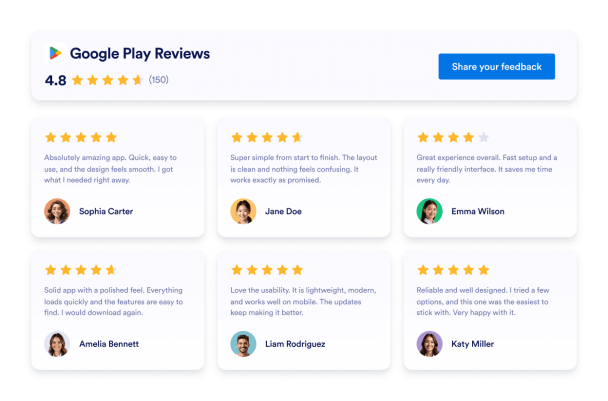



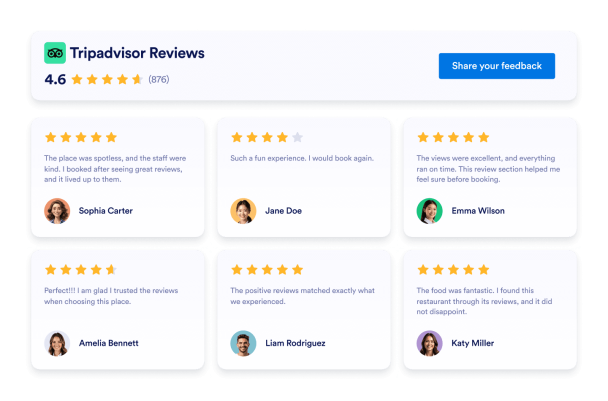
Google-arvosteluwidget verkkosivustollesi
Lisää verkkosivustollesi live Google Reviews -widget ja esittele aitoa asiakaspalautetta siellä, missä sillä on eniten merkitystä. Ota se käyttöön sekunneissa Jotformin ilmaisella, koodittomalla työkalulla. Synkronoi Google Business -arvostelusi automaattisesti, mukauta ulkoasua ja anna parhaiden suositustesi lisätä luottamusta ja konversioita.
How to create a Google Reviews widget
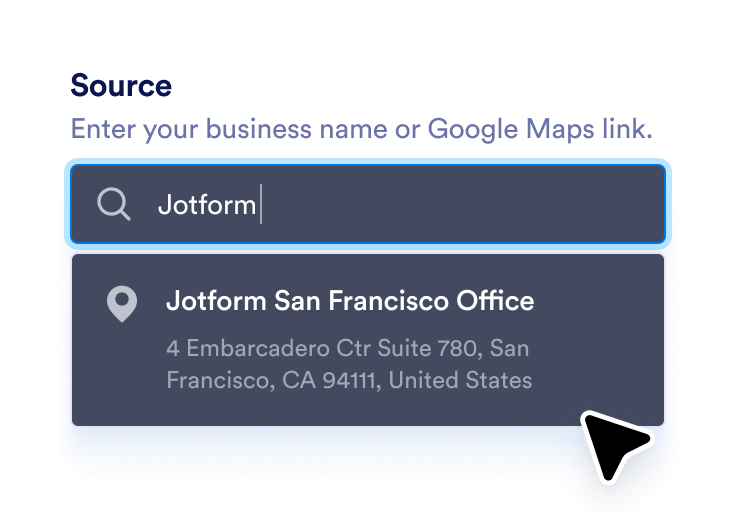
Link your Google business
Enter your business name or Google Maps link to automatically sync your latest reviews.
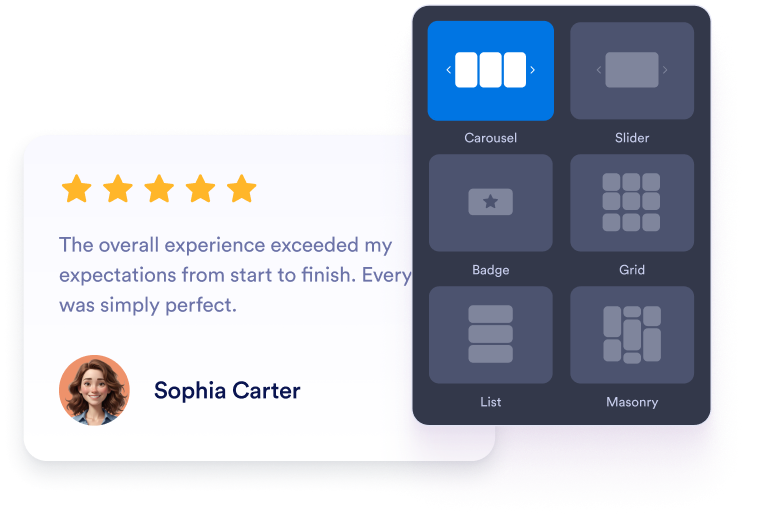
Muokkaa widgettiäsi
Valitse haluamasi asettelu, värit ja yleinen ulkoasu vastaamaan verkkosivustosi ulkoasua.
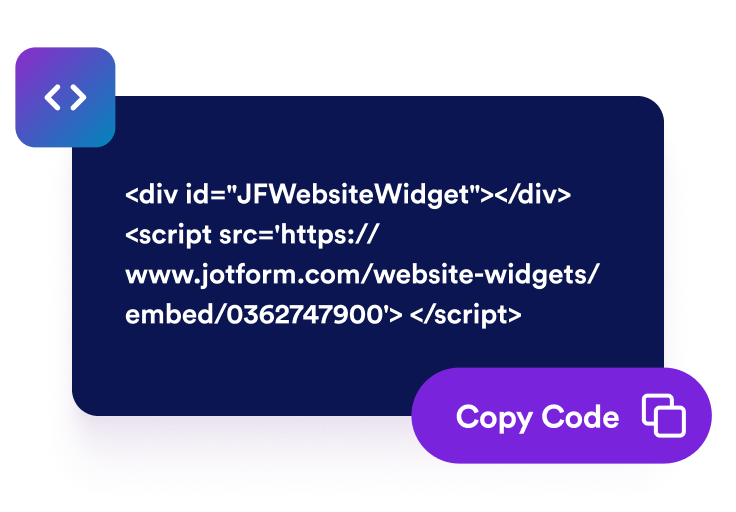
Hanki upotuskoodi
Kopioi automaattisesti luotu upotuskoodi ja liitä se minne tahansa verkkosivustollesi.
Muuta positiivinen palaute todelliseksi liiketoiminnan kasvuksi
Rakenna uskottavuutta aidoilla suosituksilla
Aidot Google-arvostelut nostavat välittömästi yrityksesi mainetta. Vierailijat luottavat muiden asiakkaiden todellisiin kokemuksiin enemmän kuin mihinkään markkinointitekstiin, mikä auttaa sinua luomaan välitöntä luottamusta ja sosiaalista todistetta.

Muunna useampi kävijä maksavaksi asiakkaaksi
Positiiviset arvostelut vaikuttavat päätöksiin juuri sillä hetkellä, kun vierailijat ovat valmiita ostamaan. Korostamalla asiakastyytyväisyyttä widgetisi auttaa muuttamaan satunnaiset selaajat uskollisiksi asiakkaiksi.

Pidä arvostelut tuoreina automaattisilla päivityksillä.
Widgetisi synkronoituu suoraan Google Business -profiilisi kanssa, joten uudet arvostelut ilmestyvät automaattisesti. Manuaalisia päivityksiä ei tarvita, mikä tarkoittaa, että sivullasi näkyy aina uusin ja osuvin palaute.

Paranna hakukoneoptimointia ja näkyvyyttä paikallisessa haussa
Vahvistettujen Google-arvostelujen näyttäminen verkkosivustollasi viestii hakukoneille, että yrityksesi on aktiivinen ja luotettava. Se voi parantaa sijoituksiasi paikallisissa hakutuloksissa ja houkutella lähialueen asiakkaita.
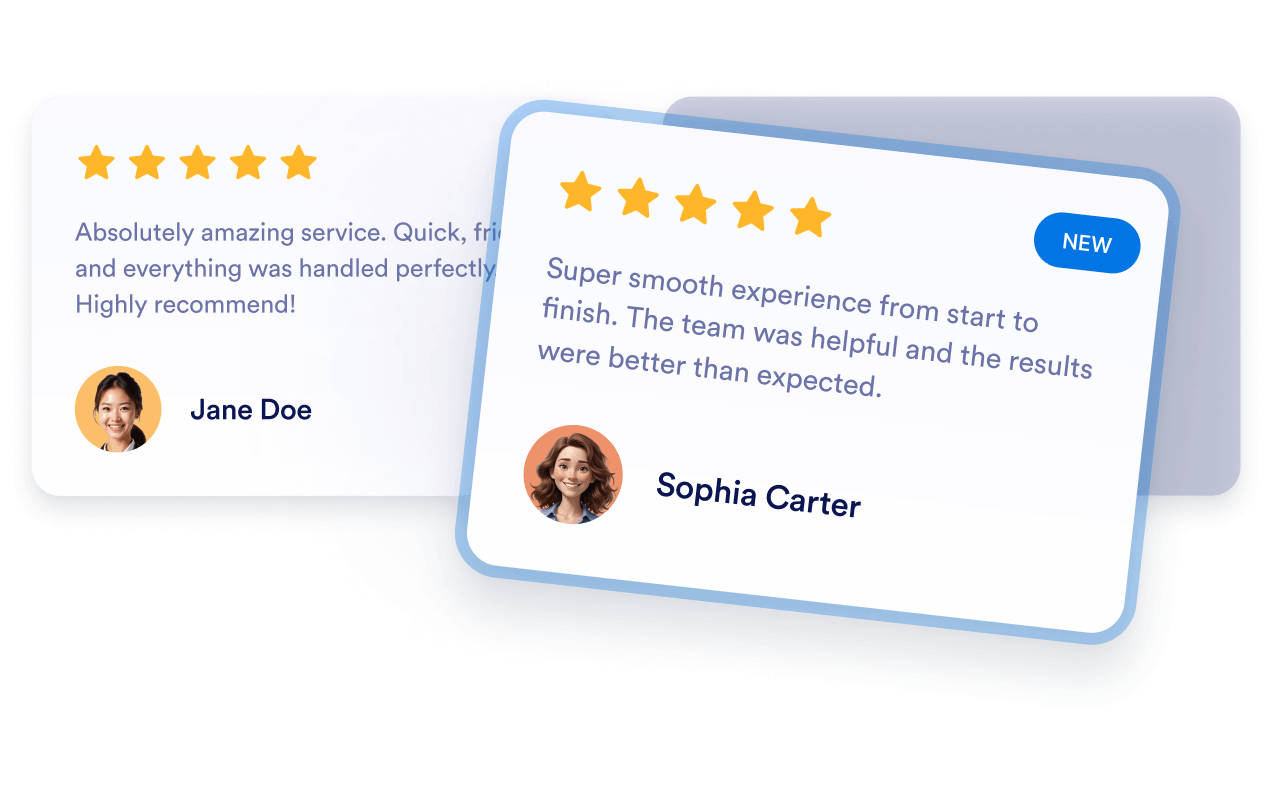
Why Jotform Website Widgets stand out
Jotform’s widgets make your website more interactive and increase conversions. There are many tools available, from star ratings and testimonial sliders to social proof popups and media embeds. Add widgets to your forms or landing pages to collect data, display proof, and capture leads — no coding required.
Add Jotform widgets to your website with a simple embed code. Customize the widget, preview how it looks, and paste it into any page that supports custom HTML or embed blocks, all without a developer.
Use Jotform Website Widgets to collect leads, show customer feedback, display social proof, embed media, or add helpful web page tools. Each widget helps visitors interact with your business directly from your website.
If you need help setting up, customizing, embedding, or troubleshooting your widget, Jotform’s customer support team is available 24-7. You can move forward with confidence, knowing that help is there when you need it.
Convert leads into paying customers with the Jotform Form Builder
Turn engagement into action with Jotform. Create powerful forms that capture leads, collect payments, and automate responses, all in one place. Every submission lands in your Jotform Inbox, where you can follow up or connect with your favorite apps.
Aloita — Se on ilmaista!
UKK
Miten lisään Google-arvostelut verkkosivustolleni?
You can add Google Reviews to your site using Jotform’s Google Reviews widget. Simply connect your Google Business account by pasting your Google Place link into the widget’s Source field. Choose your preferred layout like carousel, slider, or badge and customize colors, themes, and width to match your website’s design. Once you’re done, click Continue and copy the embed code. Paste it into your site where you want the reviews to appear, and they’ll display instantly.
Voinko valita, miten arvosteluni näkyvät sivulla?
Päivittyykö widgetini automaattisesti uusien arvostelujen tullessa?
Onko mahdollista suodattaa, mitkä arvostelut näkyvät?
Kuinka paljon räätälöintimahdollisuuksia widget tarjoaa?
Voinko kerätä uusia arvosteluja Jotformin avulla?
Onko Google Reviews -widget ilmainen?
How do I get my Google Maps share link?