Venda Flores Online
Crie seu próprio negócio de flores online usando o Criador de Lojas Jotform. Não importa se você está interessado em vender diferentes tipos de flores ou se já possui uma loja e quer trazê-la para o meio digital. Adicione as flores que deseja vender: flores perenes, para aniversários, arranjos fúnebres, entre outras. Personalize o app da sua loja e comece a vender com +25 opções de gateways de pagamento. Deixe sua marca no mundo das flores hoje mesmo!
Modelos
Modelos para Lojas de Flores Gratuitos
Não sabe por onde começar? Experimente um de nossos modelos de apps para lojas prontos para deixar as ideias fluírem. O criador de lojas Jotform no-code, fácil de usar e com recurso arraste-e-solte torna sua customização simples e divertida.
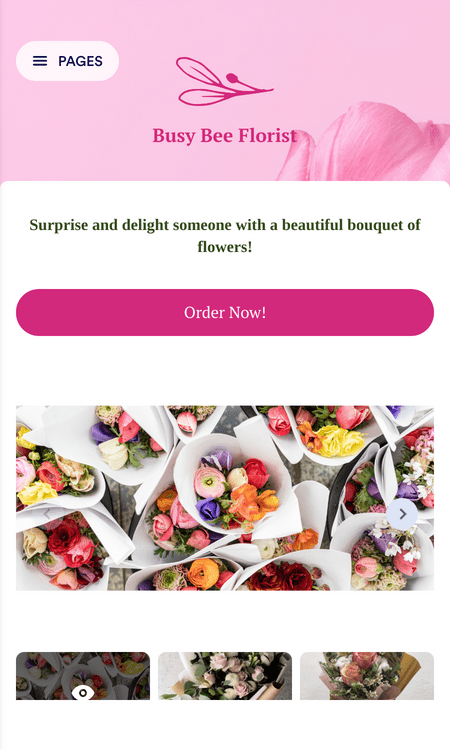
App para Encomendas de Flores
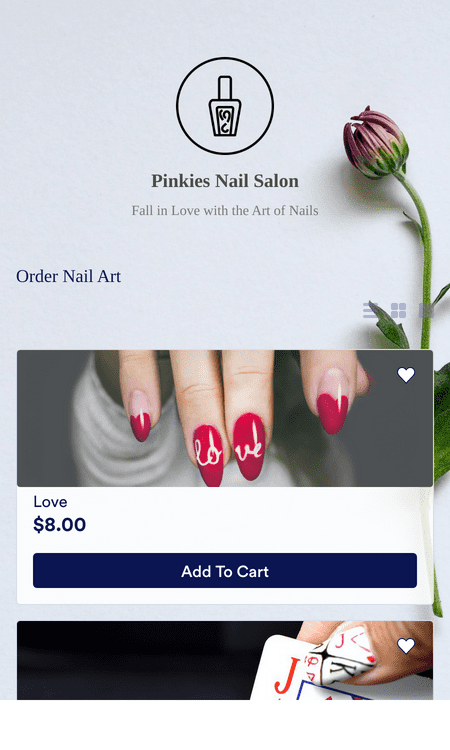
App para Catálogo de Produtos
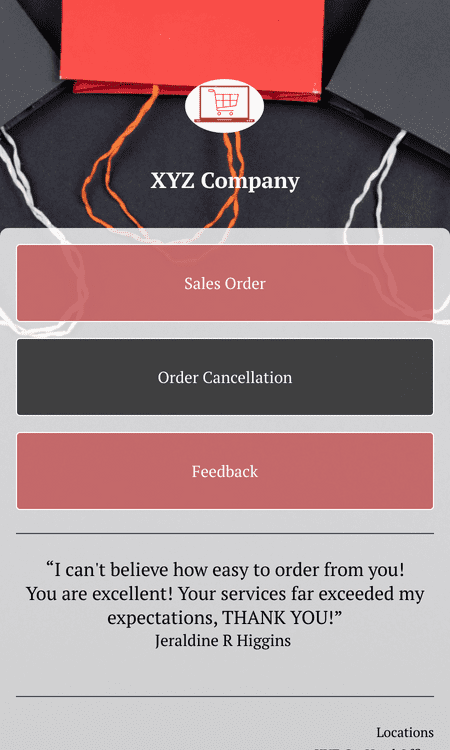
App para Pedidos
Benefícios
Venda Flores Online com um Jotform
Loja de flores online no-code
Crie sua própria loja de flores online usando o Criador de Lojas Jotform. Nosso criador no-code com recurso arraste-e-solte torna a criação de sua própria loja online intuitiva e divertida.
Adicione múltiplos produtos
Adicione os tipos de flores que você vende às suas listas de produtos para um fácil acesso. O Criador de Lojas Jotform lhe permite adicionar múltiplos produtos à sua loja online — exponha suas flores incríveis hoje mesmo!
Processadores de pagamento online para floristas
Usando as ferramentas Jotform, você pode aceitar pagamentos através de mais de 25 processadores de pagamento diferentes. Escolha entre integrações como Square, Stripe, Google Pay, Apple Pay, PayPal, entre muitas outras, e observe seus pedidos começarem a chegar.
Gerencie seus pedidos
Você poderá monitorar todos os pedidos recebidos através da sua loja de flores online usando Jotform Tabelas. Seus status serão atualizados em tempo real, permitindo-lhe gerenciar e rastrear os pedidos de seus clientes a qualquer momento e em qualquer lugar — tudo a partir de sua conta Jotform centralizada.
Compatível com todos os dispositivos
Seus clientes podem baixar sua loja de flores online e usá-la em qualquer dispositivo. Torne sua loja online mais acessível do que nunca usando o Criador de Lojas Jotform para iOS e Android.
Criador de Lojas com recurso arraste-e-solte
O criador Jotform com recurso arraste-e-solte torna o processo de personalização super simples.
Elementos poderosos para lojas online
Elabore sua loja de flores usando poderosas ferramentas de design para demonstrar o estilo único do seu negócio.
URLs personalizadas
Eleve ainda mais sua customização criando uma URL personalizada para sua loja online.
Escolha seu gateway de pagamento
Receba pagamentos através de múltiplos métodos de pagamento — em qualquer lugar e a qualquer momento.
Saiba Mais Sobre o Negócio de Flores Online
Todas as suas perguntas sobre a venda de flores — respondidas. Confira nossa FAQ para obter respostas às perguntas mais frequentes ou entre em contato com nossa equipe de suporte para mais informações.
Your search "[searchValue]" did not match any results.
Como posso vender flores online usando o Criador de Lojas Jotform?
Você pode vender flores online a partir de sua própria loja criada com o Criador de Lojas Jotform. Apenas configure uma conta Jotform, crie o app da sua loja contendo os tipos de flores que deseja vender e observe os pedidos começarem a chegar.
Vender flores online é lucrativo?
Sim, certamente é lucrativo vender flores online! Siga de perto os feriados presenteáveis, escolha os tipos de flores que deseja oferecer e comece a gerar lucros.
Que tipos de flores posso vender?
Qualquer tipo de flor desejado! O Criador de Lojas Jotform torna sua loja completamente customizável, logo, você pode atualizar os produtos em seu app para vender qualquer coisa relacionada ao seu negócio de flores. Algumas das flores que você pode vender incluem:
- Flores mistas
- Arranjos florais
- Buquês de flores
- Flores roxas
- Flores perenes
- Flores azuis
- Flores para aniversários
- Flores para aniversários
- Flores brancas
- Flores fúnebres
- Lindas flores
- E muito mais!
Depoimentos