إضافة عناصر التطبيق وتعديلها
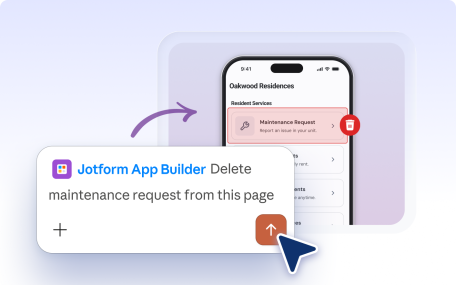
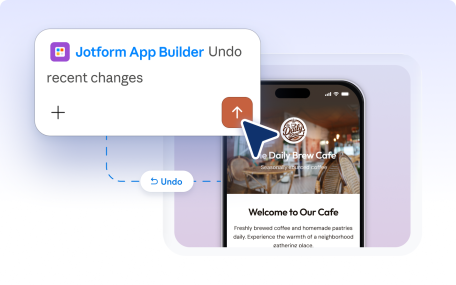
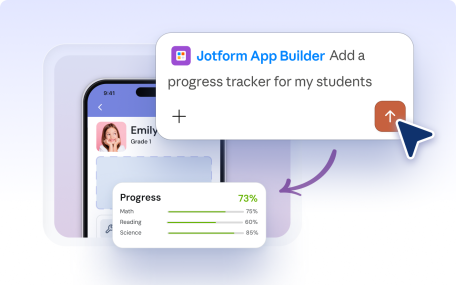
حدّث عناصر التطبيق باستخدام تطبيقات Jotform في Claude. صِف الأزرار أو الأقسام أو المكونات الأخرى التي تريد إضافتها أو تغييرها، واطلب من الذكاء الاصطناعي تعديل أحجامها أو محتواها أو ألوانها.
Edit Apps
أضف العناصر أو عدّلها أو غيّر حجمها في تطبيقات Jotform في Claude لتحديث تخطيط تطبيقك ومحتواه. صِف التغييرات التي تريدها، ثم عاين مظهر العناصر وكيفية عملها معًا.
Quickly add, edit, or resize app elements in your project. Use plain language in Claude to update buttons, sections, and other components, so your app’s layout and content fit your needs as they evolve.
Describe the buttons, sections, or components you want to add, edit, or remove directly in Claude. Jotform Apps in Claude will update your app layout or content as you request, so you can quickly refine your app’s structure and appearance in plain language.
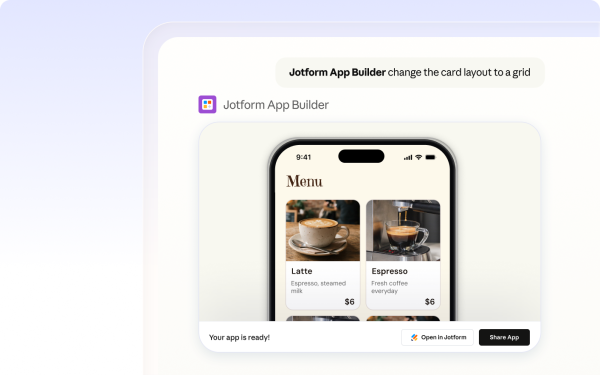
See how you can request a new button, update its color, or adjust a section’s size in Jotform Apps in Claude. The AI makes each change as described, so you can review and refine your app’s layout before sharing it with your audience.
هل لديك أسئلة حول هذه الميزة؟ اطلع على الأسئلة الشائعة أدناه للحصول على إجابات سريعة.
Describe the buttons, sections, or other components you want to add, edit, or remove in your app directly in Claude. The Jotform AI App Builder interprets your request and updates the app layout or content as you specify.
Yes, you can ask Jotform Apps in Claude to resize sections, change colors, update content, or adjust layout for app elements. Describe the changes you want in plain language, and the AI will apply them to your app as requested.
You can manage buttons, sections, cards, lists, and other app components. Use Jotform Apps in Claude to add, edit, remove, or resize these elements by describing your changes in conversation.