إضافة عناصر التطبيق وتعديلها
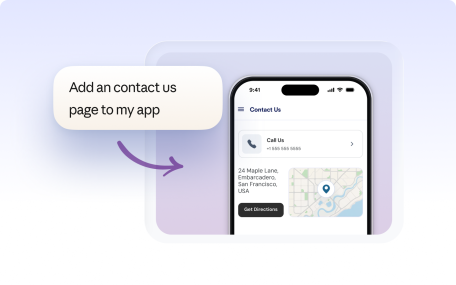
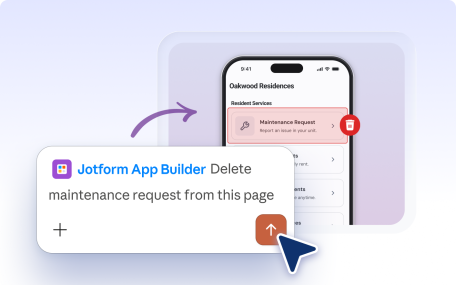
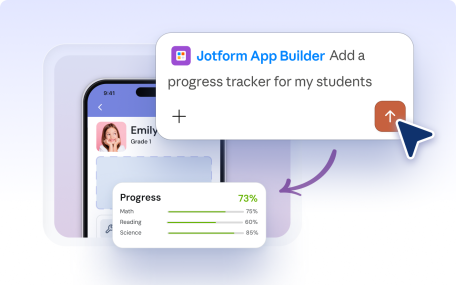
حدّث عناصر التطبيق باستخدام تطبيقات Jotform في Claude. صِف الأزرار أو الأقسام أو المكونات الأخرى التي تريد إضافتها أو تغييرها، واطلب من الذكاء الاصطناعي تعديل أحجامها أو محتواها أو ألوانها.
Edit Apps
أضف العناصر أو عدّلها أو غيّر حجمها في تطبيقات Jotform في Claude لتحديث تخطيط تطبيقك ومحتواه. صِف التغييرات التي تريدها، ثم عاين مظهر العناصر وكيفية عملها معًا.
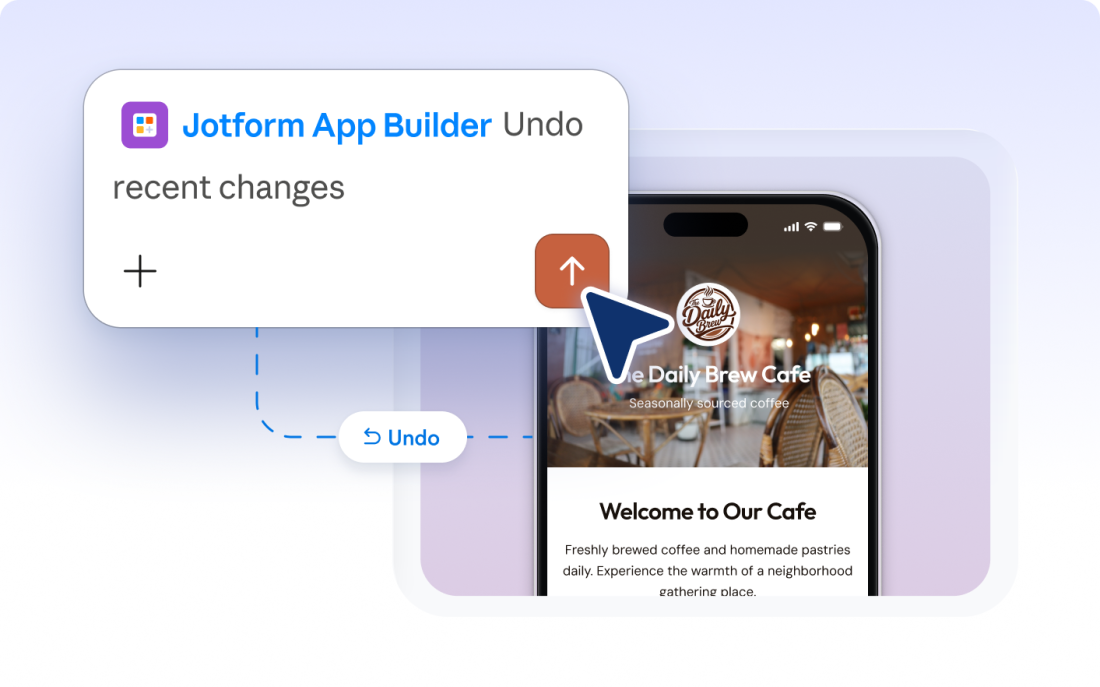
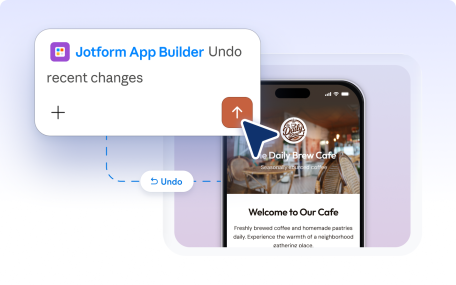
Easily revise your app as you build with Jotform Apps in Claude. Ask the AI to undo a recent change or redo a previous edit, so you can experiment with layouts, styles, and content while keeping full control over your progress.
Stay in control of your app edits with quick undo and redo in Jotform Apps in Claude. Instantly reverse unwanted changes or —from content tweaks to layout adjustments—so you can experiment confidently and always keep your preferred design.
Ask Jotform Apps in Claude to undo an edit or bring back a previous change as you build your app. Quickly revise content, design, or layout to compare options and keep your creative process flexible and in control.
Watch as a creator requests to undo a recent layout change in Claude. The app returns to the previous version, allowing the creator to review the update and redo the change if they want to compare both layouts.
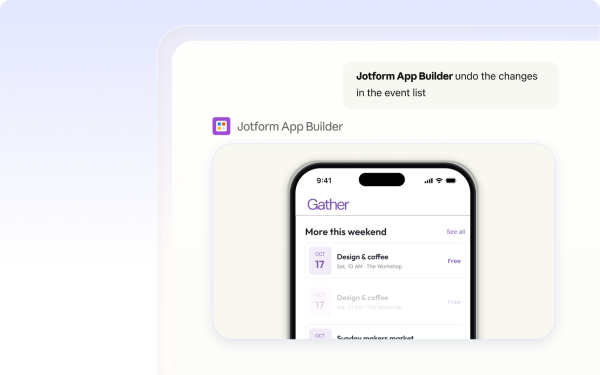
هل لديك أسئلة حول هذه الميزة؟ اطلع على الأسئلة الشائعة أدناه للحصول على إجابات سريعة.
Ask Jotform Apps in Claude to undo your most recent edit. Simply describe which change you want to reverse, and the AI will update your app to restore the previous version.
You can undo or redo changes to your app’s content, layout, and styling. This includes edits like adding or removing elements, updating text, changing colors, and adjusting sections as you build your app in Claude.
Yes, you can ask Jotform Apps in Claude to redo a change after you have undone it. This lets you compare different versions of your app and easily restore previous edits as you refine your design.