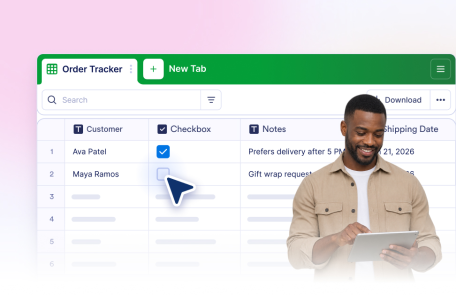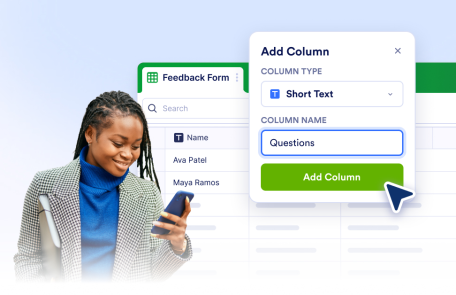
إدخال نص قصير
Store quick responses, manage labels, and track essential details in a format that's easy to read, filter, and sort.
Basic Columns
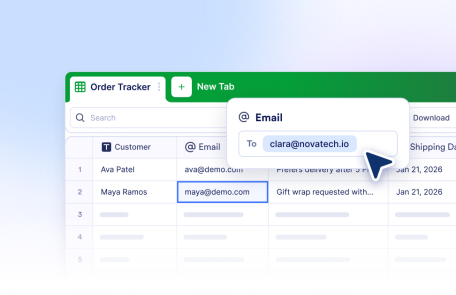
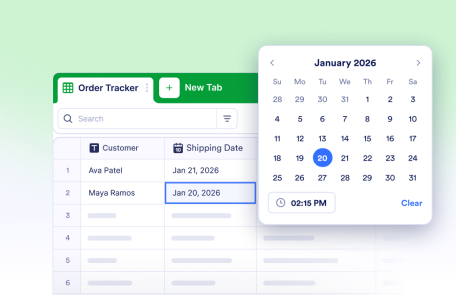
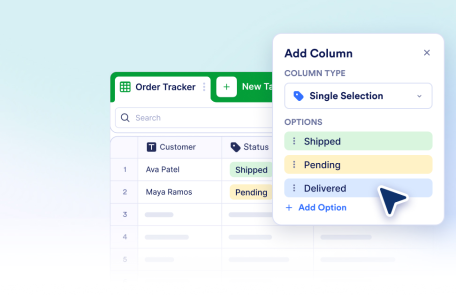
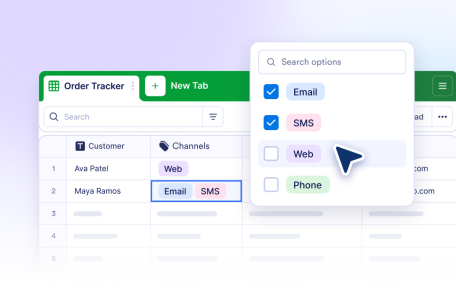
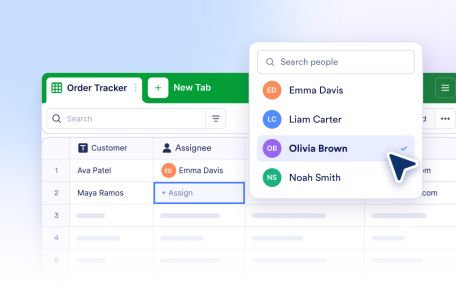
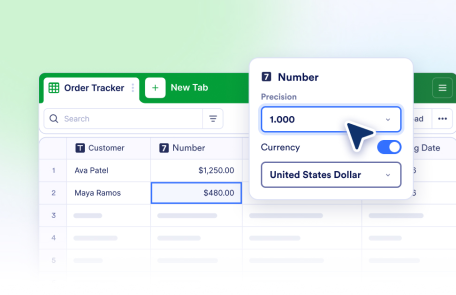
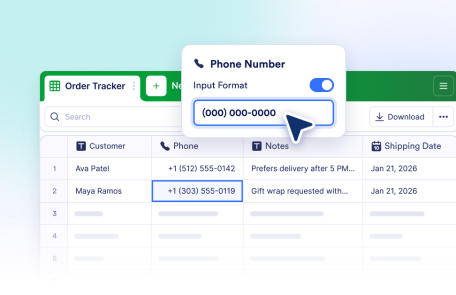
Explore basic column types in Jotform Tables, including text, numbers, dates, selections, and more. Customize fields to organize and manage your data with ease.
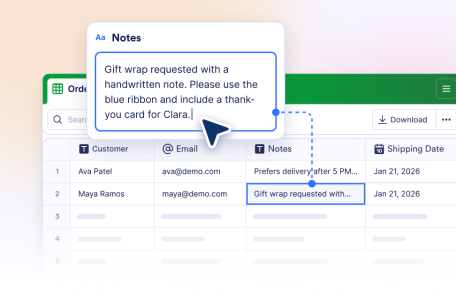
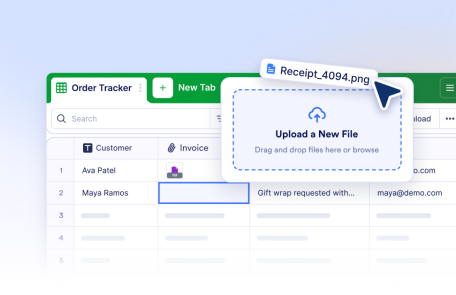
Store and organize files with Attachment columns in Jotform Tables. Upload images, PDFs, documents, and spreadsheets to keep important files connected to your data and easy to access.
Keep your files organized alongside your table data. Upload attachments, preview files, and download individual or multiple files without switching between tools.
Add Attachment columns to keep documents, images, and other files connected to your entries. Easily preview, manage, and download uploads whenever you need them.
Add PDFs, images, spreadsheets, and documents to your table entries. Preview supported file types directly from your table without downloading or opening external applications.
Download files individually or select multiple entries to save their attachments in bulk. Use Download All Attachments to download every uploaded file in your table at once.
You can upload common file types, including images, PDFs, spreadsheets, and documents. Attachment columns help keep related files organized alongside your table data.
Yes. Jotform Tables lets you preview supported file types directly from your table, making it easy to review uploaded content without downloading files or opening other applications.
Yes. You can download attachments from selected entries in bulk or use Download All Attachments to download all uploaded files in your table at once.