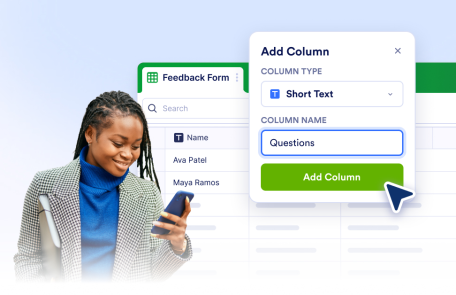
إدخال نص قصير
Store quick responses, manage labels, and track essential details in a format that's easy to read, filter, and sort.
Basic Columns
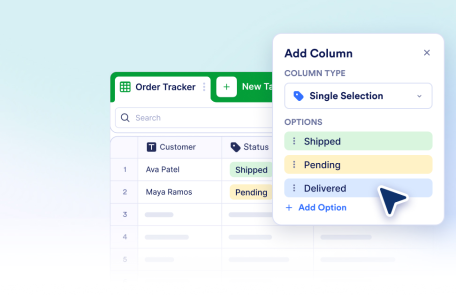
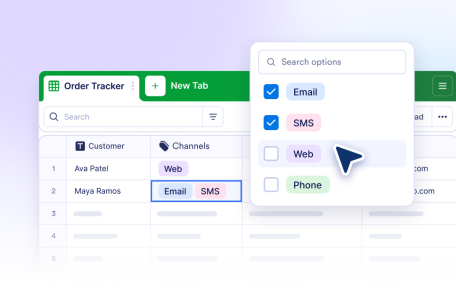
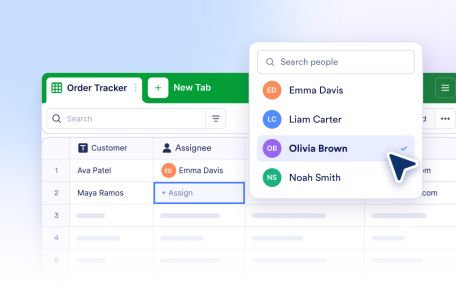
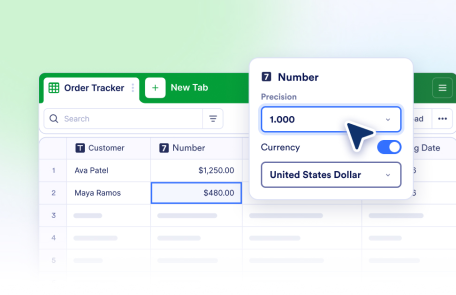
Explore basic column types in Jotform Tables, including text, numbers, dates, selections, and more. Customize fields to organize and manage your data with ease.
Capture names, titles, labels, and brief responses with Short Text columns in Jotform Tables. Easily enter and organize free-form text without complex formatting or setup.
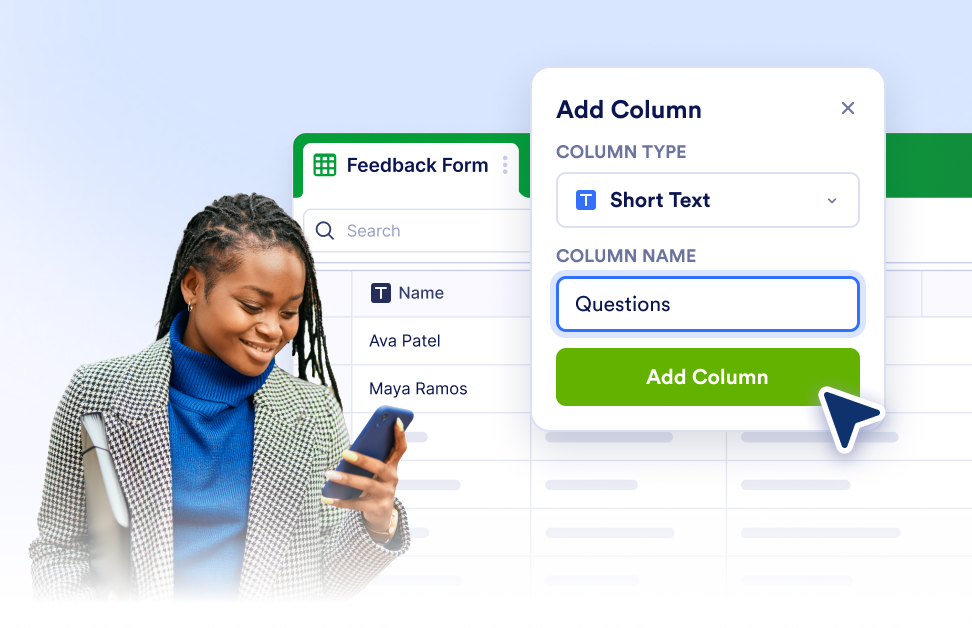
Keep information simple and organized with Short Text columns. Store quick responses and track essential details in a format that's easy to read, filter, and sort.
Add Short Text columns to store names, roles, locations, or other brief information. Keep your table structured while allowing flexible, open-ended text input.
Use Short Text columns to enter names, job titles, cities, labels, or other concise information. Collect free-form responses in a simple format that's easy to manage and review.
Apply text-based filters to find specific entries or sort Short Text columns alphabetically. Quickly organize your information and locate relevant records in your table.
A Short Text column lets you enter brief, free-form text values, such as names, labels, roles, or short responses. It's ideal for storing simple information without additional formatting.
Yes. You can apply text-based filters to narrow down entries and sort Short Text columns alphabetically to organize your data and find information more easily.
Use Short Text for brief information like names, titles, or labels. For longer responses, detailed descriptions, or extended notes, a Long Text column is a better choice.