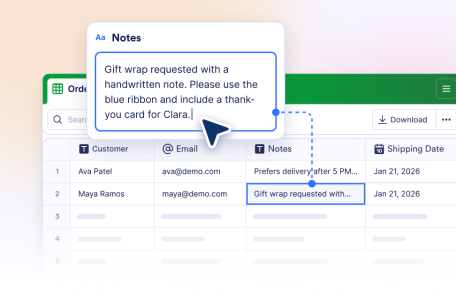
إدخال نص قصير
Store quick responses, manage labels, and track essential details in a format that's easy to read, filter, and sort.
Basic Columns
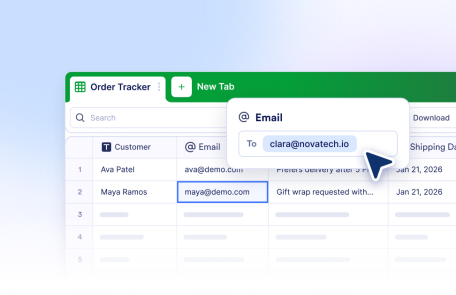
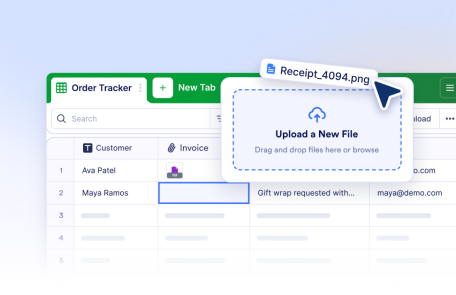
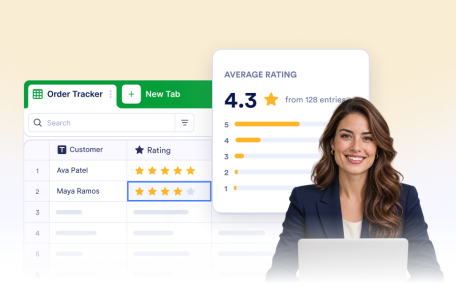
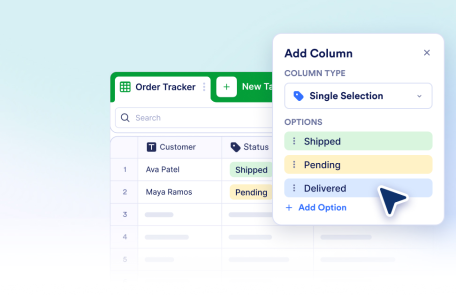
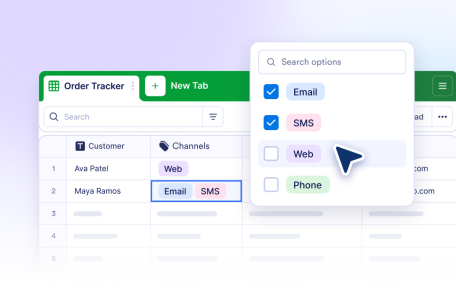
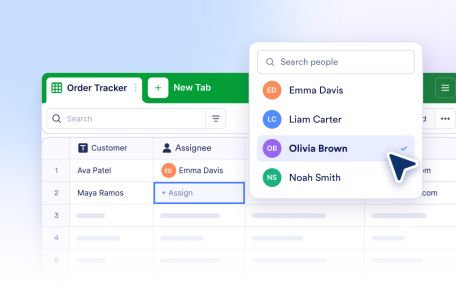
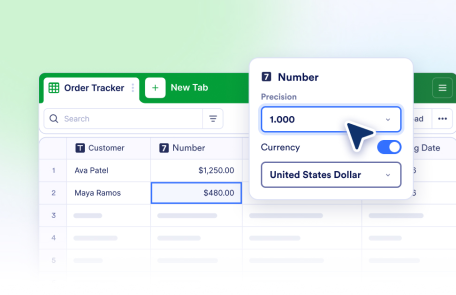
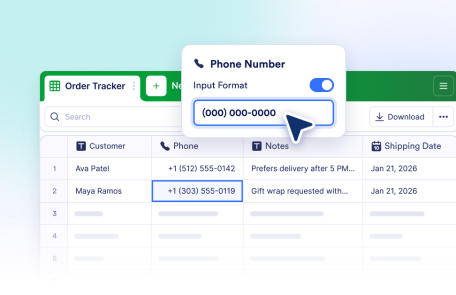
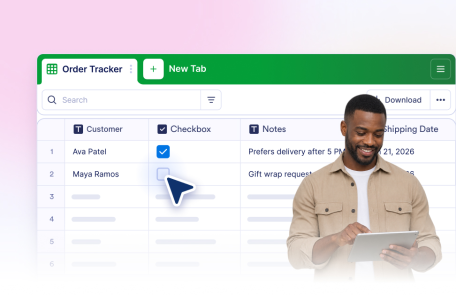
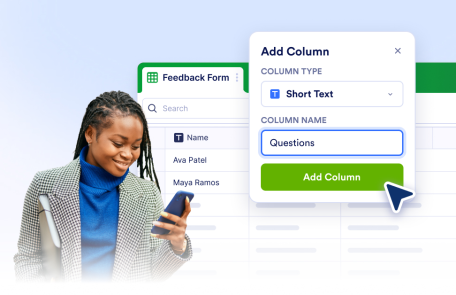
Explore basic column types in Jotform Tables, including text, numbers, dates, selections, and more. Customize fields to organize and manage your data with ease.
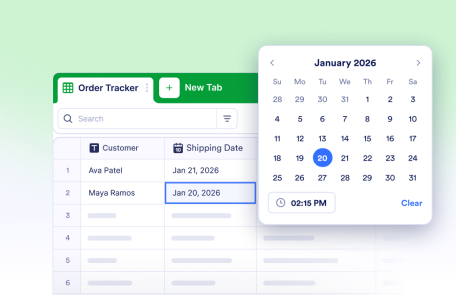
Track appointments, deadlines, and important dates with Date & Time columns in Jotform Tables. Use intuitive date and time pickers to organize time-sensitive information with ease.
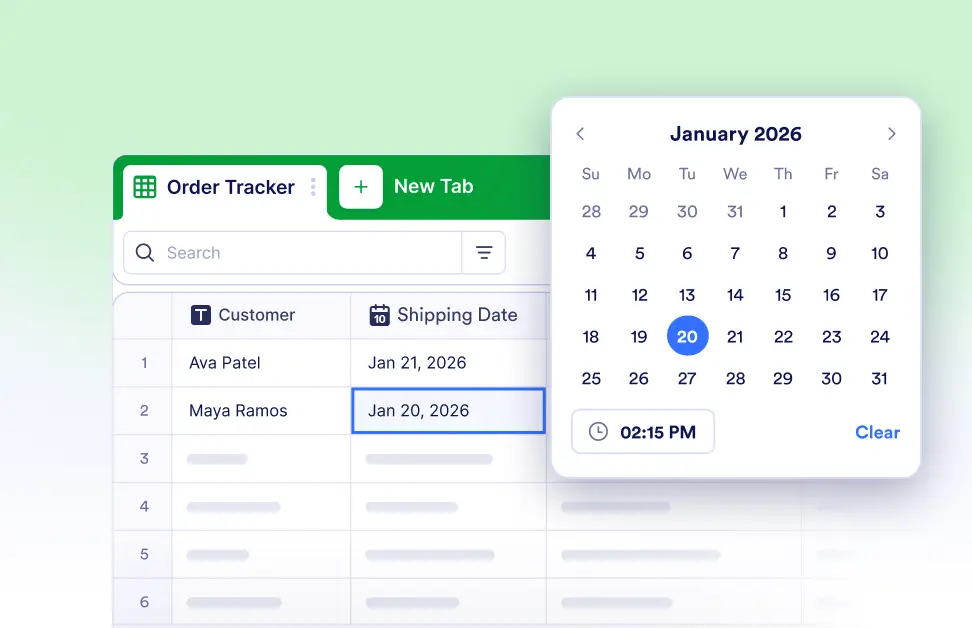
Keep your schedules and deadlines organized with flexible Date & Time columns. Select dates, add time details when needed, and customize formats to match your workflow.
Add Date & Time columns to manage important dates, appointments, and deadlines. Customize date formats and use built-in selectors to keep your time-based information organized.
Choose dates using an intuitive calendar picker and enable time selection when needed. Easily enter accurate date and time information for appointments, schedules, or deadlines.
Adjust date formats from the column menu to match your regional preferences or team standards. Keep date information consistent and easy to read across your table.
Add a new column and select Date & Time as the column type. You can then enter dates using the built-in picker and configure the column settings to fit your needs.
Yes. Date & Time columns support date and time selection, allowing you to track appointments, deadlines, and other events that require specific scheduling information.
Yes. You can customize the date format from the column menu to match your preferred display style, regional conventions, or team requirements.