إدخال نص قصير
Store quick responses, manage labels, and track essential details in a format that's easy to read, filter, and sort.
Basic Columns
Explore basic column types in Jotform Tables, including text, numbers, dates, selections, and more. Customize fields to organize and manage your data with ease.
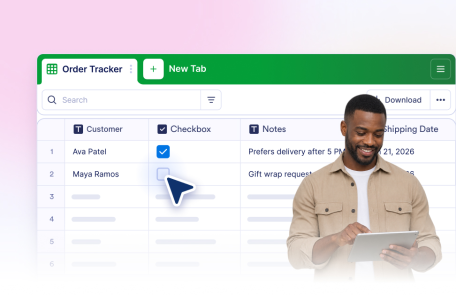
Add Checkbox columns to Jotform Tables to track tasks, mark completed items, and organize entries. Easily check or uncheck values to manage statuses and keep your workflow on track.
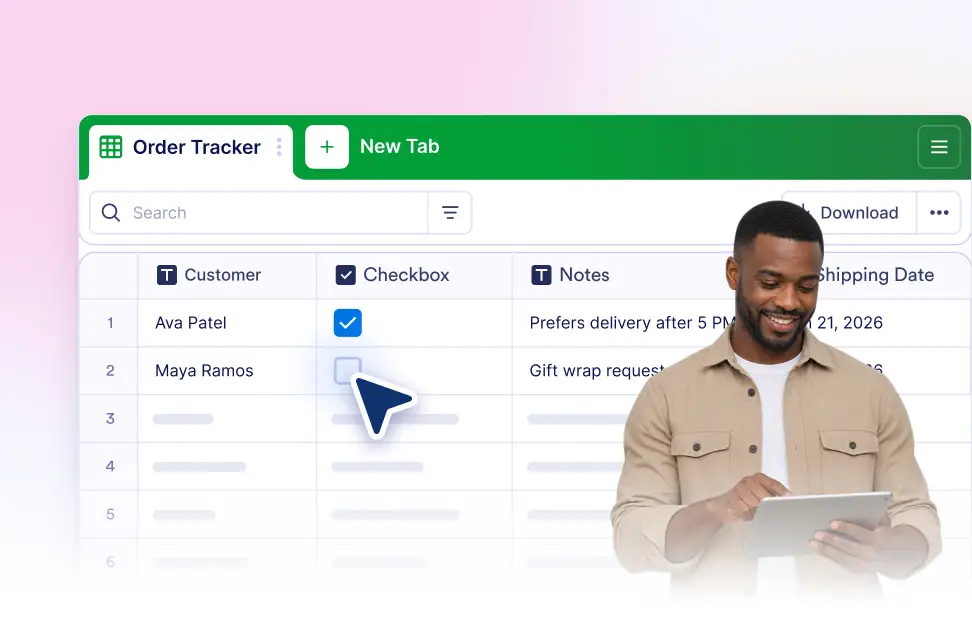
Simplify progress tracking with Checkbox columns. Mark important entries, monitor completed tasks, and filter checked or unchecked values to focus on what needs attention.
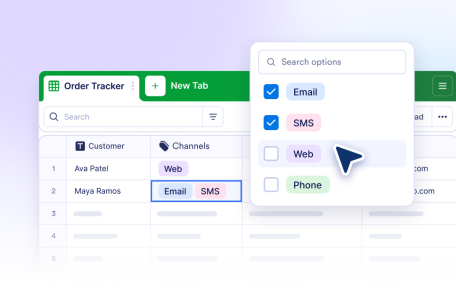
Add checkboxes to your table entries for quick status updates and easy tracking. Use simple on-and-off selections to manage tasks, review submissions, and organize your data.
Add a checkbox to each row and toggle it on or off with a single click. Easily flag entries, mark completed tasks, or track progress directly in your table.
Apply filters to show only checked or unchecked entries in your table. Quickly find completed tasks, identify pending items, and keep your workflow organized.
A Checkbox column adds a checkbox to each row, allowing you to mark entries as checked or unchecked. It's useful for tracking tasks, reviewing submissions, and managing simple statuses.
Yes. You can filter your table to display only checked or unchecked entries, making it easy to track completed tasks or focus on items that still need attention.
Yes. Checkbox columns provide a simple way to mark tasks as complete or incomplete, helping you monitor progress and organize your workflow directly in Jotform Tables.