أداة شريط التمرير لمقارنة قبل وبعد لموقع الويب الخاص بك
اعرض التحولات المرئية باستخدام شريط تمرير تفاعلي للمقارنة. تتيح لك أداة شريط التمرير قبل وبعد من Jotform إضافة أزواج من الصور، واختيار اتجاه الكشف الأفقي أو الرأسي، وتعيين التفاعل بالسحب أو تمرير المؤشر، وإضافة التسميات والأوصاف التوضيحية، وتمكين العرض بملء الشاشة، وتضمين النتيجة في موقعك الإلكتروني دون الحاجة إلى كتابة أكواد.
ابدأ الآن — إنها خدمة مجانية!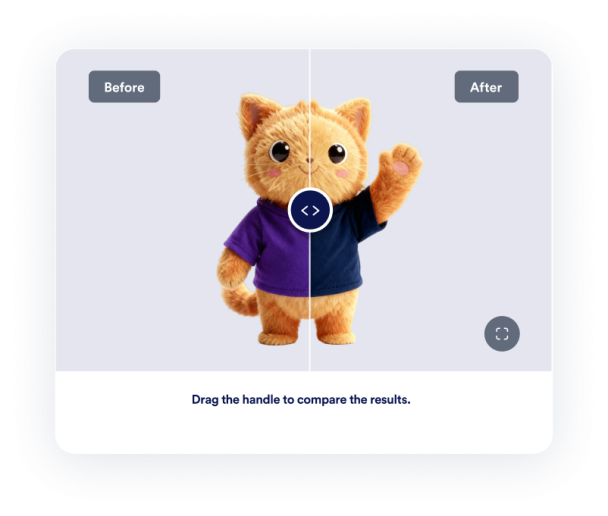

كيفية إنشاء عنصر واجهة شريط التمرير لمقارنة قبل وبعد
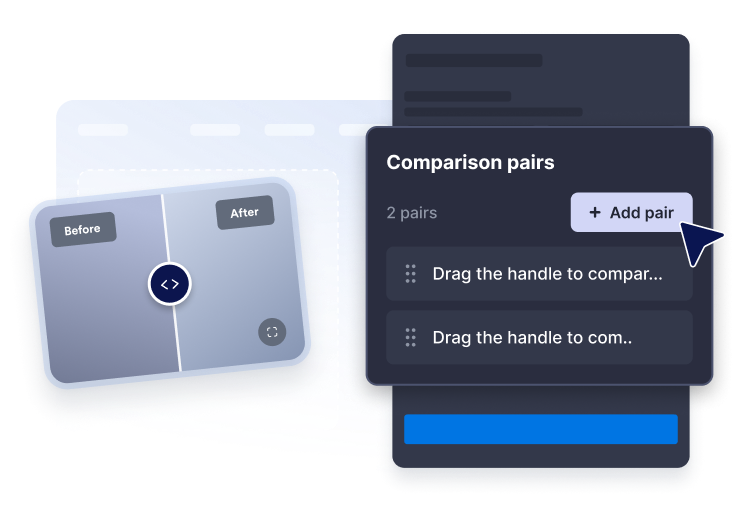
أضف أزواج الصور
الصق عناوين URL لصور قبل وبعد، ثم اكتب تسميات وأوصافًا توضيحية واضحة لكل مقارنة
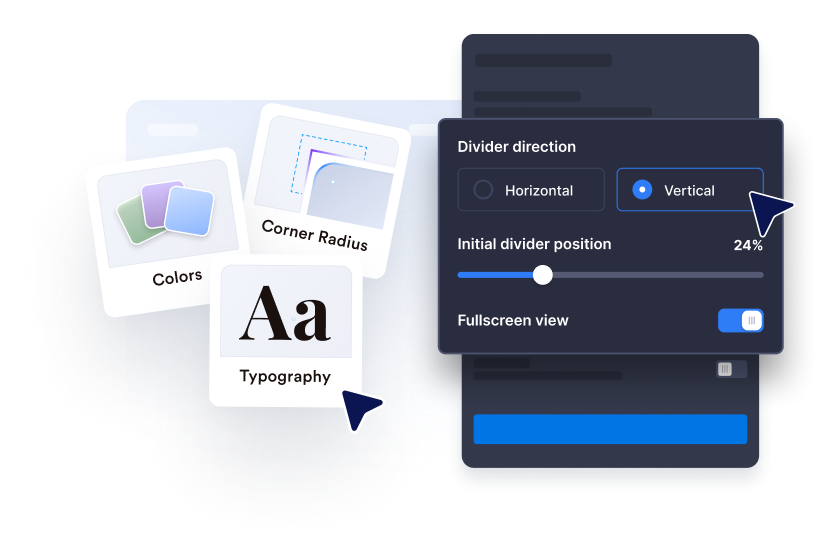
خصص الكشف
اختر الاتجاه الأفقي أو الرأسي، وحدد موضع الفاصل الابتدائي، واستخدم التفاعل بالسحب أو النقر أو تمرير المؤشر.
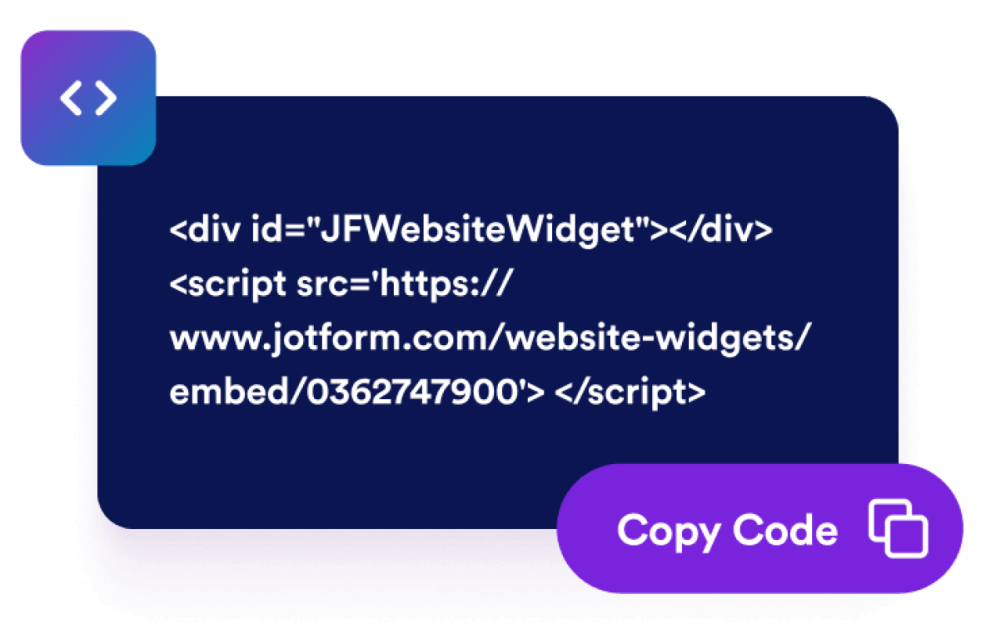
قم بتضمينها في موقع الويب الخاص بك
اضبط الحجم، والنسبة، والألوان، وسلوك ملء الشاشة، وقواعد العرض قبل نشر الأداة.
اعرض التحولات باستخدام أداة مقارنة تتناسب مع صفحتك
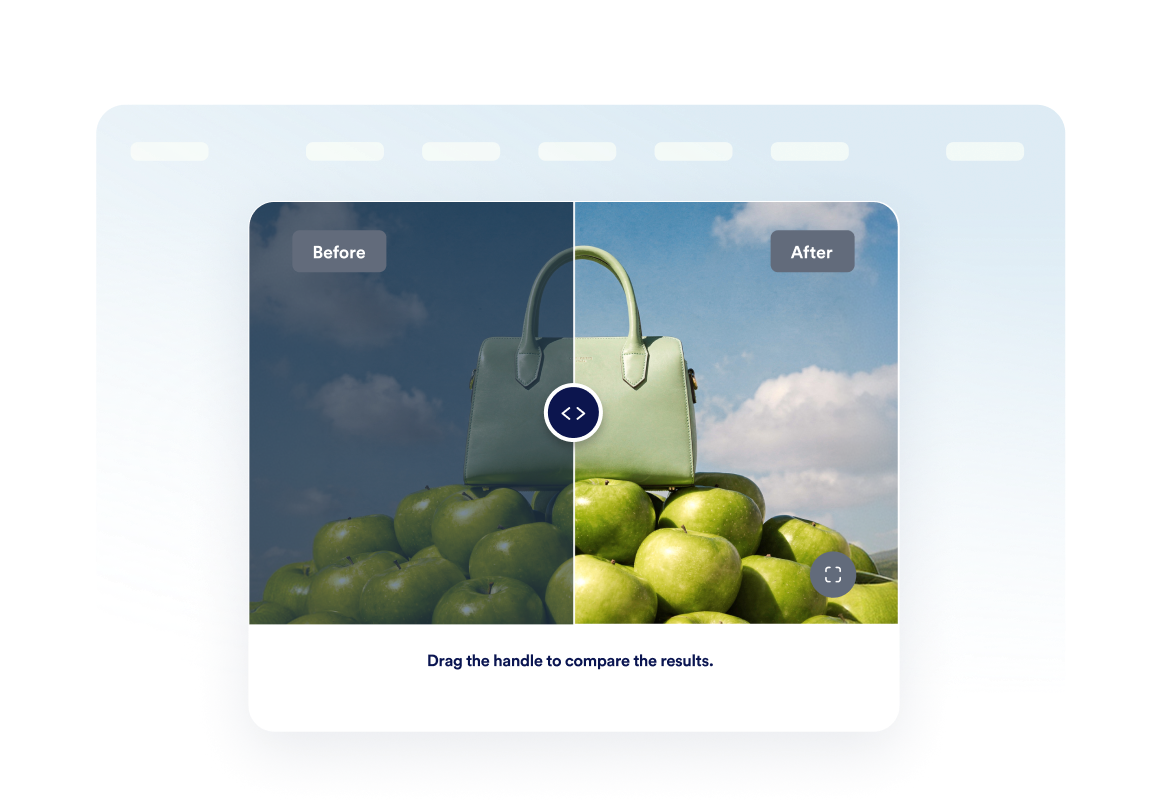
قارن صور قبل وبعد
ضع صورتين في إطار واحد حتى يتمكن الزوار من فهم تغييرات التجديد أو التصميم أو الجمال أو الإصلاح أو المنتج على الفور.
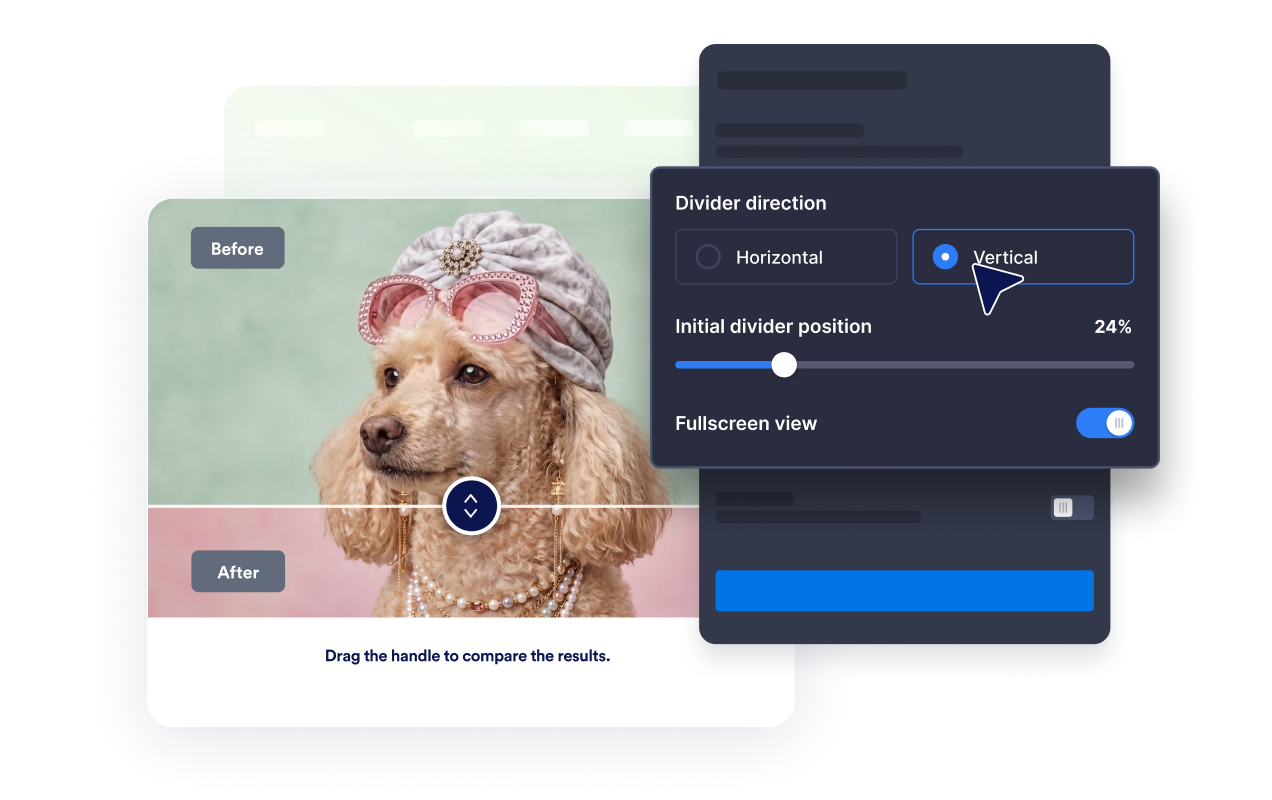
استخدم الكشف الأفقي أو الرأسي
بدّل اتجاه الفاصل ليتناسب مع موضوع المحتوى، ودع الزوار يفحصون التغييرات باستخدام السحب أو النقر أو تمرير المؤشر.
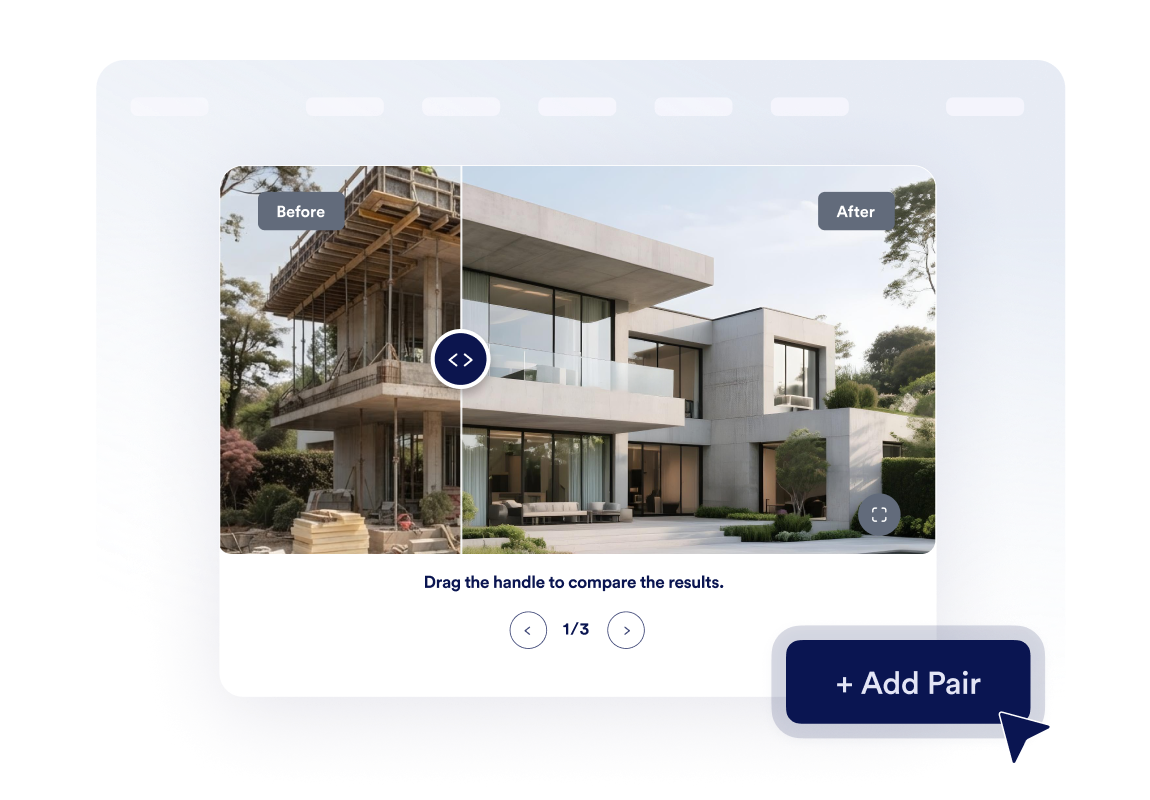
أنشئ معرضًا صغيرًا للتحولات
أضف ما يصل إلى ثلاث أزواج من الصور وقم بتمكين التنقل الدائري حتى يتمكن الزوار من استعراض مراحل متعددة من المشروع أو دراسات الحالة.
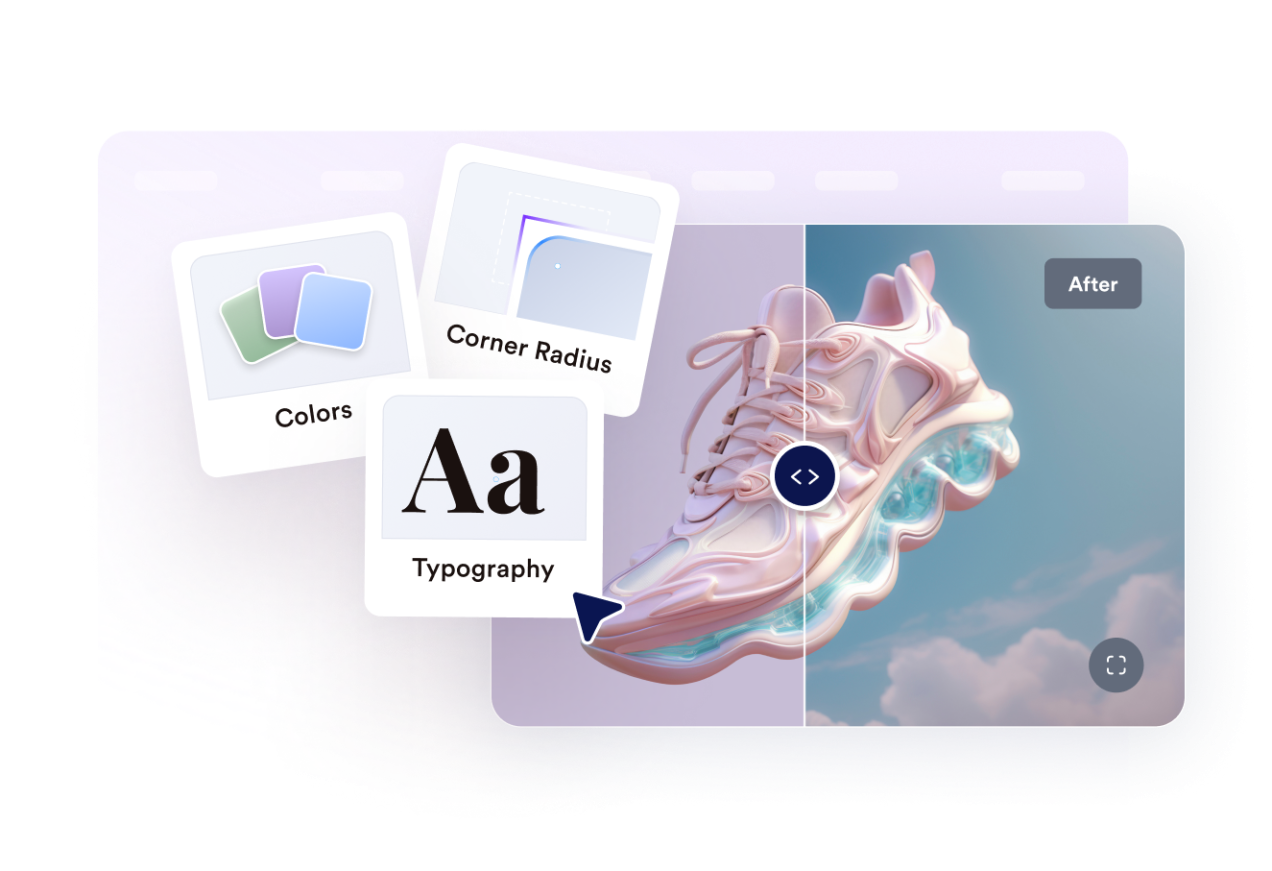
اجعلها متوافقة مع تصميم موقعك الإلكتروني.
تحكم في العرض، ونسبة أبعاد الصورة، ونصف قطر الزوايا، وحجم الفاصل، والألوان، والتسميات، والأوصاف التوضيحية، وCSS مخصص، ووضع ملء الشاشة، وإمكانية الظهور على الأجهزة المحمولة.
لماذا تتميز أدوات Jotform لمواقع الويب؟
تجعل أدوات Jotform موقع الويب الخاص بك أكثر تفاعلية وتساعد على زيادة معدلات التحويل. تتوفر العديد من الأدوات، بدءًا من تقييمات النجوم وأشرطة تمرير تقييمات العملاء، وصولًا إلى النوافذ المنبثقة التي تعرض تقييمات العملاء وتضمين الوسائط. أضف الأدوات إلى نماذجك أو صفحاتك المقصودة لجمع البيانات، وعرض آراء العملاء، وجمع العملاء المحتملين — دون الحاجة إلى كتابة أكواد.
أضف أدوات Jotform إلى موقعك الإلكتروني باستخدام كود تضمين بسيط. خصّص الأداة، واعرض معاينة لشكلها، ثم أدرجها في أي صفحة تدعم HTML المخصص أو حزم التضمين، وكل ذلك دون الحاجة إلى مطور.
استخدم أدوات مواقع الويب من Jotform لجمع بيانات العملاء المحتملين، وإظهار تقييمات العملاء، وعرض الآراء الاجتماعية، وتضمين ملفات الوسائط، أو إضافة أدوات مفيدة لصفحات ويب. تقوم كل أداة بمساعدة الزوار على التفاعل مع خدماتك مباشرةً من موقعك الإلكتروني.
إذا كنت بحاجة إلى مساعدة في إعداد أداتك أو تخصيصها أو تضمينها أو استكشاف المشكلات وإصلاحها، فإن فريق دعم العملاء في Jotform متاح على مدار الساعة طوال أيام الأسبوع. يمكنك المتابعة بثقة، مع العلم أن المساعدة متاحة عندما تحتاج إليها.
أين تستخدم أداة شريط التمرير قبل وبعد
أضف الأداة في أي مكان تساعد فيه المقارنة المرئية الزوار على الثقة بالنتيجة، أو فهم الجودة، أو اتخاذ قرار بشكل أسرع.
صفحات التجديد والتصميم الداخلي لعرض التحولات التي طرأت على المشاريع المنجزة.
مواقع الجمال والعافية واللياقة البدنية لمقارنة التقدم الملحوظ الذي يحققه العملاء أو الذي تحرزه العلاجات.
صفحات المنتجات لتسليط الضوء على التحديثات أو عمليات الاستعادة أو التعديلات أو تحسينات الميزات.
صفحات المحفظة ودراسات الحالة لجعل النتائج أكثر واقعية من النص وحده.
قوائم العقارات لمقارنة أعمال التجهيز للعرض، والإصلاحات، وتصميم الحدائق، أو أعمال إعادة التصميم.
صفحات الخدمات الإبداعية لعرض عمليات التنقيح، والنماذج الأولية، ومراجعات التصميم، أو عمليات تجديد العلامة التجارية.
حوّل العملاء المحتملين إلى مبيعات حقيقية باستخدام منشئ النماذج من Jotform
حوّل التفاعل إلى نتائج فعلية مع Jotform. أنشئ نماذج قوية لجمع بيانات العملاء المحتملين، واستلام المدفوعات، وأتمتة الردود، كل ذلك في مكان واحد. تصل جميع البيانات المرسلة إلى صندوق الوارد في Jotform الخاص بك، حيث يمكنك المتابعة أو الربط مع تطبيقاتك المفضلة.
ابدأ - إنه مجاني!
أسئلة متكررة ومتداولة
ما هي أداة شريط التمرير قبل وبعد؟
تعرض أداة شريط التمرير قبل وبعد صورتين مرتبطتين في إطار تفاعلي واحد. ويمكن للزوار تحريك الفاصل لإظهار المزيد من صورة ما قبل التغيير أو ما بعده ومقارنة التغيير.
هل يمكنني اختيار اتجاه شريط التمرير؟
كيف يمكن للزوار تحريك الفاصل؟
هل يمكنني تعيين موضع الفاصل الابتدائي؟
هل يمكنني عرض أكثر من مقارنة واحدة؟
هل يمكنني إضافة تسميات وأوصاف توضيحية؟
هل تدعم الأداة العرض بملء الشاشة؟
هل تعمل على الهاتف المحمول؟
هل أحتاج إلى كتابة أكواد؟