أداة الزر لمواقع الويب
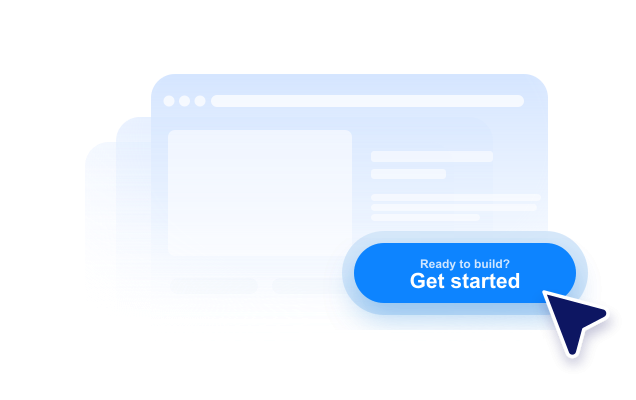
أنشئ زر إتخاذ إجراء (CTA) بدون الحاجة إلى كتابة أكواد، وقم بتوجيه الزوار إلى الخطوة التالية المناسبة. يمكنك ربط الزر بصفحة، أو بدء مكالمة، أو فتح رسالة بريد إلكتروني، أو تشغيل محادثة مجهزة، أو الانتقال إلى قسم محدد في الصفحة، مع إمكانية تخصيص الزر وتضمينه في أي مكان.
ابدأ الآن — إنها خدمة مجانية!

كيفية إنشاء عنصر واجهة زر
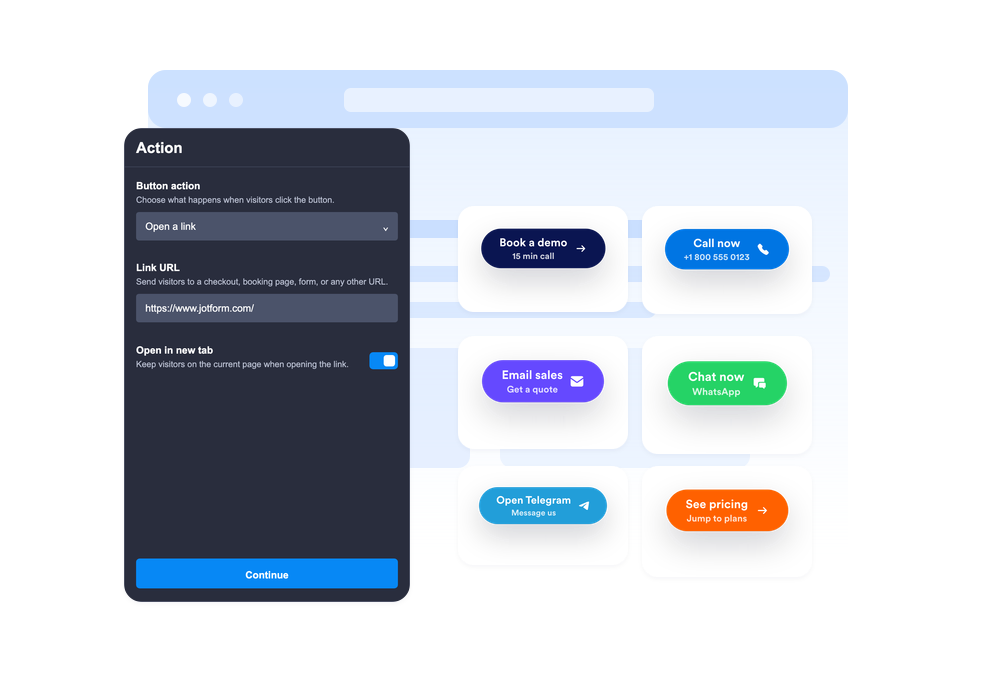
اختر الإجراء الذي ينفذه الزر
اختر ما إذا كان الزر يقوم بفتح رابط، أو يبدأ مكالمة هاتفية، أو ينشئ رسالة بريد إلكتروني، أو يفتح تطبيق WhatsApp أو Telegram، أو ينتقل إلى قسم معين من الصفحة.
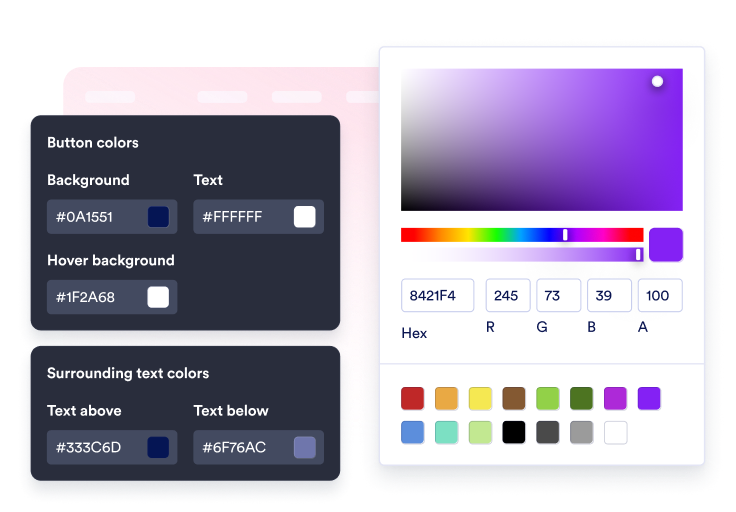
تخصيص المحتوى والتصميم
قم بتعديل العنوان الرئيسي، وعنوان السطر الثاني الاختياري، والنص، والأيقونة، والألوان، والحجم، وشكل الزوايا الدائري، والظل، وموضع الظهور.

قم بتضمينها في موقعك
اعرض معاينة لزر اتخاذ الإجراءات (CTA) ضمن سياق الصفحة، ثم انسخ كود التضمين الذي تم إنشاؤه وانشر الزر على موقع الويب الخاص بك دون الحاجة إلى كتابة أكواد مخصصة.
قم بتوجيه الزوار إلى الخطوة التالية بنقرة واحدة
اربط الزر بأكثر من إجراء
استخدم أداة واحدة لروابط المبيعات، ونماذج التسجيل، ورسائل البريد الإلكتروني لدعم العملاء، والمكالمات الهاتفية، ومحادثات WhatsApp، ومحادثات Telegram، وروابط الحسابات الشخصية على وسائل التواصل الاجتماعي، أو الانتقال السلس بين أقسام الصفحة.
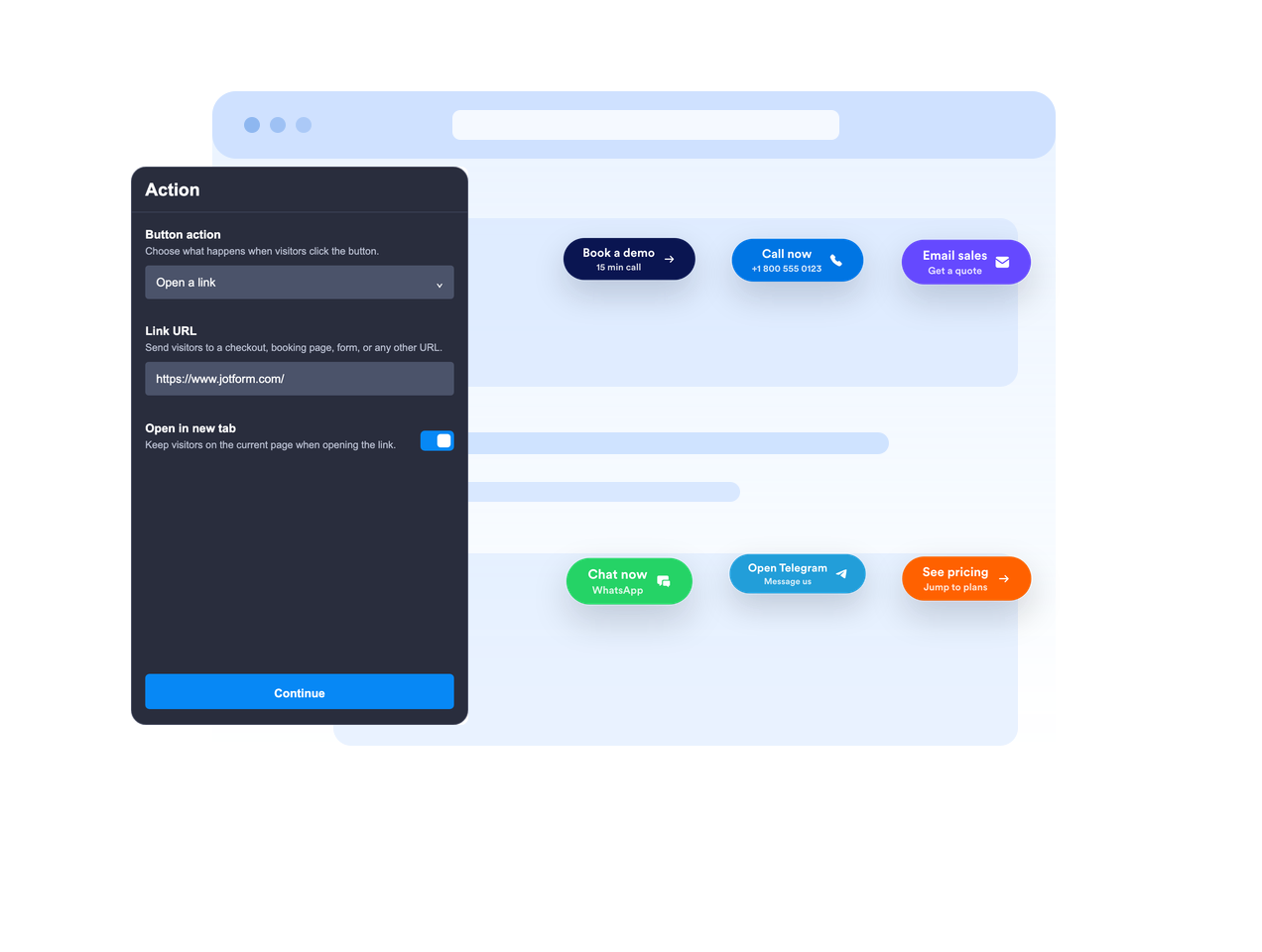
ضعه داخل المحتوى أو اجعله حرًا
قم بتضمين الزر داخل محتوى الصفحة أو ثبّته على الشاشة بحيث يظل زر اتخاذ إجراء (CTA) ظاهرًا أثناء تمرير الزوار للصفحة.

اجعل رسالة زر اتخاذ الإجراء (CTA) واضحة.
استخدم العنوان الرئيسي، وعنوان السطر الثاني الاختياري، ونص أعلى وأسفل الزر، لتزويد الزوار بالسياق الكافي قبل أن ينقروا على الزر.
اجعلها متوافقة مع تصميم موقعك الإلكتروني.
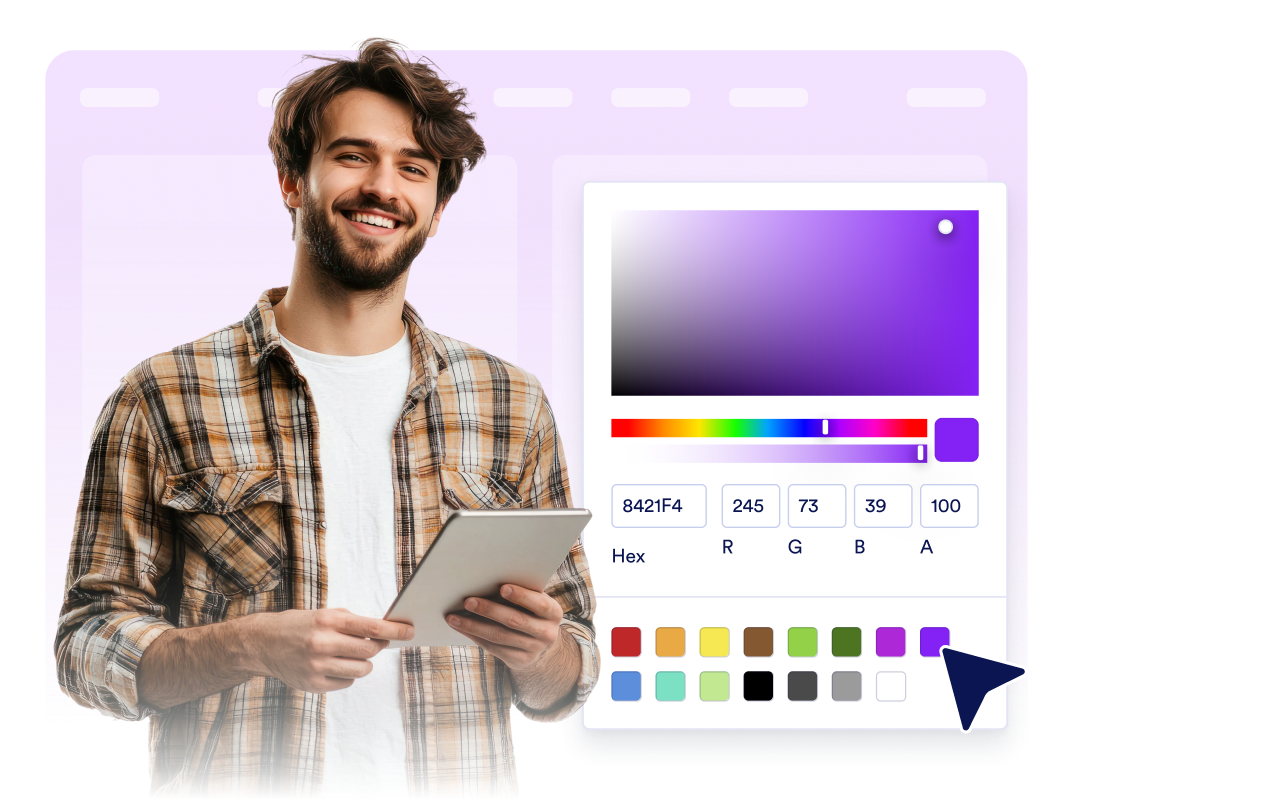
اضبط موقع الأيقونة بالموقع، وارتفاع الزر، والهوامش الداخلية، وحجم الخط، والألوان، ولون التمرير، ودوران الزاوية، والظل، والظهور على الأجهزة، والهوية البصرية، وتنسيقات CSS المخصصة المحددة.
لماذا تتميز أدوات Jotform لمواقع الويب؟
تجعل أدوات Jotform موقع الويب الخاص بك أكثر تفاعلية وتساعد على زيادة معدلات التحويل. تتوفر العديد من الأدوات، بدءًا من تقييمات النجوم وأشرطة تمرير تقييمات العملاء، وصولًا إلى النوافذ المنبثقة التي تعرض تقييمات العملاء وتضمين الوسائط. أضف الأدوات إلى نماذجك أو صفحاتك المقصودة لجمع البيانات، وعرض آراء العملاء، وجمع العملاء المحتملين — دون الحاجة إلى كتابة أكواد.
أضف أدوات Jotform إلى موقعك الإلكتروني باستخدام كود تضمين بسيط. خصّص الأداة، واعرض معاينة لشكلها، ثم أدرجها في أي صفحة تدعم HTML المخصص أو حزم التضمين، وكل ذلك دون الحاجة إلى مطور.
استخدم أدوات مواقع الويب من Jotform لجمع بيانات العملاء المحتملين، وإظهار تقييمات العملاء، وعرض الآراء الاجتماعية، وتضمين ملفات الوسائط، أو إضافة أدوات مفيدة لصفحات ويب. تقوم كل أداة بمساعدة الزوار على التفاعل مع خدماتك مباشرةً من موقعك الإلكتروني.
إذا كنت بحاجة إلى مساعدة في إعداد أداتك أو تخصيصها أو تضمينها أو استكشاف المشكلات وإصلاحها، فإن فريق دعم العملاء في Jotform متاح على مدار الساعة طوال أيام الأسبوع. يمكنك المتابعة بثقة، مع العلم أن المساعدة متاحة عندما تحتاج إليها.
أين يمكن استخدام أداة الزر؟
أضف أداة الزر في أي مكان يحتاج فيه الزوار إلى خطوة تالية واضحة، خاصة في الصفحات التي يجب أن يظل فيها الإجراء الأساسي سهلاً في العثور عليه.
صفحات الوصول لتوجيه الزوار إلى نماذج التسجيل، أو الأسعار، أو إتمام الشراء، أو الحجز، أو طلبات العروض التوضيحية.
صفحات المنتجات لإبراز إجراءات الإضافة إلى السلة، أو التسوق الآن، أو الاتصال بالمبيعات، أو طلب عرض سعر.
صفحات الدعم لبدء محادثات عبر البريد الإلكتروني، أو الهاتف، أو WhatsApp، أو Telegram من خلال زر اتخاذ إجراء واحد.
منشورات المدونة والأدلة التفصيلية لتوجيه القراء سريعًا إلى النماذج، أو التنزيلات، أو العروض، أو الأقسام ذات الصلة.
صفحات الحملات التسويقية لتوجيه الزوار إلى روابط الملفات الشخصية على Instagram، أو Facebook، أو TikTok، أو X، أو Pinterest، أو غيرها.
صفحات الأجهزة المحمولة حيث يمكن لزر اتخاذ إجراء عائم بالموقع الإلكتروني أن يجعل عملية الاتصال، أو الدردشة، أو الشراء تتم بشكل أسرع.
حوّل العملاء المحتملين إلى مبيعات حقيقية باستخدام منشئ النماذج من Jotform
حوّل التفاعل إلى نتائج فعلية مع Jotform. أنشئ نماذج قوية لجمع بيانات العملاء المحتملين، واستلام المدفوعات، وأتمتة الردود، كل ذلك في مكان واحد. تصل جميع البيانات المرسلة إلى صندوق الوارد في Jotform الخاص بك، حيث يمكنك المتابعة أو الربط مع تطبيقاتك المفضلة.
ابدأ - إنه مجاني!
أسئلة متكررة ومتداولة
ما هي أداة الأزرار؟
أداة الأزرار تسمح لك بتخصيص زر اتخاذ الإجراءات (CTA) يمكنك تضمينه في موقعك الإلكتروني. يمكن للزر فتح الرابط، أو إجراء المكالمات، أو إرسال البريد الإلكتروني، أو بدء المحادثات، أو الانتقال إلى أجزاء مختلفة من الصفحة.
ما الإجراءات التي يمكن للزر تنفيذها؟
هل يمكن أن يكون الزر عائمًا على الشاشة؟
هل يمكنني تخصيص نص الزر؟
هل يمكنني استخدام أيقونة؟
هل يمكنني مطابقة التصميم مع تصميم موقع الويب الخاص بي؟
هل تعمل أداة الزر على الأجهزة المحمولة؟
هل أحتاج إلى كتابة أكواد؟