أداة مركز المساعدة لموقعك الإلكتروني
ساعد الزوار على العثور على الإجابات بأنفسهم من خلال البحث عن الأسئلة الشائعة والاتصال بفريقك عندما يحتاجون إلى مزيد من المعلومات.
كيفية إنشاء عنصر واجهة مركز المساعدة
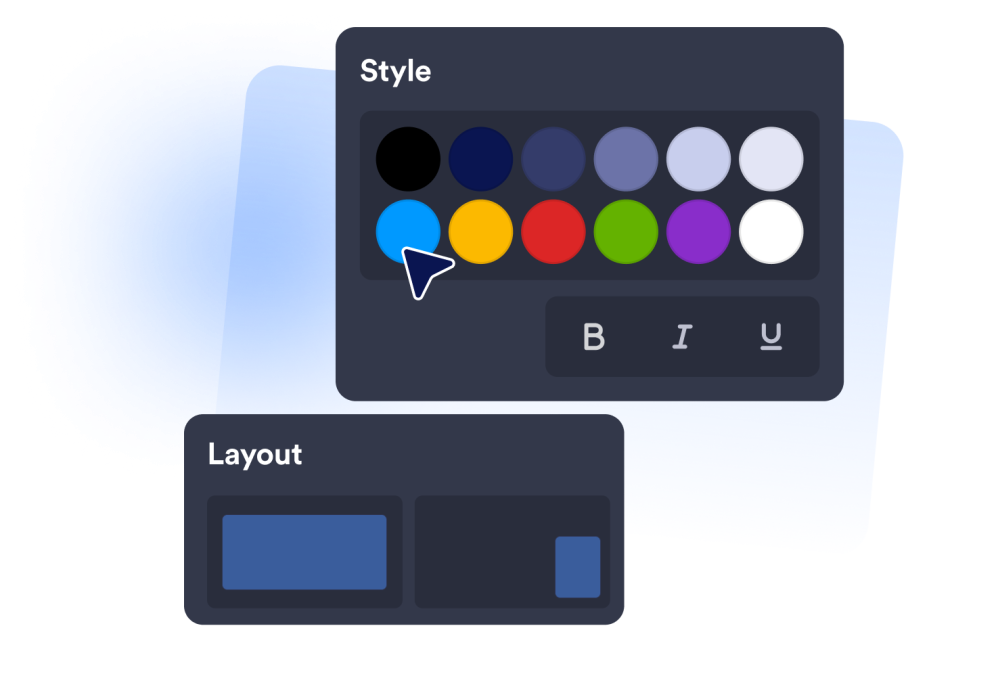
اختر طريقة عرض الدعم
استخدم عنصر واجهة مستخدم عائم لتقديم المساعدة على مستوى الموقع بأكمله، أو قسمًا مدمجًا لتخصيص منطقة مخصصة للدعم.
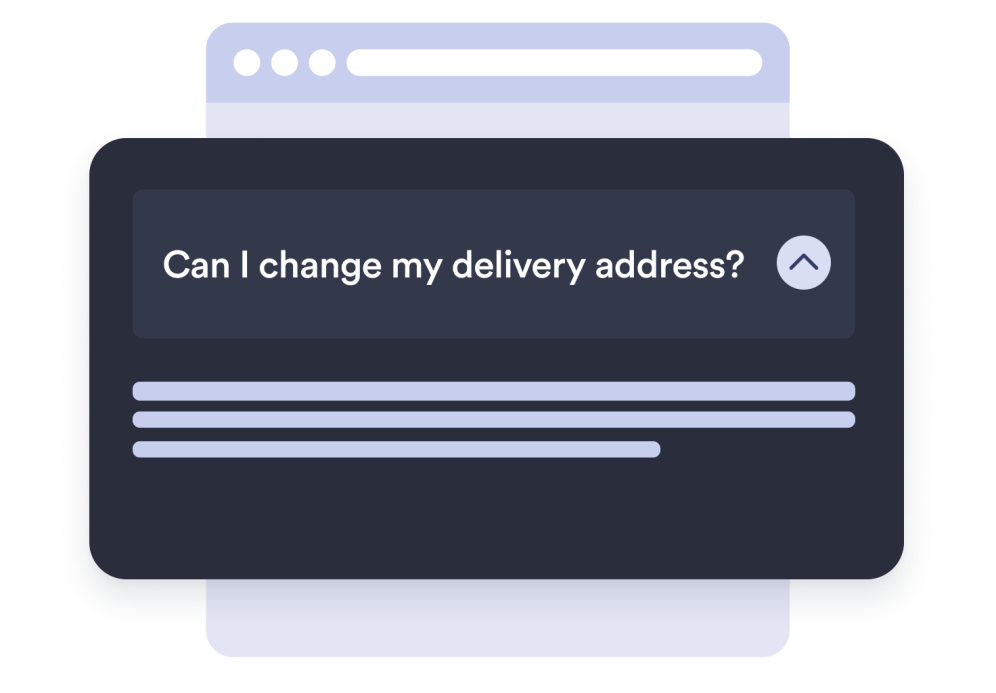
أضف الإجابات التي يحتاجها العملاء
أنشئ أسئلة وأجوبة ليتمكن الزوار من حل الأسئلة المتكررة بشكل أسرع.
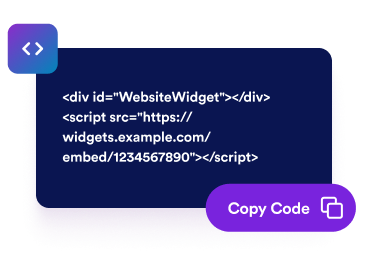
قم بتضمينه في موقعك الإلكتروني
قم بمعاينة الأداة، وانسخ رمز التضمين، ثم ضع مركز المساعدة في المكان الذي يحتاج فيه الزوار إلى الدعم.
أنشئ مركز دعم مدمجًا لأي موقع إلكتروني
اعثر على الإجابات في ثوانٍ
عندما يكتب الزوار سؤالًا، تظهر الإجابات المطابقة على الفور، حتى يتمكنوا من العثور على ما يحتاجون إليه قبل التواصل معك.
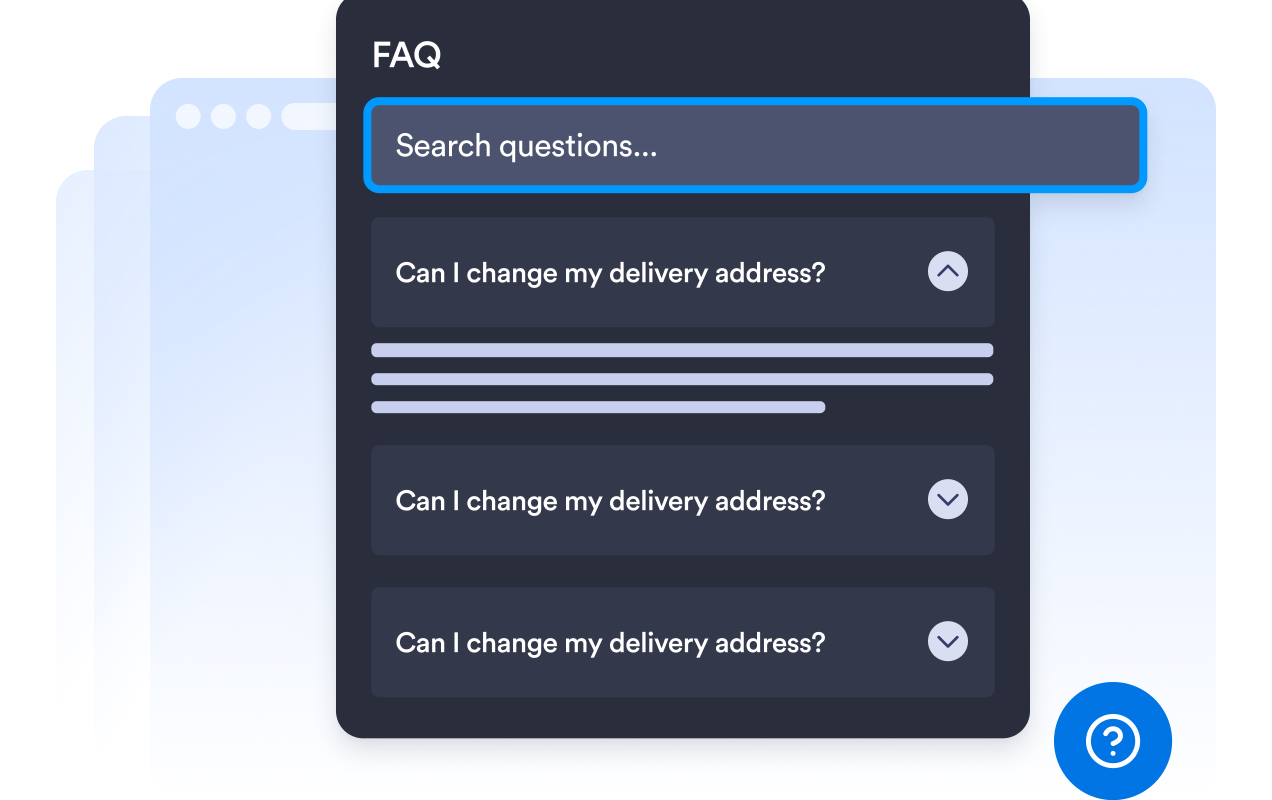
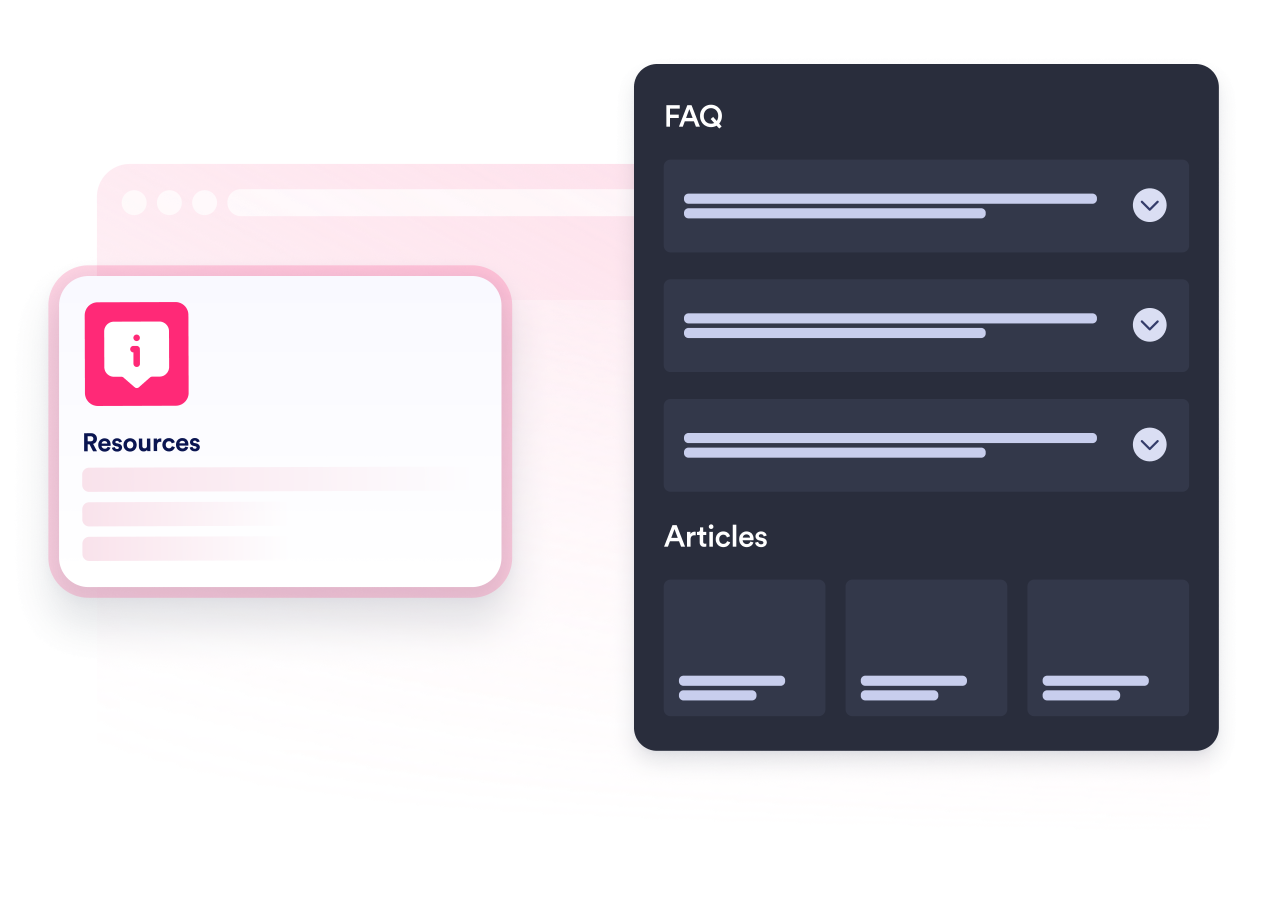
نظّم الأسئلة والإجابات
أضف أسئلة واضحة مع إجابات مفيدة، واختر عرض الأكورديون أو عرض البطاقات، واعرض كل عنصر مباشرة في الأداة.
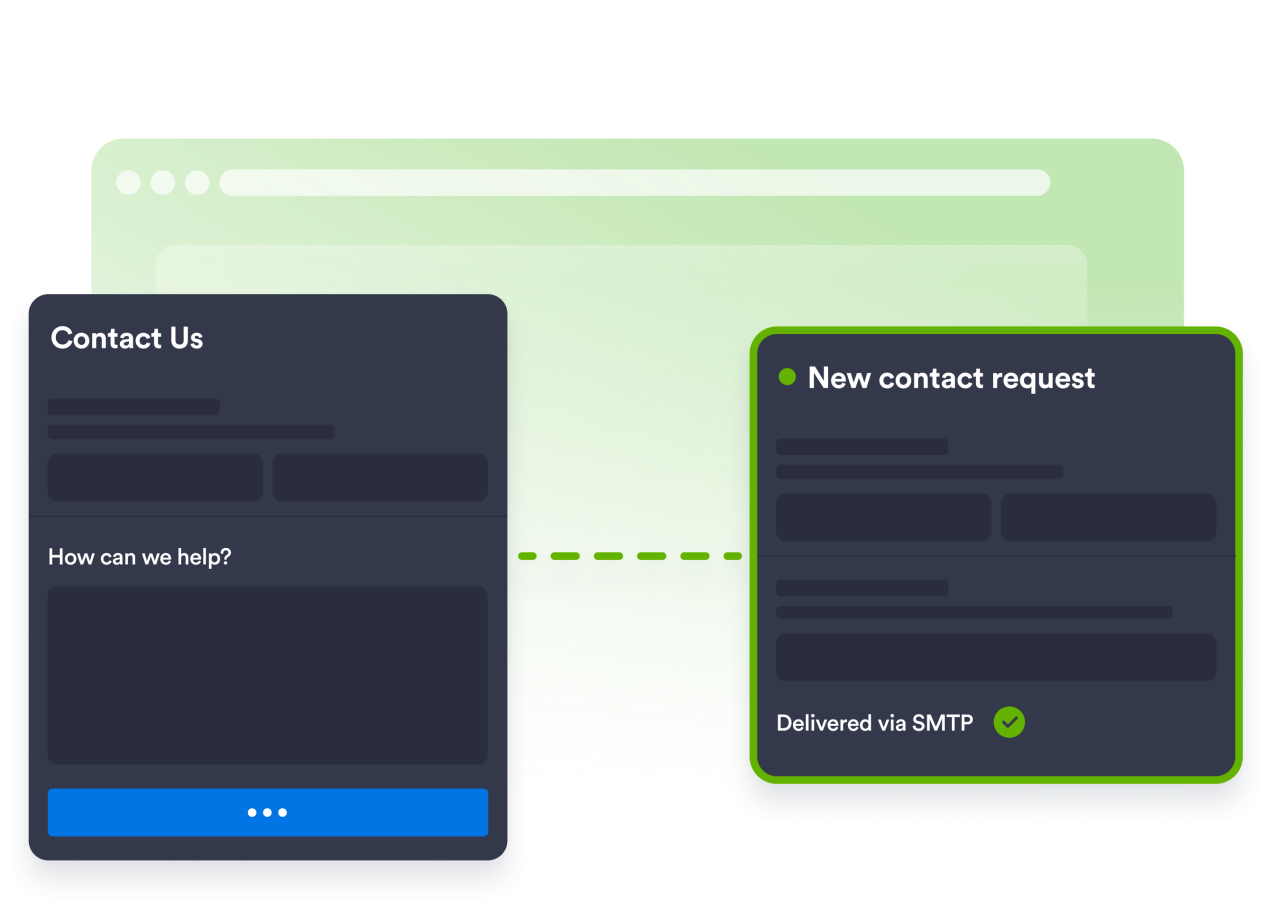
اجمع الطلبات من خلال نموذج اتصال
أضف نموذج اتصال قابلًا للتخصيص حتى يتمكن الزوار من التواصل معك مباشرة، مع تسليم كل عملية إرسال إلى صندوق الوارد الخاص بك. ويمكنك أيضًا إرسال رسائل البريد الإلكتروني من عنوانك الخاص.
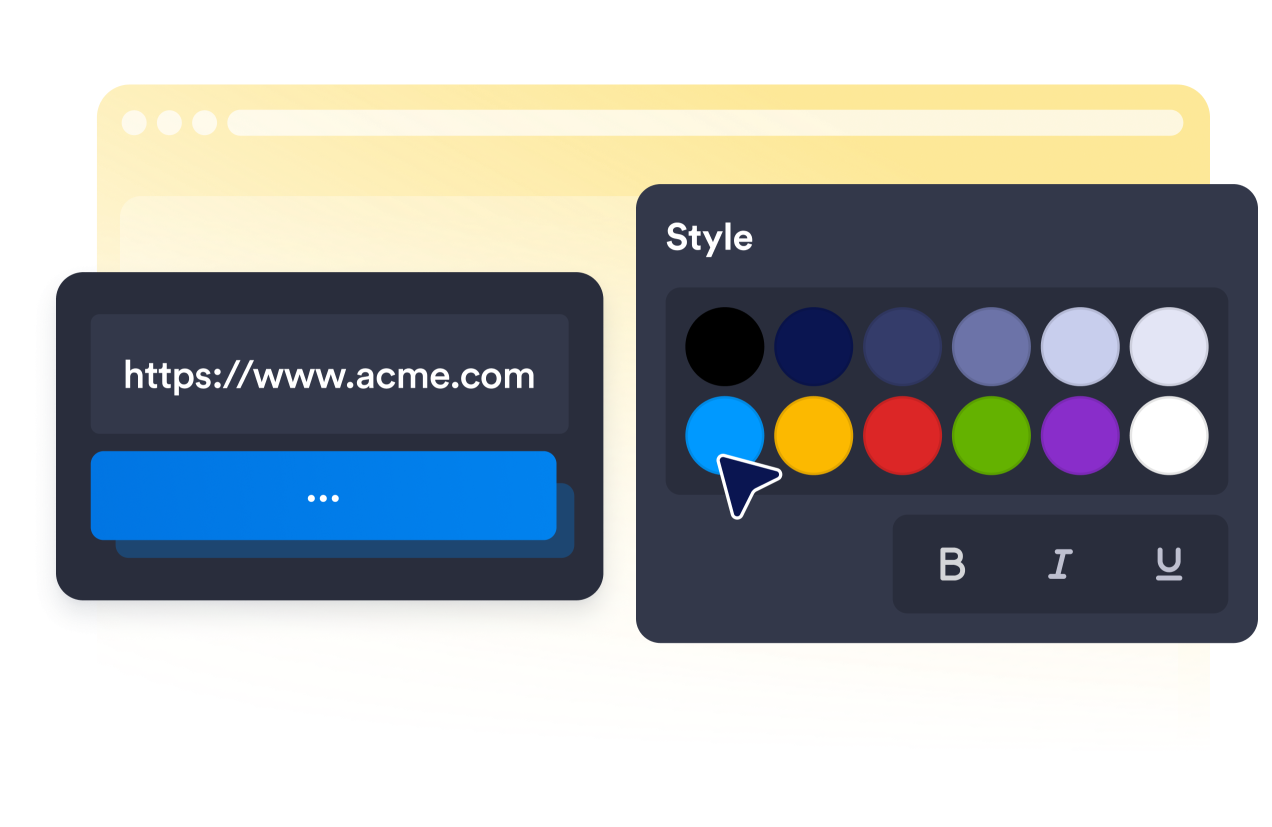
اجعل تجربة المساعدة تبدو أصلية
اختر سمة، وخصص الألوان، واضبط نصف قطر الزوايا، واضبط المشغّل، وحافظ على تجربة متكاملة على أجهزة سطح المكتب والأجهزة المحمولة.
لماذا تتميز أدوات Jotform لمواقع الويب؟
تجعل أدوات Jotform موقع الويب الخاص بك أكثر تفاعلية وتساعد على زيادة معدلات التحويل. تتوفر العديد من الأدوات، بدءًا من تقييمات النجوم وأشرطة تمرير تقييمات العملاء، وصولًا إلى النوافذ المنبثقة التي تعرض تقييمات العملاء وتضمين الوسائط. أضف الأدوات إلى نماذجك أو صفحاتك المقصودة لجمع البيانات، وعرض آراء العملاء، وجمع العملاء المحتملين — دون الحاجة إلى كتابة أكواد.
أضف أدوات Jotform إلى موقعك الإلكتروني باستخدام كود تضمين بسيط. خصّص الأداة، واعرض معاينة لشكلها، ثم أدرجها في أي صفحة تدعم HTML المخصص أو حزم التضمين، وكل ذلك دون الحاجة إلى مطور.
استخدم أدوات مواقع الويب من Jotform لجمع بيانات العملاء المحتملين، وإظهار تقييمات العملاء، وعرض الآراء الاجتماعية، وتضمين ملفات الوسائط، أو إضافة أدوات مفيدة لصفحات ويب. تقوم كل أداة بمساعدة الزوار على التفاعل مع خدماتك مباشرةً من موقعك الإلكتروني.
إذا كنت بحاجة إلى مساعدة في إعداد أداتك أو تخصيصها أو تضمينها أو استكشاف المشكلات وإصلاحها، فإن فريق دعم العملاء في Jotform متاح على مدار الساعة طوال أيام الأسبوع. يمكنك المتابعة بثقة، مع العلم أن المساعدة متاحة عندما تحتاج إليها.
أين تستخدم أداة مركز المساعدة الخاصة بك؟
أضف أداة مركز المساعدة إلى المواقع الإلكترونية التي يحتاج فيها الزوار إلى إجابات سريعة وطريقة واضحة للتواصل.
متاجر التجارة الإلكترونية التي تجيب على الأسئلة المتعلقة بالطلبات والشحن والمرتجعات
مواقع SaaS ومواقع المنتجات التي تقدم الدعم للمستخدمين
مواقع دعم العملاء التي توفر إجابات عبر الخدمة الذاتية قبل الاتصال
الوكالات والاستوديوهات التي تدعم مواقع العملاء الإلكترونية
مواقع إلكترونية تعليمية تتناول السياسات والإجابات الشائعة
شركات الخدمات التي تجمع بين الإجابات الذاتية وطلبات الاتصال
حوّل العملاء المحتملين إلى مبيعات حقيقية باستخدام منشئ النماذج من Jotform
حوّل التفاعل إلى نتائج فعلية مع Jotform. أنشئ نماذج قوية لجمع بيانات العملاء المحتملين، واستلام المدفوعات، وأتمتة الردود، كل ذلك في مكان واحد. تصل جميع البيانات المرسلة إلى صندوق الوارد في Jotform الخاص بك، حيث يمكنك المتابعة أو الربط مع تطبيقاتك المفضلة.
ابدأ - إنه مجاني!
أسئلة متكررة ومتداولة
هل يمكن للزوار البحث عن الإجابات؟
نعم. يمكن للزوار استخدام حقل البحث للعثور بسرعة على الأسئلة والإجابات المطابقة. ويمكنك أيضًا إخفاء البحث عندما تريد قائمة أبسط.
ماذا يحدث عندما لا يتمكن الزوار من العثور على الإجابة التي يحتاجون إليها؟
كم عدد الأسئلة والإجابات التي يمكنني إضافتها؟
هل يمكنني تغيير طريقة ظهور الإجابات؟
هل يمكنني تخصيص نموذج الاتصال بنا ليتناسب مع سير عمل الدعم الخاص بي؟
هل يمكنني تحديث محتوى المساعدة بعد تضمين الأداة؟
هل يمكنني استخدام أداة مركز المساعدة نفسها عبر منصات مواقع إلكترونية مختلفة؟
هل أداة مركز المساعدة مفيدة فقط لفرق دعم العملاء؟