
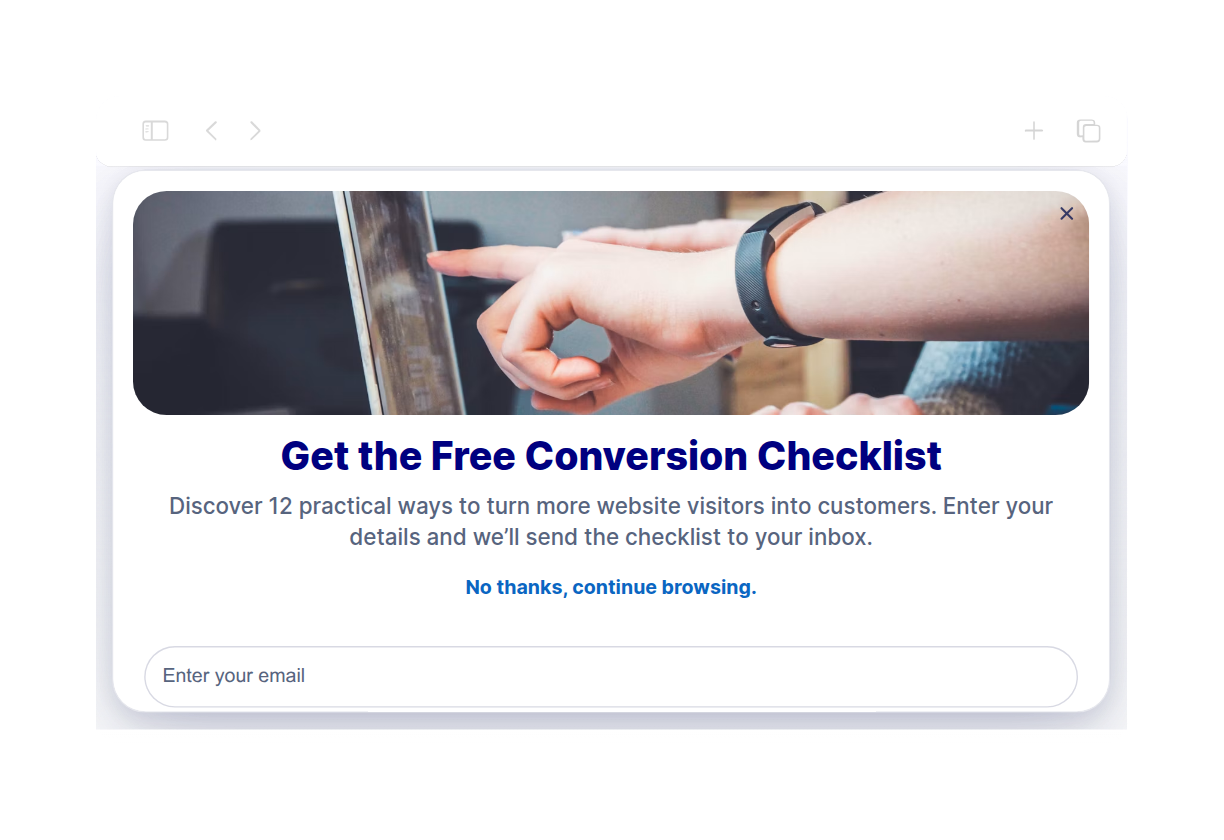
أداة النوافذ المنبثقة لمواقع الويب

Create website popups, fixed bars, slide-ins, and floating offers that help visitors take action. Use Jotform's no-code Popup widget to promote discounts, collect newsletter signups, announce launches, guide visitors to forms, and keep important messages visible without editing your site code.

كيفية إنشاء عنصر واجهة Popup

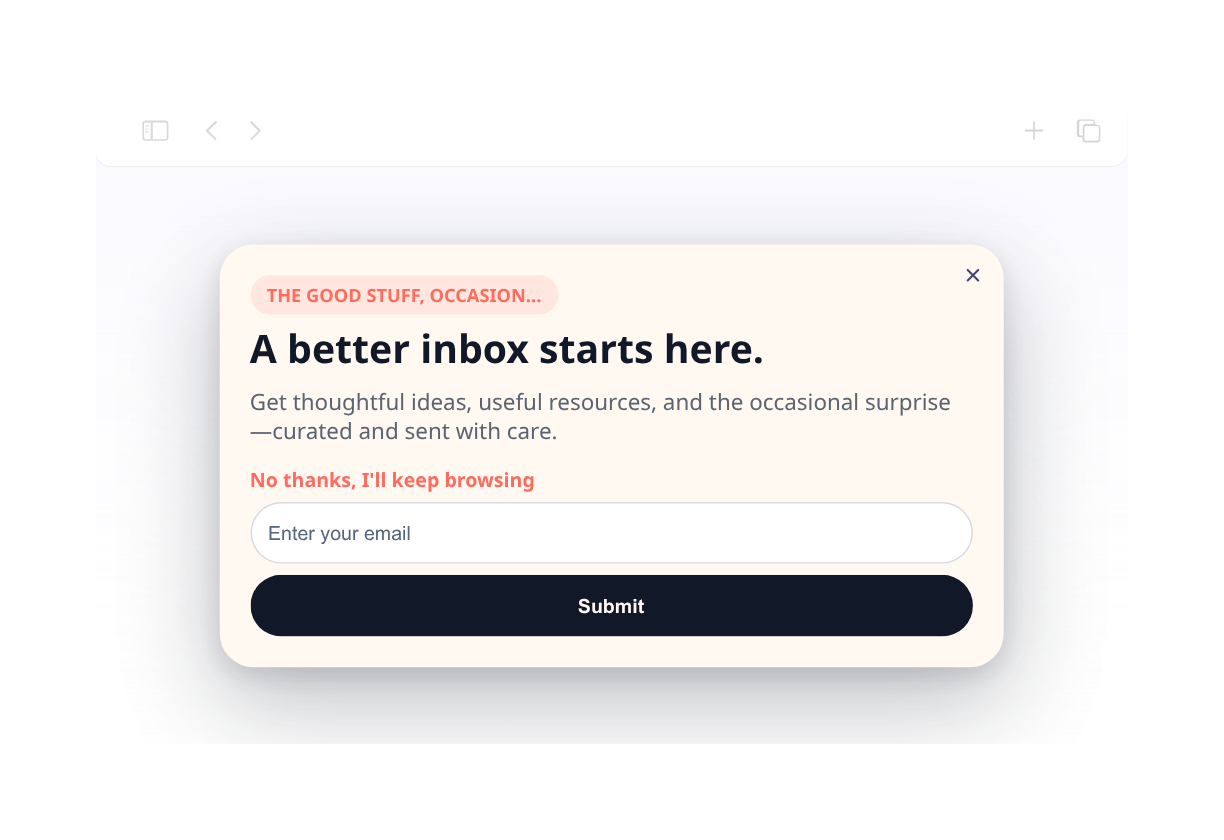
Customize content and timing

Customize content and timing

Start by adding your copy and colors, buttons, forms, triggers, targeting, close behavior, and display frequency.

Choose your popup format

Choose your popup format

Pick a layout from centered popup, top bar, bottom bar, slide-in, or floating promotions.

Embed it on your website

قم بتضمينها في موقع الويب الخاص بك

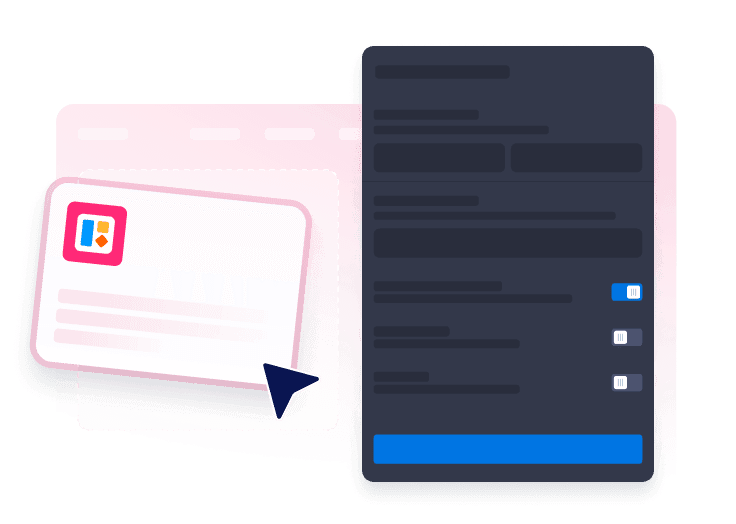
Preview the popup, copy the embed code, and publish it on any page where visitors should see your offer.

Capture attention with popups that fit your campaign

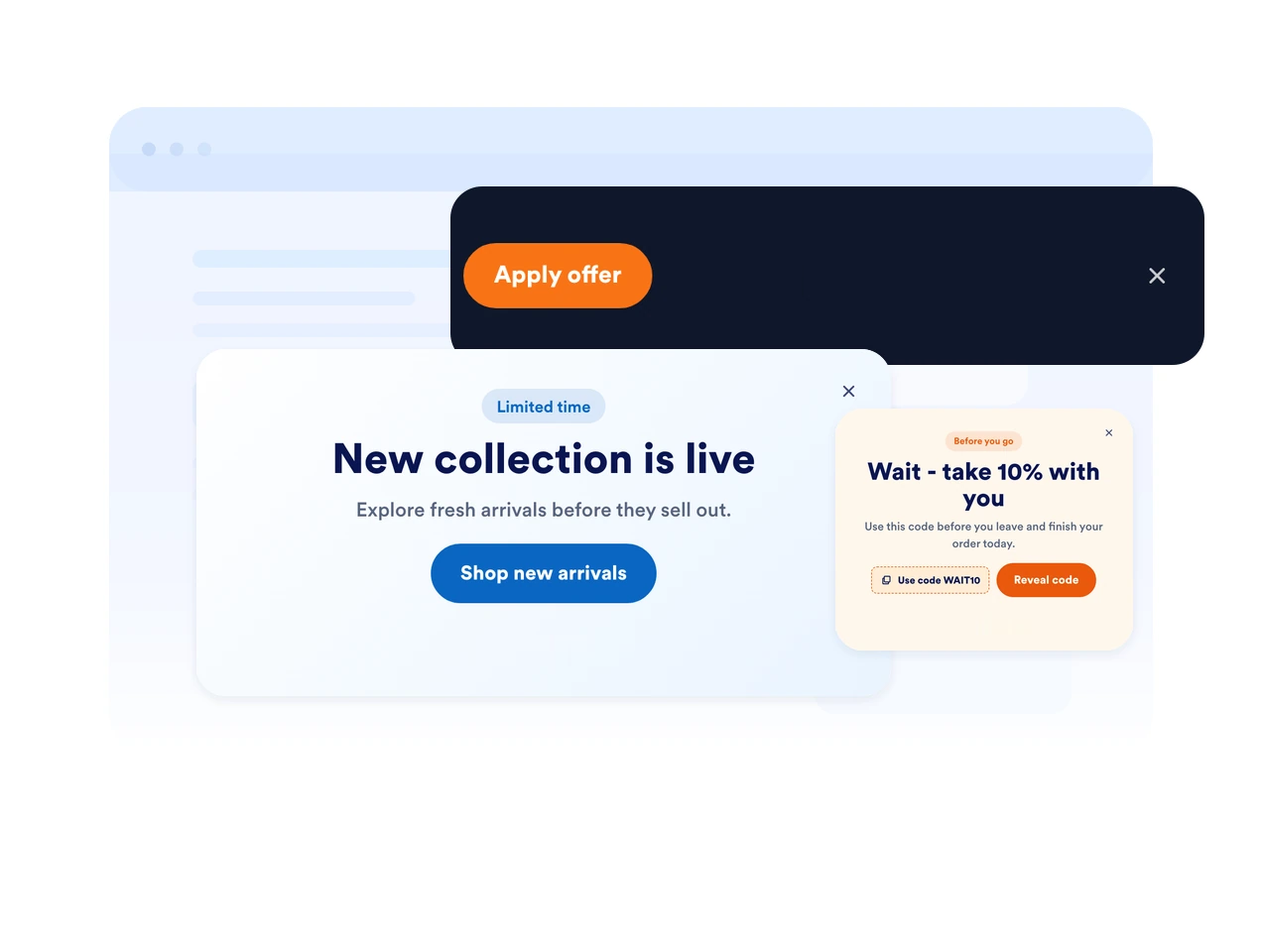
Use popups, bars, slide-ins, and floating offers

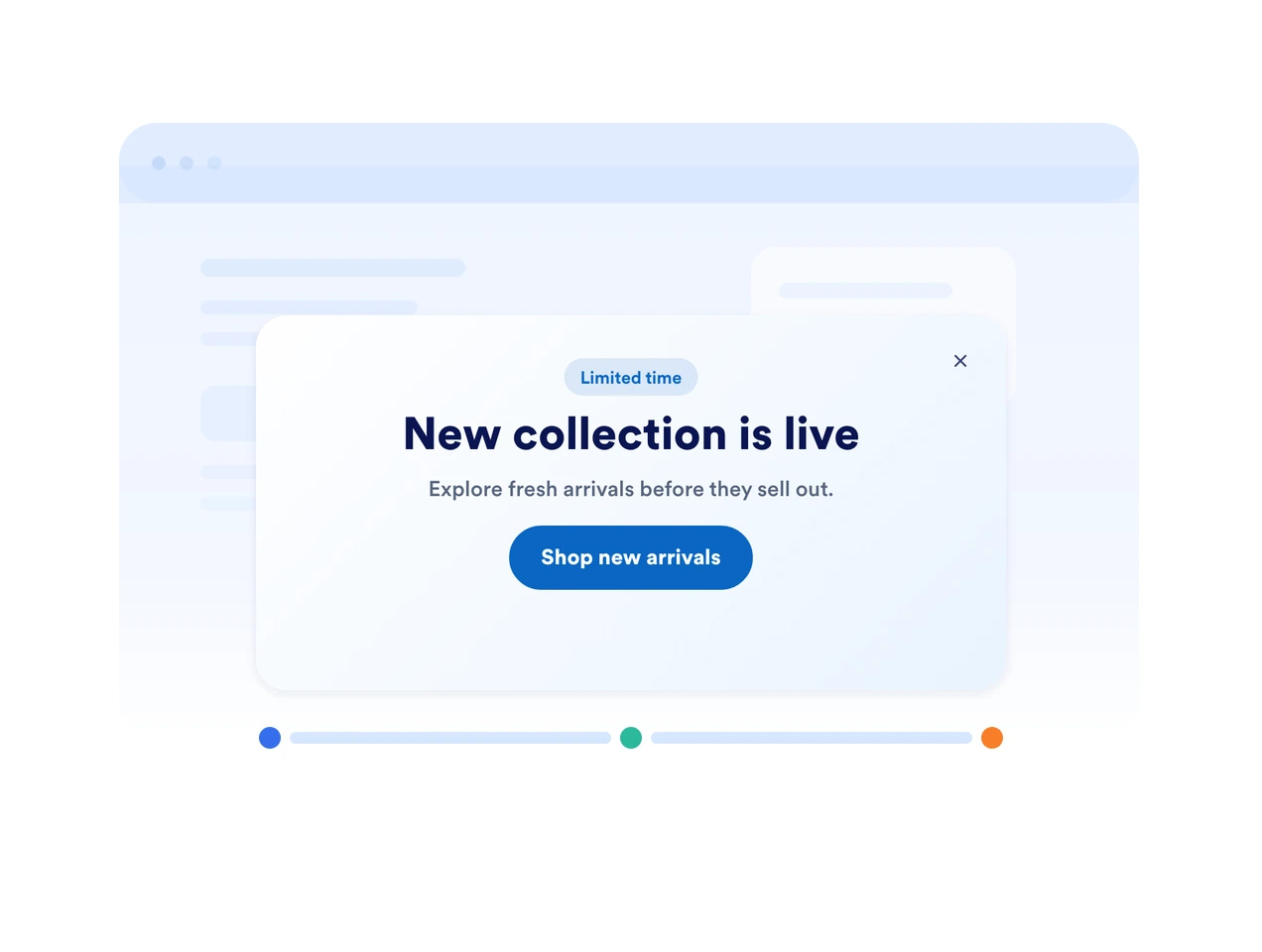
Pick the display style that fits your page. Show a focused modal, a fixed top or bottom bar, a side slide-in, or a compact floating callout.

Use popups, bars, slide-ins, and floating offers

Trigger messages at the right moment

Show your popup on page load, after a delay, on scroll, on exit intent, or when a visitor clicks a button. Match timing to the decision point.

Trigger messages at the right moment

Match every message to your brand

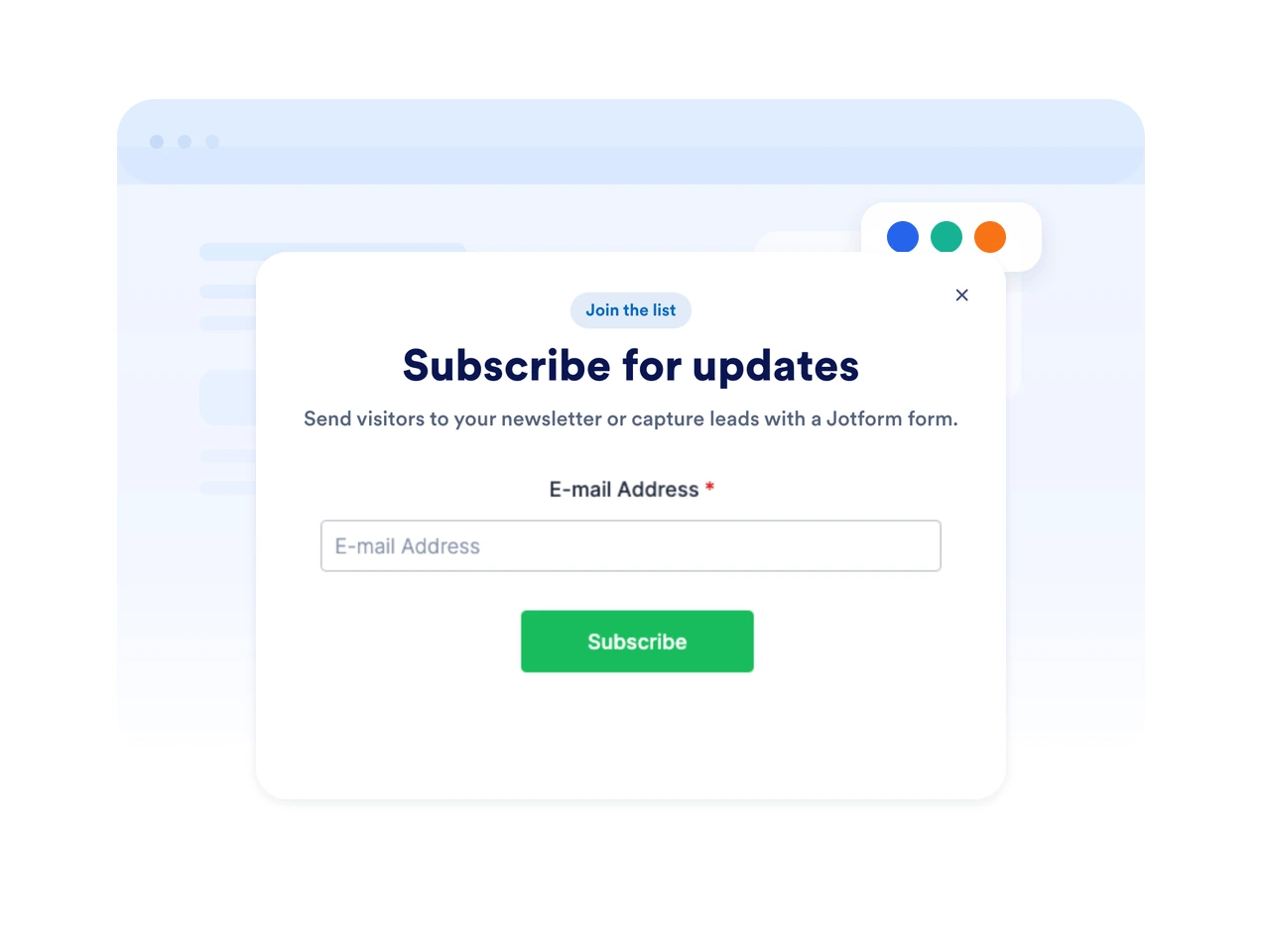
Customize colors, rounded corners, spacing, imagery, button styles, and form fields so your popup feels native to your website.

Match every message to your brand

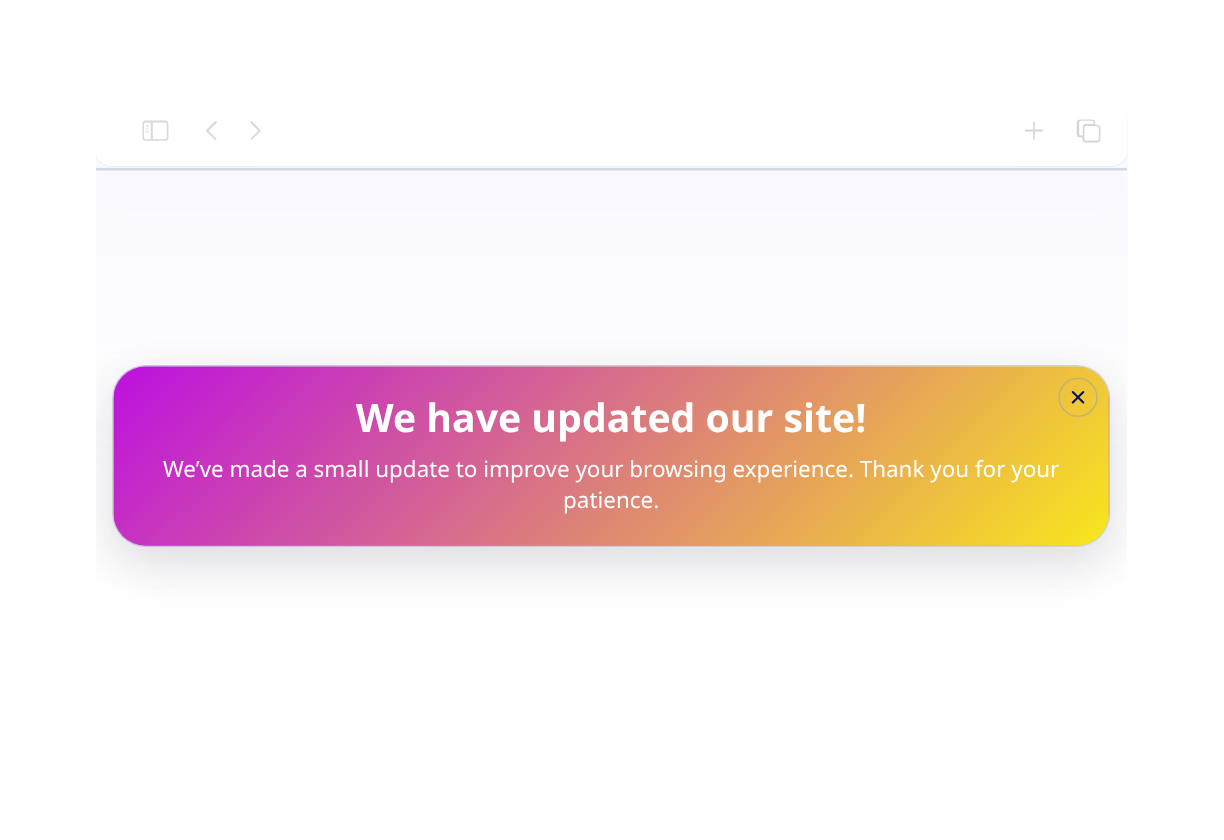
Keep urgent offers visible with fixed bars

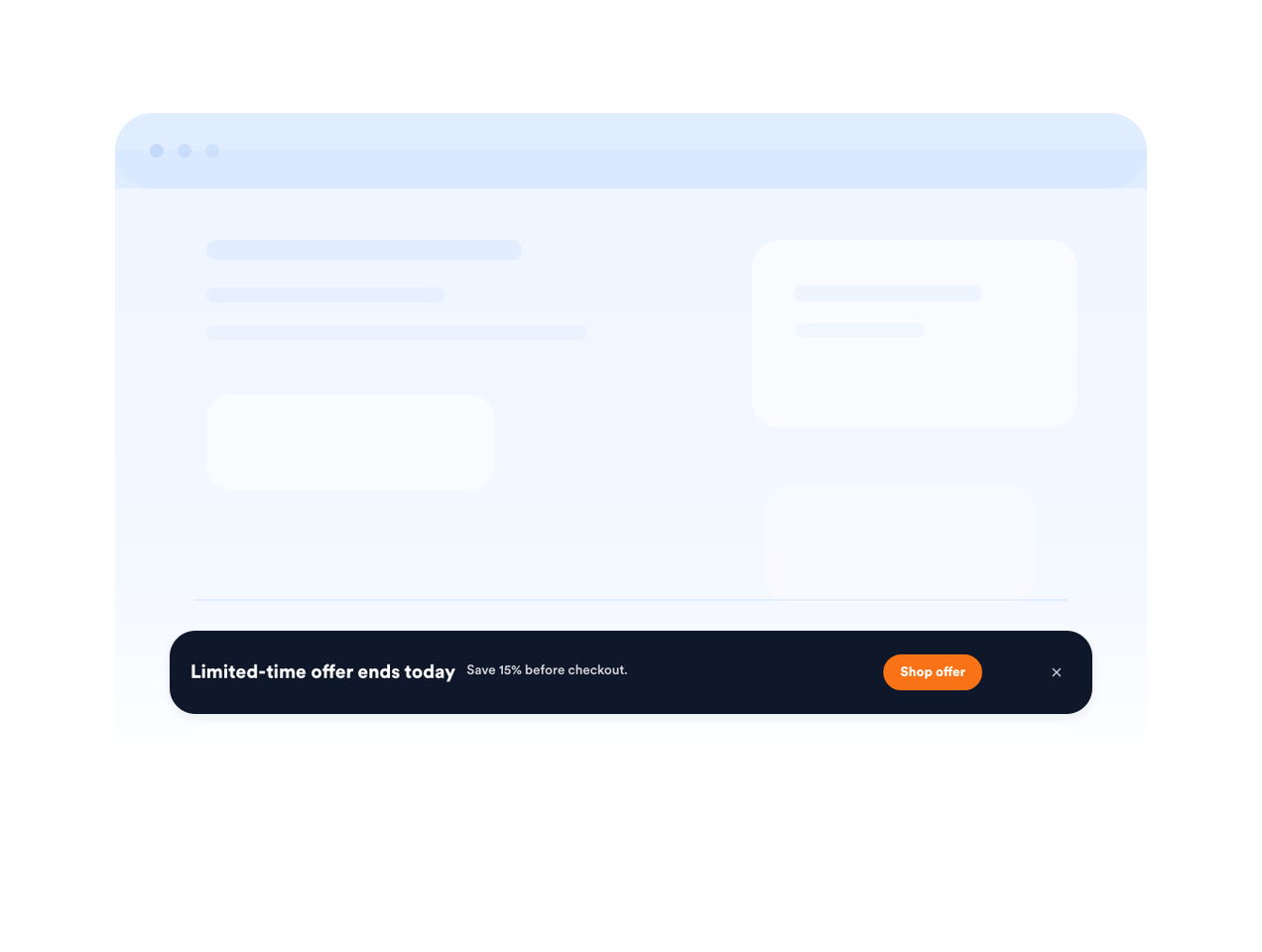
Use a fixed top or bottom bar for shipping deadlines, sale reminders, event registration, or important service updates.

Keep urgent offers visible with fixed bars

لماذا تتميز أدوات Jotform لمواقع الويب؟

تجعل أدوات Jotform موقع الويب الخاص بك أكثر تفاعلية وتساعد على زيادة معدلات التحويل. تتوفر العديد من الأدوات، بدءًا من تقييمات النجوم وأشرطة تمرير تقييمات العملاء، وصولًا إلى النوافذ المنبثقة التي تعرض تقييمات العملاء وتضمين الوسائط. أضف الأدوات إلى نماذجك أو صفحاتك المقصودة لجمع البيانات، وعرض آراء العملاء، وجمع العملاء المحتملين — دون الحاجة إلى كتابة أكواد.

تضمين الأدوات دون الحاجة إلى كتابة أكواد برمجية

أضف أدوات Jotform إلى موقعك الإلكتروني باستخدام كود تضمين بسيط. خصّص الأداة، واعرض معاينة لشكلها، ثم أدرجها في أي صفحة تدعم HTML المخصص أو حزم التضمين، وكل ذلك دون الحاجة إلى مطور.

أنشئ صفحات أكثر تفاعلية

استخدم أدوات مواقع الويب من Jotform لجمع بيانات العملاء المحتملين، وإظهار تقييمات العملاء، وعرض الآراء الاجتماعية، وتضمين ملفات الوسائط، أو إضافة أدوات مفيدة لصفحات ويب. تقوم كل أداة بمساعدة الزوار على التفاعل مع خدماتك مباشرةً من موقعك الإلكتروني.

احصل على الدعم وقتما تحتاج إليه

إذا كنت بحاجة إلى مساعدة في إعداد أداتك أو تخصيصها أو تضمينها أو استكشاف المشكلات وإصلاحها، فإن فريق دعم العملاء في Jotform متاح على مدار الساعة طوال أيام الأسبوع. يمكنك المتابعة بثقة، مع العلم أن المساعدة متاحة عندما تحتاج إليها.

Where to use your Popup widget

Add popups and bars wherever a timely message can help visitors subscribe, buy, book, or continue to the next step.

E-commerce product pages to promote discounts, bundles, shipping offers, or limited-stock alerts.

Checkout and cart pages to recover abandoning shoppers with coupon codes or support prompts.

Newsletter and content pages to grow your email list with downloadable resources or updates.

Event and webinar pages to remind visitors about registration deadlines and upcoming sessions.

Homepage announcements to highlight launches, seasonal campaigns, or service updates.

Landing pages for ads to keep a focused offer visible while visitors compare details.

حوّل العملاء المحتملين إلى مبيعات حقيقية باستخدام منشئ النماذج من Jotform

حوّل التفاعل إلى نتائج فعلية مع Jotform. أنشئ نماذج قوية لجمع بيانات العملاء المحتملين، واستلام المدفوعات، وأتمتة الردود، كل ذلك في مكان واحد. تصل جميع البيانات المرسلة إلى صندوق الوارد في Jotform الخاص بك، حيث يمكنك المتابعة أو الربط مع تطبيقاتك المفضلة.

ابدأ - إنه مجاني!
Convert leads into customers

أسئلة متكررة ومتداولة

  • What is a Popup widget?

    A Popup widget is an embeddable website message that appears as a modal, bar, slide-in, or floating callout. It helps promote offers, collect leads, announce updates, and guide visitors to forms or links.

  • Can I create fixed top or bottom bars?

  • Can I control when the popup appears?

  • Can I add a form to my popup?

  • Can I customize the popup design?

  • Will the Popup widget work on mobile?

  • Can visitors close the popup?

  • Do I need to code anything?