Widget de botón web para su sitio web
Cree un botón web CTA sin código que envíe a los visitantes al siguiente paso adecuado. Enlácelo a una página, inicie una llamada, abra un correo electrónico, lance un chat o desplácese a una sección de la página con un botón que puede personalizar e insertar en cualquier lugar.
Create Now — It’s Free!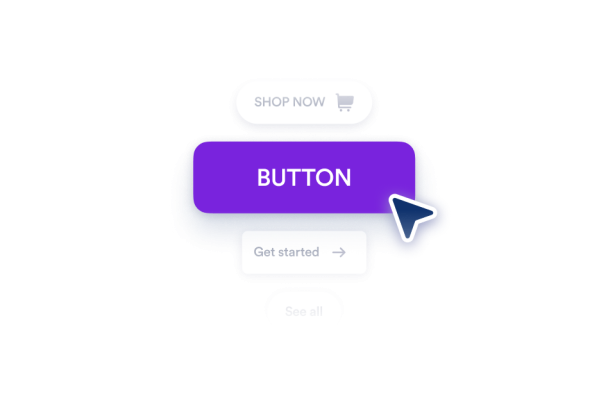

Cómo crear un widget Botón
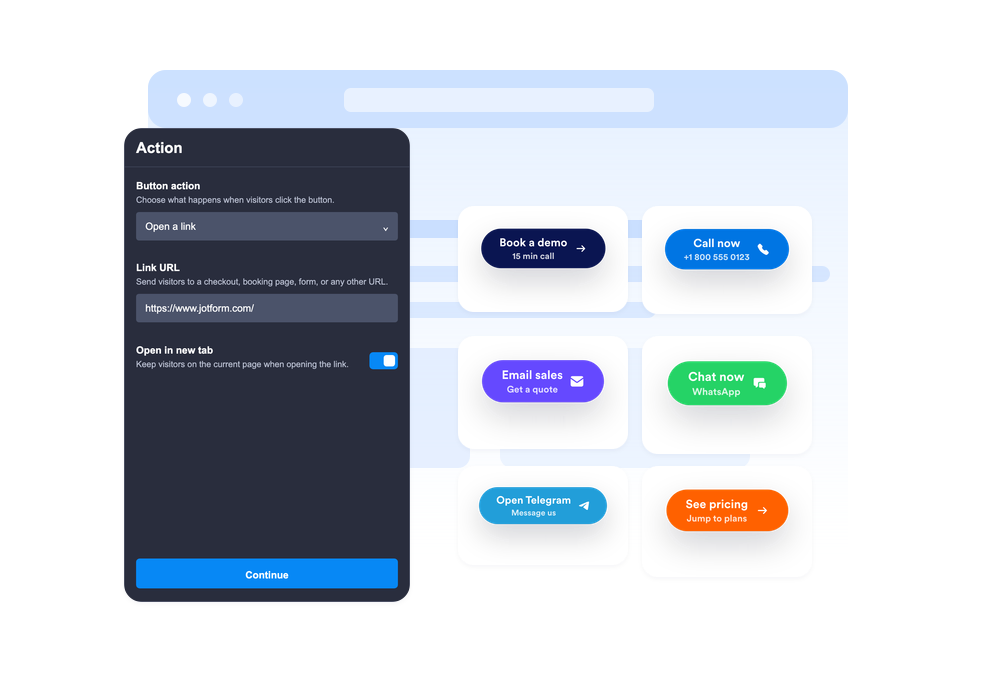
Elija la acción del botón
Seleccione si el botón abre un enlace, inicia una llamada telefónica, crea un correo electrónico, abre WhatsApp o Telegram, o se desplaza a una sección de la página.
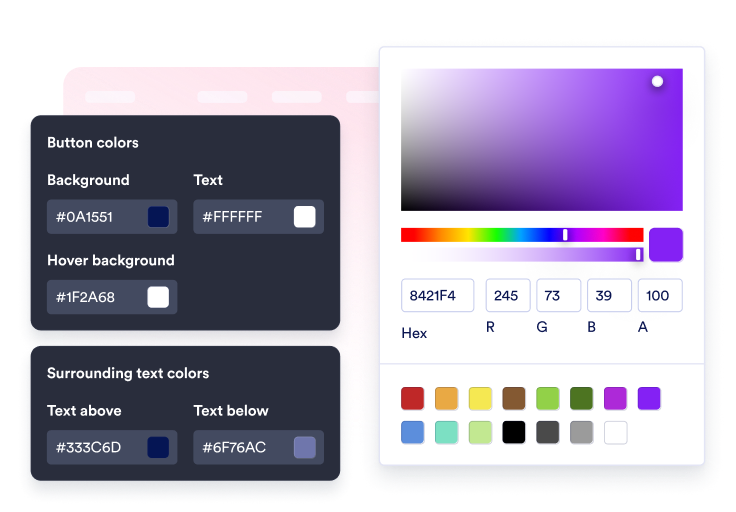
Personalice el contenido y el estilo
Edite la etiqueta, la segunda línea opcional, el texto circundante, el icono, los colores, el tamaño, el radio de las esquinas, la sombra y la ubicación.

Insértelo en su sitio
Previsualice el CTA en contexto, copie el código de inserción generado y publique el botón en su sitio web sin código personalizado.
Guíe a los visitantes a la siguiente acción con un solo clic
Conecte el botón a múltiples acciones
Use un solo widget para enlaces de ventas, formularios de registro, correos de soporte, llamadas telefónicas, chats de WhatsApp, chats de Telegram, enlaces a perfiles sociales o saltos de sección fluidos.
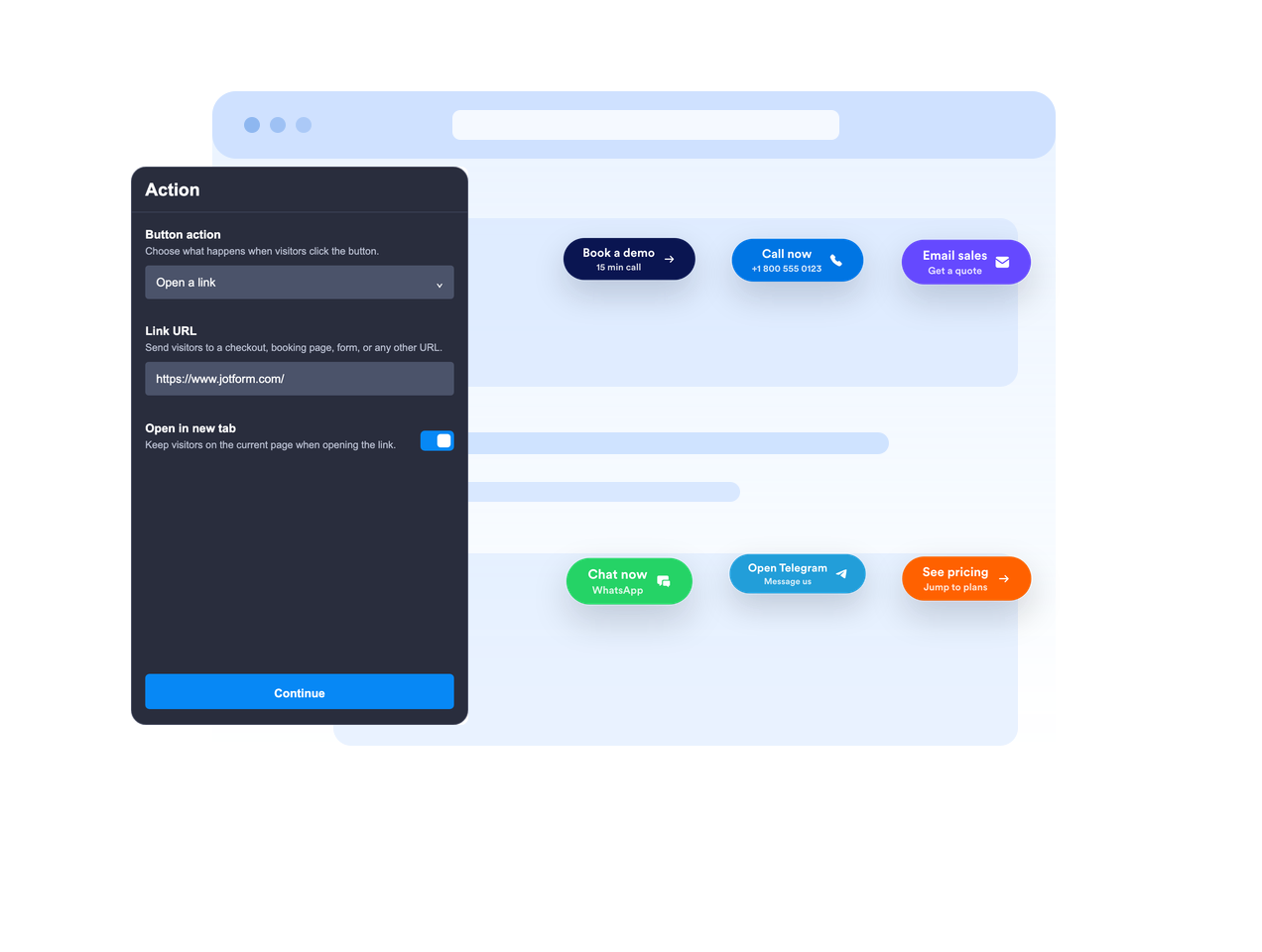
Colóquelo en línea o manténgalo flotante
Inserte el botón en el contenido de la página o déjelo flotar en una posición fija de la pantalla para que la llamada a la acción permanezca visible mientras los visitantes se desplazan.

Haga que el mensaje del CTA sea claro
Use una etiqueta principal, una segunda línea opcional, texto arriba y texto abajo para dar a los visitantes suficiente contexto antes de que hagan clic.
Combine con el estilo de su sitio web
Ajuste la ubicación del icono, la altura del botón, el relleno, el tamaño de fuente, los colores, el color al pasar el cursor, el radio de las esquinas, la sombra, la visibilidad por dispositivo, la marca y el CSS personalizado de alcance limitado.
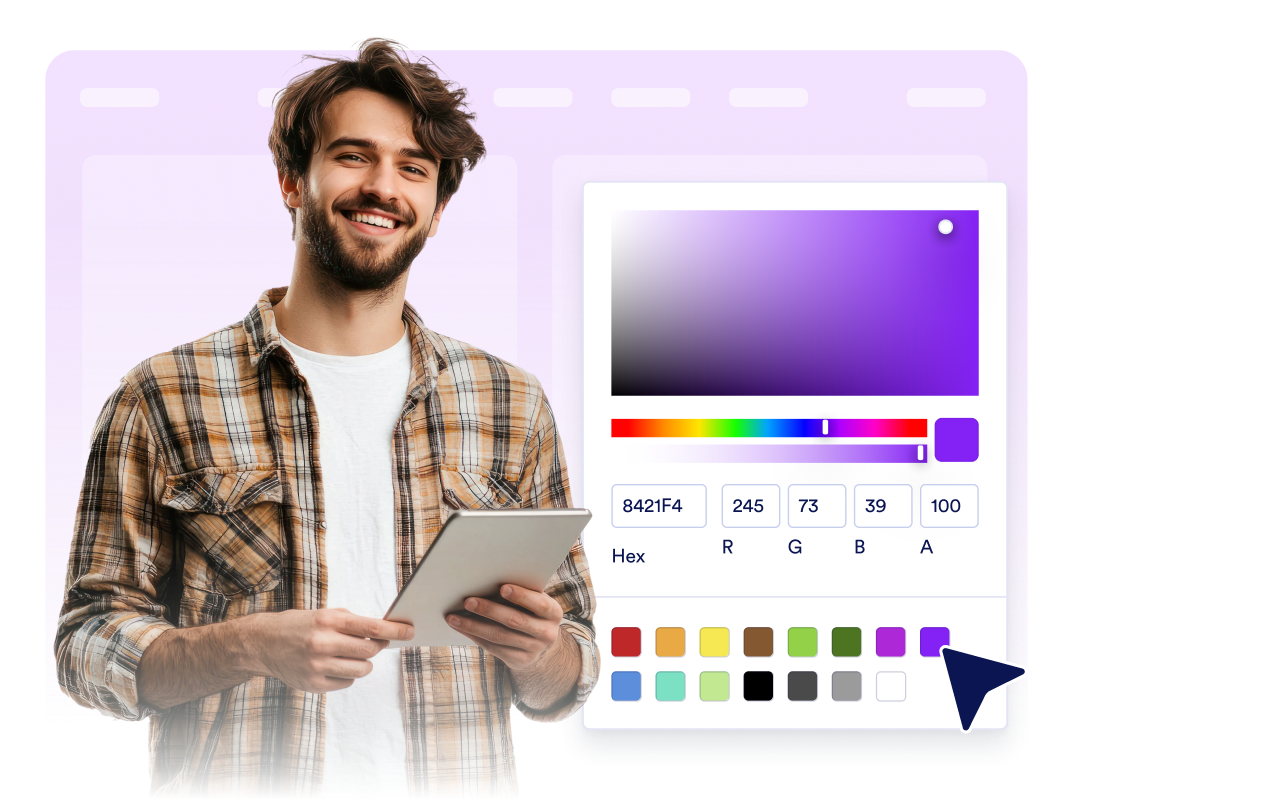
Por qué destacan los Widgets para Sitios Web de Jotform
Los widgets de Jotform hacen que su sitio web sea más interactivo y aumentan las conversiones. Hay muchas herramientas disponibles, desde valoraciones con estrellas y controles deslizantes de testimonios hasta ventanas emergentes de prueba social e inserciones de medios. Agregue widgets a sus formularios o páginas de destino para recopilar datos, mostrar pruebas y captar prospectos — sin necesidad de programación.
Agregue widgets de Jotform a su sitio web con un simple código de inserción. Personalice el widget, previsualice su aspecto y péguelo en cualquier página que admita HTML personalizado o bloques de inserción, todo sin un desarrollador.
Utilice los Widgets para Sitios Web de Jotform para captar prospectos, mostrar comentarios de clientes, presentar pruebas sociales, insertar medios o agregar herramientas útiles para páginas web. Cada widget ayuda a los visitantes a interactuar con su negocio directamente desde su sitio web.
Si necesita ayuda para configurar, personalizar, insertar o solucionar problemas de su widget, el equipo de atención al cliente de Jotform está disponible las 24 horas, los 7 días de la semana. Puede avanzar con confianza, sabiendo que la ayuda está ahí cuando la necesita.
Dónde usar su widget de botón
Añada un widget de botón web en cualquier lugar donde los visitantes necesiten un siguiente paso claro, especialmente en páginas donde la acción principal deba ser fácil de encontrar.
Páginas de destino para enviar a los visitantes a formularios de registro, precios, pago, reservas o solicitudes de demostración.
Páginas de productos para destacar acciones de añadir al carrito, comprar ahora, contactar con ventas o solicitar presupuesto.
Páginas de soporte para iniciar conversaciones por correo electrónico, teléfono, WhatsApp o Telegram desde un único CTA.
Publicaciones de blog y guías extensas para llevar a los lectores a formularios, descargas, ofertas o secciones relevantes.
Páginas de campañas en redes sociales para enviar a los visitantes a Instagram, Facebook, TikTok, X, Pinterest u otros enlaces de perfil.
Páginas móviles donde un CTA flotante compacto puede agilizar las llamadas, los chats o las compras.
Convierta prospectos en clientes de pago con el Creador de formularios Jotform
Convierta la interacción en acción con Jotform. Cree formularios potentes que captan prospectos, recopilan pagos y automatizan respuestas, todo en un solo lugar. Cada envío llega a su Jotform Inbox, donde puede hacer seguimiento o conectar con sus aplicaciones favoritas.
Empiece — ¡Es gratis!
Preguntas Frecuentes
¿Qué es un widget de botón?
Un widget de botón web es un botón de llamada a la acción personalizable que puede incrustar en su sitio web. Puede abrir enlaces, llamadas, correos electrónicos, chats y secciones de página.
¿Qué acciones puede realizar el botón?
¿Puede el botón flotar en la pantalla?
¿Puedo personalizar el texto del botón?
¿Puedo usar un icono?
¿Puedo hacer coincidir el diseño con mi sitio web?
¿Funciona el widget de botón en dispositivos móviles?
¿Necesito escribir código?