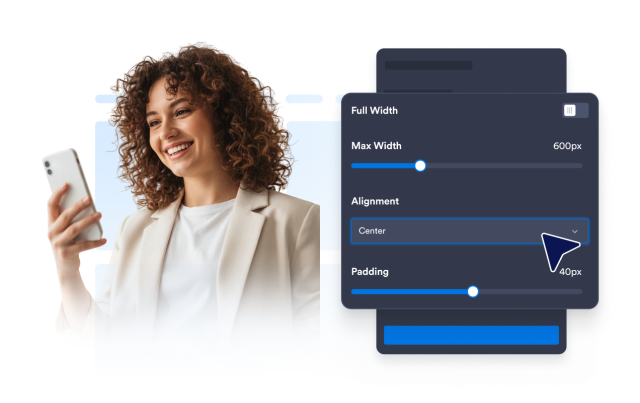
Widget Bannière
Banner Widget Features for Websites
Create promotional website banners for sales, launches, webinars, events, announcements, seasonal campaigns, coupons, countdowns, email forms, and clear calls to action.
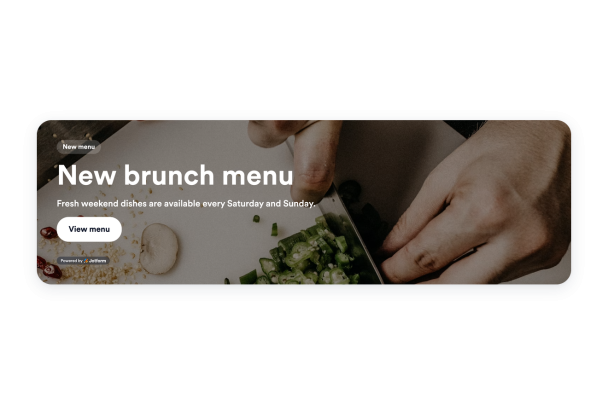

Launch Campaigns with Banner Styles
Start with banner styles designed for common campaign goals, then adapt the message for your audience. Create banners for product promotions, webinars, restaurant offers, travel deals, social campaigns, seasonal sales, and website announcements.
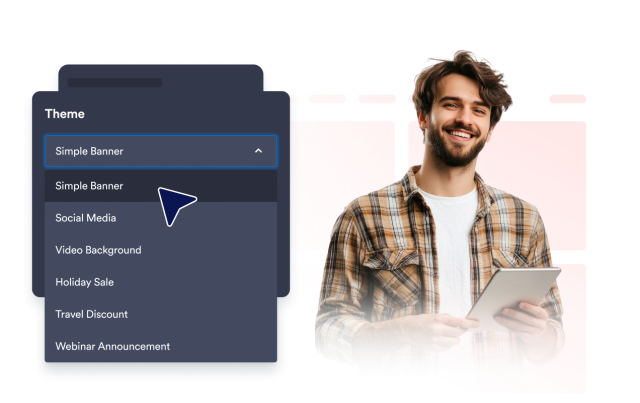
Starter styles include:
Make Banner Messages Stand Out
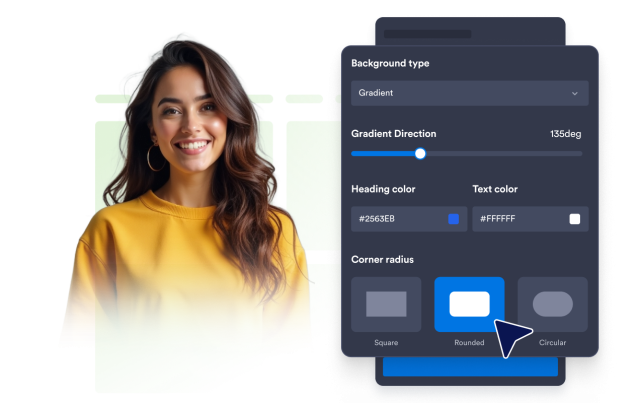
Draw attention to important promotions with rich background options. Use solid colors, gradients, images, or YouTube and Vimeo video backgrounds, then adjust brightness, image stretching, gradient direction, and rounded corners.
Background controls include:
Turn Attention into Action
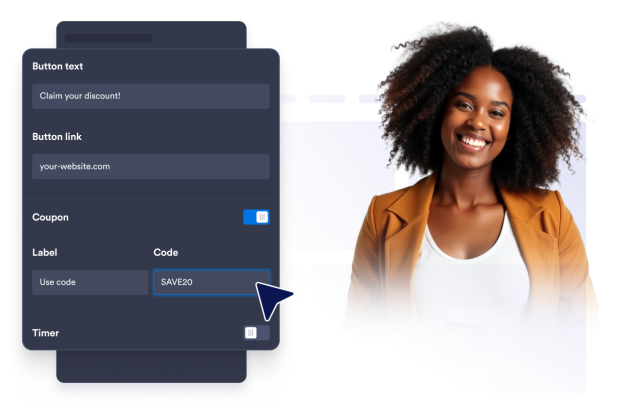
Give visitors a clear next step directly from your banner. Add CTA buttons, text links, clickable banner areas, coupon codes, countdown timers, or email forms to promote offers, deadlines, signups, and campaign details.
Action blocks include:
Fit Banners to Every Screen
Keep your message clear across different page sizes and devices. Choose horizontal or vertical layouts, set custom or full width, adjust alignment and spacing, and control desktop or mobile visibility.
Layout controls include: