Widget Partage sur les réseaux sociaux
Créez votre propre widget Partage sur les réseaux sociaux en quelques clics
Build responsive social share buttons for pages, posts, products, and campaigns. Control network visibility and order, placement, content, corner radius, size, theme, font, animation, branding, and mobile visibility without code.
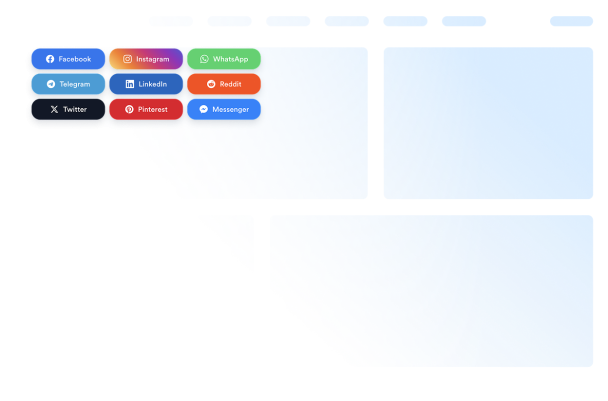
Show the Platforms Visitors Expect
Choose from Facebook, Instagram, WhatsApp, Telegram, LinkedIn, Reddit, X, Pinterest, and Messenger. Drag platform and networks to reorder them, then show or hide each one with the eye control.
Service controls include:

Control Button Content and Sizing
Display icons, text, or both, choose a corner radius preset, adjust the button size with a slider, and apply a shared font that fits your page.
Button controls include:

Place Sharing Inline or in a Floating Bar
Embed share buttons inside a page section or keep them visible along a screen edge. Align inline buttons left, center, or right, or float them along the bottom, left, or right edge. Hide the widget on mobile when needed.
Les éléments de mise en page comprennent :

Match the Widget to Your Website
Use Native platform colors or choose a coordinated Light or Dark theme. Add one of six hover animations, select a shared font, and decide whether Jotform branding appears below the buttons.
Options de personnalisation du style :