Table Widget Features
Create a Responsive Table for Your Website
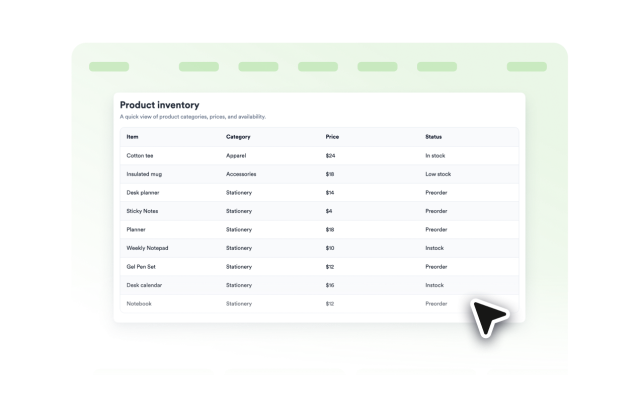
Build a table for products, schedules, pricing, directories, or research summaries. Add rows and columns, style the surface, and choose mobile behavior without writing code.
Edit Rows, Columns, and Cells
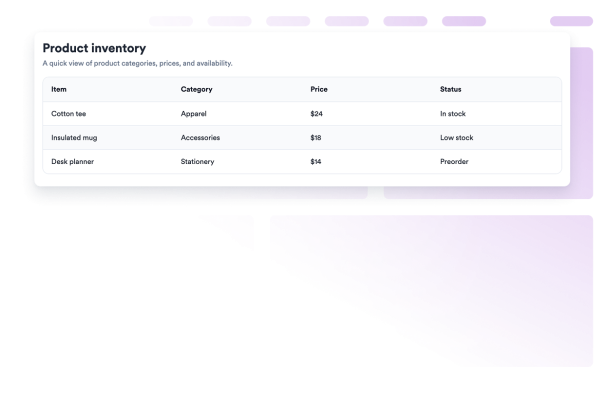
Create your table structure in the builder with column headings, row labels, and multiline cell values for detailed information.
Data controls include:

Choose Mobile Display Behavior
Keep wide tables scrollable or turn each row into a compact card so visitors can read the table comfortably on phones.
Responsive options include:

Customize the Table Style
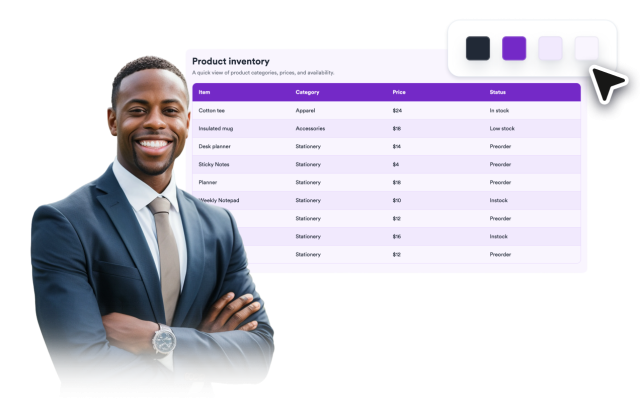
Switch between prepared color schemes and adjust table, header, row-label, text, border, stripe, and accent colors to match your website.
Options de personnalisation du style :
Keep Large Tables Easy to Follow
Use floating headers and row labels to keep context visible while visitors scan long or wide data sets.
Reading aids include: