La migliore alternativa a Tally Forms. Più funzionalità, un'unica piattaforma.
Se stai confrontando Tally Forms con Jotform, potresti volere un generatore di moduli leggero, dall'aspetto pulito e che ti permetta di iniziare velocemente. Jotform ti offre la stessa facilità di avvio, ma ti offre anche più modi per utilizzare i tuoi moduli man mano che il tuo lavoro cresce. Puoi partire con qualcosa di semplice oggi, per poi aggiungere ciò che ti serve in seguito, senza dover cambiare strumento. Inizia gratuitamente con Jotform e crea il tuo primo modulo in pochi minuti.
Inizia SubitoConfronto fianco a fianco
| CARATTERISTICHE | Jotform | Tally Forms |
|---|---|---|
| Prezzo Base | Tally Forms GRATIS | |
| Modelli | Tally Forms 100+ | |
| Logica Condizionale | Tally Forms Sì | |
| Opzioni di condivisione del modulo | Tally Forms 4+ | |
| Moduli QR Code | Tally Forms No | |
| Email di Risposta Automatica | Tally Forms Piano Pro | |
| Personalizzazione e-mail | Tally Forms Piano Pro | |
| Email di promemoria | Tally Forms Non Disponibile | |
| Traduzione dei moduli | Tally Forms Oltre 80 lingue | |
| Opzioni di integrazione | Tally Forms 3+ | |
| Personalizzazione Modulo | Tally Forms Limitato | |
| Save & Continue Later | Tally Forms Sì | |
| Pagina di Ringraziamento | Tally Forms Sì | |
| App per dispositivi mobili | Tally Forms Non Disponibile | |
| Modalità offline | Sì | Tally Forms No |
| Modalità Chiosco | Sì | Tally Forms No |
| Widget | Centinaia di Widget | Tally Forms 7+ |
| Integrazioni | Tally Forms 30+ | |
| Gestione della presentazione dei moduli | Tally Forms Solo scheda Invii | |
| Esporta Dati di Invio | Tally Forms Solo CSV | |
| Assistenti IA | Tally Forms Non Disponibile | |
| Firma Elettronica | Tally Forms Campo firma | |
| Creazione PDF | Tally Forms Non Disponibile | |
| Flussi di lavoro | Tally Forms Non Disponibile | |
| Results & Analysis | Tally Forms Limitato | |
| White Labeling | Disponibile su Enterprise | Tally Forms Limitato |
| Gateway di Pagamento | Tally Forms Solo Stripe | |
| Recurring Donations & Subscriptions | Tally Forms No | |
| Moduli Crittografati | Tally Forms Sì | |
| Autenticazione a due Fattori (2FA) | Tally Forms Sì | |
| reCAPTCHA | Tally Forms Sì | |
| Conformità PCI | Tally Forms Non Disponibile | |
| Conformità HIPAA | Tally Forms Non Disponibile | |
| Conformità SOC 2 | Disponibile sul Piano Enterprise | Tally Forms Disponibile |
| Conformità al GDPR | Disponibile | Tally Forms Disponibile |
Se noti informazioni errate, incomplete o inaccurate, ti preghiamo di richiederne la correzione compilando il modulo sottostante.
Richiedi CorrezioneInizia in modo semplice. Espandi in un unico posto.
Molte persone iniziano con moduli di base, per poi averne bisogno di altri man mano che il loro lavoro si espande. Jotform ti consente di aggiungere questi passaggi successivi nella stessa piattaforma. Puoi raccogliere pagamenti, inoltrare richieste per l'approvazione, automatizzare i follow-up, gestire le risposte nelle tabelle e molto altro. Mantieni i tuoi moduli così come sono e li espandi solo quando ti serve.








Un semplice generatore di moduli alla portata di tutti
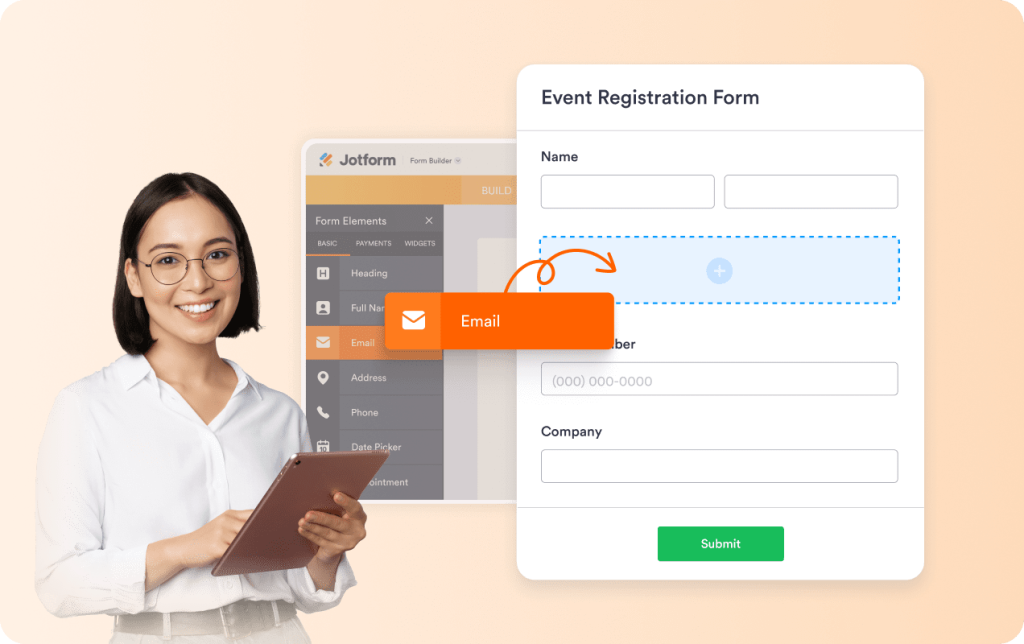
Jotform è facile da usare. Puoi scegliere un modello già pronto o creare un modulo da zero, quindi trascinare e rilasciare i campi al loro posto. Il generatore rimane chiaro e organizzato, anche quando il modulo diventa più lungo e complesso. Non è necessario un periodo di apprendimento per pubblicare un modulo. Basta creare, pubblicare e condividere.
Moduli su misura per il tuo pubblico
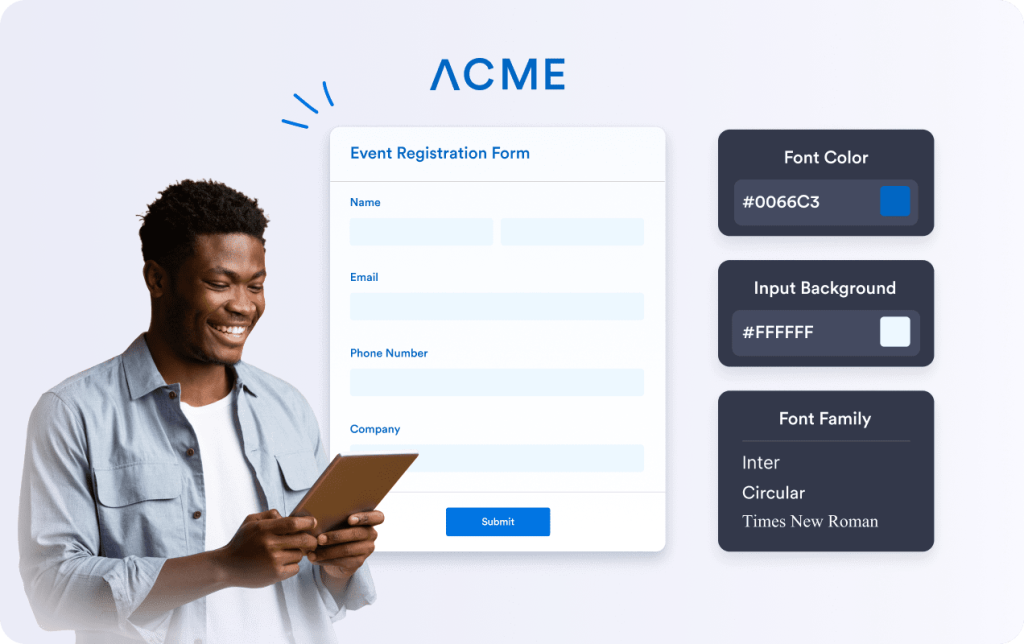
Jotform ti offre moduli dal layout pulito fin dall'inizio. Puoi mantenere quell'aspetto semplice o adattare il design allo stile del tuo brand. Cambia spaziatura, sezioni, font e colori in pochi click. Quando un modulo si fonde in modo armonico al layout del tuo sito, gli utenti si fidano di più e sono più portati a compilarlo. Questo si traduce in più risposte e meno abbandoni.
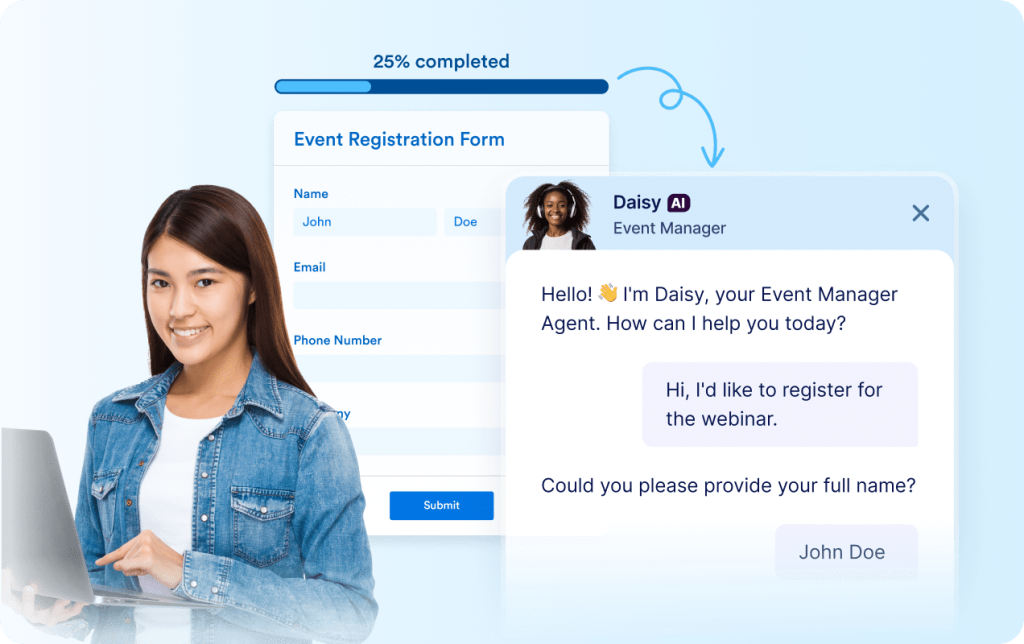
Agenti IA che aiutano le persone a completare i moduli
Jotform è facile da usare e gli agenti IA si integrano allo stesso flusso. Si inizia con un modulo, quindi si aggiunge un agente quando si desidera ulteriore assistenza per gli utenti. Gli agenti rispondono alle domande mentre gli utenti compilano il modulo e li guidano passo dopo passo. È possibile utilizzare un agente tramite telefono, chat web, SMS, WhatsApp, Instagram, Gmail e altro ancora.
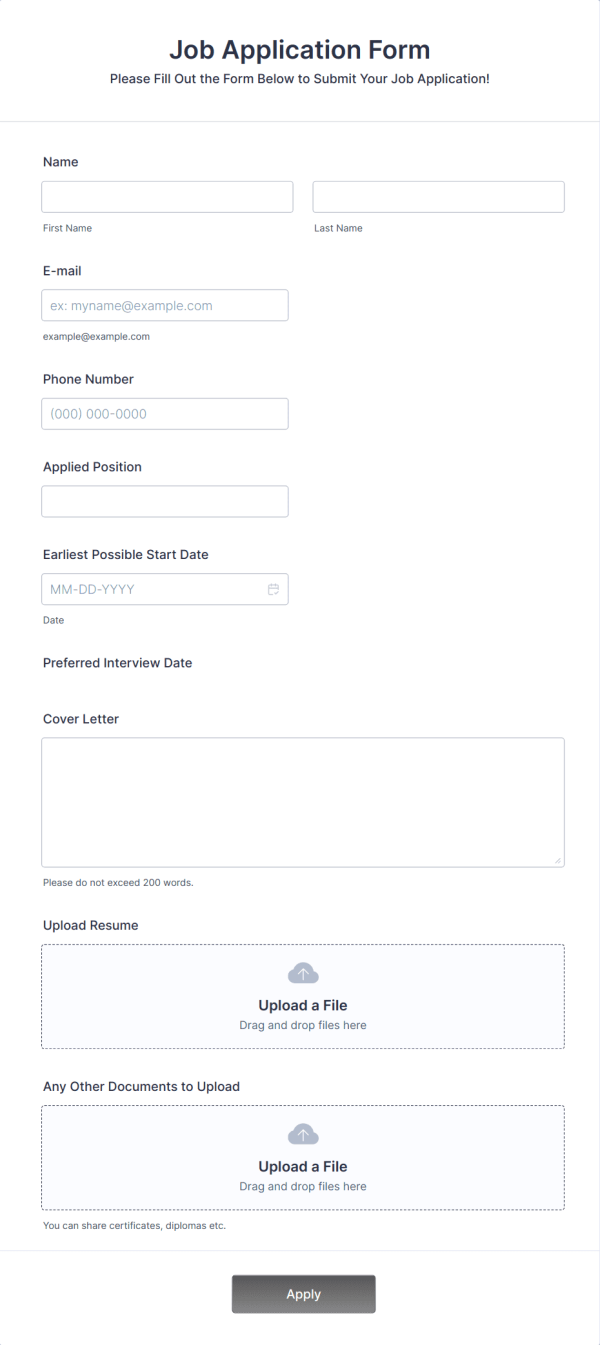
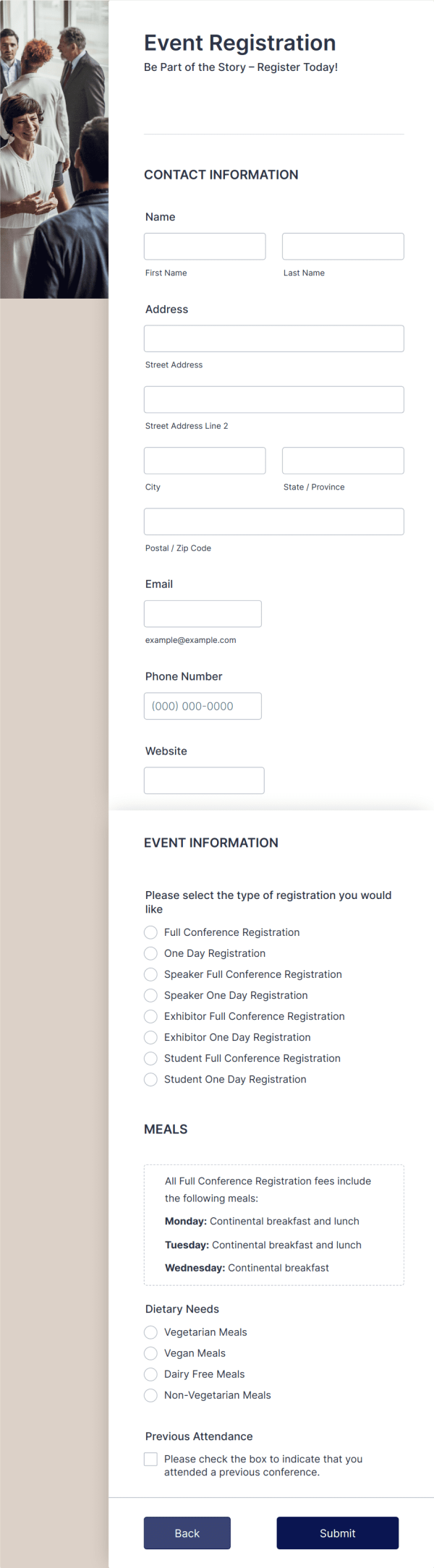
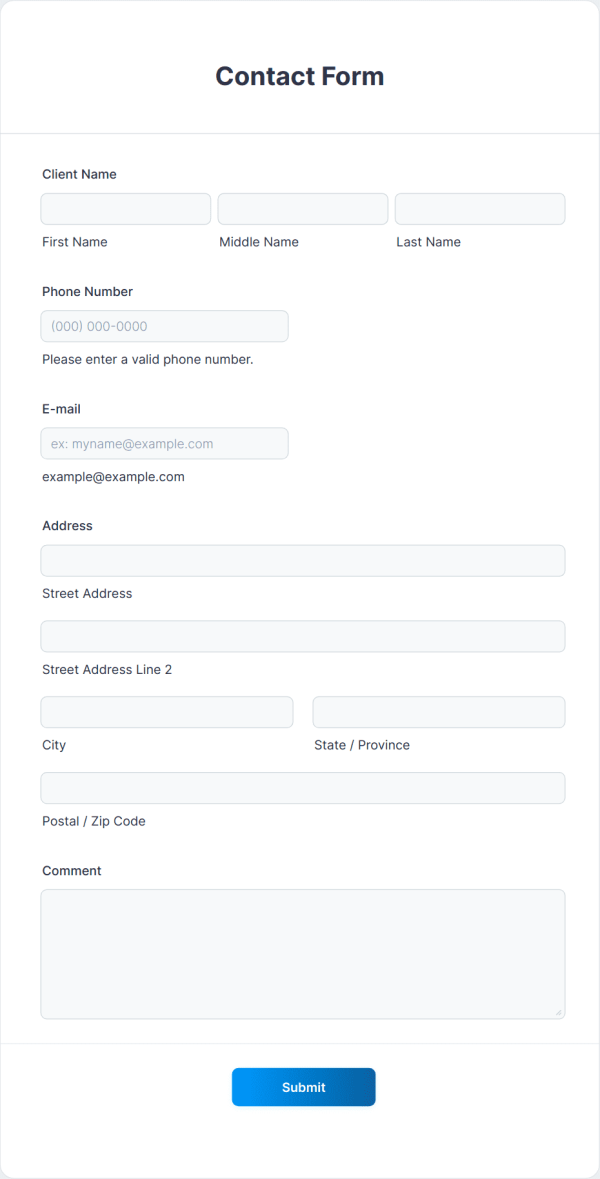
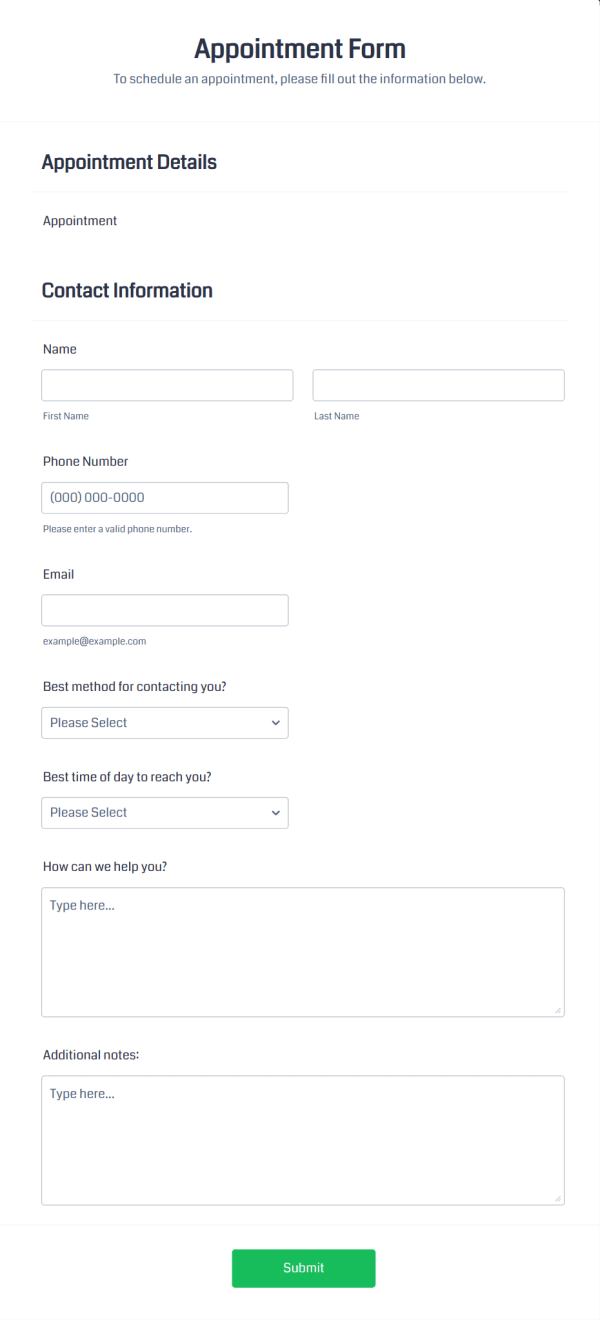
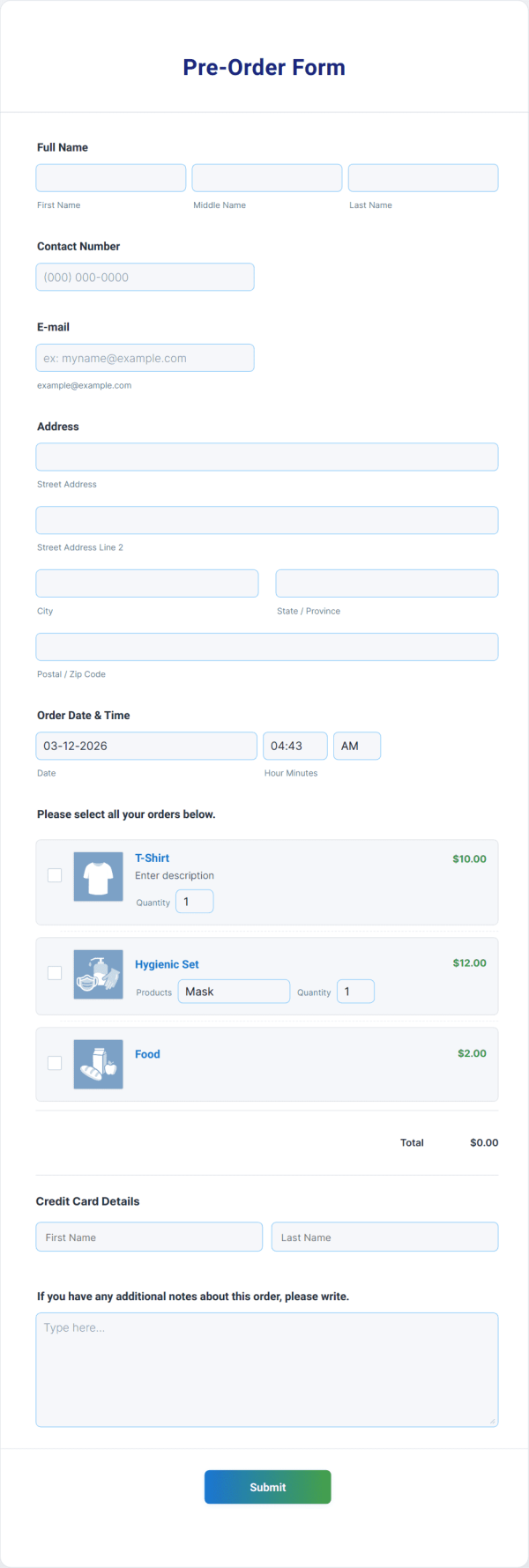
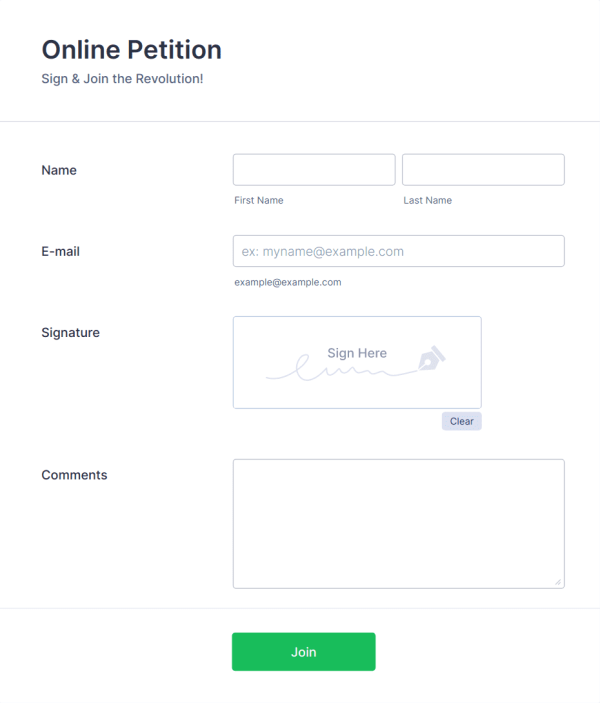
20,000+ modelli di modulo che consentono di risparmiare tempo nella realizzazione
Jotform include migliaia di modelli per gli utilizzi aziendali più comuni. Si inizia con una struttura che si adatta già al proprio obiettivo. Poi si modificano i campi, si adatta il design e si pubblica il modulo.
Jotform è una soluzione completa per la creazione di moduli
Altri modi per creare il modulo di cui hai bisogno
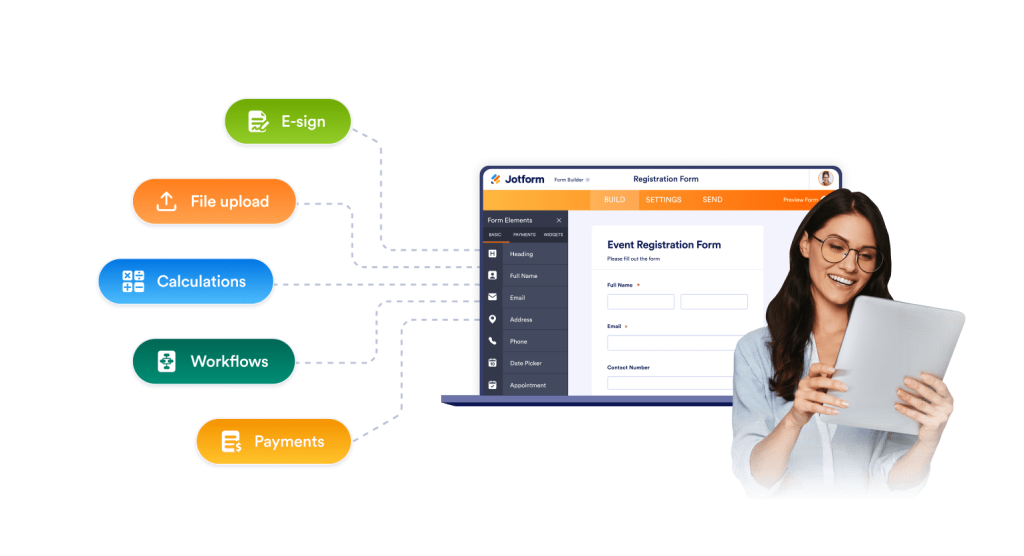
Jotform supporta sia moduli rapidi che complessi. È possibile creare moduli brevi e semplici, oppure creare flussi in più fasi, per attività più lunghe. È possibile aggiungere logica, calcoli, campi di caricamento di file e campi avanzati, tutto senza dover scrivere codice.
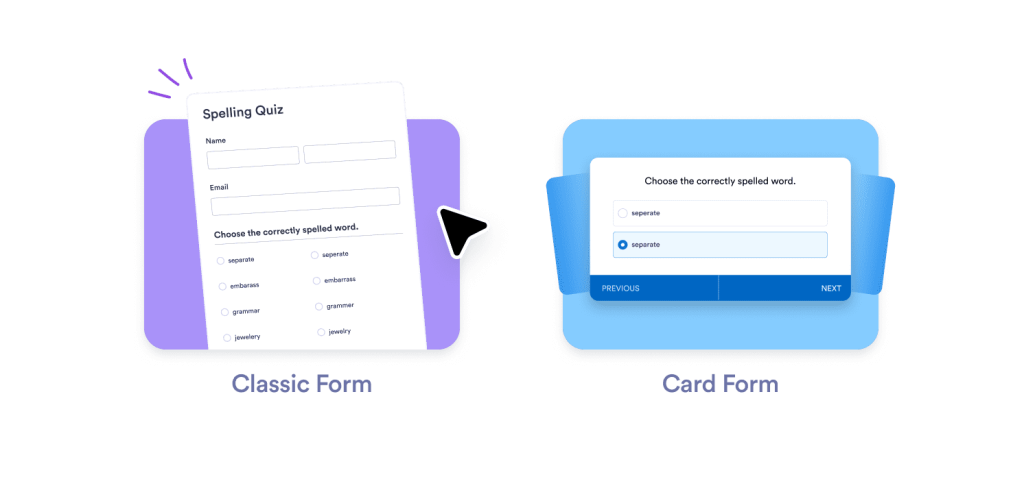
Layout che aiutano più persone a finire
Attività diverse richiedono moduli diversi. Jotform offre diverse opzioni di layout in un unico posto. Puoi utilizzare un modulo classico per compilazioni rapide, moduli multipagina per candidature più lunghe o schede con una sola domanda alla volta per un completamento mirato. In questo modo ottieni moduli più completi e dati migliori dagli utenti.
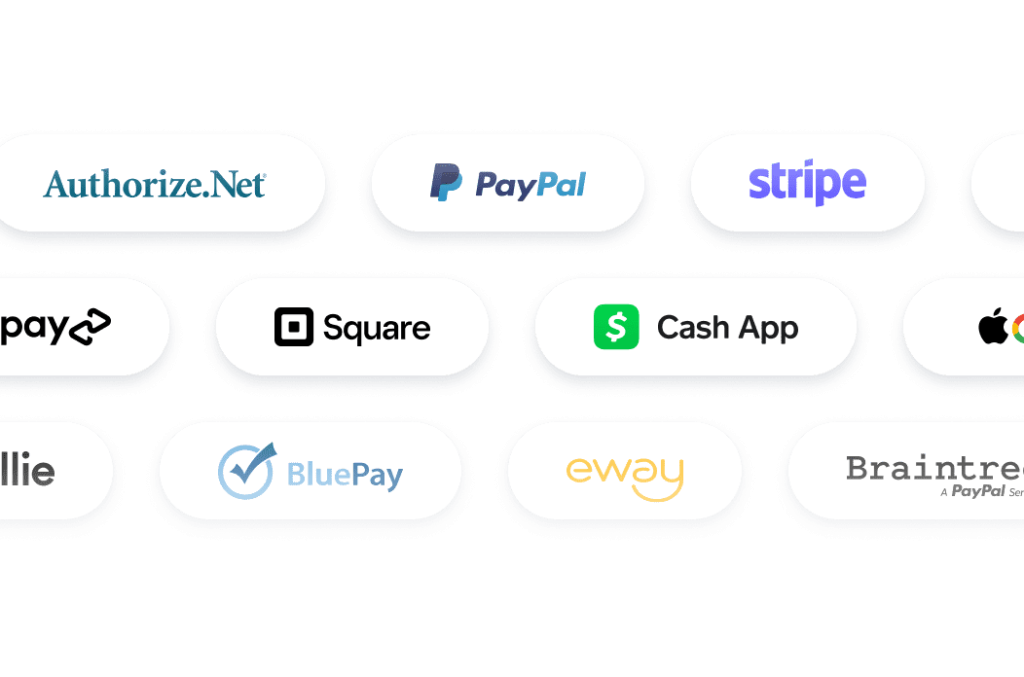
Pagamenti che funzionano per più clienti
Jotform supporta oltre 40 gateway di pagamento. Puoi riscuotere i pagamenti nel modo preferito dai tuoi clienti. Utilizza Stripe, PayPal, Square o le opzioni regionali in base al tuo mercato. Puoi gestire la vendita di biglietti, le donazioni, i depositi, i pagamenti di servizi o gli ordini di prodotti da un unico modulo. Non hai bisogno di strumenti di pagamento aggiuntivi per ricevere i pagamenti.
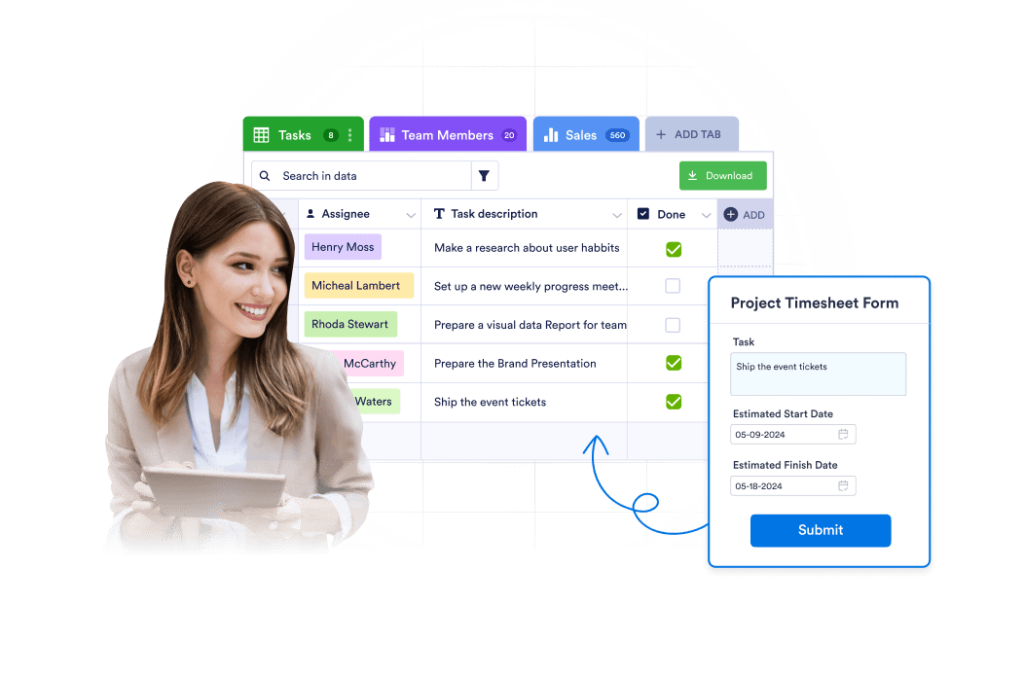
Gestione integrata delle risposte
Le Tabelle Jotform ti offrono un'area di lavoro live connessa al tuo modulo. Puoi ordinare, filtrare e cercare i moduli inviati in pochi secondi. Puoi monitorarne lo stato, assegnare proprietari e aggiungere note interne. Puoi cambiare vista in base al tuo flusso di lavoro, ad esempio tabella, schede, calendario o report.
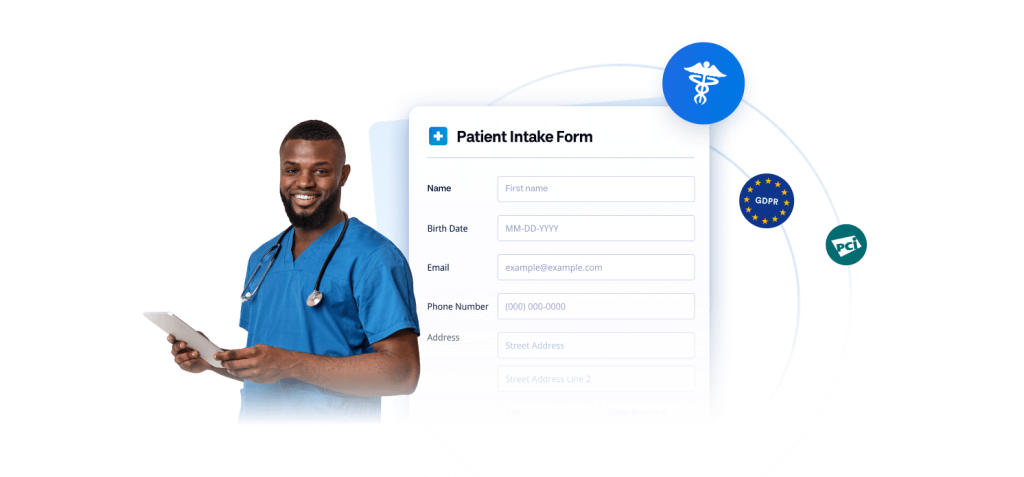
Opzioni efficaci per i dati sensibili
Se gestisci dati privati o regolamentati, hai bisogno di controllo. Jotform supporta configurazioni conformi ai requisiti GDPR, PCI e HIPAA, a seconda del piano scelto. Puoi scegliere il livello di protezione più adatto al tuo lavoro, il che rende Jotform una scelta sicura per il settore sanitario, dell'istruzione, della finanza e per qualsiasi team che raccolga informazioni sensibili.
FAQ
Jotform è gratuito?
Sì. Puoi iniziare con un piano gratuito e creare moduli funzionanti da subito. Il piano gratuito include funzionalità di base, così puoi testare casi d'uso reali prima di effettuare l'upgrade. Quando i tuoi limiti saranno più elevati, potrai passare a un piano a pagamento senza dover ricostruire i tuoi moduli.
Cosa rende Jotform una valida alternativa a Tally Forms?
Oltre ai moduli, cosa si ottiene con un piano Jotform?
Quante integrazioni supporta Jotform?
Posso riscuotere pagamenti con Jotform?
Jotform offre modelli già pronti?
Cosa sono gli agenti IA di Jotform e in che modo aiutano i moduli?
Dove possono essere eseguiti gli agenti IA di Jotform?
Jotform è adatto ai flussi di lavoro aziendali e non solo ai semplici moduli?
Gli agenti IA possono accettare pagamenti o raccogliere informazioni durante una chat?
Posso gestire le risposte all'interno di Jotform?
Jotform è sicuro per i dati sensibili?
Inizia con un modulo
Non è necessario modificare tutto in una volta. Inizia ricostruendo il modulo più utilizzato. Semplificalo. Quindi, collegalo a integrazioni di pagamento, approvazioni, flussi di lavoro o tabelle, quando necessario. La maggior parte degli utenti ne percepisce il valore dopo il primo modulo, perché Jotform elimina i passaggi aggiuntivi.
Inizia Subito