Widget Verificação de Idade gratuito para seu site
Exiba um popup de verificação de idade personalizável antes do conteúdo restrito do site. O Widget de Verificação de Idade da Jotform permite definir a idade mínima, escolher um método de confirmação, personalizar as mensagens, lembrar visitantes aprovados e incorporar a barreira de idade sem programação.
Crie já — [1[é grátis!]]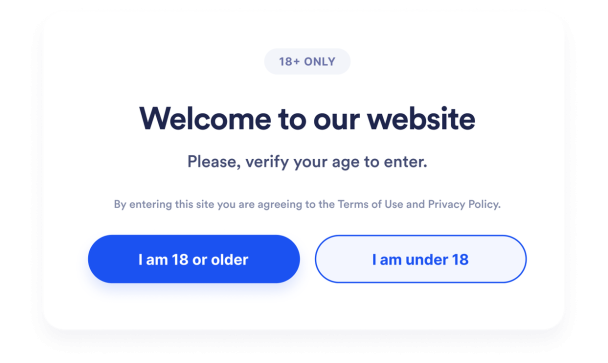

Como criar um widget Verificação de Idade
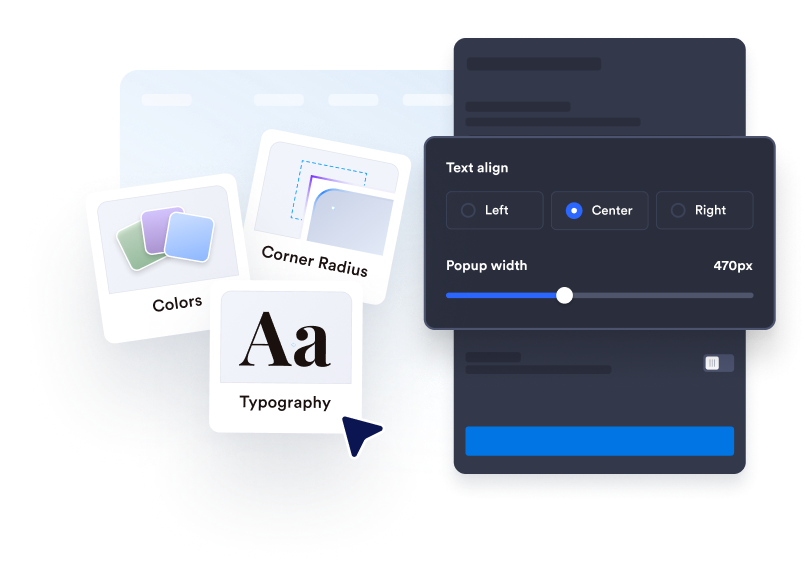
Personalize a verificação de idade
Escreva sua mensagem de verificação, edite o texto do botão e adicione qualquer informação legal de apoio. Personalize as cores, a largura, os cantos e a mídia opcional para combinar com seu site.
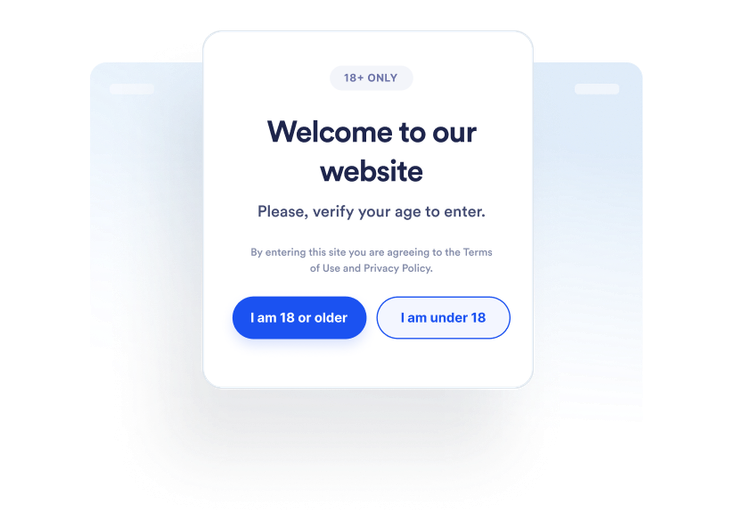
Defina o comportamento do visitante
Escolha como os visitantes confirmam sua idade e o que acontece quando eles não atendem ao requisito. Você também pode decidir se os visitantes aprovados serão lembrados e por quanto tempo.
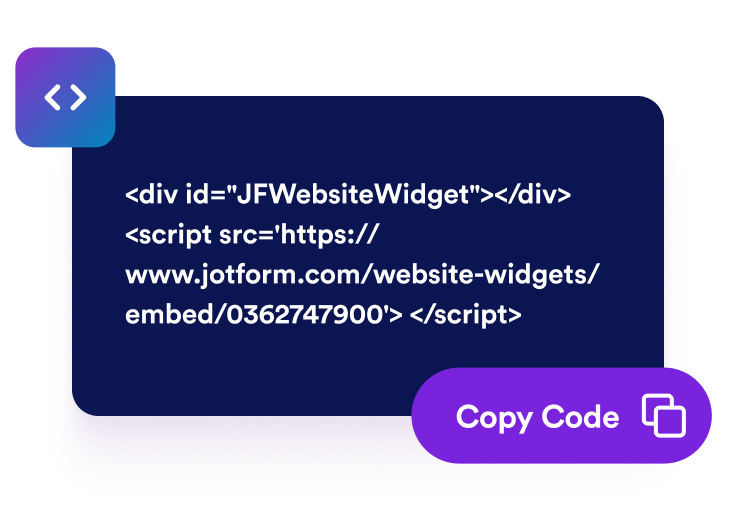
Incorpore em qualquer lugar
Visualize e publique o widget, copie o código de incorporação gerado e cole-o em um bloco de HTML personalizado ou de incorporação nas páginas que exigem uma verificação de idade.
Coloque verificações de idade antes de conteúdo restrito do site
Peça aos visitantes que confirmem a elegibilidade
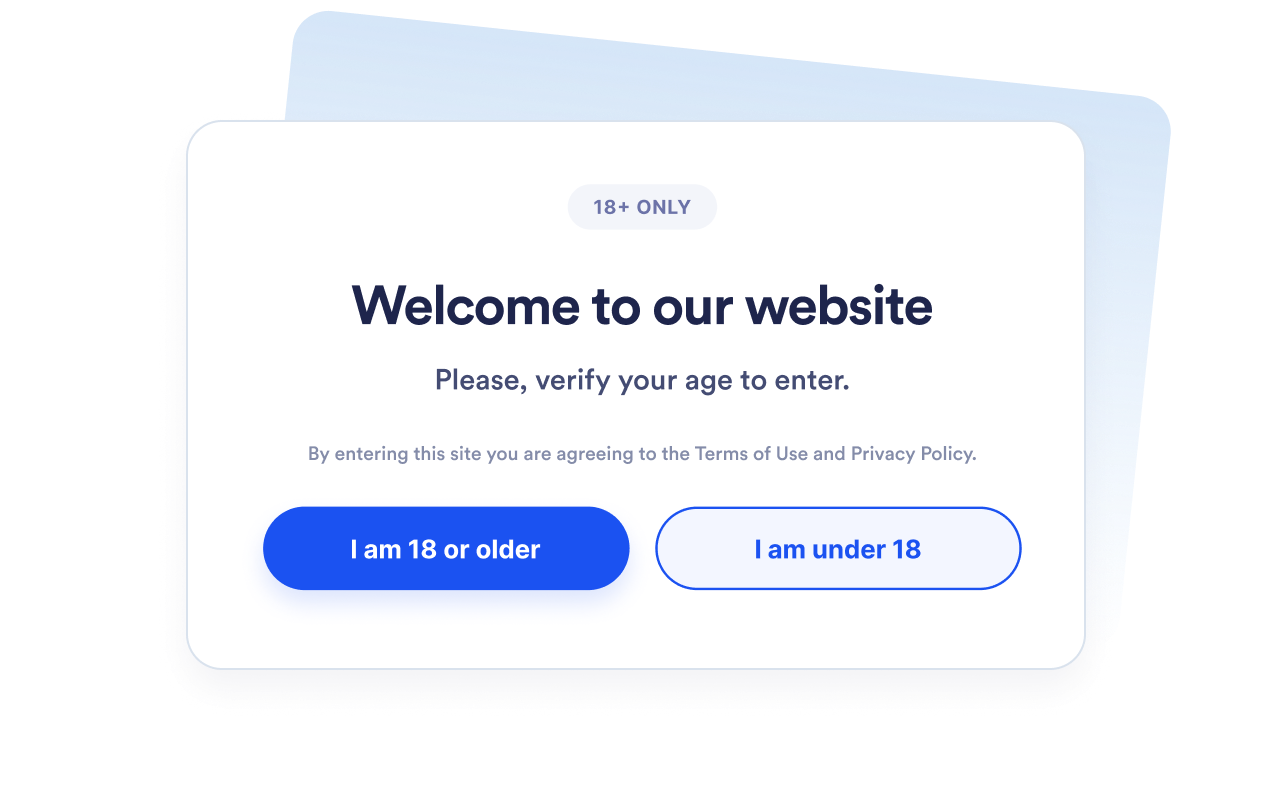
Exiba um popup de verificação de idade antes que os visitantes continuem para produtos, eventos, comunidades ou mídias restritas. Defina uma idade mínima entre 5 e 100 com base no requisito que você precisa comunicar.
Escolha o método de verificação certo
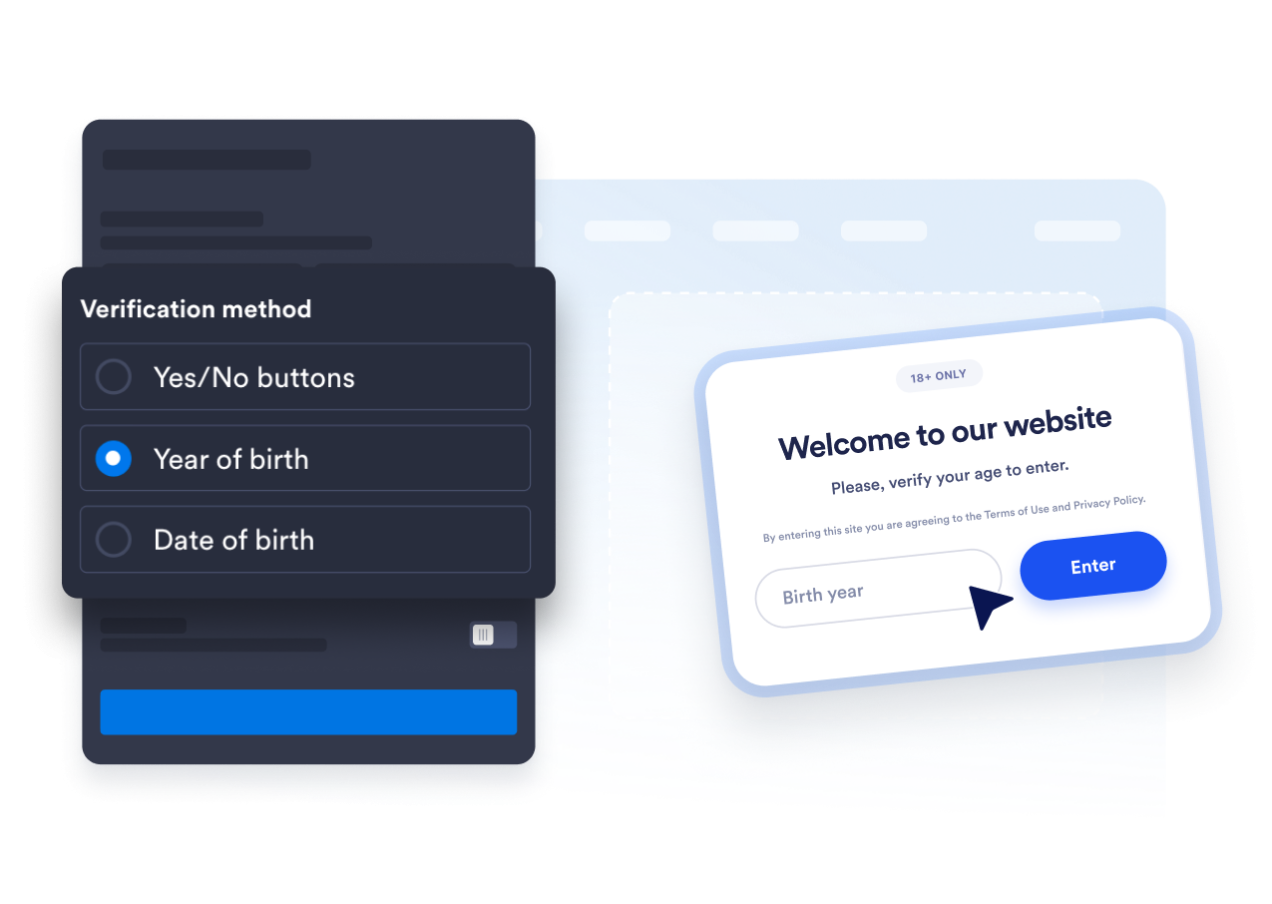
Use botões de confirmação de sim ou não, solicite um ano de nascimento ou peça aos visitantes a data de nascimento completa. Isso permite que você escolha entre uma confirmação rápida e um fluxo de cálculo de idade mais detalhado.
Adapte o popup ao seu site
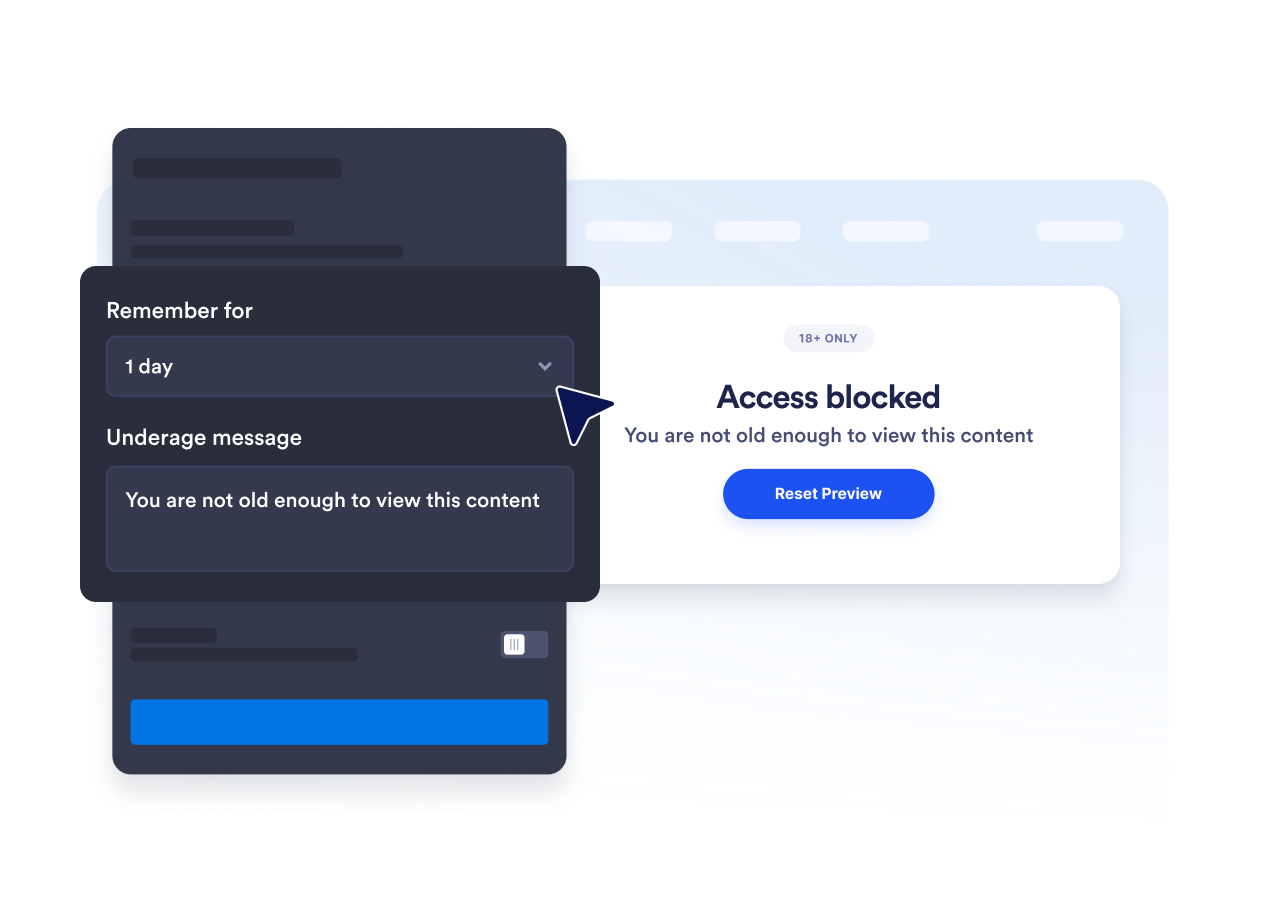
Edite o título, a legenda, os botões, a mensagem para menores de idade e a nota legal de apoio. Você também pode personalizar as cores, a largura do popup, o arredondamento dos cantos e a mídia opcional para que a verificação de idade combine com sua marca.

Evite solicitações repetidas de confirmação de idade
Lembre os visitantes aprovados pela sessão atual, um dia, sete dias, um mês, seis meses ou um ano. Isso reduz as interrupções repetidas quando os visitantes elegíveis retornam durante o período selecionado.
Por que os Widgets para Sites Jotform se destacam
Os widgets da Jotform tornam seu site mais interativo e aumentam as conversões. Há diversas opções disponíveis, desde avaliações com estrelas e deslizadores de depoimentos até pop-ups de prova social e incorporações de mídia. Adicione widgets aos seus formulários ou landing pages para coletar dados, exibir provas sociais e capturar leads — tudo sem precisar programar.
Adicione widgets da Jotform ao seu site com um simples código de incorporação. Personalize o widget, veja uma prévia de como ele ficará e cole-o em qualquer página que aceite HTML personalizado ou blocos de incorporação, sem precisar de um desenvolvedor.
Use os Widgets para Sites Jotform para coletar leads, exibir avaliações de clientes, expor provas sociais, incorporar mídia ou adicionar ferramentas úteis às suas páginas. Cada widget ajuda os visitantes a interagir com sua empresa diretamente no site.
Se precisar de ajuda para configurar, personalizar, incorporar ou solucionar problemas com o seu widget, a equipe de suporte Jotform está disponível 24h. Assim, você pode seguir em frente com confiança, sabendo que terá ajuda sempre que precisar.
Onde usar seu widget de Verificação de Idade
Coloque o widget antes das páginas em que os visitantes devem confirmar que atendem a um requisito de idade antes de visualizar o conteúdo ou continuar.
Lojas de bebidas alcoólicas para solicitar a confirmação de idade antes que os visitantes naveguem por produtos regulamentados.
Sites de tabaco e vape para incluir uma verificação de elegibilidade antes do conteúdo de produtos restritos.
Páginas de eventos e vida noturna para confirmar os requisitos de idade antes da venda de ingressos ou inscrição.
Comunidades de membros para restringir áreas adultas ou com restrição de idade antes da entrada.
Páginas de mídia e entretenimento para solicitar a confirmação antes de exibir conteúdo adulto.
Páginas de destino promocionais para comunicar os requisitos de idade antes que os visitantes acessem uma oferta.
Converta leads em clientes pagantes com o Criador de Formulários Jotform
Transforme engajamento em ação usando Jotform. Crie formulários poderosos para captar leads, receber pagamentos e automatizar respostas, tudo em um só lugar. Cada envio chega à sua Caixa de Envios Jotform, onde você pode fazer o acompanhamento ou conectar seus apps favoritos.
Comece já — é grátis!
Perguntas Frequentes
O que é um widget de Verificação de Idade?
Um widget de Verificação de Idade exibe um popup pedindo que os visitantes confirmem que atendem a um requisito de idade mínima antes de continuar. Ele pode usar botões de confirmação, um ano de nascimento ou uma data de nascimento completa.
O widget de Verificação de Idade da Jotform é gratuito?
Como adiciono a verificação de idade ao meu site?
Preciso escrever código?
Quais métodos de verificação de idade estão disponíveis?
Posso alterar a idade mínima?
O que acontece quando um visitante é menor de idade?
Os visitantes aprovados podem ser lembrados?
Posso controlar quais páginas exibem o popup?
O widget verifica a identidade de um visitante?
Quais plataformas de site suportam o widget de Verificação de Idade?
Posso obter ajuda para configurar meu widget de Verificação de Idade?