Widget Notificações do Navegador para seu site
Chame a atenção e reengaje os visitantes com uma notificação animada em estilo de navegador que desliza, esmaece, quica ou amplia no canto da sua página. Adicione um título, mensagem, imagem e botão, reproduza um toque opcional e controle o tempo, posição, frequência e segmentação, tudo com um widget gratuito e sem código que você pode incorporar em qualquer lugar.
Crie já — [1[é grátis!]]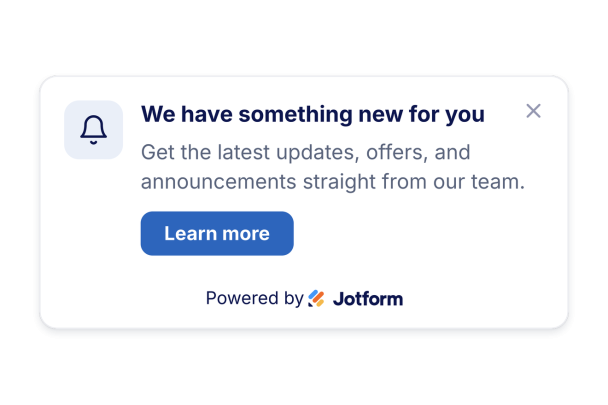

Como criar um widget Browser Notification
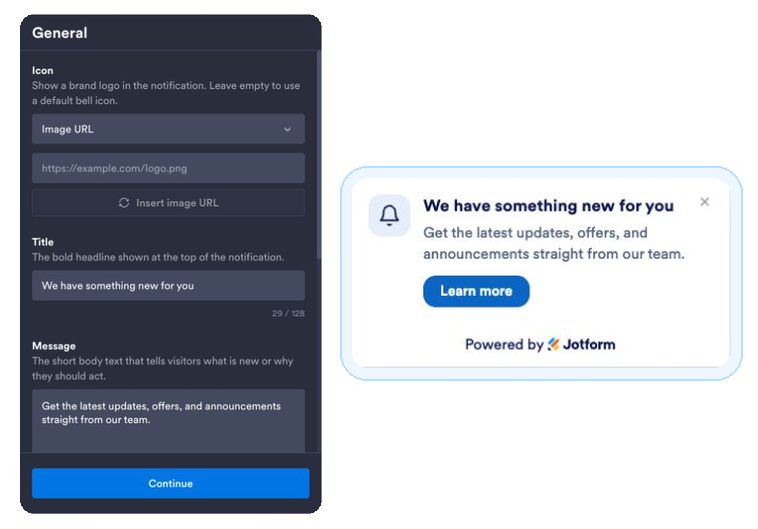
Escreva sua notificação
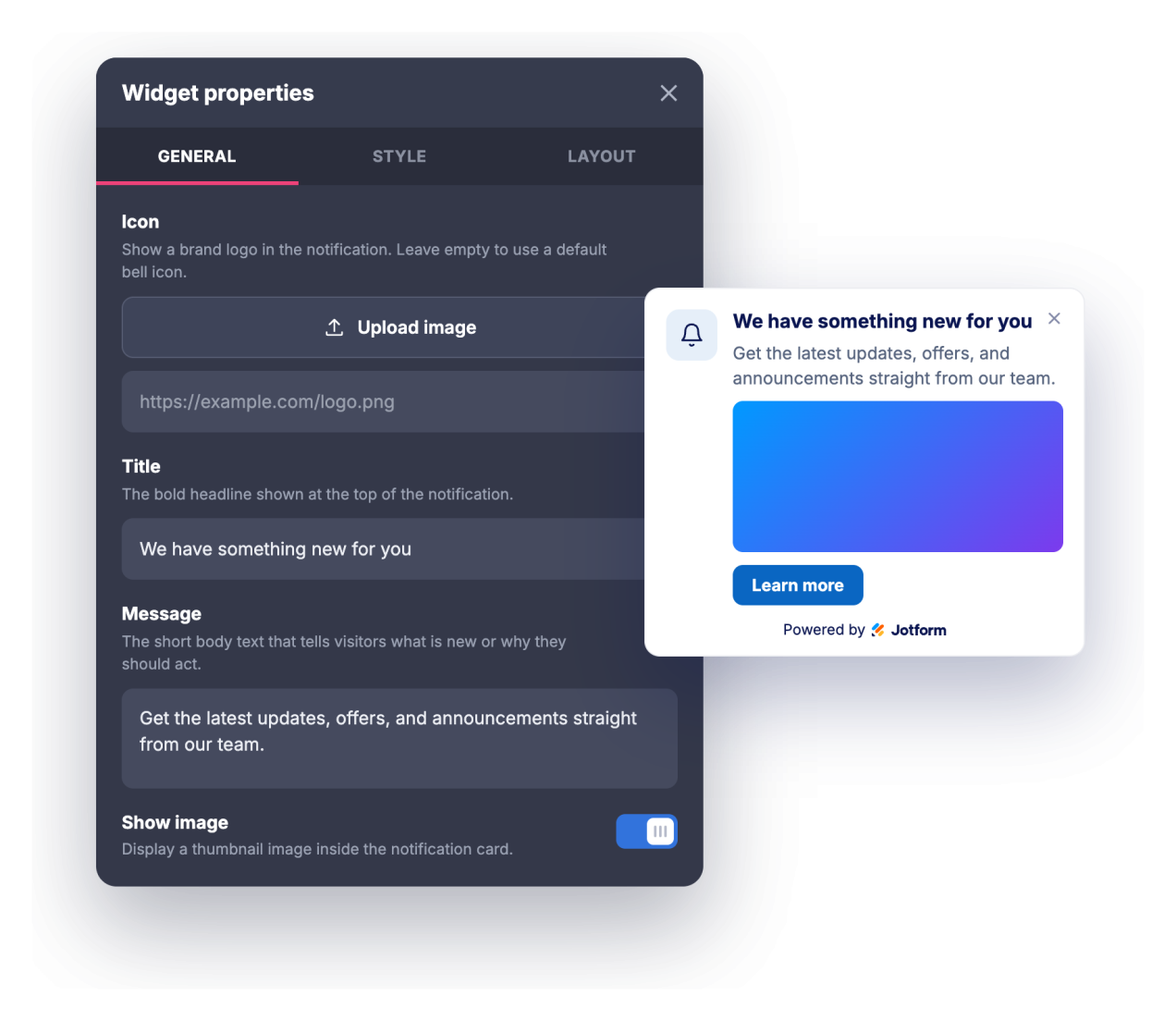
Adicione um título, mensagem, ícone ou imagem opcional e um link de botão de chamada para ação.
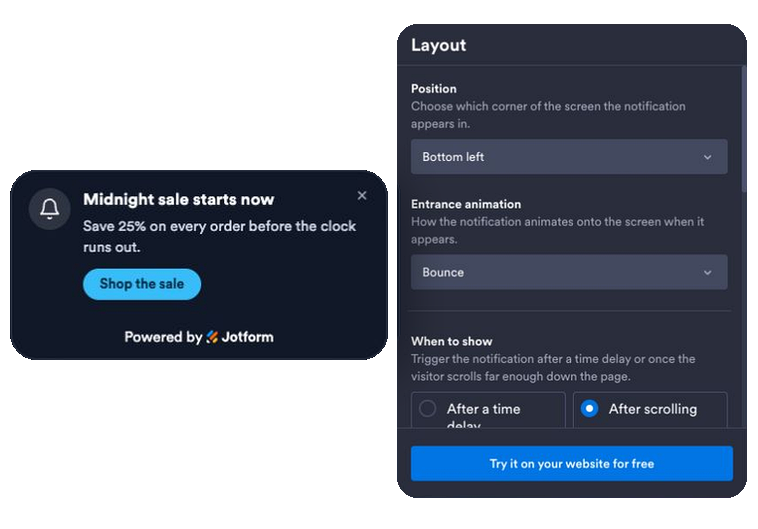
Defina animação, tempo e regras
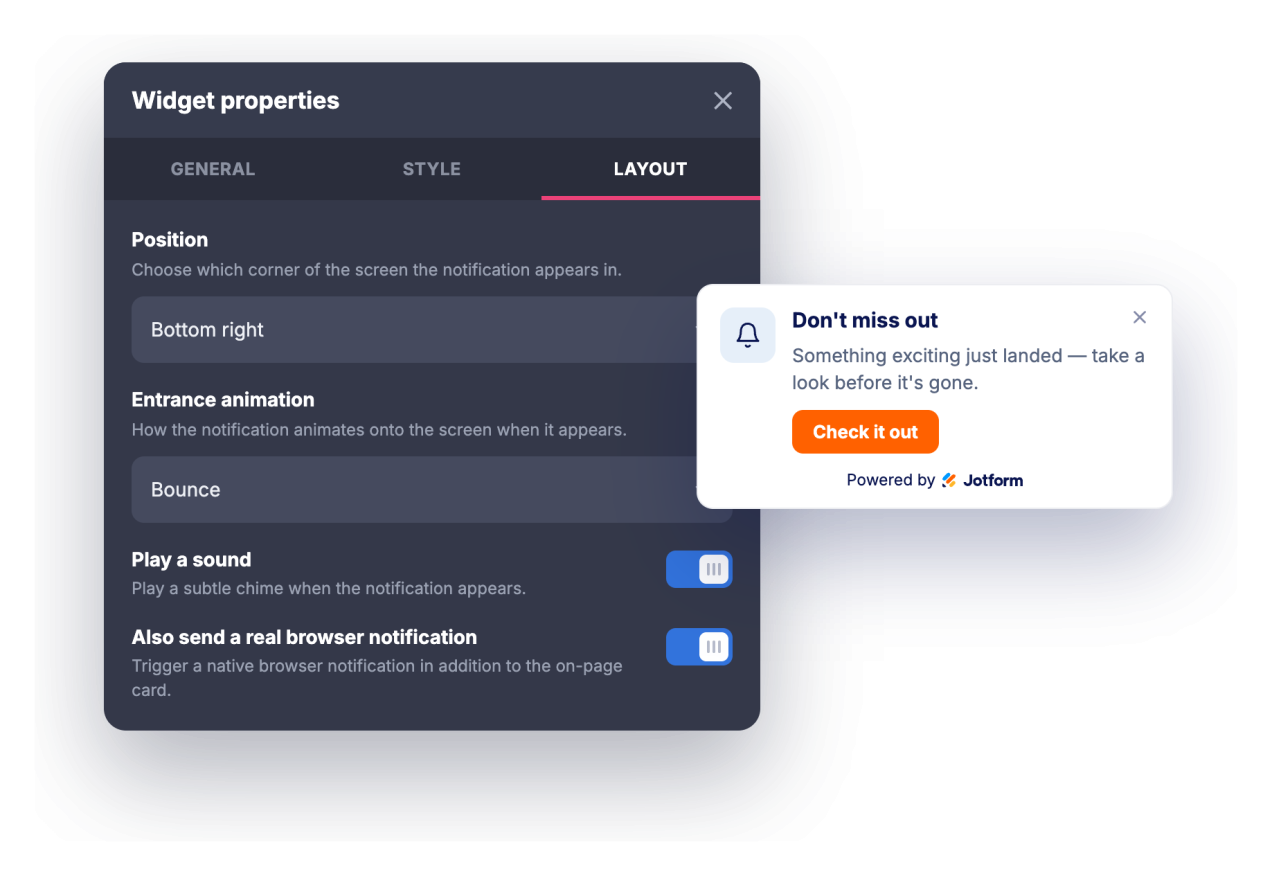
Escolha uma animação de entrada, um gatilho de tempo ou rolagem, ative um som opcional ou uma notificação real do navegador e defina a posição, frequência, páginas e dispositivos que a exibem.
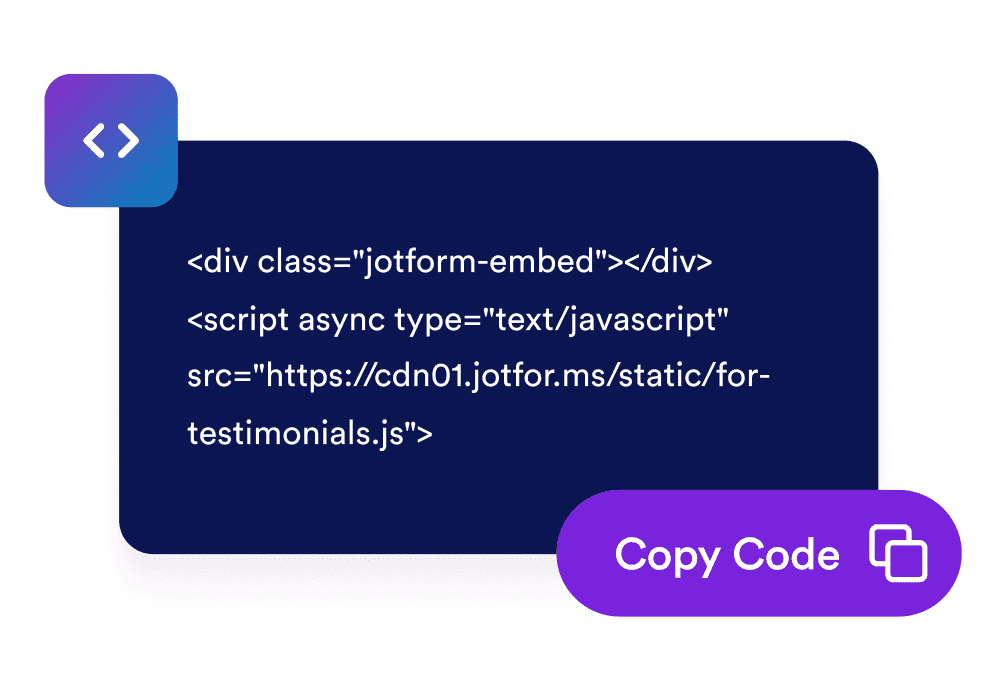
Incorpore ao seu site
Copie o código de incorporação gerado e cole em qualquer lugar do seu site para lançar a notificação instantaneamente.
Transforme visitas passivas em engajamento
Entregue uma mensagem oportuna que chama a atenção
Um cartão de notificação com estilo de navegador é animado no canto da sua página com um título, mensagem e botão, para que promoções, atualizações e novidades sejam vistas sem interromper a tela inteira.
Combine com sua identidade visual em poucos cliques
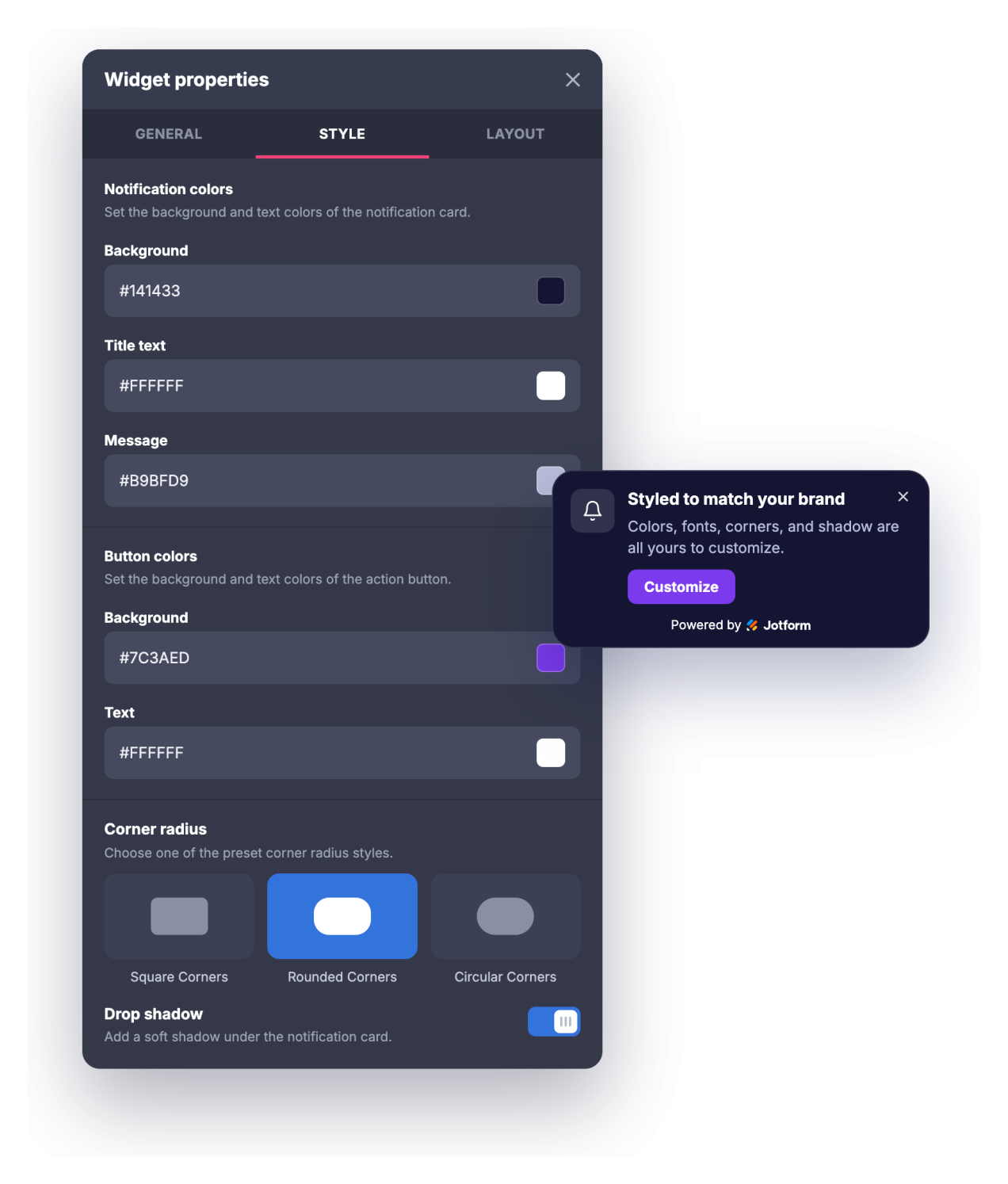
Ajuste as cores de fundo, título, mensagem e botão, os tamanhos do título e da mensagem, o raio dos cantos e a sombra para que a notificação pareça uma parte natural do seu site, em vez de um popup genérico.
Traga os visitantes de volta e controle a frequência
Chame a atenção com um toque opcional ou uma notificação real do navegador que os visitantes podem aceitar, depois defina um atraso de exibição ou gatilho de rolagem, um temporizador de fechamento automático e a frequência com que a notificação retorna.
Segmente as páginas e os dispositivos certos
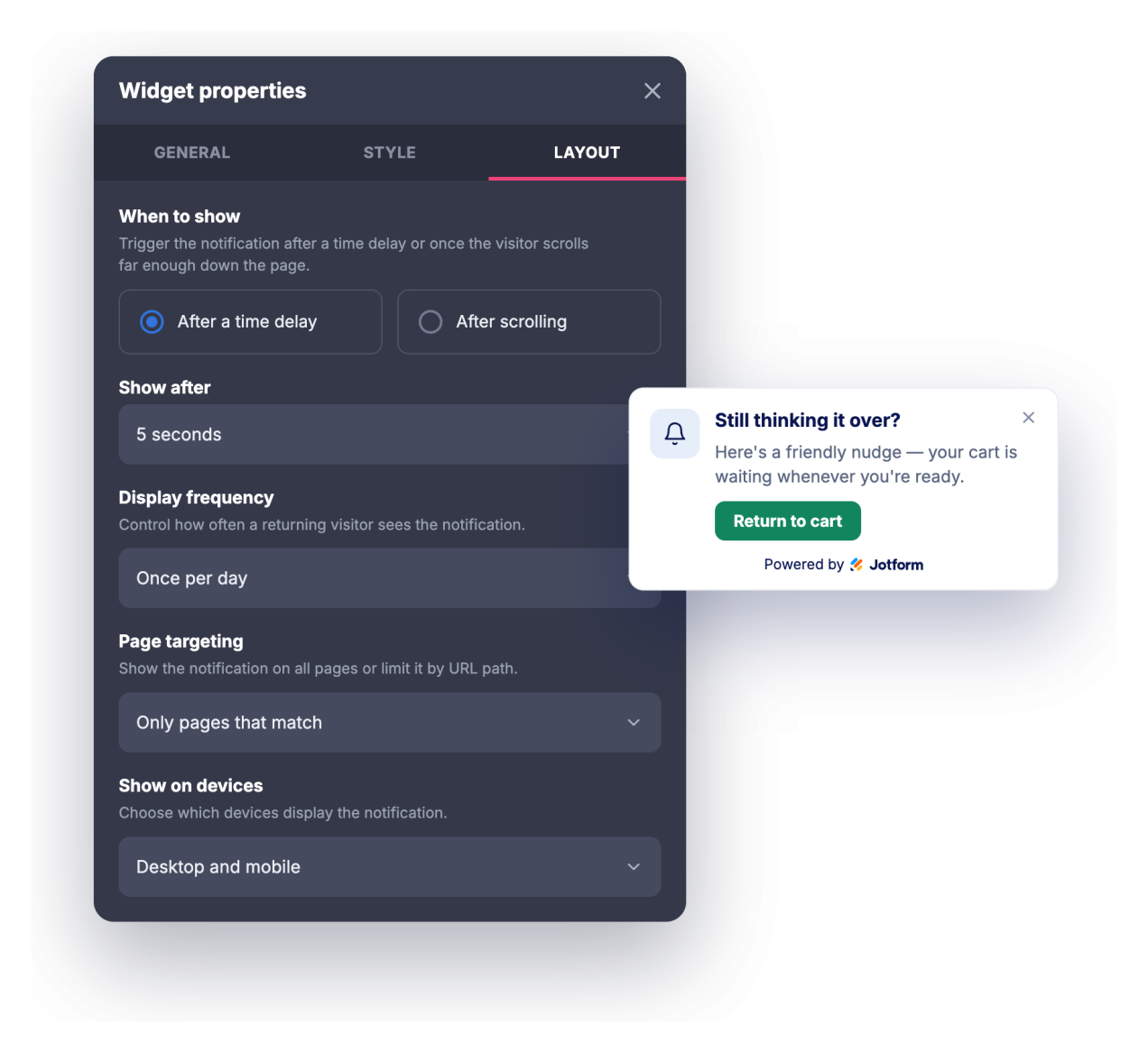
Exiba a notificação em todas as páginas, apenas nas páginas cuja URL corresponda ou em todos os lugares, exceto nas páginas correspondentes, e escolha se ela aparece em computadores, dispositivos móveis ou ambos.
Por que os Widgets para Sites Jotform se destacam
Os widgets da Jotform tornam seu site mais interativo e aumentam as conversões. Há diversas opções disponíveis, desde avaliações com estrelas e deslizadores de depoimentos até pop-ups de prova social e incorporações de mídia. Adicione widgets aos seus formulários ou landing pages para coletar dados, exibir provas sociais e capturar leads — tudo sem precisar programar.
Adicione widgets da Jotform ao seu site com um simples código de incorporação. Personalize o widget, veja uma prévia de como ele ficará e cole-o em qualquer página que aceite HTML personalizado ou blocos de incorporação, sem precisar de um desenvolvedor.
Use os Widgets para Sites Jotform para coletar leads, exibir avaliações de clientes, expor provas sociais, incorporar mídia ou adicionar ferramentas úteis às suas páginas. Cada widget ajuda os visitantes a interagir com sua empresa diretamente no site.
Se precisar de ajuda para configurar, personalizar, incorporar ou solucionar problemas com o seu widget, a equipe de suporte Jotform está disponível 24h. Assim, você pode seguir em frente com confiança, sabendo que terá ajuda sempre que precisar.
Onde usar seu widget de Notificação do Navegador
Use o widget sempre que uma mensagem curta e bem oportuna puder direcionar os visitantes para o próximo passo sem dominar a página.
Landing pages para destacar uma oferta por tempo limitado, lançamento ou lead magnet assim que os visitantes chegarem
Lojas online para anunciar promoções, valores mínimos para frete grátis, códigos de desconto ou reposições de estoque em uma notificação no canto
Blogs e sites de conteúdo para promover uma newsletter, post relacionado ou recurso exclusivo enquanto os leitores rolam a página
Páginas de SaaS e produtos para apresentar novos recursos, registros de alterações, webinars ou avisos de teste aos visitantes certos
Páginas de eventos e cursos para divulgar prazos de inscrição, preços antecipados ou lembretes de programação
Páginas de suporte e documentação para direcionar os usuários a atualizações de status, novos guias ou opções de contato
Converta leads em clientes pagantes com o Criador de Formulários Jotform
Transforme engajamento em ação usando Jotform. Crie formulários poderosos para captar leads, receber pagamentos e automatizar respostas, tudo em um só lugar. Cada envio chega à sua Caixa de Envios Jotform, onde você pode fazer o acompanhamento ou conectar seus apps favoritos.
Comece já — é grátis!
Perguntas Frequentes
O que é o widget de Notificação do Navegador?
O widget de Notificação do Navegador é um cartão incorporável, com estilo de notificação do navegador, que é animado no canto do seu site para exibir um título, mensagem, imagem e botão de chamada para ação. Ele oferece animações de entrada, um som opcional, controles de tipografia e regras de tempo e segmentação. Os visitantes que permitirem também podem receber uma notificação real do navegador enquanto estiverem no seu site.
O que posso animar?
Ele pode reproduzir um som?
Os visitantes precisam conceder permissão?
Posso controlar quando a notificação aparece?
Posso exibi-la apenas em determinadas páginas?
Posso personalizar o design?
Ele funciona em dispositivos móveis?
Preciso escrever código para usá-lo?
O widget de Notificação do Navegador é gratuito?