
Free Countdown Timer Widget for Your Website

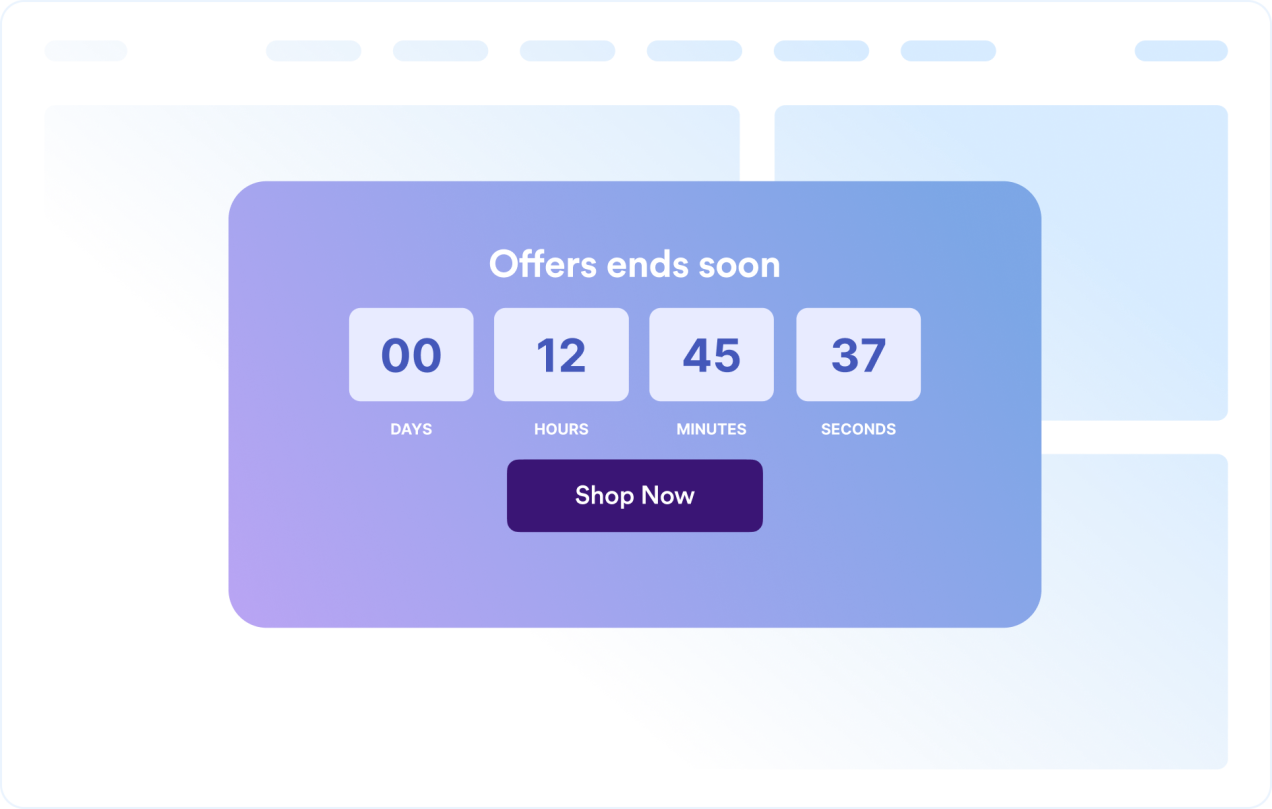
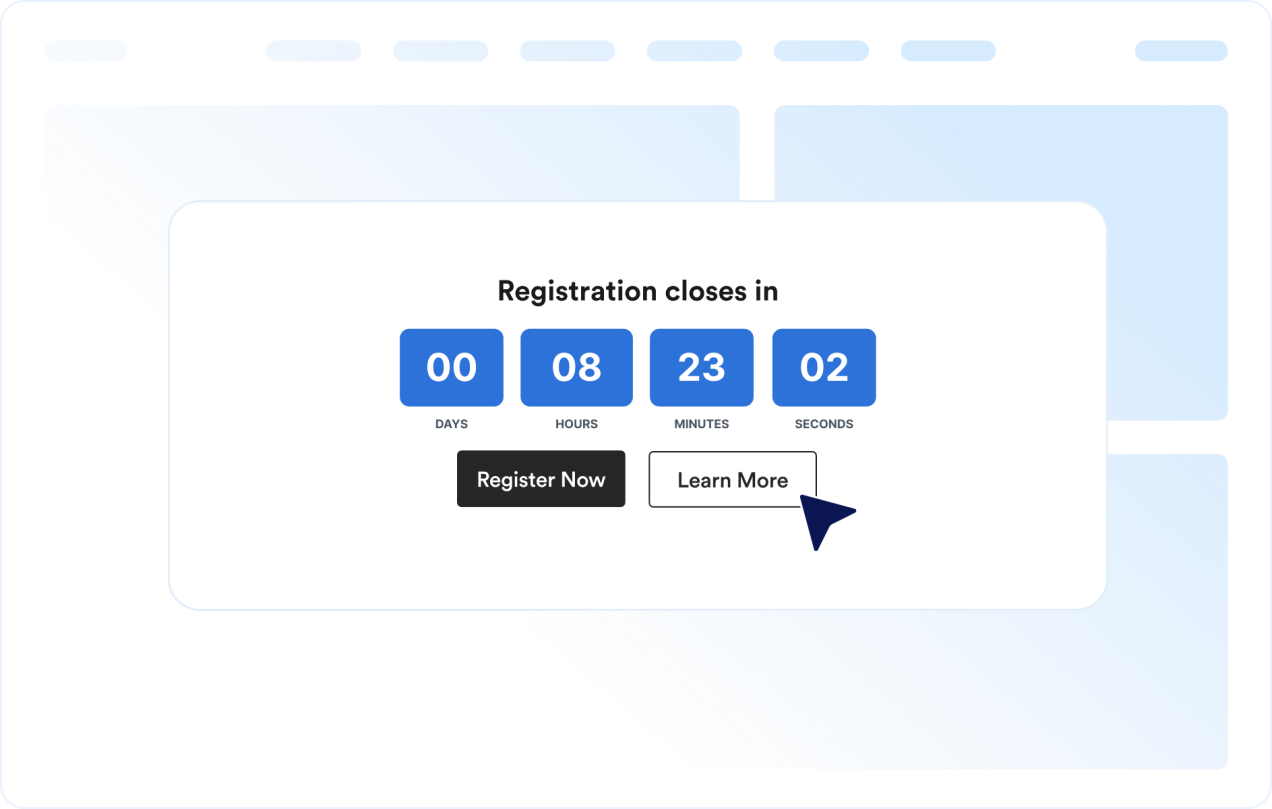
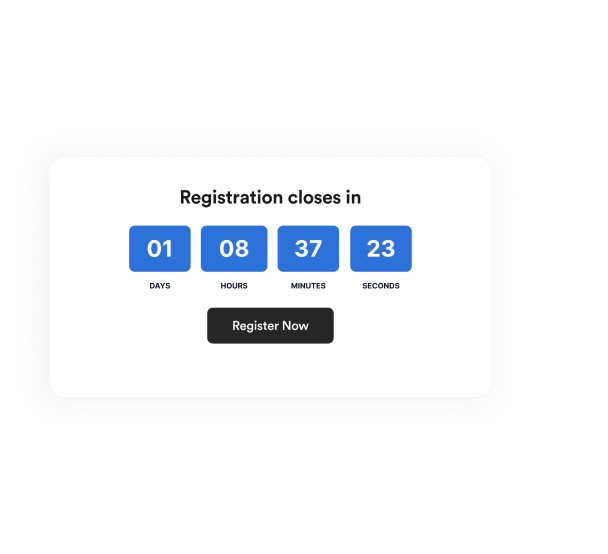
Create urgency for sales, product launches, webinars, events, and seasonal campaigns. Jotform's Countdown Timer widget lets you set a target date, select restart timing, customize layout and colors, add action buttons, and embed the widget on your website — no coding required.

Como criar um widget Countdown Timer

Set up the countdown timer

Set up the countdown timer

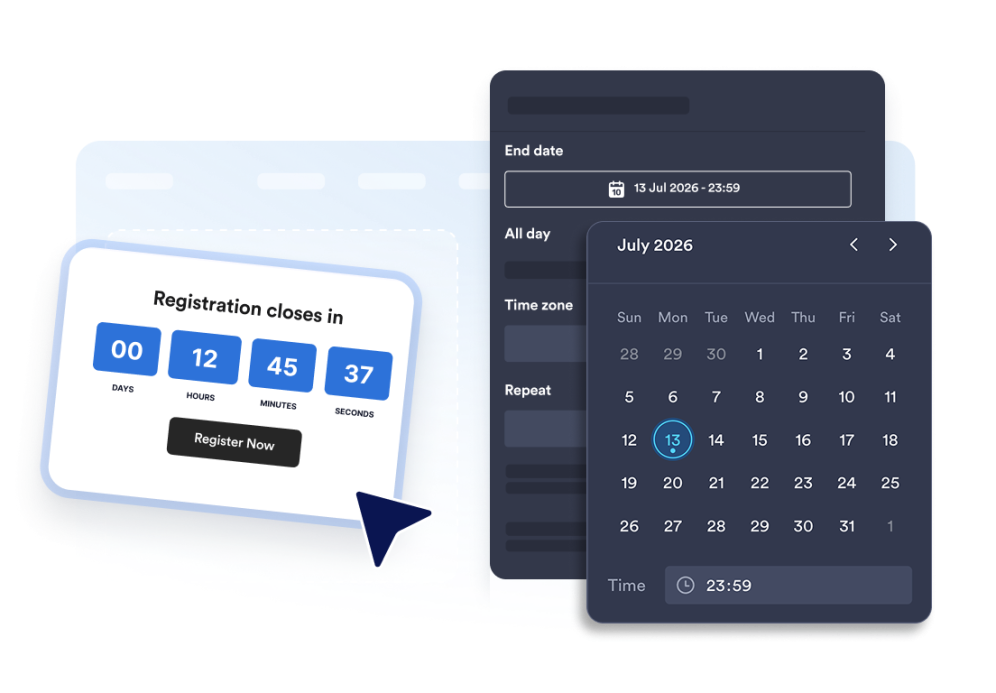
Choose the end date, time zone, event type, and optional restart schedule.

Customize the layout and theme

Customize the layout and theme

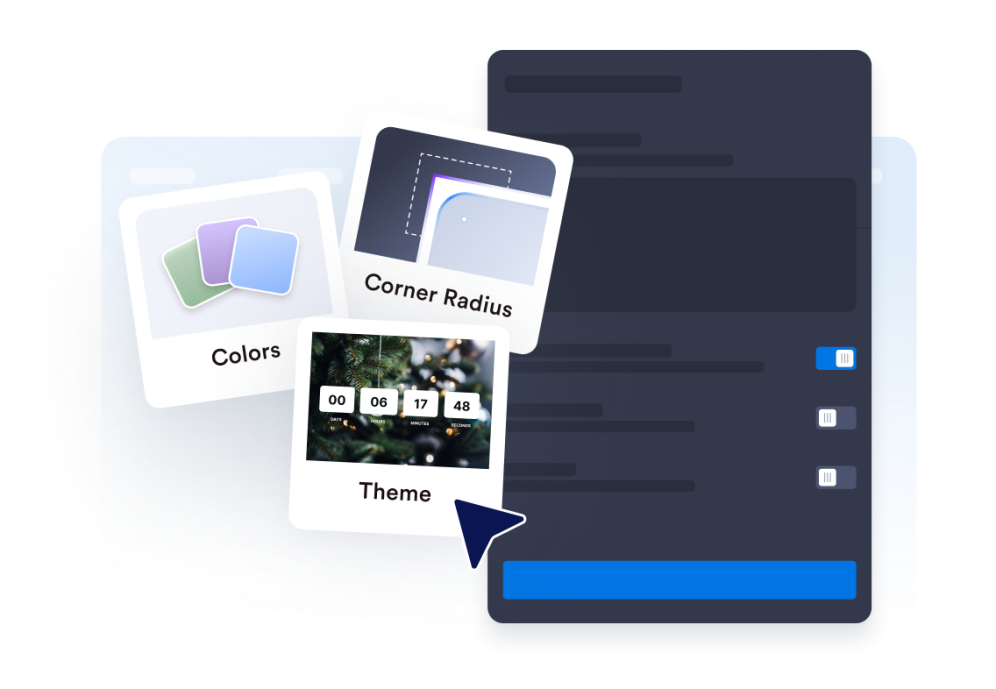
Select the position for your timer and adjust colors, labels, and the corner style.

Embed it on your website

Incorpore ao seu site

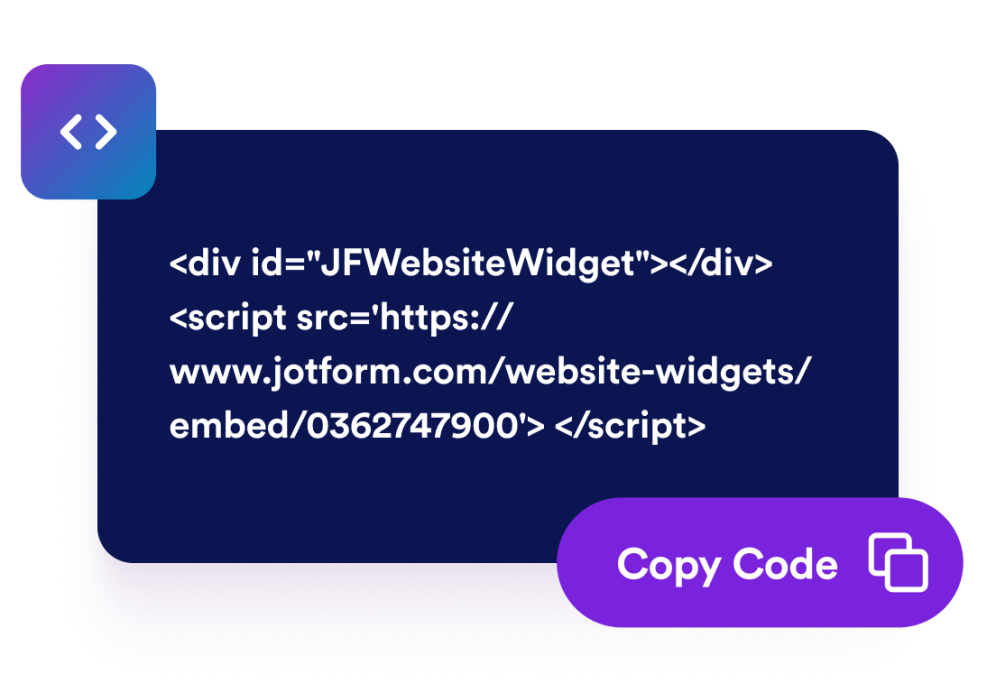
Add call-to-action buttons, preview the timer, and copy the embed code to publish it anywhere.

Create urgency with a countdown timer that fits your page

Count down to a specific date and time

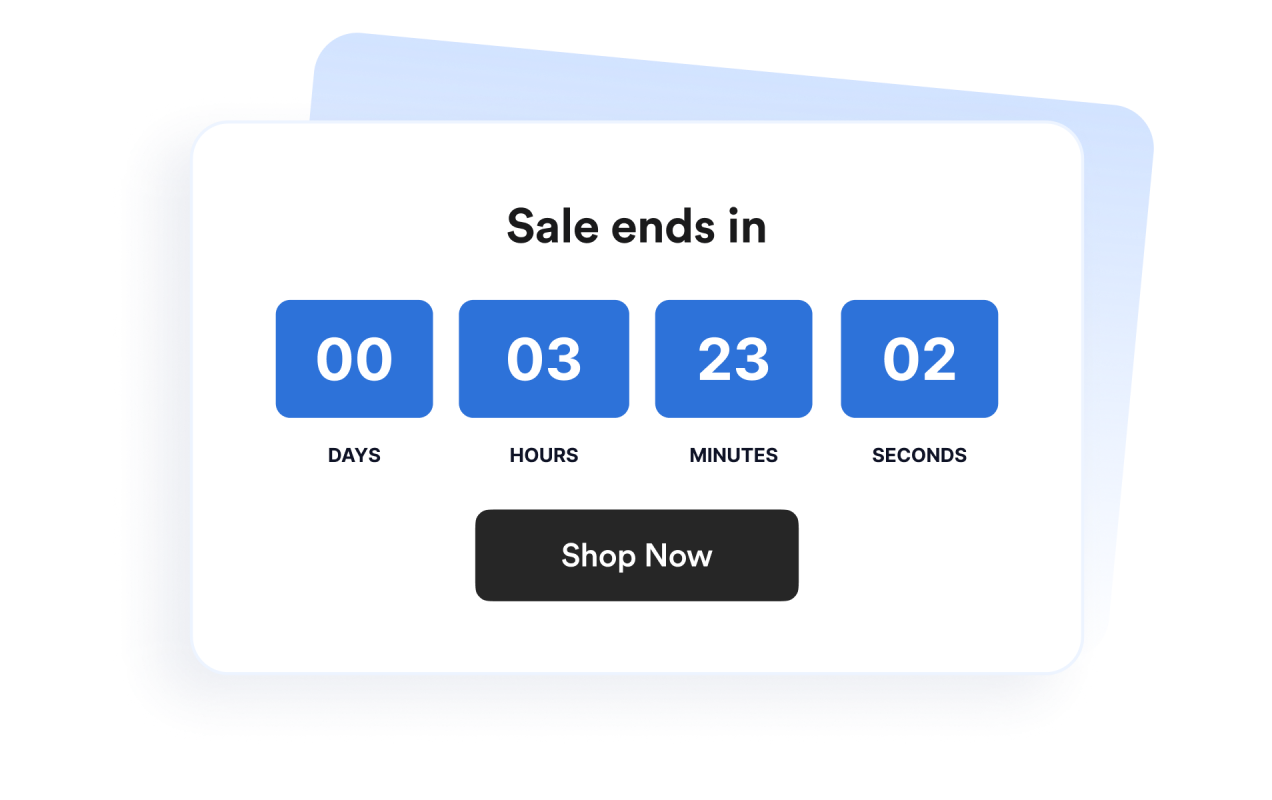
Set a precise deadline for launches, promotions, webinars, product drops, or event campaigns. Time zone functionality keeps the countdown consistent for your campaign.

Count down to a specific date and time

Use layouts for banners and inline sections

Display the timer inline, as a full-width section, as a fixed top or bottom bar, or as a floating card. This makes it easy to fit the widget into different website designs.

Use layouts for banners and inline sections

Customize the timer design

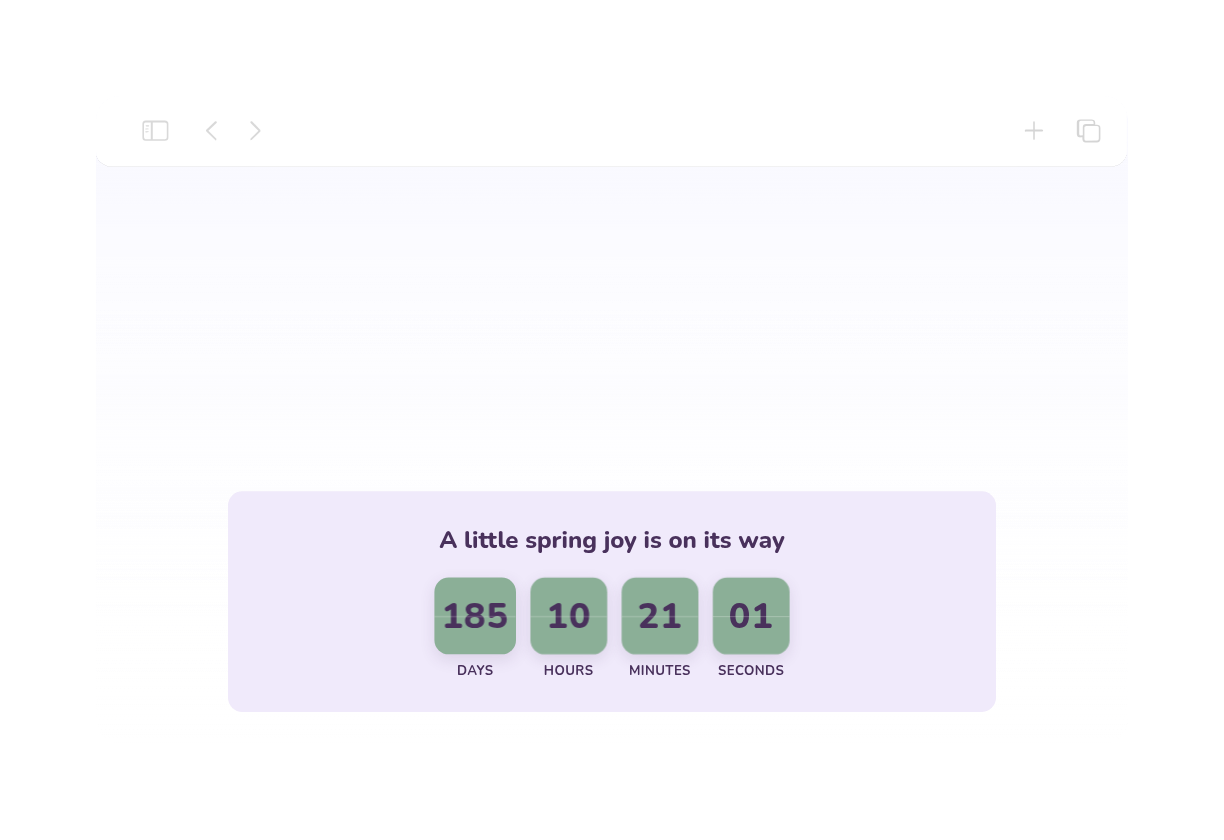
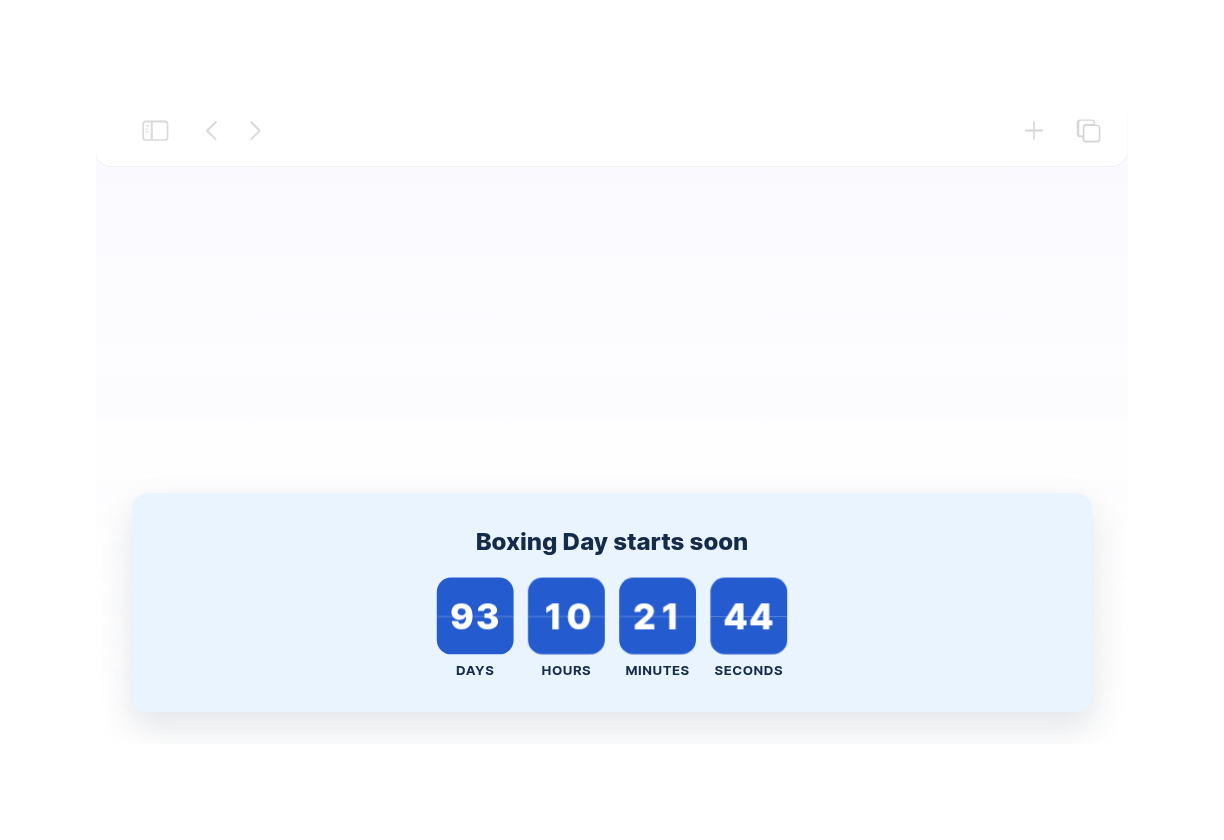
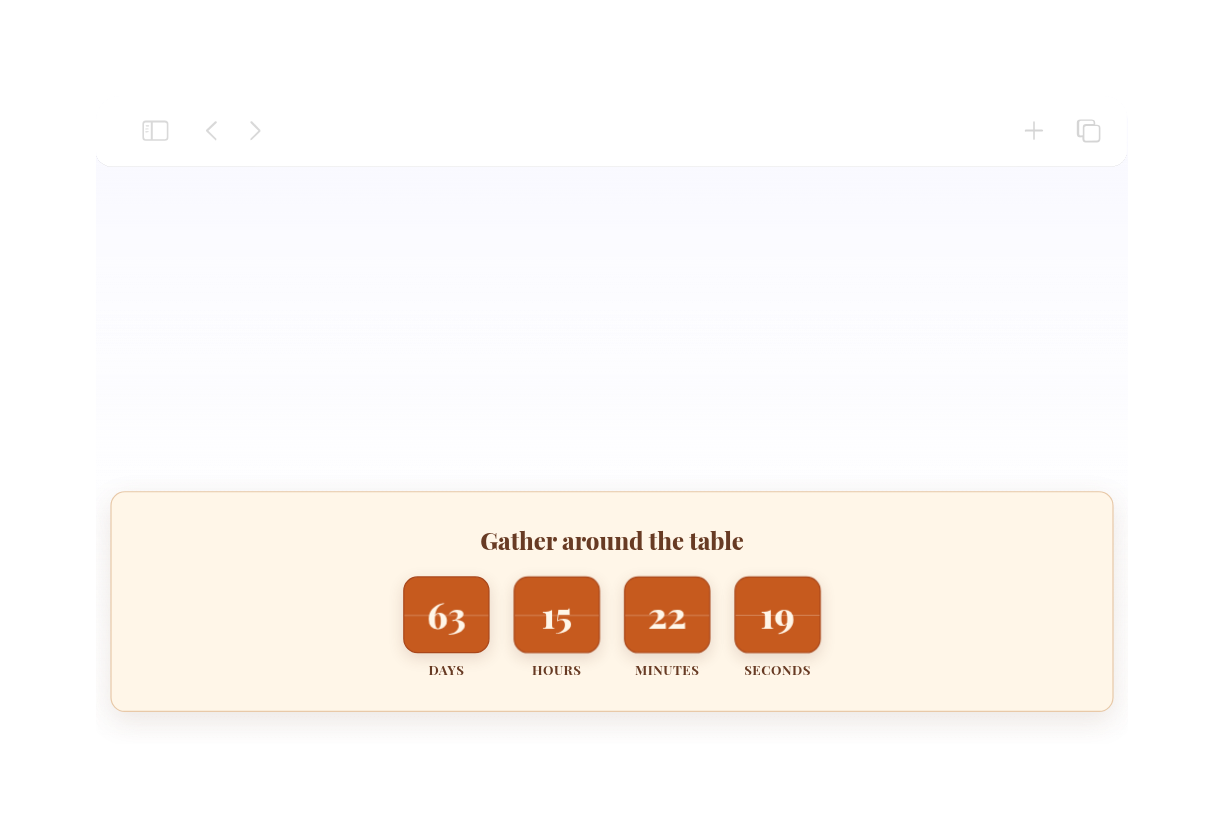
Show or hide time units, adjust labels, set the corner style, and apply campaign-ready theme presets.

Customize the timer design

Guide visitors to the next action

Add the widget anywhere on your site where a clear deadline might prompt visitors to take action.

Guide visitors to the next action

How to embed your Countdown Timer into WordPress

1Get your embed code

After customizing your Jotform website widget, click Try it on your website for free, and copy the generated embed code.

2Open the page editor

Go to the WordPress post or page where you want to display the widget, then add a new block.

3Add a Custom HTML block

Select Custom HTML and paste your Jotform website widget embed code into the HTML field.

4Update and view

Click Update or Publish, then open the page to check your embedded widget.

Por que os Widgets para Sites Jotform se destacam

Os widgets da Jotform tornam seu site mais interativo e aumentam as conversões. Há diversas opções disponíveis, desde avaliações com estrelas e deslizadores de depoimentos até pop-ups de prova social e incorporações de mídia. Adicione widgets aos seus formulários ou landing pages para coletar dados, exibir provas sociais e capturar leads — tudo sem precisar programar.

Incorpore widgets sem precisar programar

Adicione widgets da Jotform ao seu site com um simples código de incorporação. Personalize o widget, veja uma prévia de como ele ficará e cole-o em qualquer página que aceite HTML personalizado ou blocos de incorporação, sem precisar de um desenvolvedor.

Crie páginas mais interativas

Use os Widgets para Sites Jotform para coletar leads, exibir avaliações de clientes, expor provas sociais, incorporar mídia ou adicionar ferramentas úteis às suas páginas. Cada widget ajuda os visitantes a interagir com sua empresa diretamente no site.

Receba suporte sempre que precisar

Se precisar de ajuda para configurar, personalizar, incorporar ou solucionar problemas com o seu widget, a equipe de suporte Jotform está disponível 24h. Assim, você pode seguir em frente com confiança, sabendo que terá ajuda sempre que precisar.

Where to use your Countdown Timer widget

Add the widget anywhere a clear deadline can help visitors act sooner and understand when an offer, event, or campaign ends.

Sale landing pages to highlight limited-time discounts and flash campaigns

Product launch pages to build anticipation before a release

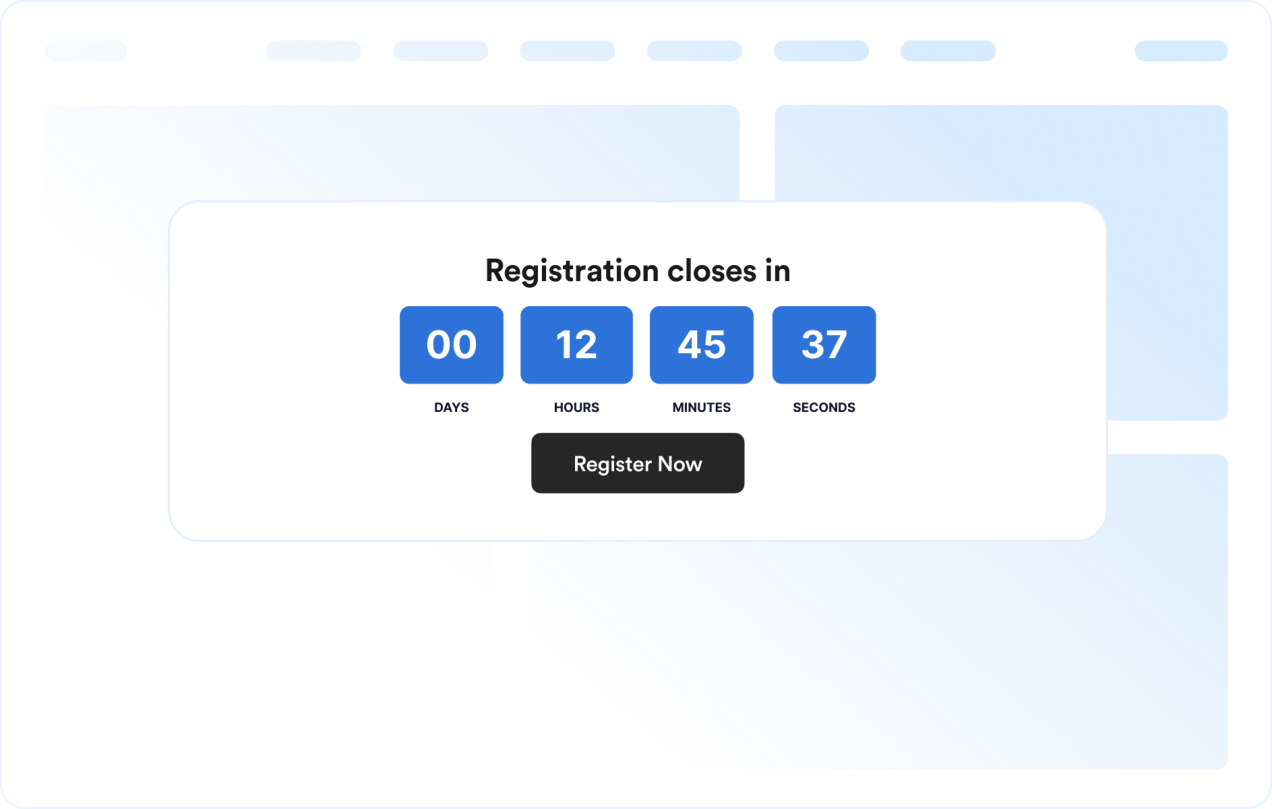
Event and webinar pages to show registration or attendance deadlines

Announcement bars to keep a deadline visible across the top or bottom of a site

Checkout and pricing pages to reinforce promotional deadlines near purchase decisions

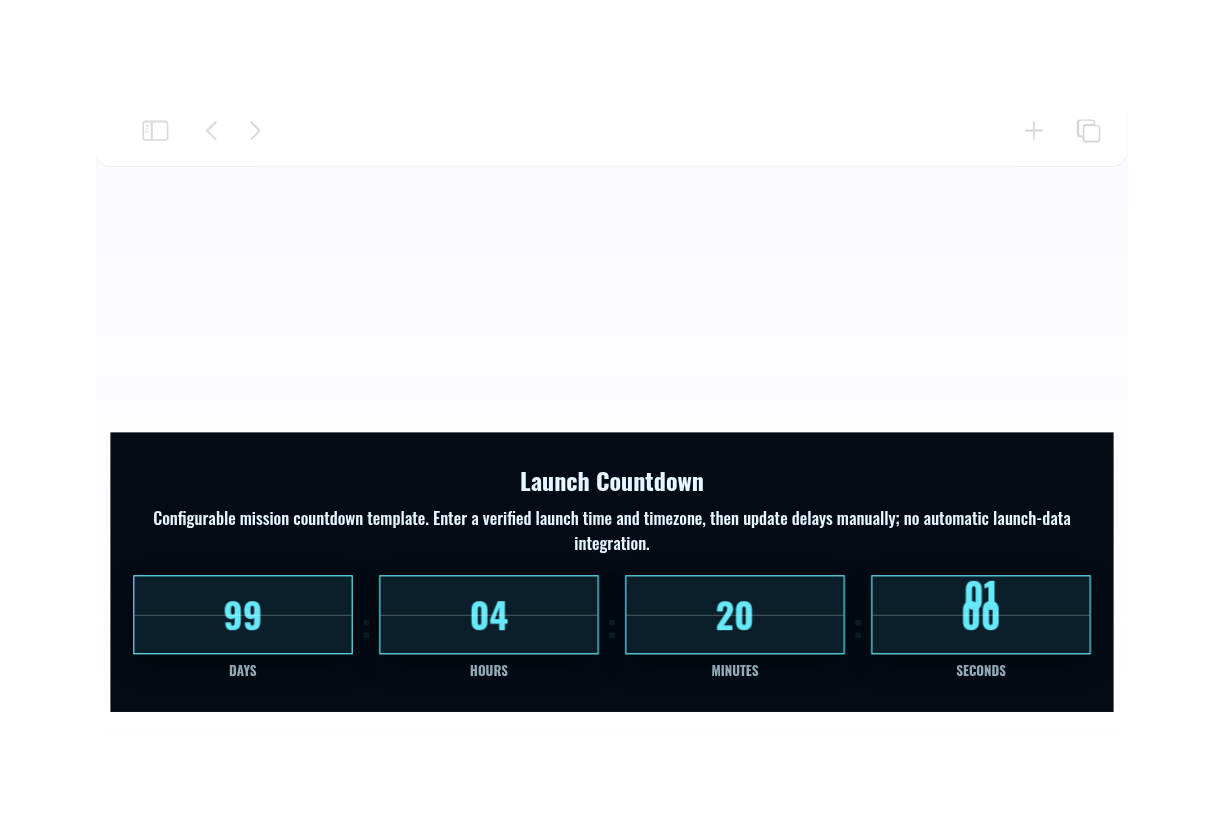
Coming soon pages to count down to a launch date with a clear call-to-action

Converta leads em clientes pagantes com o Criador de Formulários Jotform

Transforme engajamento em ação usando Jotform. Crie formulários poderosos para captar leads, receber pagamentos e automatizar respostas, tudo em um só lugar. Cada envio chega à sua Caixa de Envios Jotform, onde você pode fazer o acompanhamento ou conectar seus apps favoritos.

Comece jáé grátis!
Convert leads into customers

Perguntas Frequentes

  • What is a Countdown Timer widget?

    A Countdown Timer widget displays the time remaining until a chosen date and time. It helps websites promote sales, events, launches, and other time-sensitive campaigns.

  • Can I customize the layout?

  • Can I change the colors and layout?

  • Can the countdown repeat?

  • Can I add buttons to the countdown?

  • What happens when the countdown ends?

  • Does it work on mobile?

  • Preciso escrever código?