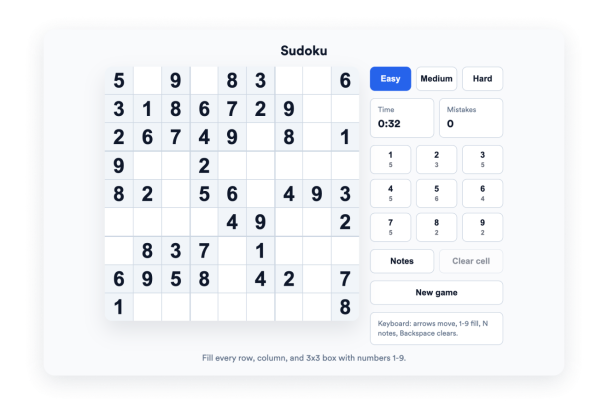

Como criar um widget Sudoku
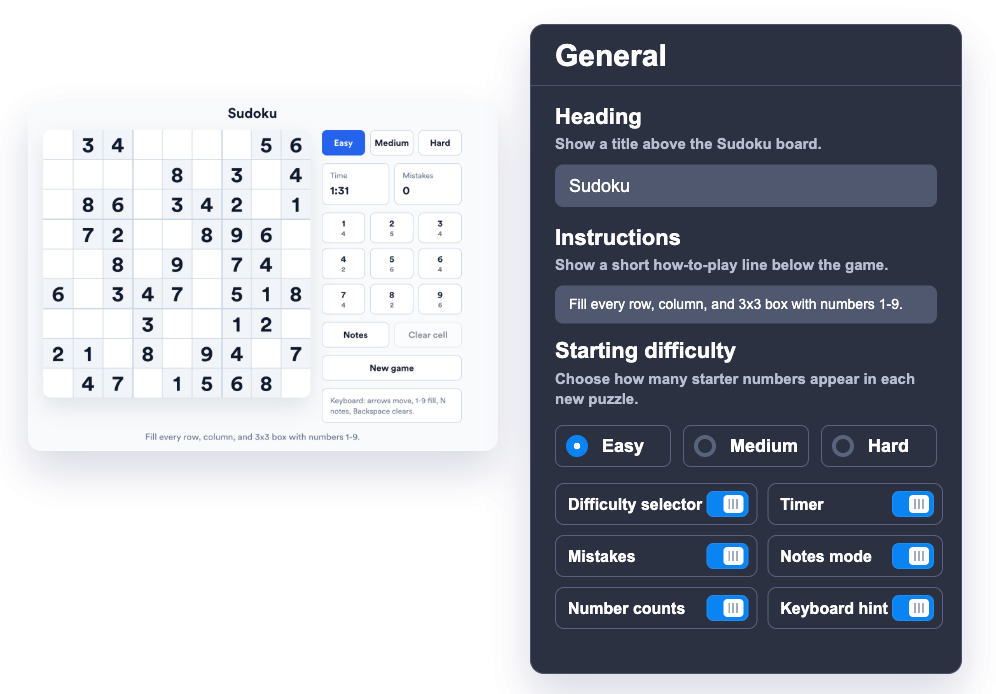
Personalize o quebra-cabeça
Escolha a dificuldade padrão, o título, as instruções, o cronômetro, o contador de erros, o modo de anotações e os controles de contagem de números.
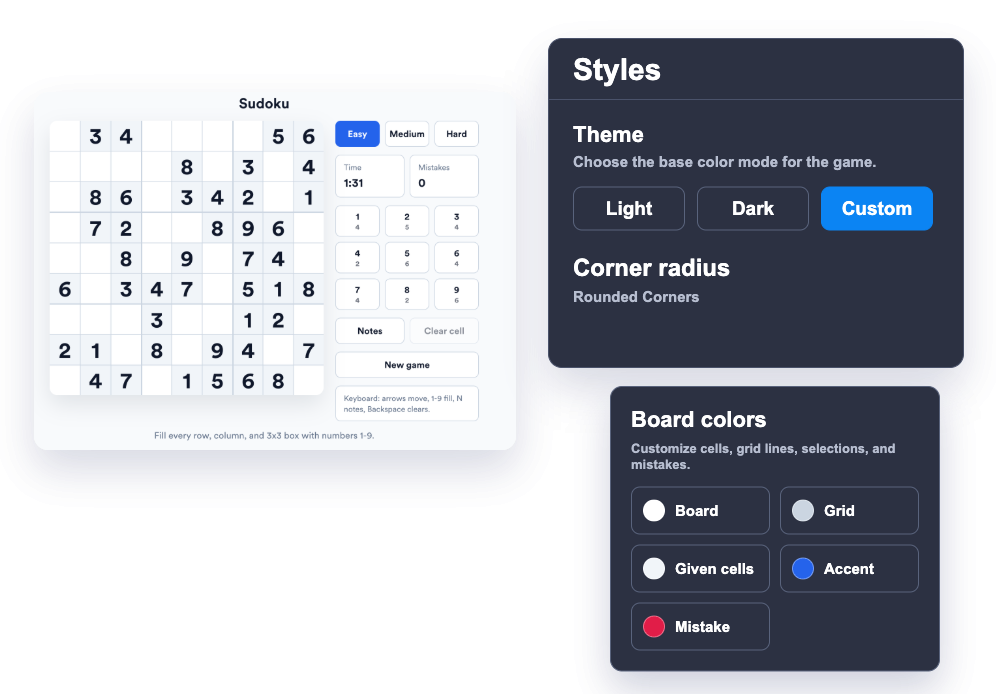
Alinhe o widget ao estilo do seu site
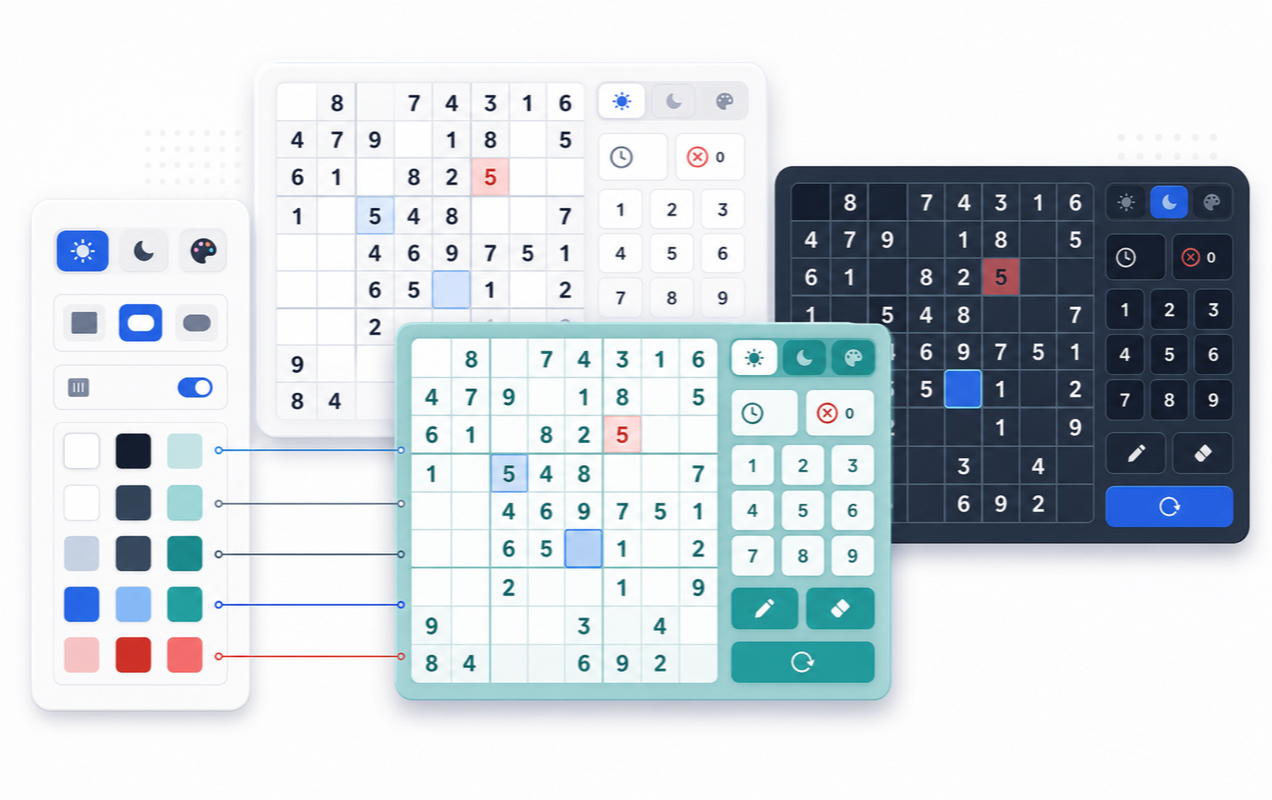
Escolha um tema claro, escuro ou personalizado e ajuste as cores do tabuleiro, grade, célula, destaque e erro.
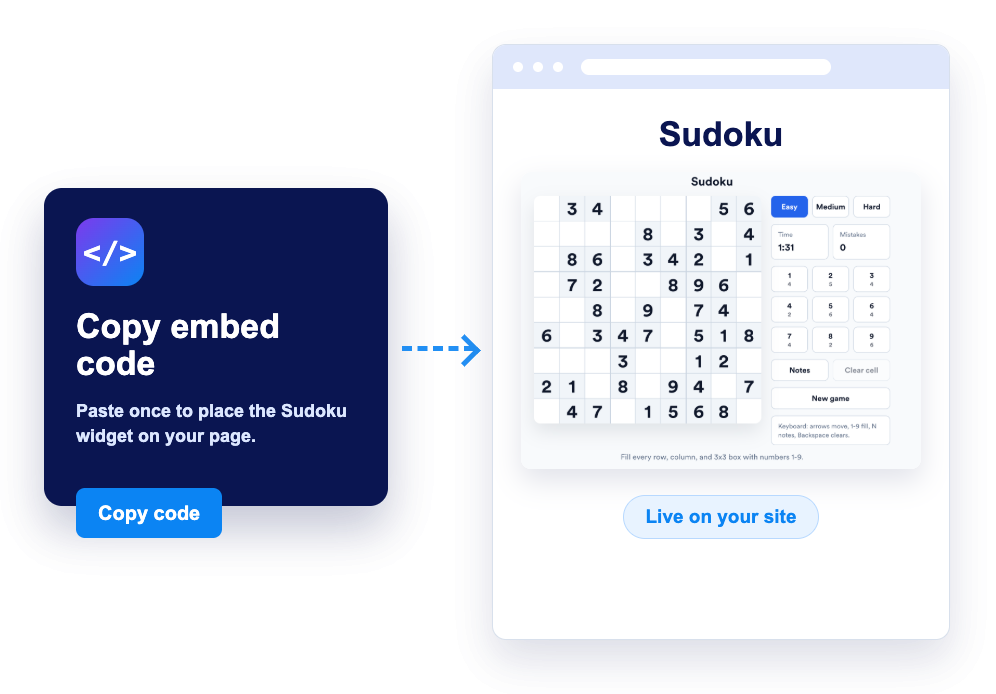
Incorpore ao seu site
Visualize o widget, copie o código de incorporação gerado e coloque um quebra-cabeça de Sudoku jogável em qualquer lugar do seu site.
Ofereça aos visitantes um quebra-cabeça focado que eles podem jogar instantaneamente
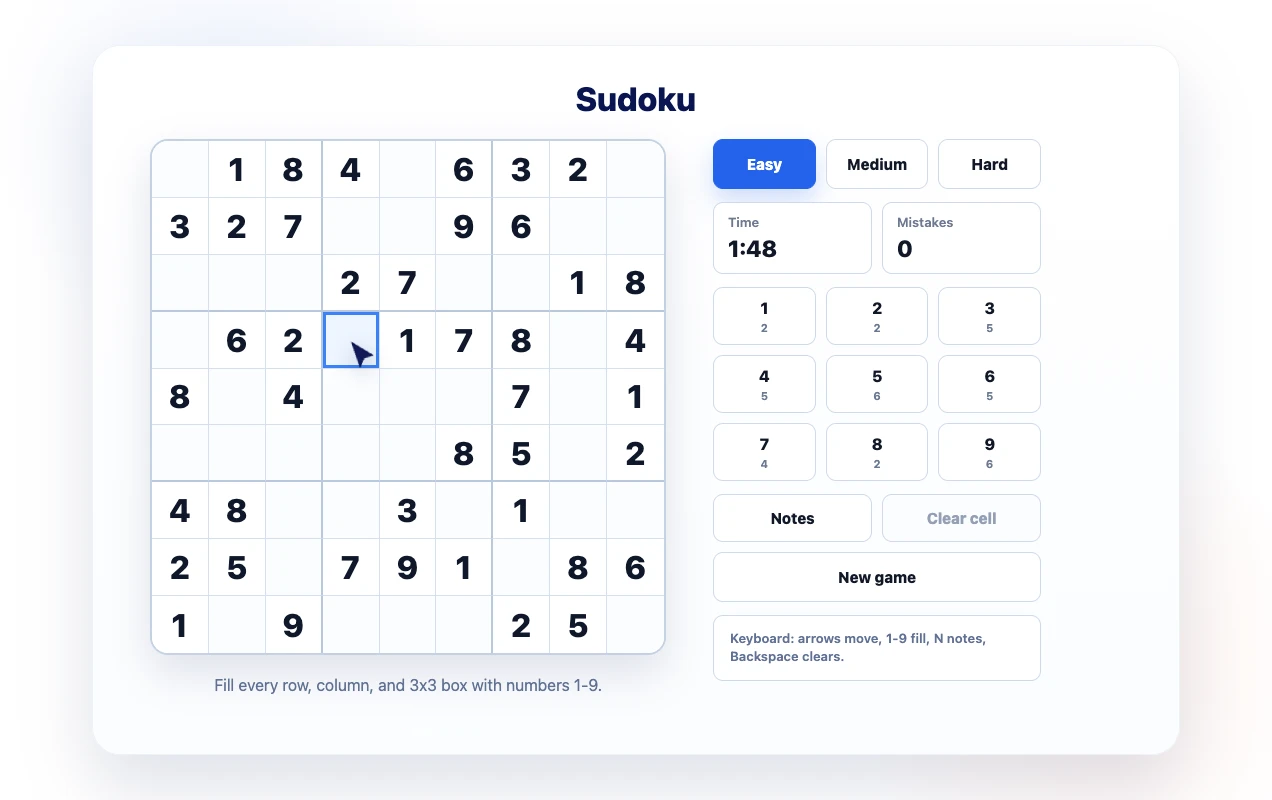
Adicione um tabuleiro de Sudoku familiar
Ofereça aos visitantes um quebra-cabeça de Sudoku 9x9 limpo, com separadores de blocos 3x3, células selecionáveis, controles de teclado e um teclado numérico na tela.
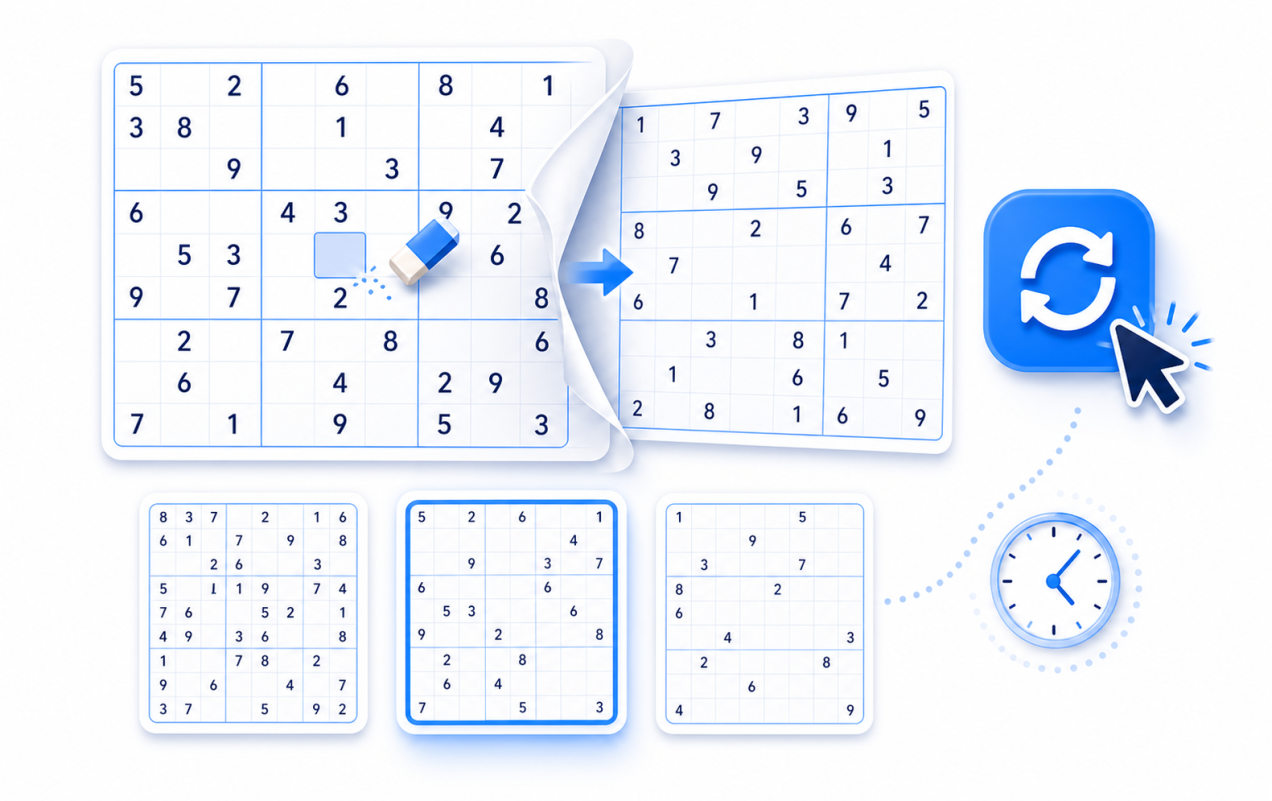
Permita que os jogadores comecem do zero a qualquer momento
Os visitantes podem começar um novo quebra-cabeça, alternar entre Fácil, Médio e Difícil, limpar células editáveis e continuar resolvendo no próprio ritmo.
Personalize o jogo para combinar com sua marca
Escolha cores claras, escuras ou personalizadas para a superfície do quebra-cabeça, células, grade, estados de destaque e estados de erro, para que o widget pareça nativo do seu site.
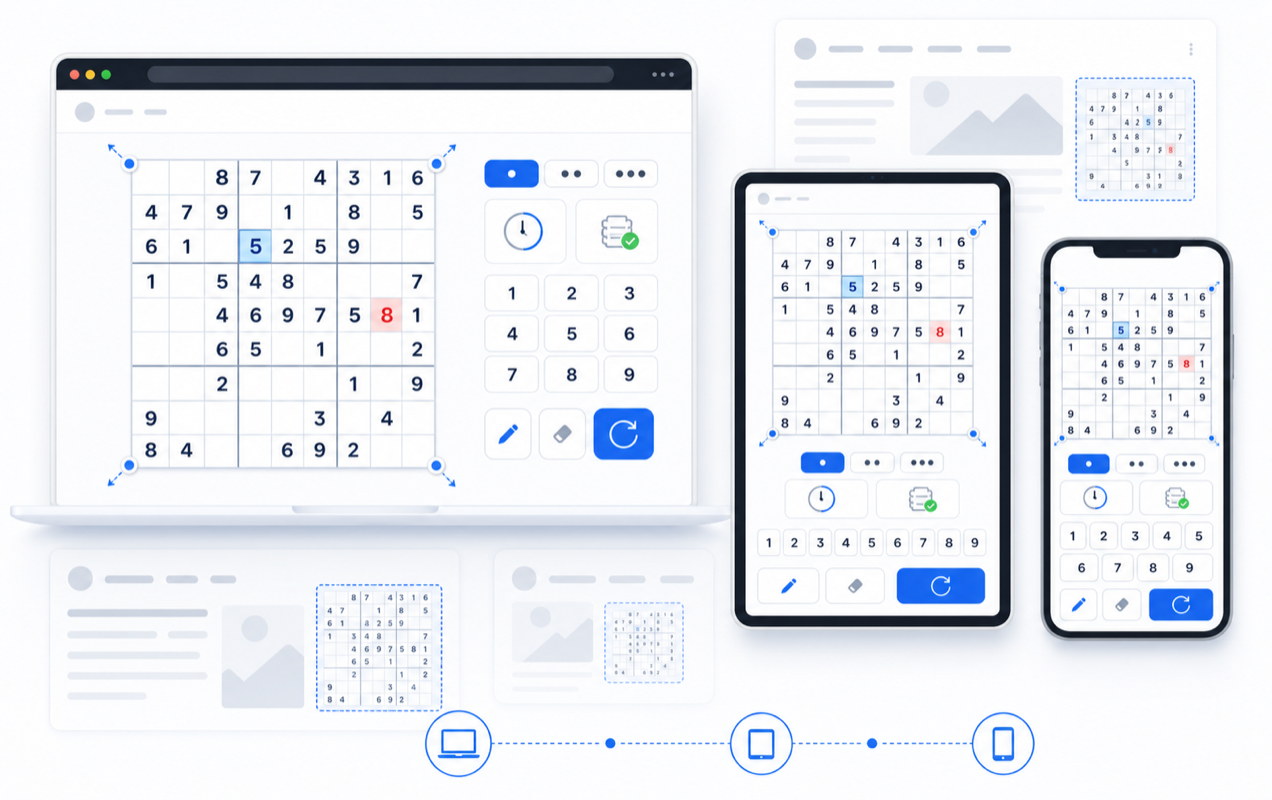
Suporte para jogar em desktop e dispositivos móveis
Use um layout responsivo com tamanho de tabuleiro configurável e controles laterais ou inferiores, para que o quebra-cabeça se encaixe em páginas de campanha, blogs, centros de aprendizagem e telas de dispositivos móveis.
Por que os Widgets para Sites Jotform se destacam
Os widgets da Jotform tornam seu site mais interativo e aumentam as conversões. Há diversas opções disponíveis, desde avaliações com estrelas e deslizadores de depoimentos até pop-ups de prova social e incorporações de mídia. Adicione widgets aos seus formulários ou landing pages para coletar dados, exibir provas sociais e capturar leads — tudo sem precisar programar.
Adicione widgets da Jotform ao seu site com um simples código de incorporação. Personalize o widget, veja uma prévia de como ele ficará e cole-o em qualquer página que aceite HTML personalizado ou blocos de incorporação, sem precisar de um desenvolvedor.
Use os Widgets para Sites Jotform para coletar leads, exibir avaliações de clientes, expor provas sociais, incorporar mídia ou adicionar ferramentas úteis às suas páginas. Cada widget ajuda os visitantes a interagir com sua empresa diretamente no site.
Se precisar de ajuda para configurar, personalizar, incorporar ou solucionar problemas com o seu widget, a equipe de suporte Jotform está disponível 24h. Assim, você pode seguir em frente com confiança, sabendo que terá ajuda sempre que precisar.
Onde usar seu widget de Sudoku
Use o widget onde quer que um quebra-cabeça tranquilo e rejogável possa tornar uma página mais envolvente sem afastar os visitantes do seu site.
Sites educacionais para adicionar um quebra-cabeça de lógica para estudantes, clubes, páginas de tutoria e recursos de aprendizagem.
Blogs e newsletters para dar aos leitores uma pausa rápida com um quebra-cabeça entre artigos, atualizações ou publicações da comunidade.
Páginas de comunidade para adicionar uma atividade interativa que os visitantes podem repetir durante eventos, desafios ou campanhas temáticas.
Sites de portfólio e pessoais para mostrar personalidade com um widget leve e jogável que combina com o design da página.
Landing pages para aumentar o tempo de permanência com um jogo familiar que os visitantes podem começar imediatamente.
Sites de associação para oferecer uma atividade simples no estilo diário ao lado de anúncios, aulas ou conteúdos para membros.
Converta leads em clientes pagantes com o Criador de Formulários Jotform
Transforme engajamento em ação usando Jotform. Crie formulários poderosos para captar leads, receber pagamentos e automatizar respostas, tudo em um só lugar. Cada envio chega à sua Caixa de Envios Jotform, onde você pode fazer o acompanhamento ou conectar seus apps favoritos.
Comece já — é grátis!
Perguntas Frequentes
O que é o widget de Sudoku?
O widget de Sudoku é um quebra-cabeça incorporável que os visitantes podem jogar diretamente no seu site. Ele inclui um tabuleiro 9x9, opções de dificuldade, modo de anotações, cronômetro, acompanhamento de erros e estilo personalizável.
Como os visitantes jogam?
Posso alterar a dificuldade?
Posso personalizar a aparência?
Ele funciona em dispositivos móveis?
Posso ocultar partes da interface?
Preciso escrever código?
O widget de Sudoku é gratuito?