Widget Contador de Visitantes Gratuito para seu Site
Mostre as visualizações de página e as contagens de visitantes únicos com base em IP do seu site com um contador de visitas gratuito e personalizável. Escolha as métricas e os períodos a exibir, adicione um gráfico de atividade opcional e combine com o estilo do seu site sem precisar programar.
Crie já — [1[é grátis!]]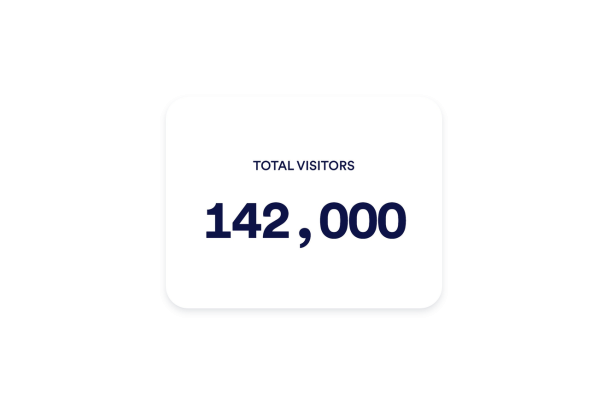

Como criar um widget Contador de Visitantes
Escolha suas métricas
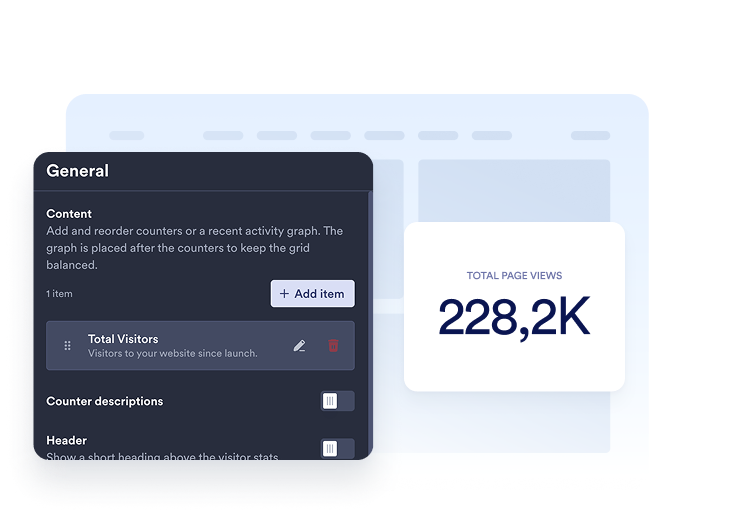
Adicione os contadores que deseja exibir. Escolha um período e selecione visualizações de página ou visitantes únicos para cada item e, em seguida, personalize o título e a descrição.
Personalize seu contador
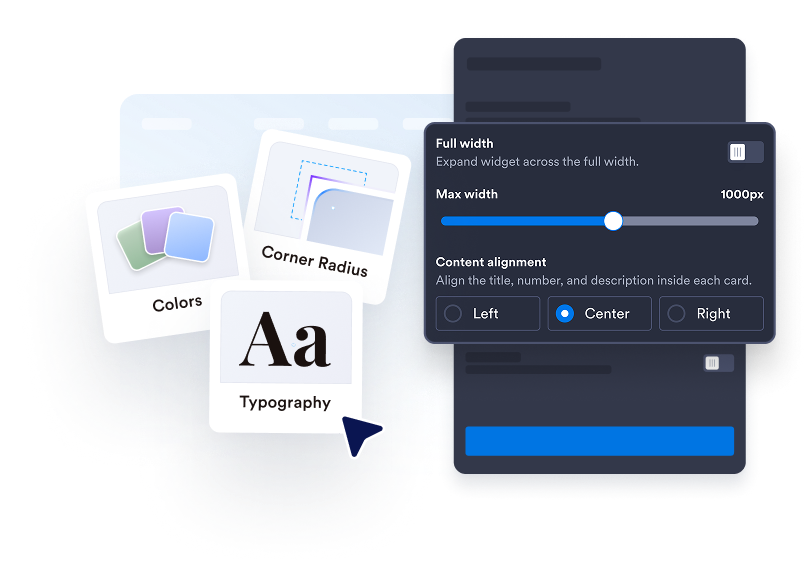
Escolha Cards, Inline, Mini ou Vertical. Ajuste cores, espaçamento, formatação de números e largura. Adicione um gráfico de linha, área, barra ou pizza nos layouts compatíveis.

Incorpore ao seu site
Cole o código de incorporação em um bloco de HTML personalizado ou de incorporação e, em seguida, publique sua página para exibir o widget.
Deixe a atividade do seu site fácil de ver
Escolha os números que importam
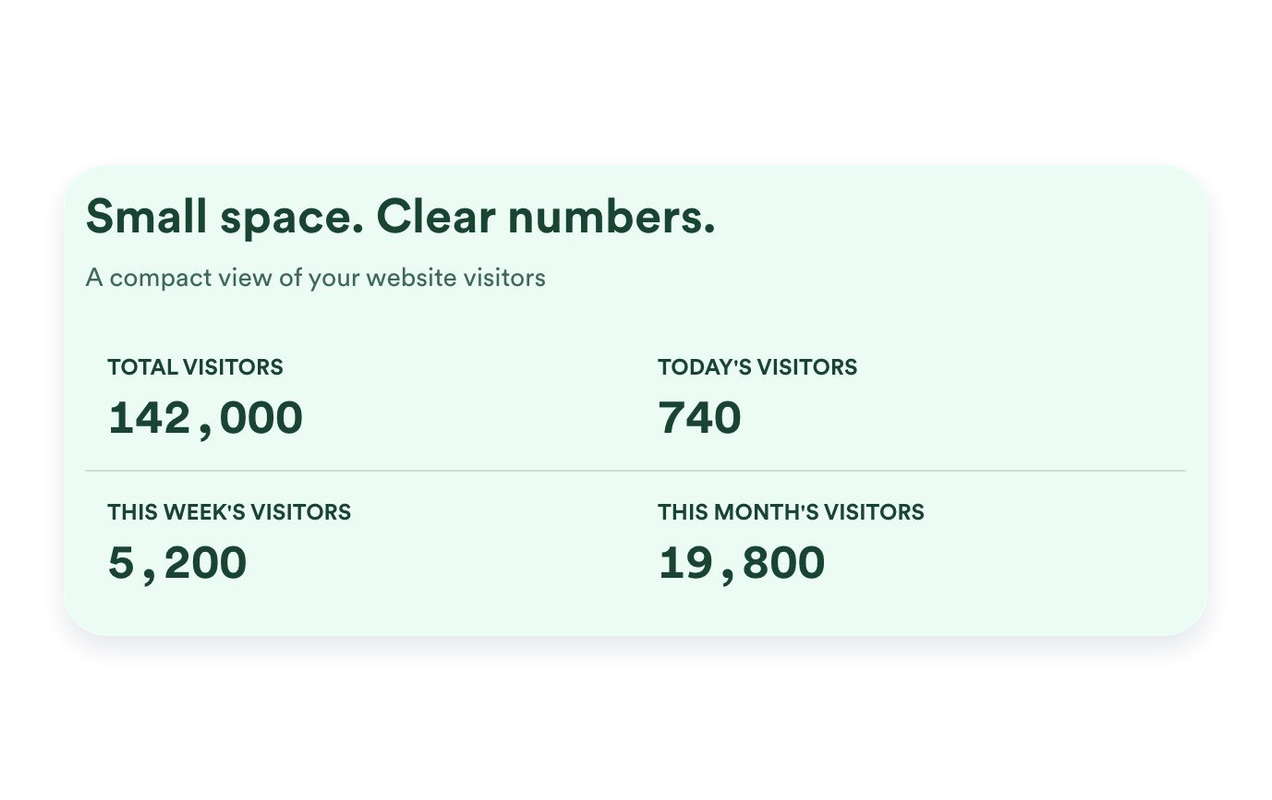
Exiba visualizações de página ou visitantes únicos com base em IP para hoje, ontem, esta semana, este mês, este ano ou todos os tempos. Adicione vários contadores, reordene-os e escreva um título e uma descrição claros para cada um.
Encontre o formato ideal para a sua página
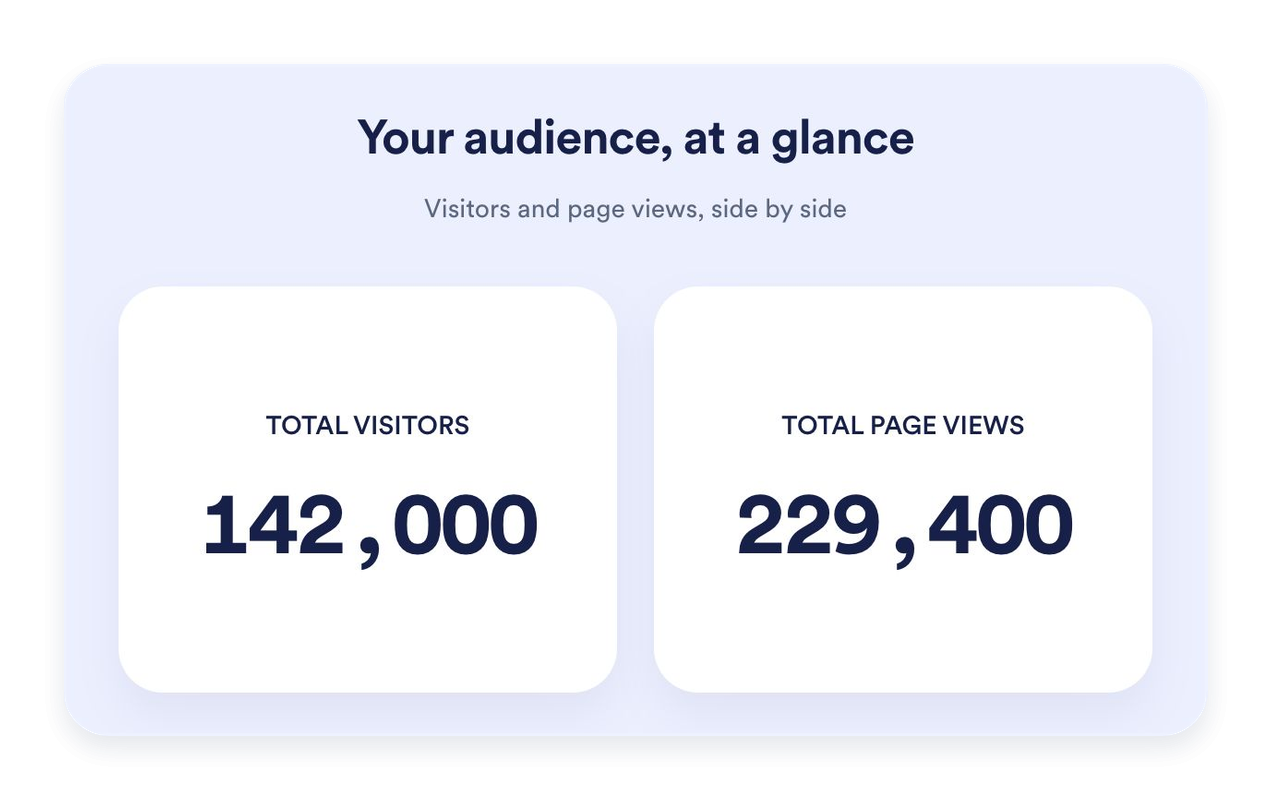
Use Cards para destacar métricas individuais, Inline para uma seção compacta, Mini para uma exibição simples apenas de contagens ou Vertical para um layout empilhado. Defina uma largura máxima e ajuste o espaçamento para se adequar ao seu site.
Coloque a atividade recente em contexto
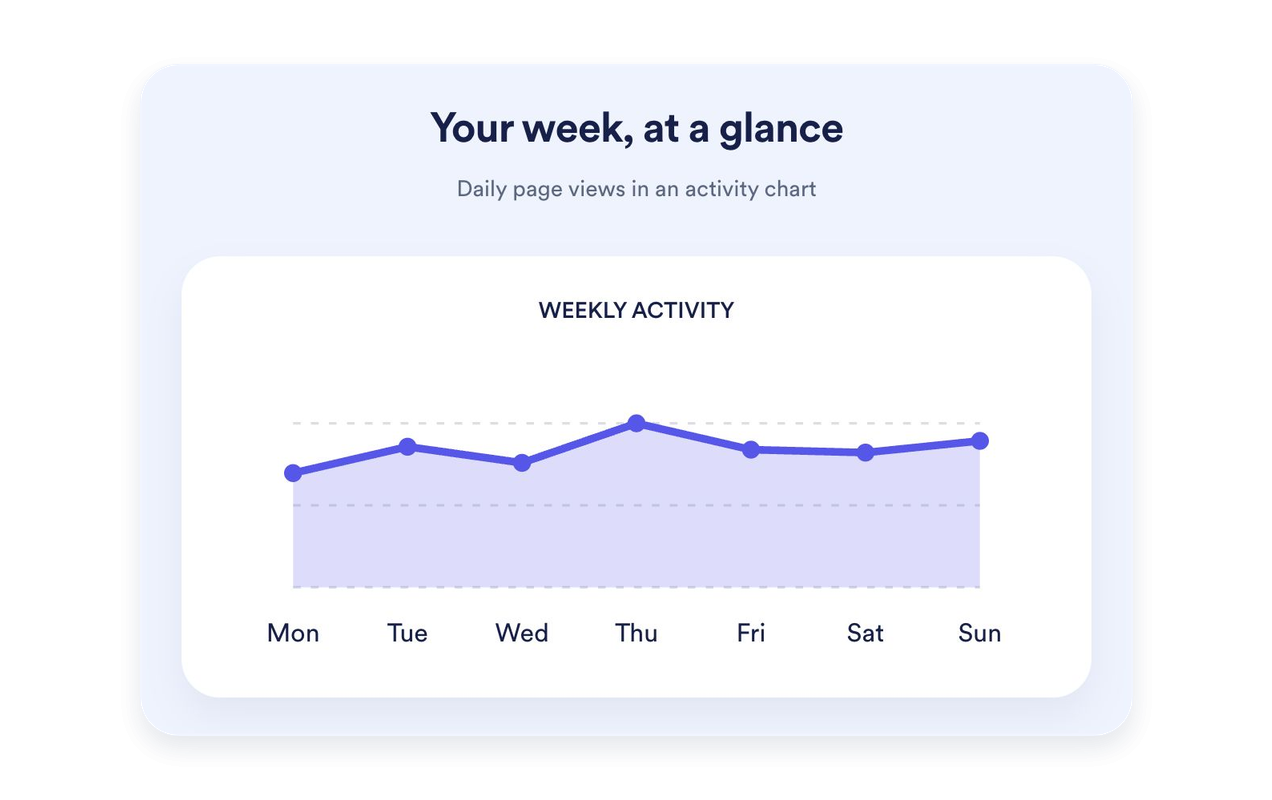
Mostre os últimos sete dias de visualizações de página como um gráfico de linha, área, barra ou pizza. Dê ao gráfico seu próprio título e descrição. Os gráficos estão disponíveis em Cards, Inline e Vertical; o Mini mantém o foco nas contagens.
Personalize seu contador para combinar com o seu site
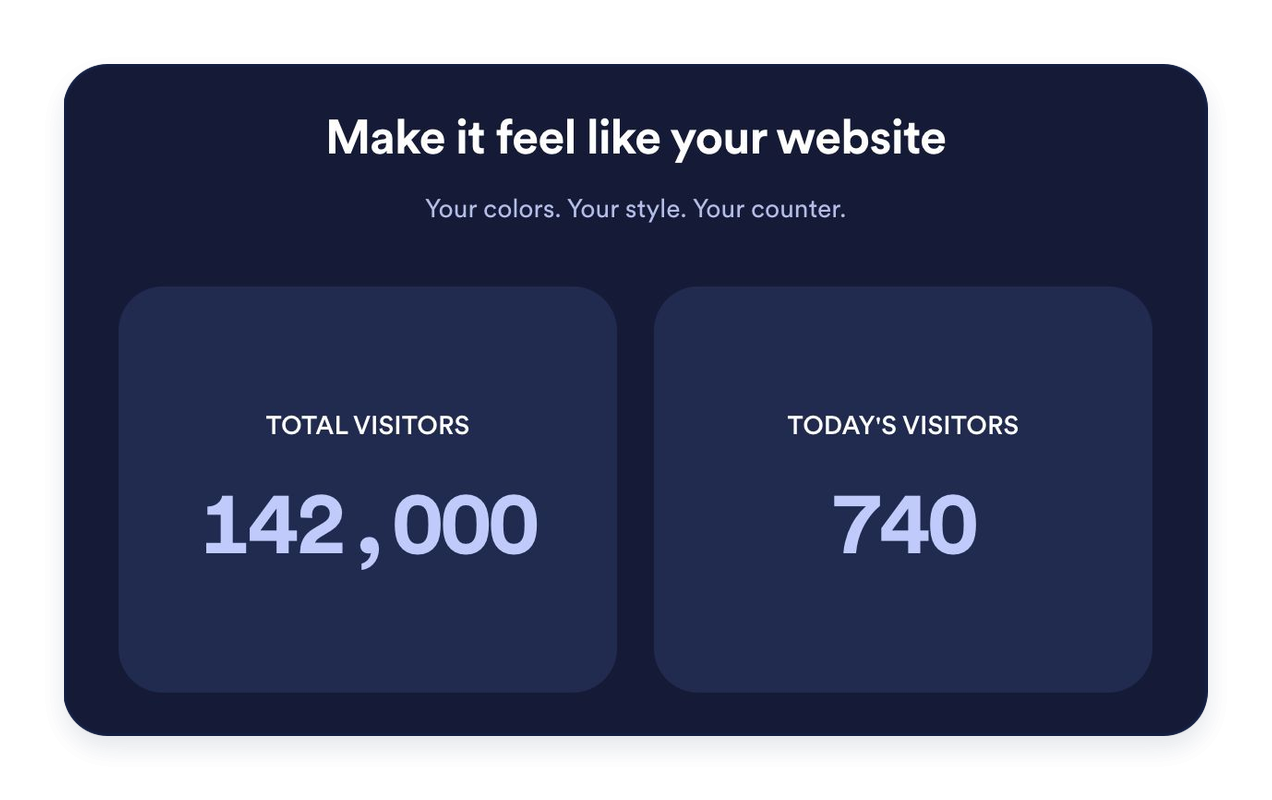
Escolha cores claras, escuras ou personalizadas. Personalize planos de fundo, tipografia, formatação de números, cantos dos cards e alinhamento. Adicione um título e uma mensagem opcionais para apresentar suas estatísticas.
Por que os Widgets para Sites Jotform se destacam
Os widgets da Jotform tornam seu site mais interativo e aumentam as conversões. Há diversas opções disponíveis, desde avaliações com estrelas e deslizadores de depoimentos até pop-ups de prova social e incorporações de mídia. Adicione widgets aos seus formulários ou landing pages para coletar dados, exibir provas sociais e capturar leads — tudo sem precisar programar.
Adicione widgets da Jotform ao seu site com um simples código de incorporação. Personalize o widget, veja uma prévia de como ele ficará e cole-o em qualquer página que aceite HTML personalizado ou blocos de incorporação, sem precisar de um desenvolvedor.
Use os Widgets para Sites Jotform para coletar leads, exibir avaliações de clientes, expor provas sociais, incorporar mídia ou adicionar ferramentas úteis às suas páginas. Cada widget ajuda os visitantes a interagir com sua empresa diretamente no site.
Se precisar de ajuda para configurar, personalizar, incorporar ou solucionar problemas com o seu widget, a equipe de suporte Jotform está disponível 24h. Assim, você pode seguir em frente com confiança, sabendo que terá ajuda sempre que precisar.
Onde usar seu widget Contador de Visitantes
Coloque um contador de visitas onde um breve resumo da atividade do site seja útil. Escolha as métricas e o layout que se encaixam na página.
Páginas iniciais de sites: Destaque as visualizações de página de todos os tempos ou a atividade recente perto do seu conteúdo principal.
Rodapés de blog: Adicione um contador Inline ou Mini sem desviar a atenção dos seus artigos.
Landing pages: Use Cards para dar às métricas selecionadas uma apresentação clara e fácil de ler.
Barras laterais: Empilhe contadores em um layout Vertical para áreas mais estreitas da página.
Sites de comunidade: Exiba visualizações de página e contagens de visitantes únicos com base em IP, com rótulos claros.
Páginas de eventos e lançamentos: Destaque a atividade registrada de hoje ou desta semana.
Converta leads em clientes pagantes com o Criador de Formulários Jotform
Transforme engajamento em ação usando Jotform. Crie formulários poderosos para captar leads, receber pagamentos e automatizar respostas, tudo em um só lugar. Cada envio chega à sua Caixa de Envios Jotform, onde você pode fazer o acompanhamento ou conectar seus apps favoritos.
Comece já — é grátis!
Perguntas Frequentes
O que é um contador de visitas?
Um contador de visitas exibe as visualizações de página registradas e as contagens de visitantes únicos com base em IP no seu site. Escolha quais contadores e períodos mostrar, personalize a aparência e incorpore o widget sem precisar programar.
Como as visualizações de página e os visitantes únicos são contados?
Posso escolher quais contadores aparecem?
Posso definir um valor inicial?
Quais layouts estão disponíveis?
Posso adicionar um gráfico?
Posso personalizar o design?
Preciso programar para adicionar o contador?
O contador funciona em dispositivos móveis?
O contador de visitas é gratuito?
Quais plataformas de site são compatíveis?