

تصدير الاستجابات بصيغة CSV/Excel
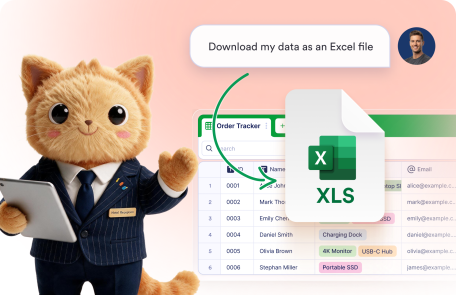
قم بتصدير بيانات جدولك باستخدام مساعد البيانات الذكي من Jotform. قم بتنزيل جميع السجلات أو صدّر أعمدة وصفوفًا محددة بصيغة CSV أو Excel.
Export Data
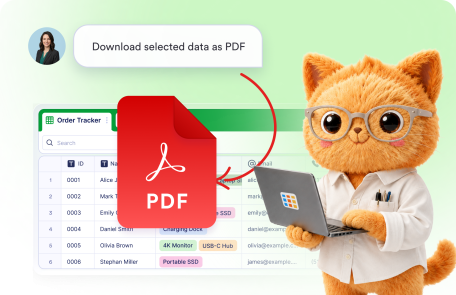
قم بتصدير بيانات الاستجابات باستخدام الذكاء الاصطناعي بتنسيقات CSV أو Excel أو PDF، وأنشئ الملفات التي تحتاج إليها باستخدام أوامر بسيطة.
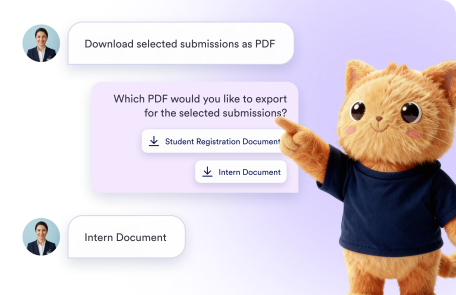
Create PDF exports without sorting through every record manually. Choose an available PDF document, and receive the file by email when it is ready.
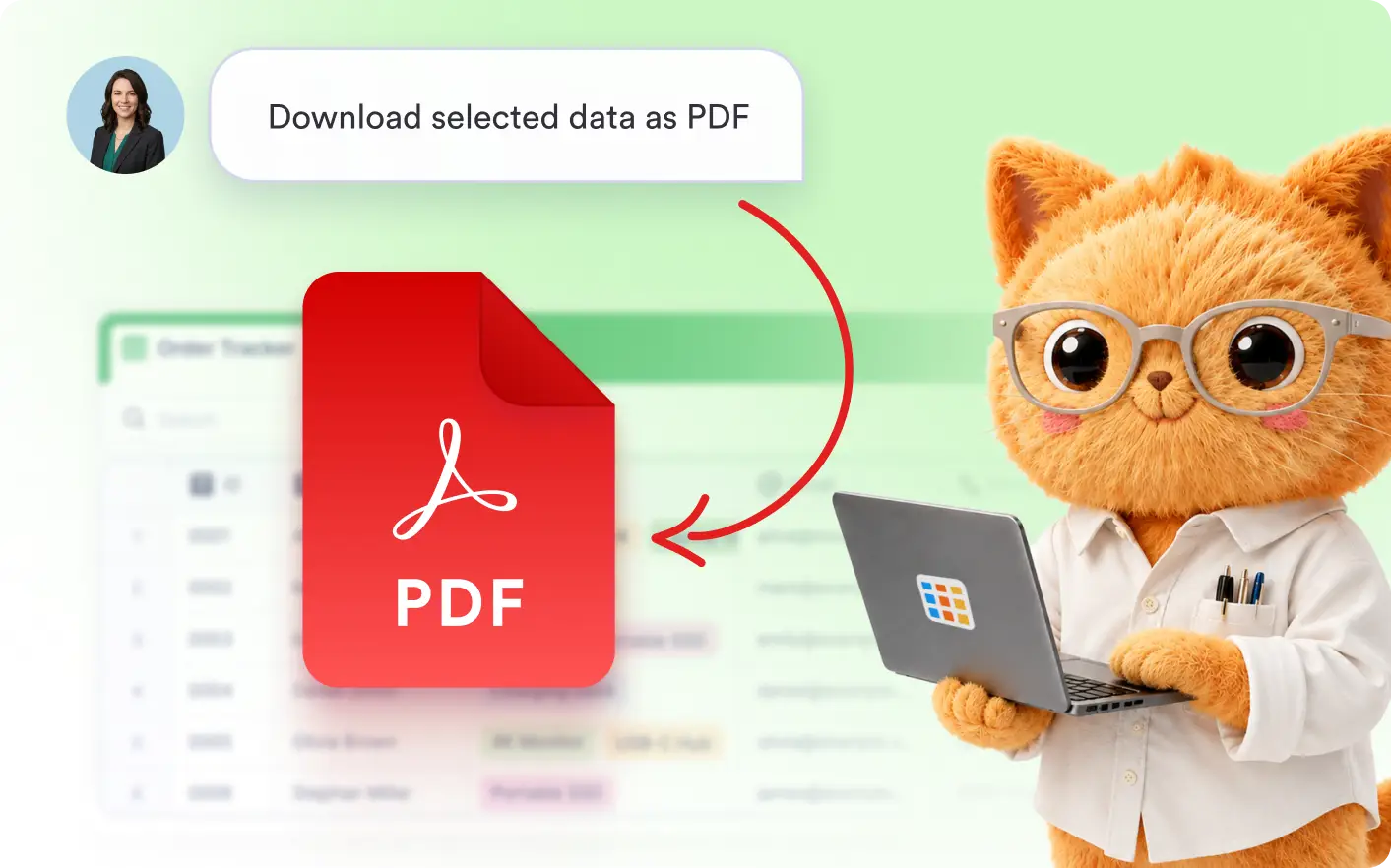
Tell Jotform AI Data Assistant which submissions to export as PDF document. The assistant prepares the file and sends it by email.
Export every submission or only the rows you need using a simple prompt. Jotform's Data Assistant prepares the selected records as a PDF and emails the completed file when it is ready.
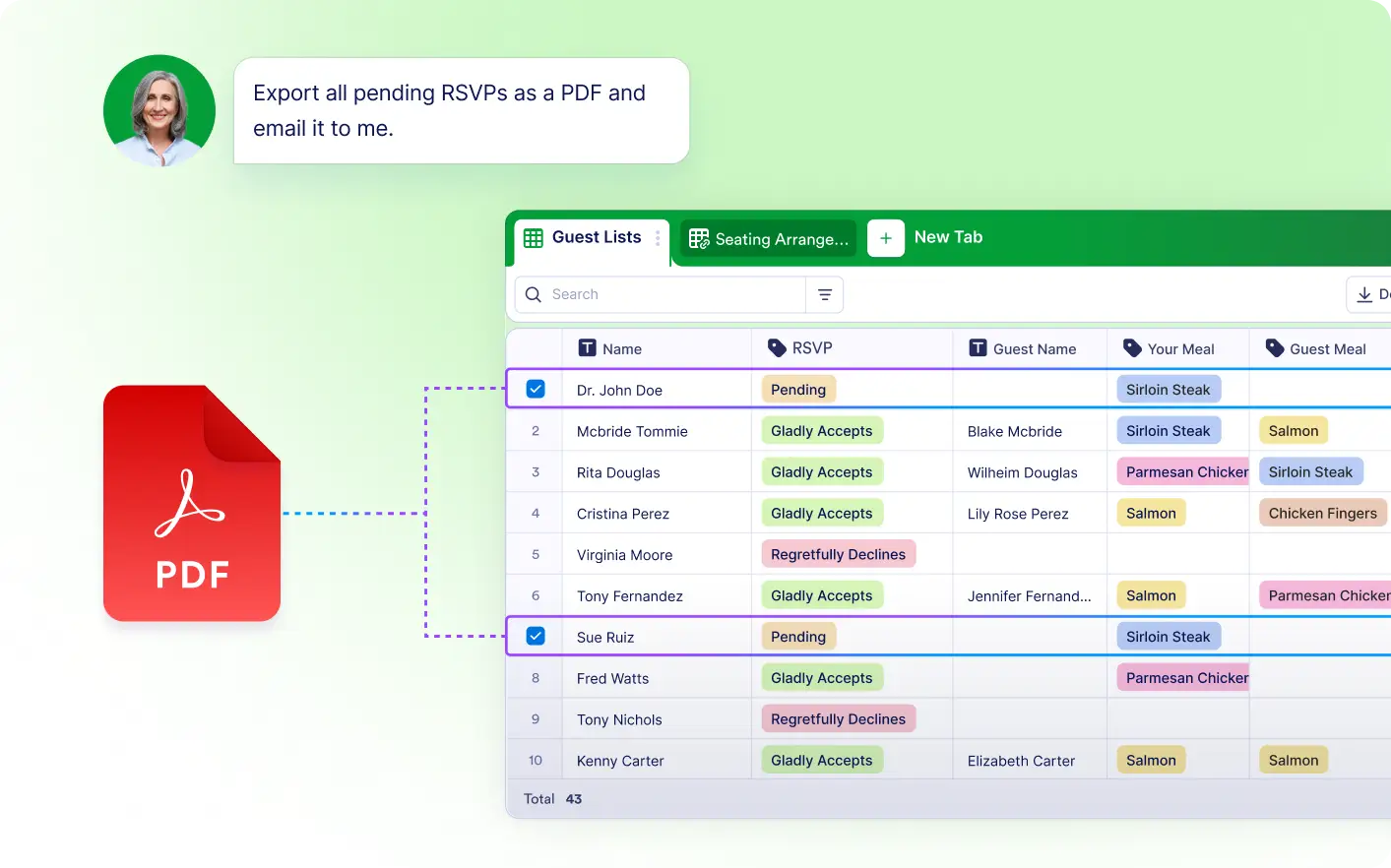
Describe whether you want to export all submissions or selected rows. Jotform AI Data Assistant prepares the requested PDF and sends the completed file to your email address.
Yes. You can ask Jotform's Data Assistant to export only the rows you need instead of downloading every submission, making it easier to create focused documents.
Yes. When multiple PDF versions are available, Jotform's Data Assistant lets you select the version that best fits your reporting, sharing, or recordkeeping needs.