أدوات مواقع الويب المجانية
حسِّن موقعك الإلكتروني بسهولة دون كتابة سطر واحد من التعليمات البرمجية. أضف عناصر واجهة مستخدم قوية في ثوانٍ لتعزيز المشاركة، وجمع العملاء المحتملين، وبناء الثقة باستخدام أداة إنشاء بسيطة بدون تعليمات برمجية.
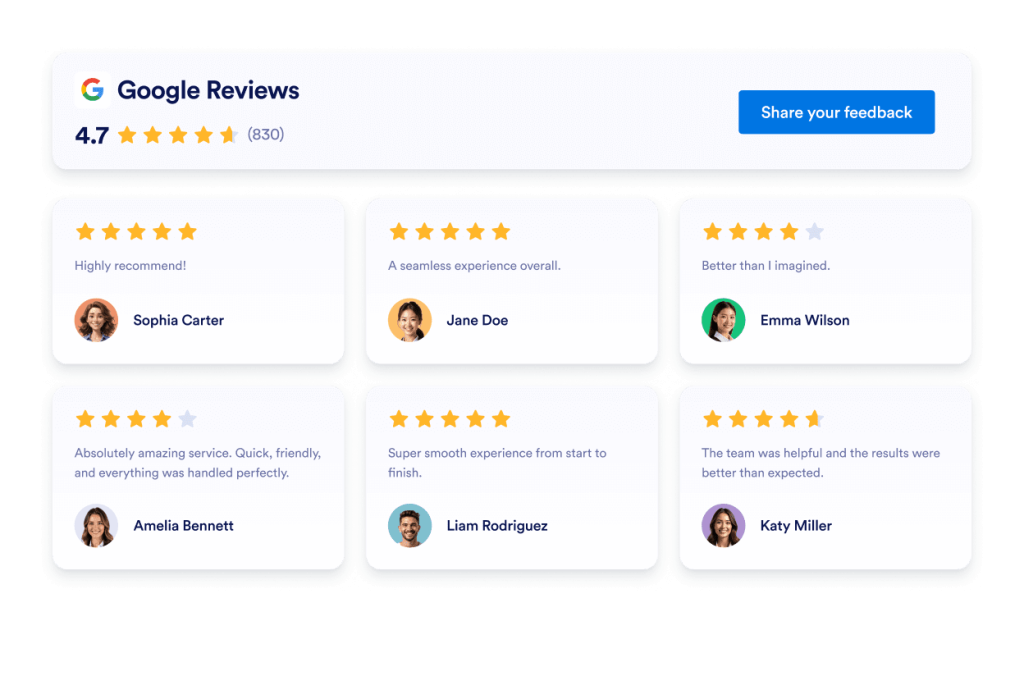
تقييمات Google
أضف أداة مراجعات Google إلى موقعك الإلكتروني في ثوانٍ معدودة. اعرض آراء العملاء، وقم ببناء الثقة وزيادة التحويلات - دون الحاجة إلى ترميز.
انتقل إلى الفئة:ويدجت المراجعاتاستخدام الويدجت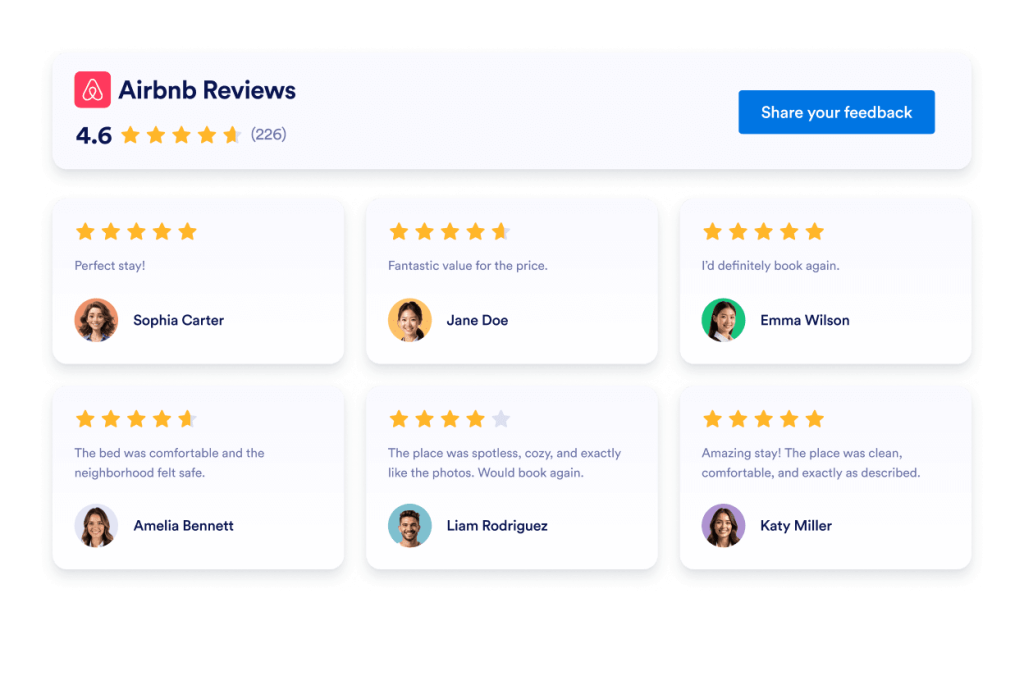
مراجعات Airbnb
تعرض ويدجت مراجعات Airbnb تعليقات الضيوف الحقيقية في تنسيق نظيف. تتيح لك أداة Jotform بدون برمجة المزامنة التلقائية والتخصيص والتضمين في أي مكان.
انتقل إلى الفئة:ويدجت المراجعاتاستخدام الويدجت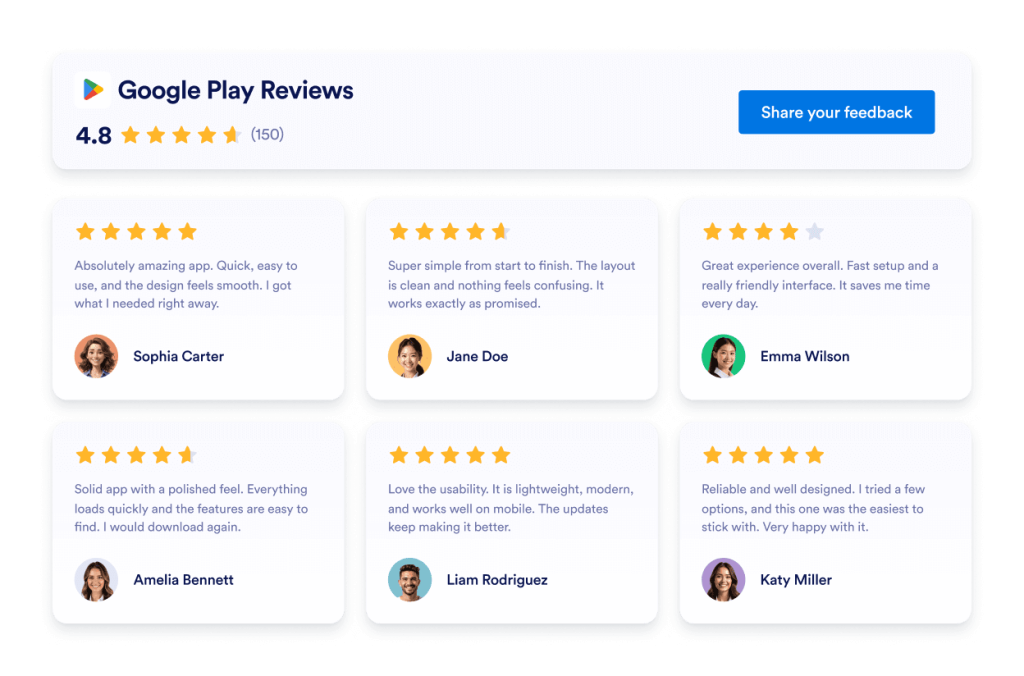
مراجعات Google Play
تعرض ويدجت مراجعات Google Play تقييمات ومراجعات المستخدمين الحقيقية في تصميم سريع الاستجابة. Jotform، لا يحتاج إلى برمجة للمزامنة التلقائية والتخصيص والتضمين في أي مكان.
انتقل إلى الفئة:ويدجت المراجعاتاستخدام الويدجت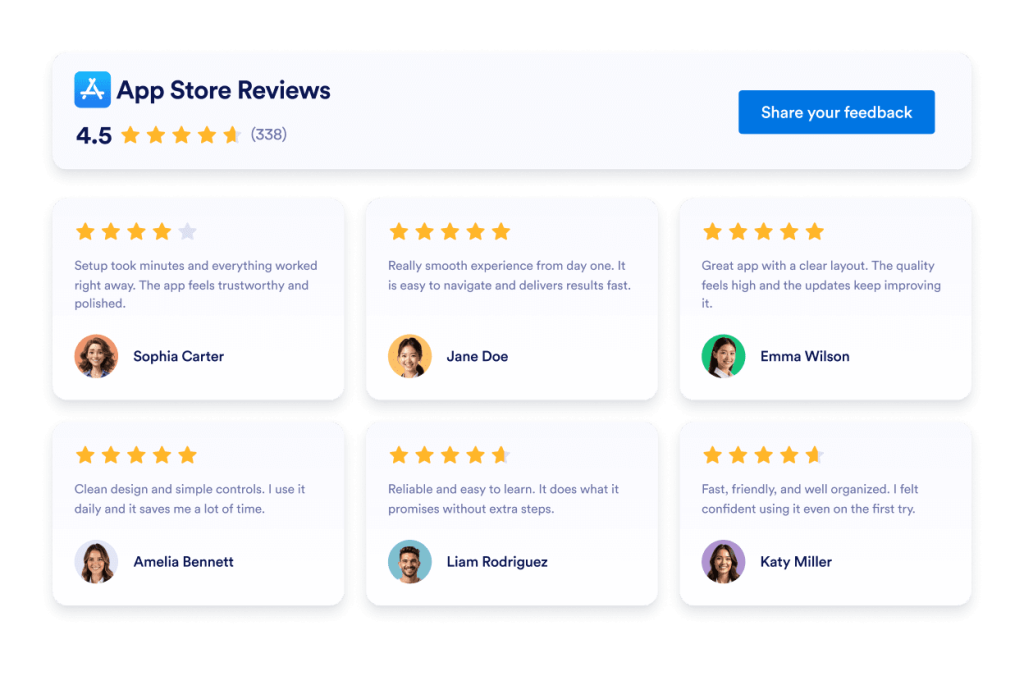
مراجعات متجر التطبيقات
ويدجت مراجعات متجر التطبيقات تعرض تقييمات حقيقية لمستخدمي iOS بتنسيق نظيف. تتيح لك أداة Jotform بدون برمجة المزامنة التلقائية والتخصيص والتضمين في أي مكان.
انتقل إلى الفئة:ويدجت المراجعاتاستخدام الويدجت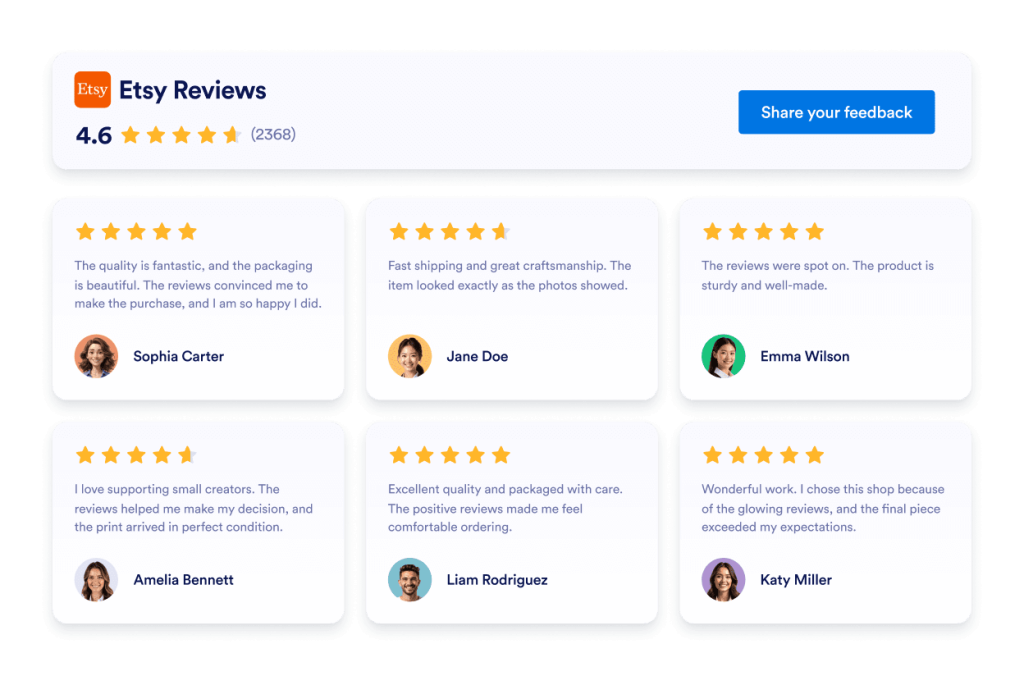
مراجعات Etsy
ويدجت Etsy Reviews تعرض تقييمات المشترين الحقيقية في تصميم نظيف. تتيح لك أداة Jotform بدون برمجة المزامنة التلقائية والتخصيص والتضمين في أي مكان.
انتقل إلى الفئة:ويدجت المراجعاتاستخدام الويدجت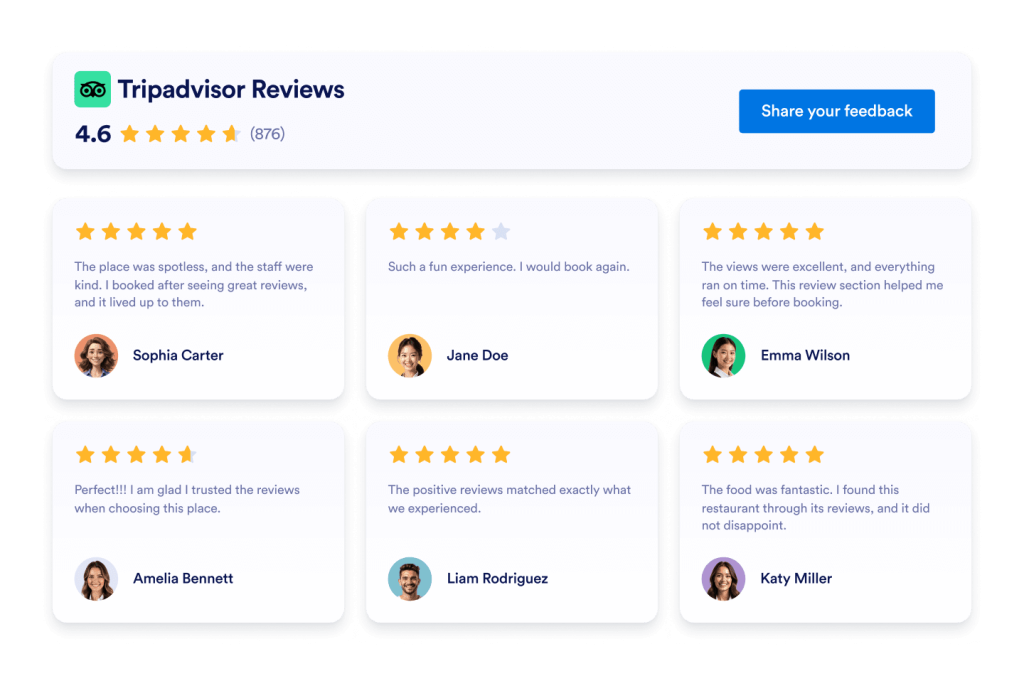
تقييمات Tripadvisor
ويدجت مراجعات Tripadvisor تعرض تقييمات حقيقية للمسافرين في تنسيق نظيف. تتيح لك أداة Jotform بدون برمجة المزامنة التلقائية والتخصيص والتضمين في أي مكان.
انتقل إلى الفئة:ويدجت المراجعاتاستخدام الويدجت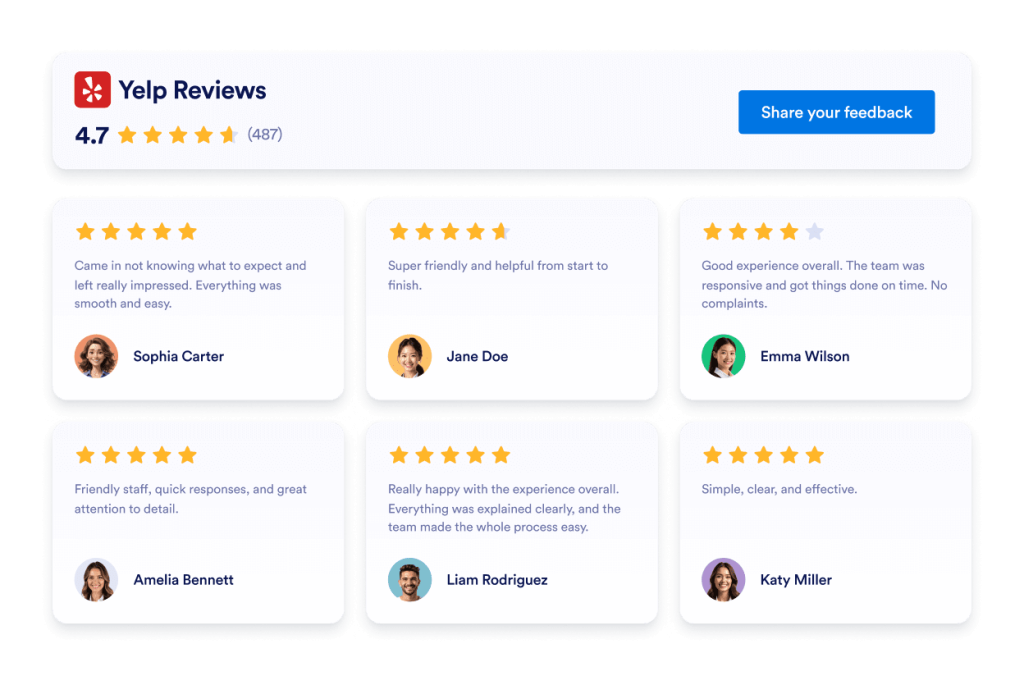
مراجعات Yelp
ويدجت مراجعات Yelp تعرض تقييمات حقيقية للمسافرين في تنسيق نظيف. تتيح لك أداة Jotform بدون برمجة المزامنة التلقائية والتخصيص والتضمين في أي مكان.
انتقل إلى الفئة:ويدجت المراجعاتاستخدام الويدجت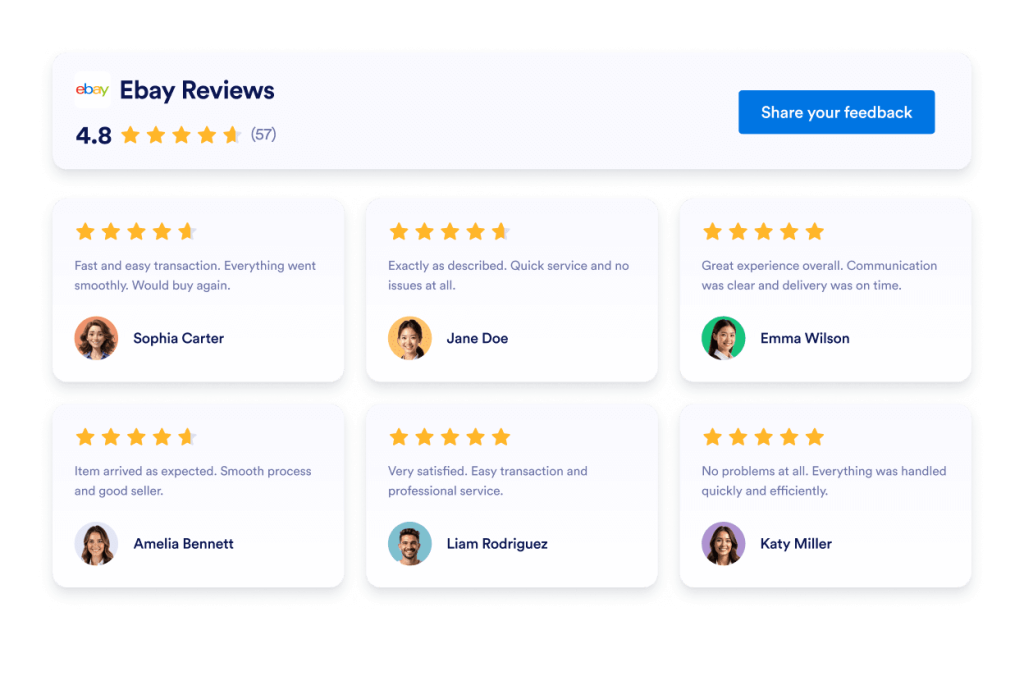
مراجعات Ebay
أداة مراجعات eBay لتعزيز الثقة. اعرض تعليقات المشتري المباشرة والتقييمات والمراجعات التي يتم تحديثها تلقائيًا. قم بإعدادها في ثوانٍ باستخدام تضمين Jotform المجاني بدون رمز. ابدأ الآن.
انتقل إلى الفئة:ويدجت المراجعاتاستخدام الويدجت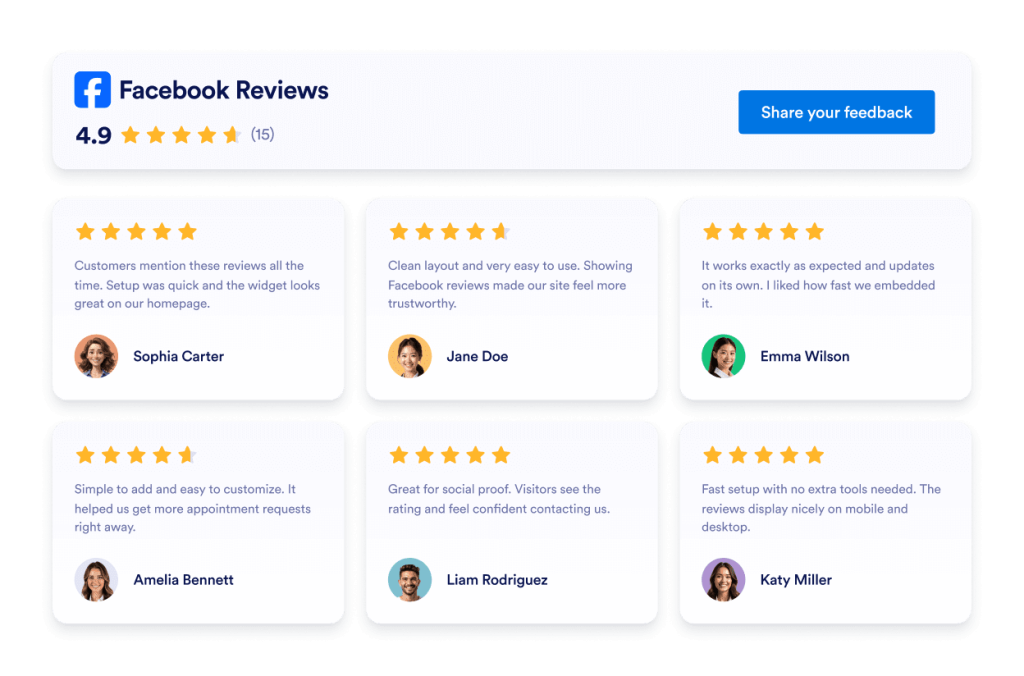
مراجعات Facebook
تعرض ويدجت مراجعات Facebook تقييمات العملاء الحقيقية في تصميم نظيف. تتيح لك أداة Jotform بدون رمز المزامنة التلقائية والتخصيص والتضمين في أي مكان.
انتقل إلى الفئة:ويدجت المراجعاتاستخدام الويدجت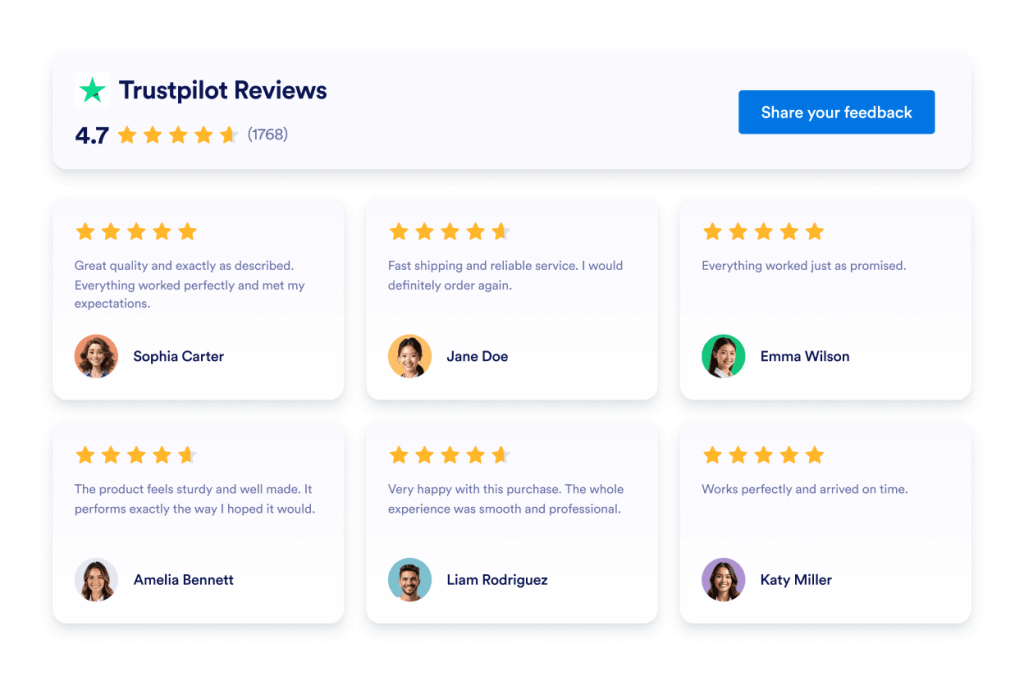
Trustpilot Reviews
تعرض ويدجت مراجعات Trustpilot تعليقات العملاء الحقيقية في تخطيط نظيف. تتيح لك أداة Jotform بدون الحاجة لمعرفة برمجية المزامنة التلقائية والتخصيص والتضمين التلقائي لمراجعات Trustpilot في أي مكان لبناء الثقة وتعزيز التحويلات.
انتقل إلى الفئة:ويدجيتس Jotformاستخدام الويدجت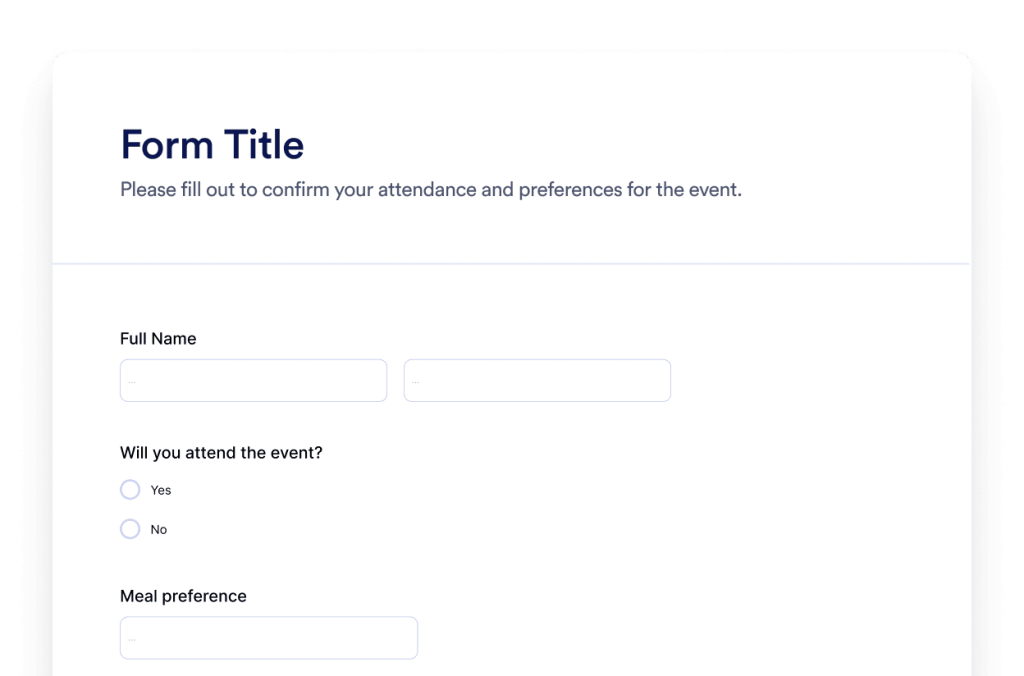
نموذج
أنشئ نماذج مخصصة باستخدام مُنشئ نماذج Jotform بالذكاء الاصطناعي. لا حاجة للبرمجة ولا قوالب ولا متاعب. ما عليك سوى إخبار روبوت الدردشة الآلي الخاص بنا بنوع النموذج الذي تريد إنشاءه.
انتقل إلى الفئة:ويدجيتس Jotformاستخدام الويدجت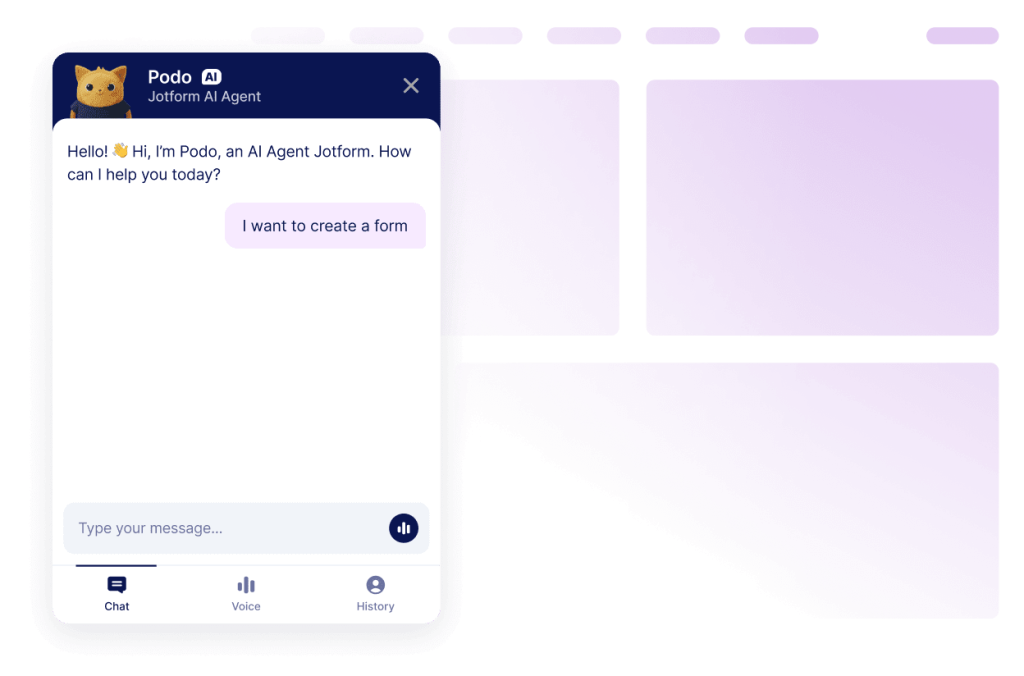
روبوت المحادثة
حوّل موقعك الإلكتروني إلى تجربة تفاعلية مع أداة إنشاء روبوت الدردشة الآلية بالذكاء الاصطناعي من Jotform. امنح المستخدمين إجابات في الوقت الفعلي ومساعدة سلسة في ملء النماذج تتوافق مع علامتك التجارية.
انتقل إلى الفئة:ويدجيتس Jotformاستخدام الويدجتلا يمكنك العثور على الأداة التي تبحث عنها؟
إذا كنت تبحث عن ويدجت لم نقم بتوفيرها بعد، فلا تتردد في طلبه باستخدام النموذج أدناه وإخبارنا بما ترغب في إنشائه أو إضافته إلى موقعك الإلكتروني.
طلب ويدجتلماذا تختار Jotform لأدوات موقع الويب؟
صُممت لتنمو معك
يمكنك البدء بأداة واحدة والحفاظ على بساطة الأمور. عندما تكون جاهزًا، يمكنك إضافة المزيد من الأدوات المصغّرة للصفحات أو الحملات أو الأهداف الجديدة، وكل ذلك من حساب Jotform نفسه، دون الانتقال إلى أداة مختلفة أو البدء من الصفر
سهولة الإعداد والتخصيص
تم تصميم كل ويدجت باستخدام محرر Jotform المألوف الذي لا يتطلب أي برمجة، لذا فإن تخصيص التخطيطات والأنماط يبدو بسيطًا وبديهيًا. يمكنك ضبط الألوان والتباعد وتفاصيل التصميم بنفسك، دون الحاجة إلى مطور أو دعم فني.

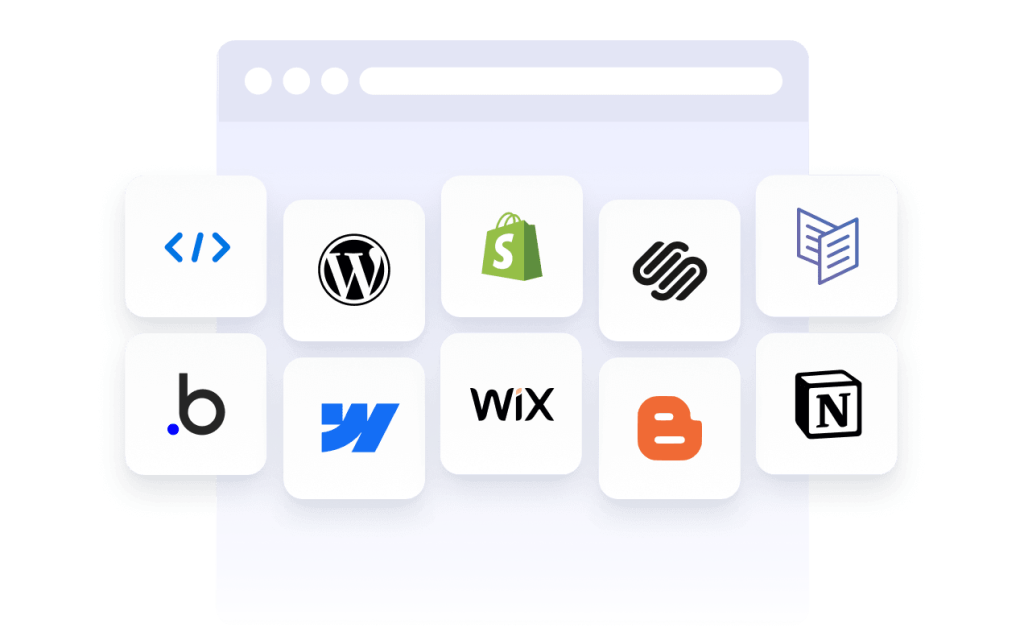
Works on most websites and platforms
Embed Jotform widgets on many website platforms and custom sites using standard embed options. Keep the same widget working across different pages and environments.
حوّل العملاء المحتملين إلى عملاء يدفعون باستخدام أداة إنشاء النماذج Jotform
حوّل المشاركة إلى عمل مع Jotform. أنشئ نماذج قوية تلتقط العملاء المحتملين، وتجمع المدفوعات، وتؤتمت الردود، كل ذلك في مكان واحد. كل عملية إرسال تصل إلى صندوق الوارد في Jotform، جاهزة للمتابعة أو الاتصال بتطبيقاتك المفضلة.
ابدأ - إنه مجاني!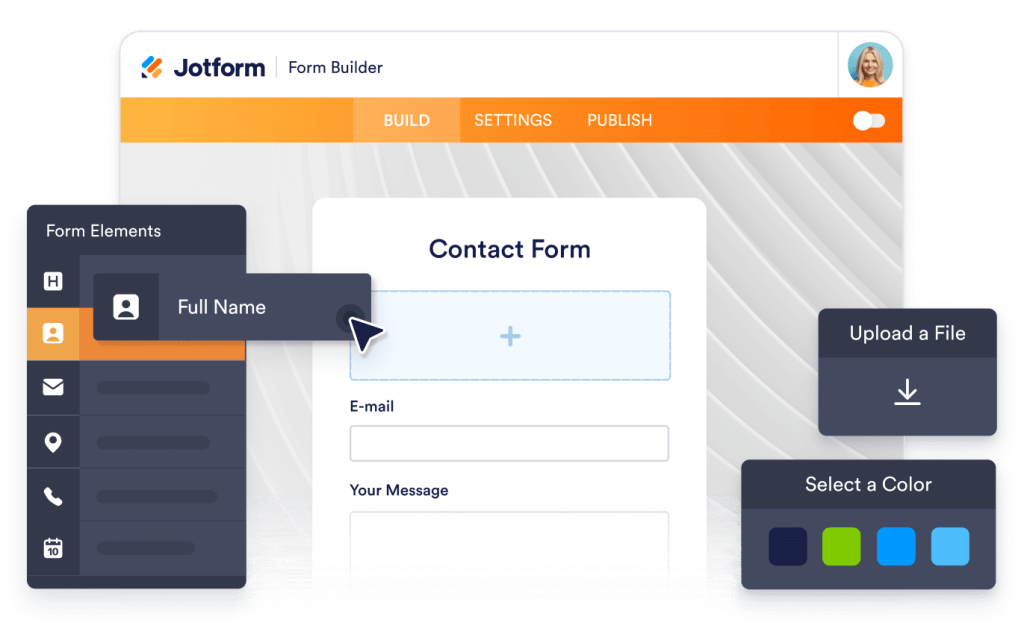
Why use widgets?
Website widgets help you improve your site without building every feature from scratch. They can support business goals like trust, lead generation, and customer support.
Build credibility with reviews and testimonials
Improve conversions with clear calls to action
Keep visitors on your site longer by reducing friction
موثوق بها من قبل الملايين
يتم استخدام Jotform من قبل الشركات في جميع أنحاء العالم، بدءًا من الفرق الصغيرة إلى المؤسسات الكبيرة.





Understanding website widgets
تقدم الأقسام أدناه شرحًا أكثر تفصيلاً لكيفية عمل الاستبيانات، ومتى يتم استخدامها، وكيفية تحويل الردود على الاستبيانات إلى رؤى قيمة. هذه المعلومات مخصصة للقراء الذين يسعون إلى فهم أعمق يتجاوز الأساسيات.
What are website widgets?
A website widget is a small feature you can add to a webpage using embed code. Widgets are often used to display content or enable actions like showing reviews, collecting leads, taking payments, booking appointments, or answering questions.
How widgets fit into a website
This section explains what website widgets are, how they work within a webpage, and how they can be used effectively as your widget library grows. Website widgets are usually embedded using a short code snippet and load within a defined area of a webpage. They can be placed alongside existing content and updated without changing the page structure.
Common types of website widgets
Widgets can be placed alongside existing content and updated without changing the page structure. This makes them useful for adding features without rebuilding or redesigning a website. Website widgets come in many forms, depending on the goal they support. Common types include:
Review widgets to display customer feedback from third-party platforms
- Form widgets for contact forms, lead capture, and registrations
- Scheduling widgets for booking meetings or appointments
- Payment widgets for collecting one-time or recurring payments
- Chat and messaging widgets for customer support and inquiries
- Feedback and survey widgets to collect opinions and responses
This page currently focuses on review widgets. Additional widget types can be added over time as the widget library expands.
How website widgets affect SEO
Website widgets can support SEO when used intentionally and aligned with the page's purpose. Widgets that improve usability, engagement, and task completion can help visitors spend more time on a page and interact with content more effectively.
To avoid SEO issues:
- Place widgets on pages where they add clear value
- Use descriptive headings and supporting text around the widget
- Avoid adding too many widgets to a single page
- Ensure widgets load efficiently and do not block content
Widgets work best when they complement content rather than replace it.
Website platforms that support widgets
Most website widgets can be embedded on a wide range of platforms using standard embed code. This typically includes content management systems, website builders, and custom-built sites.
Common platforms that support embedded widgets include WordPress, Webflow, Wix, Shopify, Squarespace, and static HTML sites. The exact placement method depends on the platform, but widgets are usually added through a code block, a custom HTML section, or a page editor.
Website widgets vs plugins and extensions
Website widgets are generally platform-agnostic and can be embedded on many types of websites using code. Plugins or extensions are usually built for a specific platform and must be installed and maintained within that system.
Widgets offer more flexibility when you manage multiple sites or use different platforms, since the same widget can often be reused across environments.
Choosing widgets based on your goal
Choosing the right widget depends on what you want visitors to do on your site. If your goal is to build trust, review widgets can highlight customer feedback. If you want to collect information, form widgets may be more appropriate. For bookings or transactions, scheduling or payment widgets are a better fit.
Start with the widget that supports your primary goal, then expand as your site grows and needs change.
Managing and updating embedded widgets
Most website widgets can be updated after they are embedded. Changes to design, content, or settings are usually reflected automatically on any page where the widget is used, without requiring changes to the website code.
This makes widgets useful for campaigns, seasonal updates, and ongoing optimization.