أدوات تحسين تجربة المستخدم المجانية للمواقع الإلكترونية
ارتقِ بالتنقل، وإمكانية الوصول، والتفاعل باستخدام منشئ Jotform البسيط بدون كود لتحسين تجربة المستخدم.
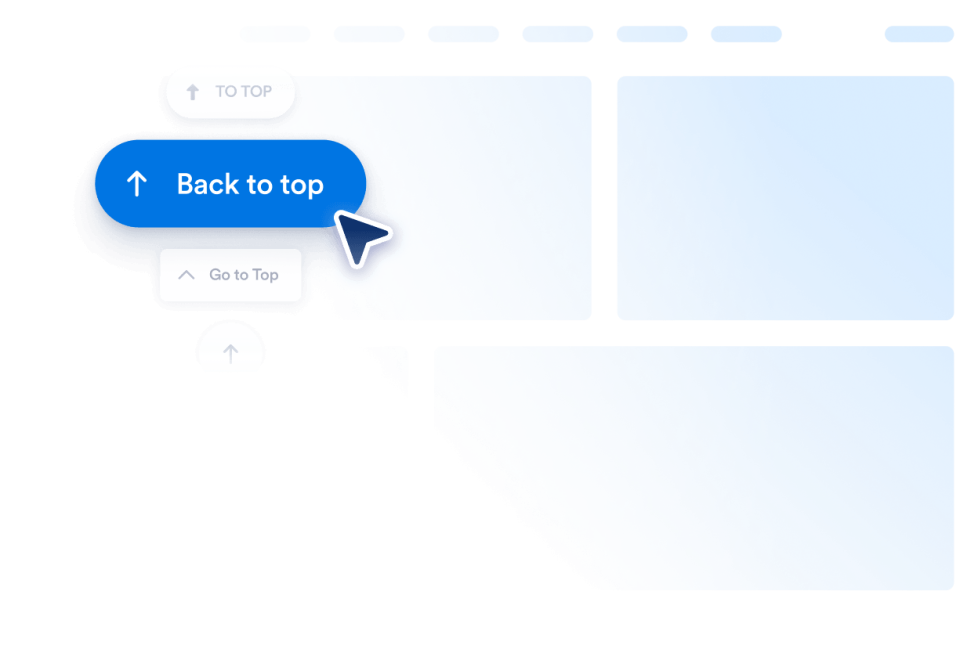
الرجوع إلى الأعلى
أضف أداة الرجوع إلى الأعلى إلى موقعك الإلكتروني في ثوانٍ. اسمح للزوار بالانتقال بسلاسة إلى أعلى الصفحة باستخدام زر قابل للتخصيص، دون الحاجة إلى البرمجة، ويمكنك وضعه في أي مكان.
انتقل إلى الفئة:تجربة الموقعاستخدام الأداةإمكانية الوصول
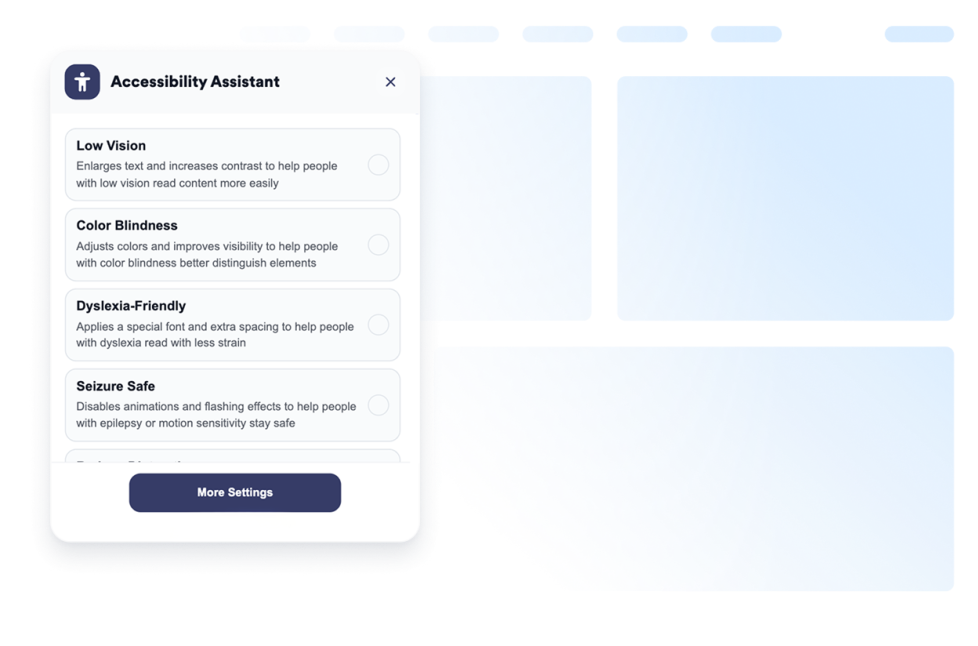
أضف أداة إمكانية الوصول قابلة للتخصيص لمساعدة الزوار على ضبط التباين وحجم النص والتباعد والحركة. وفر اعدادات إمكانية الوصول مسبقة الضبط وتذكر تفضيلات المستخدمين بدون كود.
انتقل إلى الفئة:تجربة الموقعاستخدام الأداةمؤشر مخصص
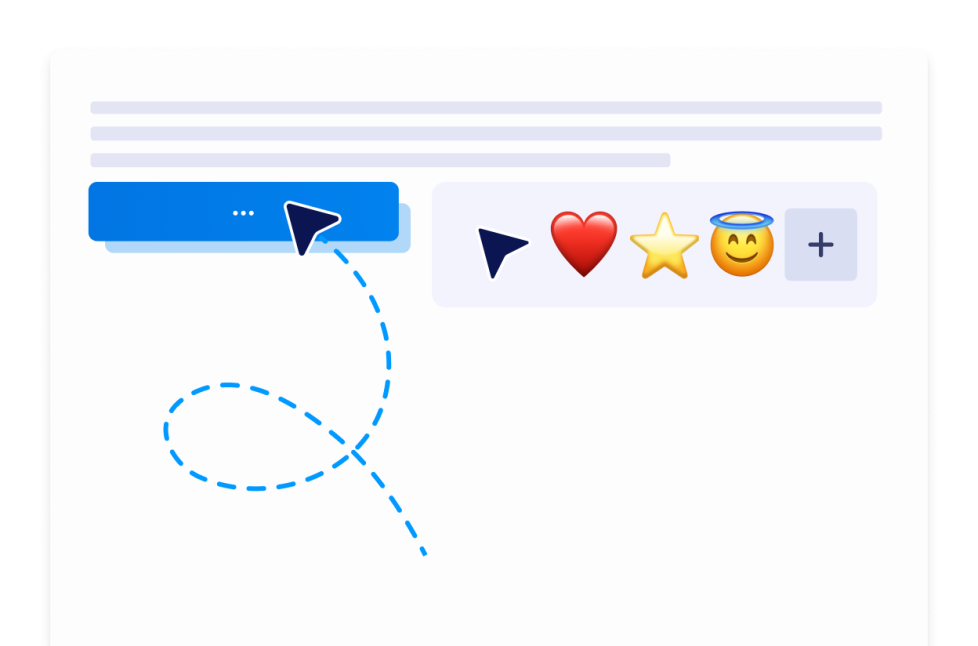
باستخدام أداة مؤشر الماوس المخصص، يمكنك اختيار نمط المؤشر، وتخصيص مظهره وطريقة حركته، وإضافة تأثيرات تفاعلية، وتضمينه في موقعك الإلكتروني دون الحاجة إلى كتابة تعليمات برمجية.
انتقل إلى الفئة:تجربة الموقعاستخدام الأداةالوضع الداكن
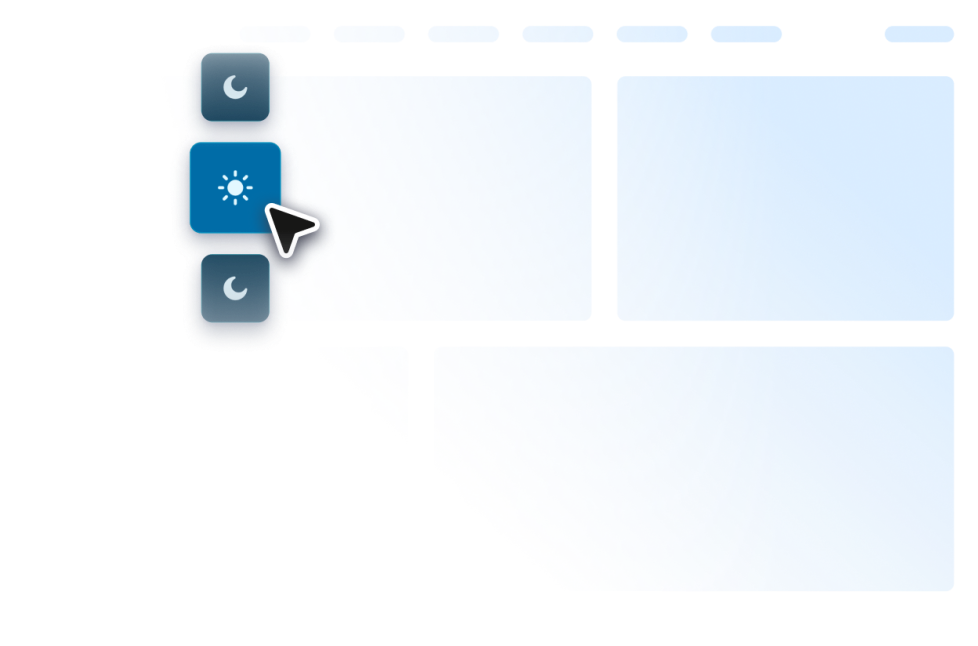
أضف أداة الوضع الداكن القابلة للتخصيص إلى موقعك الإلكتروني للتصفح في الإضاءة المنخفضة. اضبط الألوان والموضع والجدولة والأنماط في أداة بدون برمجة.
انتقل إلى الفئة:تجربة الموقعاستخدام الأداةPomodoro
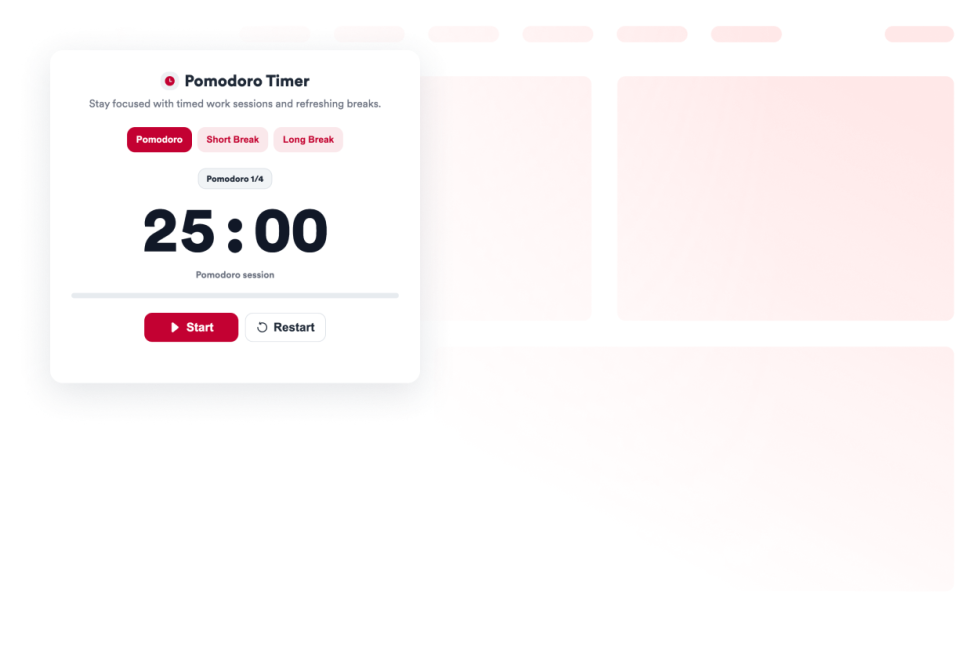
أضف أداة المؤقت الرقمي (Pomodoro) إلى موقعك الإلكتروني لتنظيم جلسات العمل المركّز وفترات الراحة القصيرة والطويلة، مع إمكانية إضافة أصوات التنبيه وتخصيص التصميم.
انتقل إلى الفئة:تجربة الموقعاستخدام الأداةالأبراج
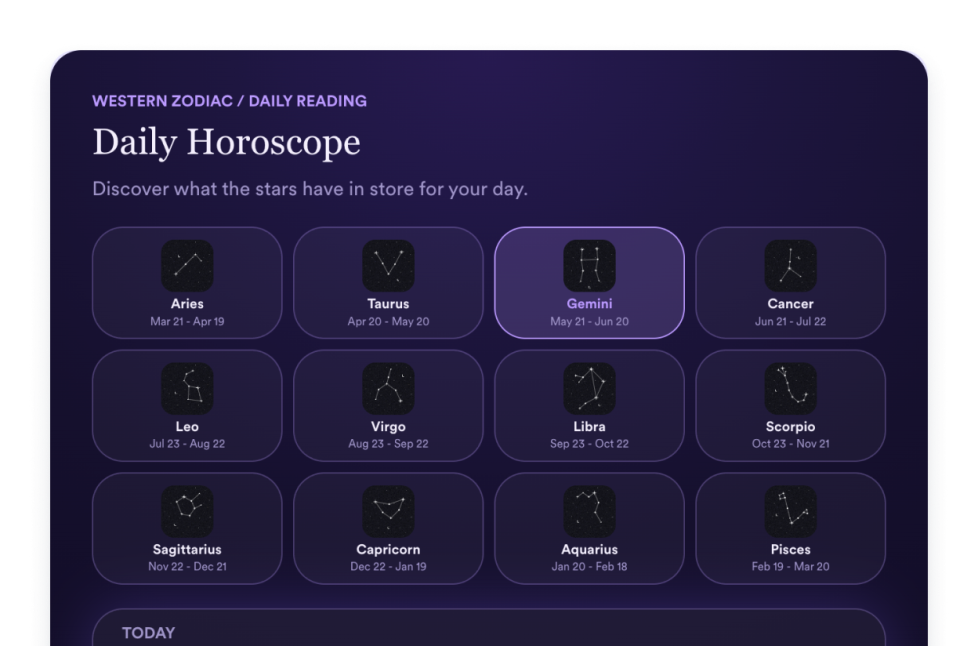
أضف أداة «الأبراج» إلى موقعك الإلكتروني لمشاركة قراءات الأبراج، وأدوات اختيار الأبراج، والقوائم، والشبكات، والشرائح، والتصميمات المميزة، والألوان، وعناصر الدعوة إلى اتخاذ إجراء (CTA)، وملفات CSS المخصصة.
انتقل إلى الفئة:تجربة الموقعاستخدام الأداةأداة التبويبات
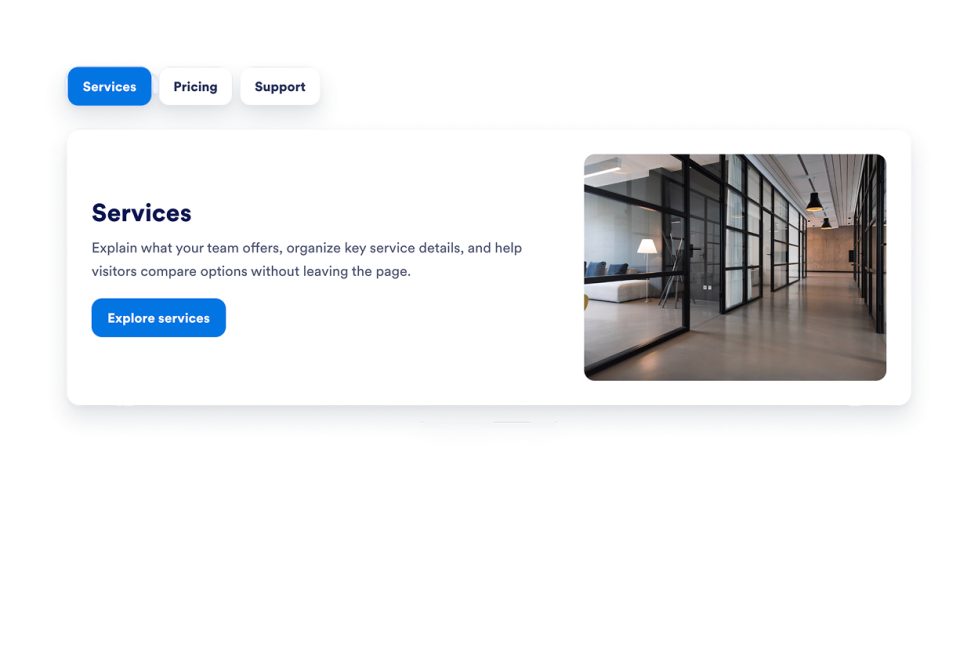
أضف أداة علامات تبويب قابلة للتخصيص إلى موقعك لتنظيم المحتوى في أقسام واضحة وقابلة للنقر. أنشئ تخطيطات بعلامات تبويب للأسئلة الشائعة والميزات والأسعار والقوائم ومعارض الأعمال والمزيد دون الحاجة إلى كتابة كود.
انتقل إلى الفئة:تجربة الموقعاستخدام الأداةحيوانات أليفة للمتصفح
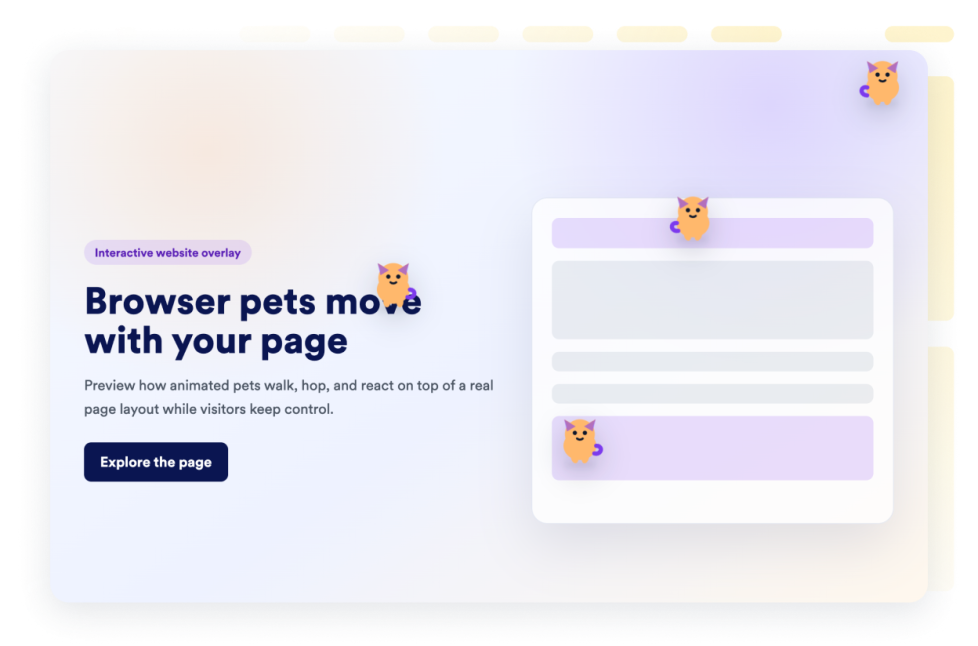
أضف أداة حيوانات المتصفح الأليفة إلى موقع الويب الخاص بك في ثوانٍ. خصص التصميم وقم بتضمينه باستخدام أداة إنشاء أدوات مواقع الويب من Jotform التي لا تتطلب برمجة.
انتقل إلى الفئة:تجربة الموقعاستخدام الأداةجولة في الموقع
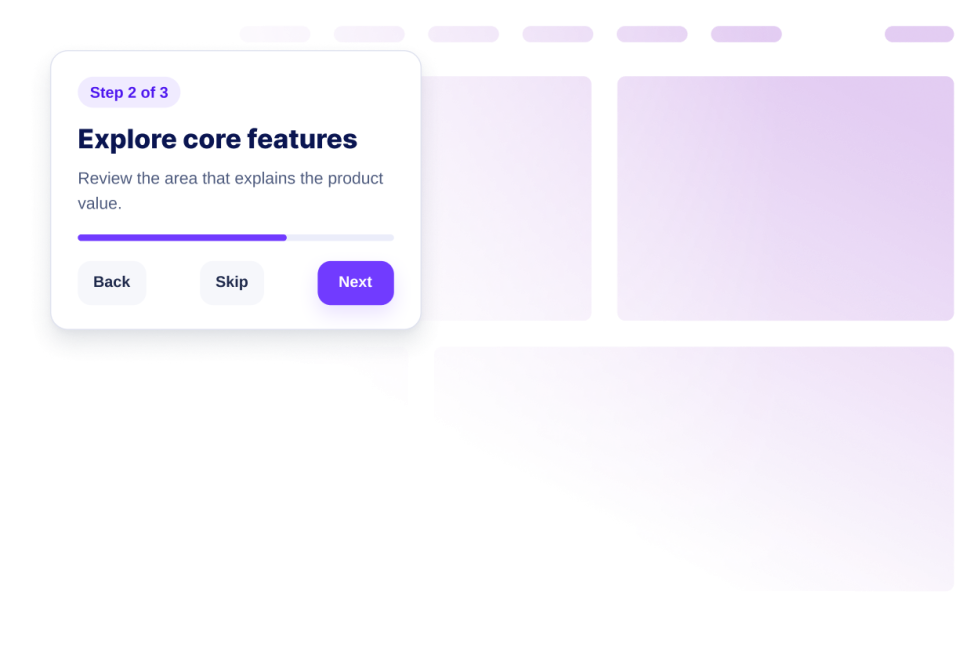
أنشئ أداةً لجولة تعريفية بالموقع تتضمن خطوات إرشادية، وعناصر تمييز، وتلميحات، وعناصر تحكم في التشغيل، وتصميماً متجاوباً، مع إمكانية التضمين دون الحاجة إلى كتابة أكواد برمجية.
انتقل إلى الفئة:تجربة الموقعاستخدام الأداةشريط تمرير مخصص
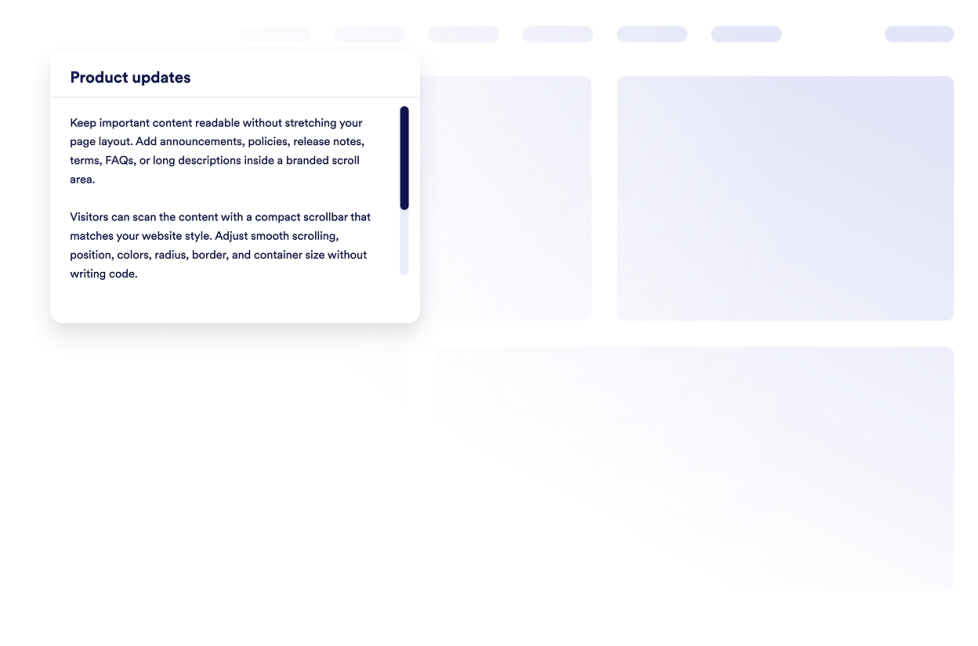
أضف عنصر واجهة مستخدم مخصص لشريط التمرير إلى موقعك الإلكتروني. أنشئ مناطق محتوى قابلة للتمرير تحمل علامتك التجارية، مع إمكانية تخصيص العرض والألوان والموضع والحدود ونصف القطر وسلوك التمرير.
انتقل إلى الفئة:تجربة الموقعاستخدام الأداةمؤشر العرض الهيكلي
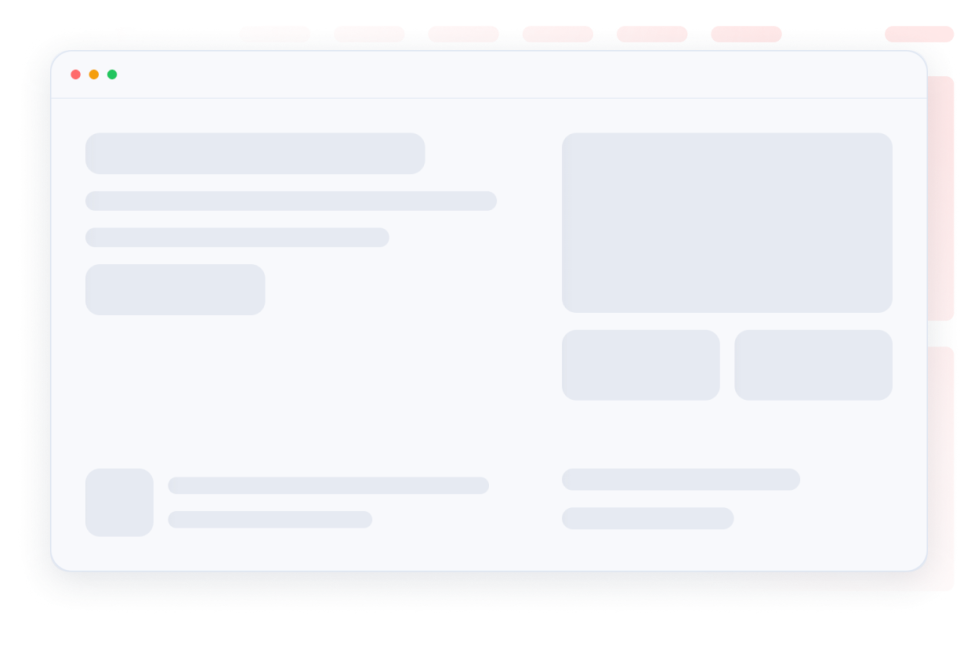
اجعل حالات التحميل تبدو سلسة باستخدام عناصر نائبة هيكلية للمحتوى في البطاقة نفسها. خصص لونًا واحدًا للهيكل، ونصف القطر، وسرعة اللمعان، وأضف عنصر واجهة المستخدم.
انتقل إلى الفئة:تجربة الموقعاستخدام الأداةقيد الإنشاء
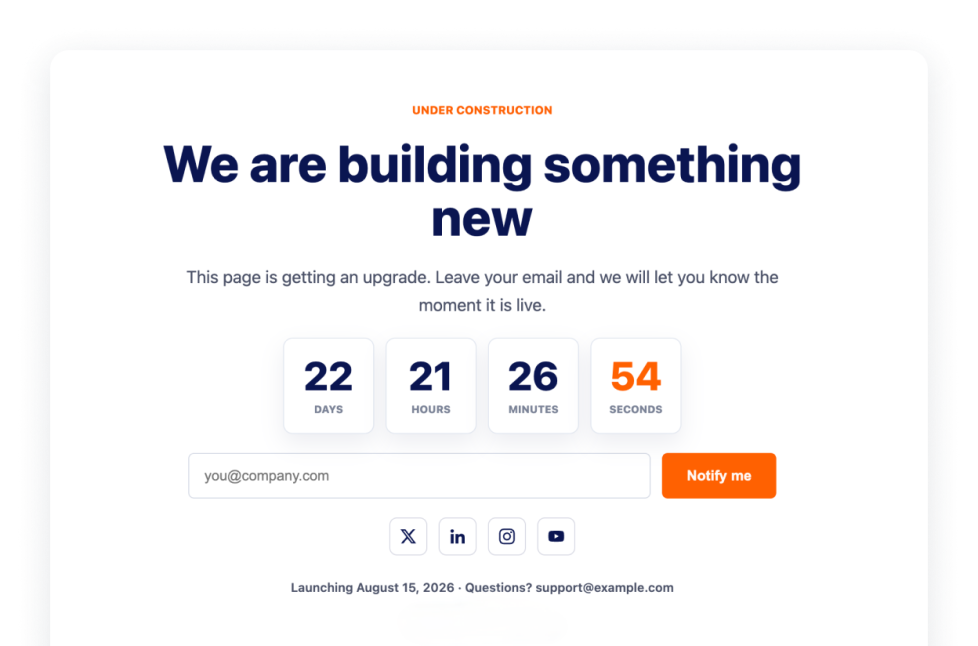
أخبر الزوار بأن صفحتك قيد الإنشاء باستخدام أداة قيد الإنشاء، التي تتضمن العلامة التجارية وروابط التواصل الاجتماعي وسطر التواصل وملاحظة الإطلاق والشعار.
انتقل إلى الفئة:تجربة الموقعاستخدام الأداةالتقدم في القراءة
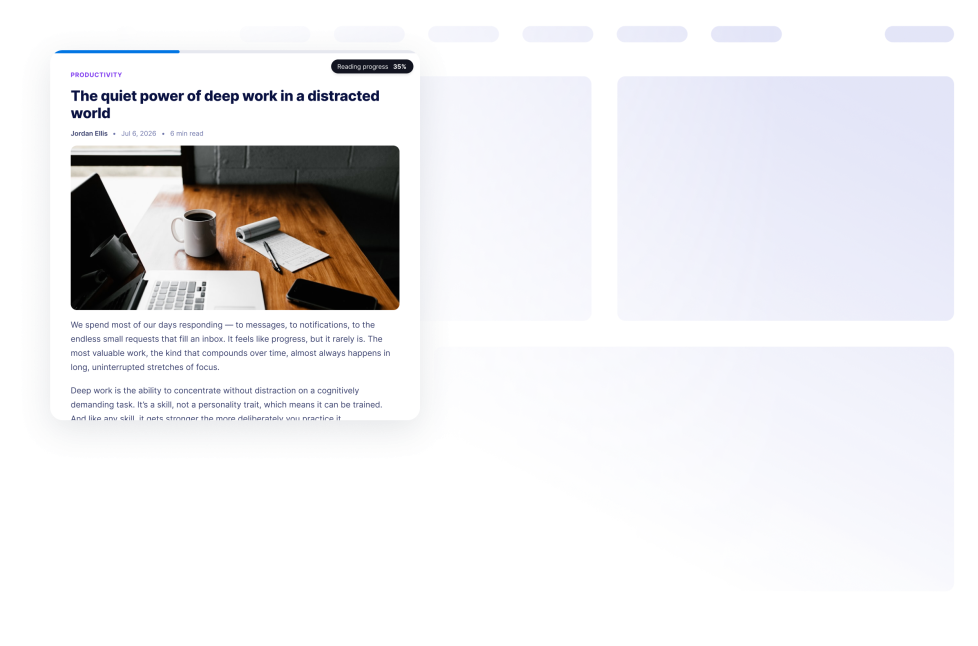
أضف أداة تقدّم القراءة إلى موقعك الإلكتروني. اعرض تقدّم التمرير، والنسبة المئوية، والوقت المتبقي، وعروض الشريط أو الدائرة أو الخطوات دون كتابة أكواد.
انتقل إلى الفئة:تجربة الموقعاستخدام الأداةمؤشر تقدم التمرير
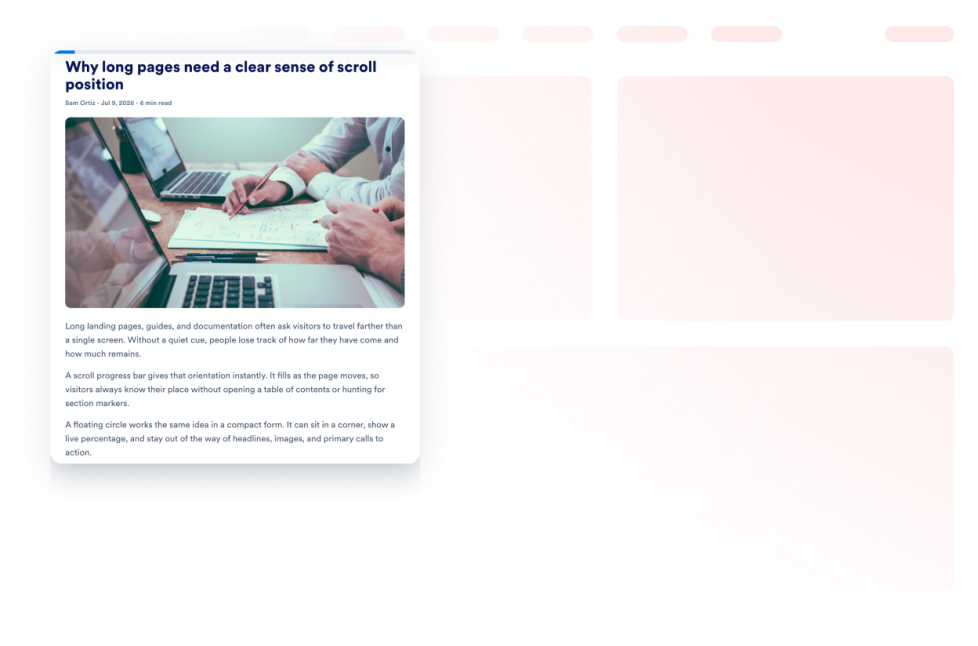
أضف أداة «مؤشر تقدم التمرير» إلى موقعك الإلكتروني. اعرض شريط تقدم أو زر تقدم عائم، وقم بتمكين ميزة «التمرير إلى الأعلى»، وخصص الألوان، وتحكم في موضع العرض على أجهزة الكمبيوتر المكتبية والأجهزة المحمولة.
انتقل إلى الفئة:تجربة الموقعاستخدام الأداةعرض نافذة منبثقة عند إقرار الخروج
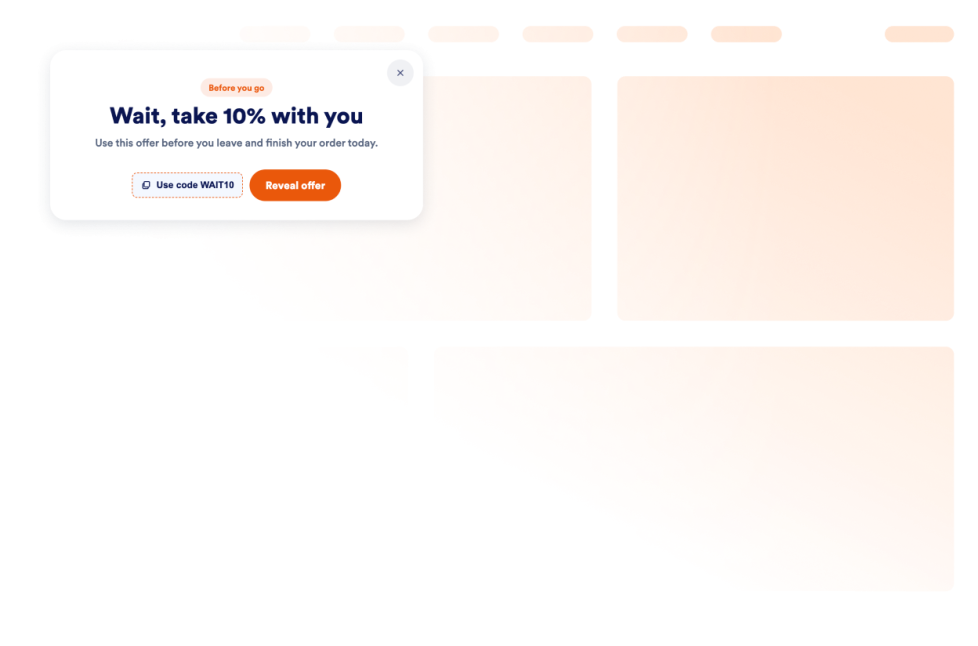
أضف أداة النافذة المنبثقة التفاعلية إلى موقعك لاستعادة الزوار قبل مغادرتهم عبر عرض العروض، والنماذج، وقسائم الخصم، مع إمكانية تحديد الفئات المستهدفة، والتحكم في تكرار الظهور، والتضمين المباشر دون الحاجة لكتابة أي برمجيات.
انتقل إلى الفئة:تجربة الموقعاستخدام الأداةعفوًا، لم يتم العثور على نتيجة
No results match your search. Please try another keyword.
About Website Experience Widgets
Website experience widgets help make websites easier to navigate, read, and interact with without custom code. These embeddable tools can improve accessibility, organize page content, guide visitors through a website, and add helpful controls for browsing.
With Jotform’s website experience widgets, you can add features such as accessibility controls, back-to-top buttons, dark mode, tabs, reading progress indicators, website tours, custom scrollbars, and exit intent popups. They can be used on landing pages, blogs, help centers, product pages, portfolios, online stores, and business websites.
What can you do with website experience widgets?
Website experience widgets can help you:
- Improve page navigation with back-to-top buttons, custom scrollbars, and scroll progress indicators
- Give visitors more control over readability with accessibility and dark mode widgets
- Organize information into clickable tabs
- Show visitors how far they have progressed through an article or long page
- Introduce important website features with a guided website tour
- Display an under-construction message while a page is being prepared
- Add interactive elements such as a custom cursor or Pomodoro timer
- Present a message, form, coupon, or offer with an exit intent pop-up
- Create a more useful website experience without building new features from scratch
Popular website experience widget use cases
Website experience widgets can support different visitor needs across a website. A Back to Top widget can help people navigate long articles, resource pages, and product listings. A Reading Progress widget can show progress, percentage, or estimated time remaining as visitors move through longer content.
An Accessibility widget can let visitors adjust options such as contrast, text size, spacing, and motion. A Dark Mode widget can provide an alternative viewing option for low-light browsing, while a Tabs widget can organize FAQs, services, pricing information, menus, or portfolio content into compact sections.
Businesses can also use a Website Tour widget to introduce key page features through guided steps and tooltips. An Exit Intent Popup widget can display a form, coupon, offer, or message when a visitor is preparing to leave the page.
Easy website widgets for any team
Embeddable website experience widgets can be useful for small businesses, creators, agencies, educators, nonprofits, bloggers, online stores, and website owners who want to improve their pages without relying on a developer or designer.
With Jotform, users can select a widget, customize its content, settings, and design, preview the result, and copy the embed code. The code can then be added to a supported website editor or HTML section without custom code.
This enables different teams to add navigation controls, accessibility options, content sections, guided instructions, and interactive page features while keeping the widget consistent with the rest of their website.
أدلة ذات صلة
To learn more about setting up and managing widgets, users can read Jotform’s guide on managing website widgets. The guide explains that users can create new widgets, edit existing widgets, copy embed codes, control widget visibility, and organize their widget assets from the My Website Widgets page.
Website Experience Widgets FAQ
What are website experience widgets?
Website experience widgets are embeddable tools that improve how visitors browse and interact with a webpage. They can support navigation, accessibility, readability, content organization, guided browsing, and other on-page interactions.
What types of website experience widgets are available?
Available options include Accessibility, Back to Top, Custom Scrollbar, Custom Cursor, Pomodoro, Tabs, Dark Mode, Reading Progress, Under Construction, Exit Intent Popup, Scroll Progress, and Website Tour widgets. Each widget supports a different part of the visitor experience.
Where can I use website experience widgets?
You can use these widgets on landing pages, blogs, help pages, product pages, portfolios, online stores, educational websites, and business websites. Choose a widget based on what visitors need to read, find, or do on the page.
Do website experience widgets require coding?
No. You do not need a developer or designer to add a Jotform website widget. You can customize the widget, copy the embed code, and add it to your website without custom code. The exact placement method depends on the website platform or page editor you use.


