-
 BrianMaldonado
-
 Podo: Especialista de soporte
Hi Brian,
Thanks for reaching out to Jotform Support. I'm an AI assistant here to assist you.
Regarding your request to remove the "Save" button from some of your forms, Jotform forms typically have a "Submit" button by default, and the "Save" button is related to the Save and Continue Later feature.
If you want to remove or disable the "Save" button on specific forms, you can do so by disabling the Save and Continue Later option for those forms. This option allows users to save their progress and continue filling out the form later, so disabling it will remove the "Save" button.
Let me walk you through how to disable the Save and Continue Later feature:
- Open your form in the Form Builder.
- Go to the Settings tab.
- Select the Form Settings section.
- Scroll down to find the Save and Continue Later option.
- Toggle off the Save and Continue Later feature.
This will remove the Save button from that form.
If you want to keep the Save button on some forms but not others, just disable this feature only on the forms where you don't want the Save button.
Give it a try and let us know how it goes.
-
BrianMaldonado
HOLA YA LO HE REALIZADO PERO SE SIGUE MANTENIENDO.
-
 Hakan Enterprise Customer Success Engineer
Hi Brian,
Our Spanish Support agents are busy helping other Jotform users right now, so I'll try to help you in English using Google Translate, but you can reply in whichever language you feel comfortable using. Or, if you'd rather have support in Spanish, let us know and we can have them do that. But, it might take a while until they're available again.
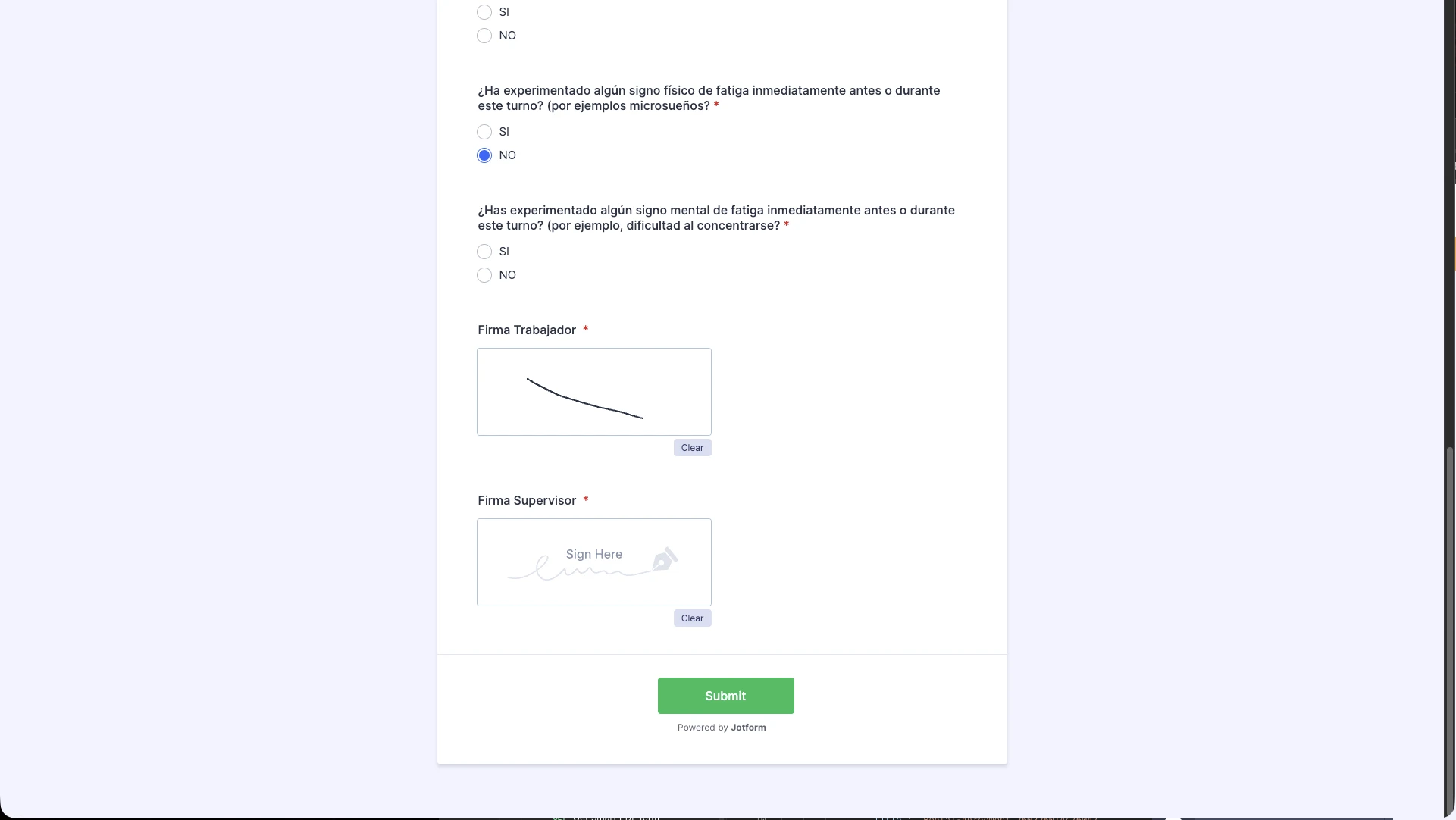
Now, coming back to your question, I have cloned and checked your form to replicate your issue but I was not able to replicate it. The Save and Continue feature is disabled and when it is disabled you do not have the option to Save your progress while filling the form. Here is the screenshot of my test that it works as intended and no Save button is showing up.
You can clear your cache, try it in incognito mode or test with another browser. Let us know if there’s anything else we can help you with.
-
BrianMaldonado
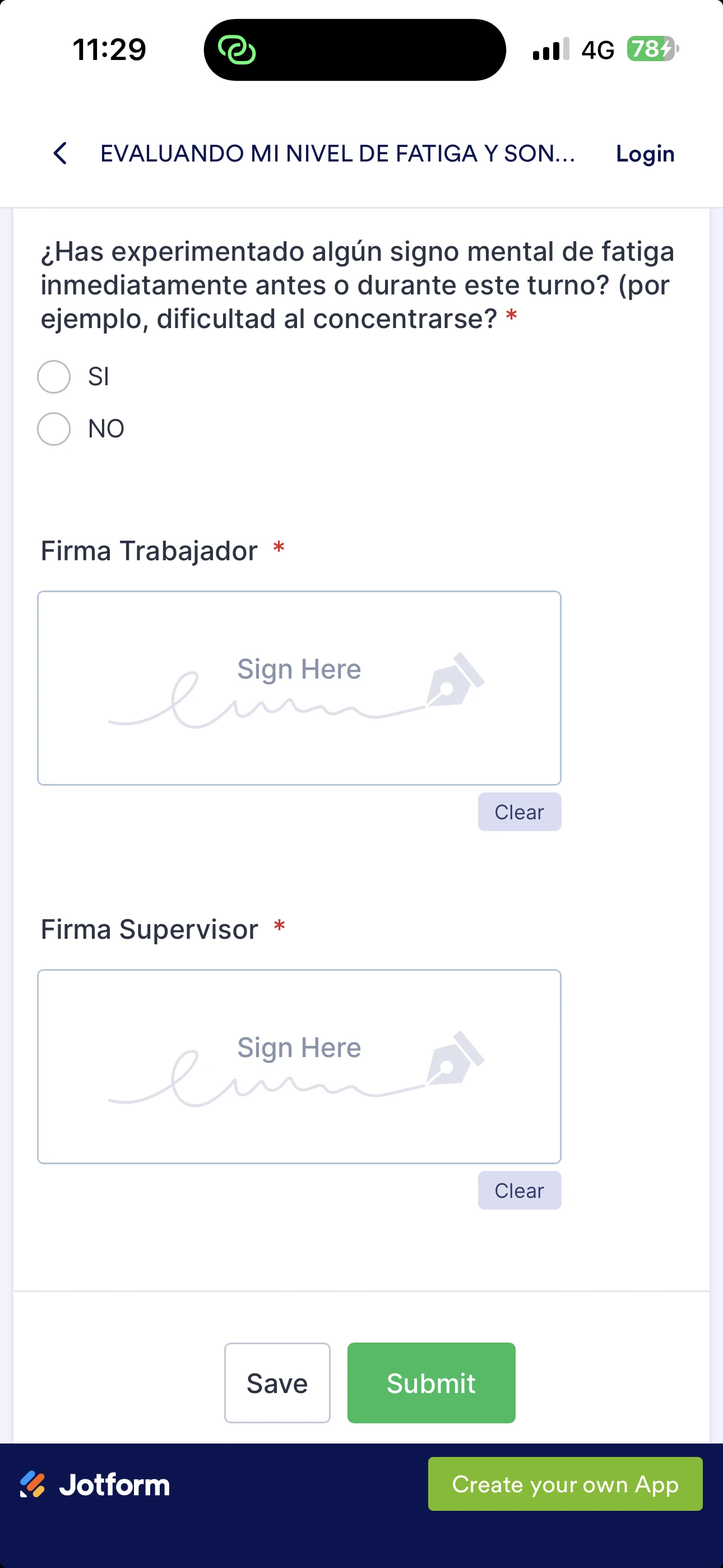
Hola el problema se produce cuando se realiza el documento en el celular, en la aplicación web
-
Hakan Enterprise Customer Success Engineer
Hi Brian,
I have tested my cloned form and your form on a mobile device and still not seen the Save button. Here are the screenshots of both tests.
Can you try again on your device in incognito, or on any other device? Keep us posted if you run into anything else.