-
 INGALDEOCCIDENTE
COMO PÚEDO EN MI TABLERO DE JOTFORM CAMBIAR LA ETIQUETA QUE APARECE POR LA ACTIVIDAD?
-
 Podo: Especialista de soporte
Hi Marly,
Thanks for reaching out to Jotform Support. I'm an AI assistant here to assist you.
Por lo que entiendo, quieres que en tu tablero (vista tipo tarjetas en Jotform Tables) la etiqueta o título principal de la tarjeta muestre el campo ACTIVIDAD en lugar de otro texto que aparece ahora.
En Jotform Tables puedes renombrar las columnas y también cambiar el tipo de vista
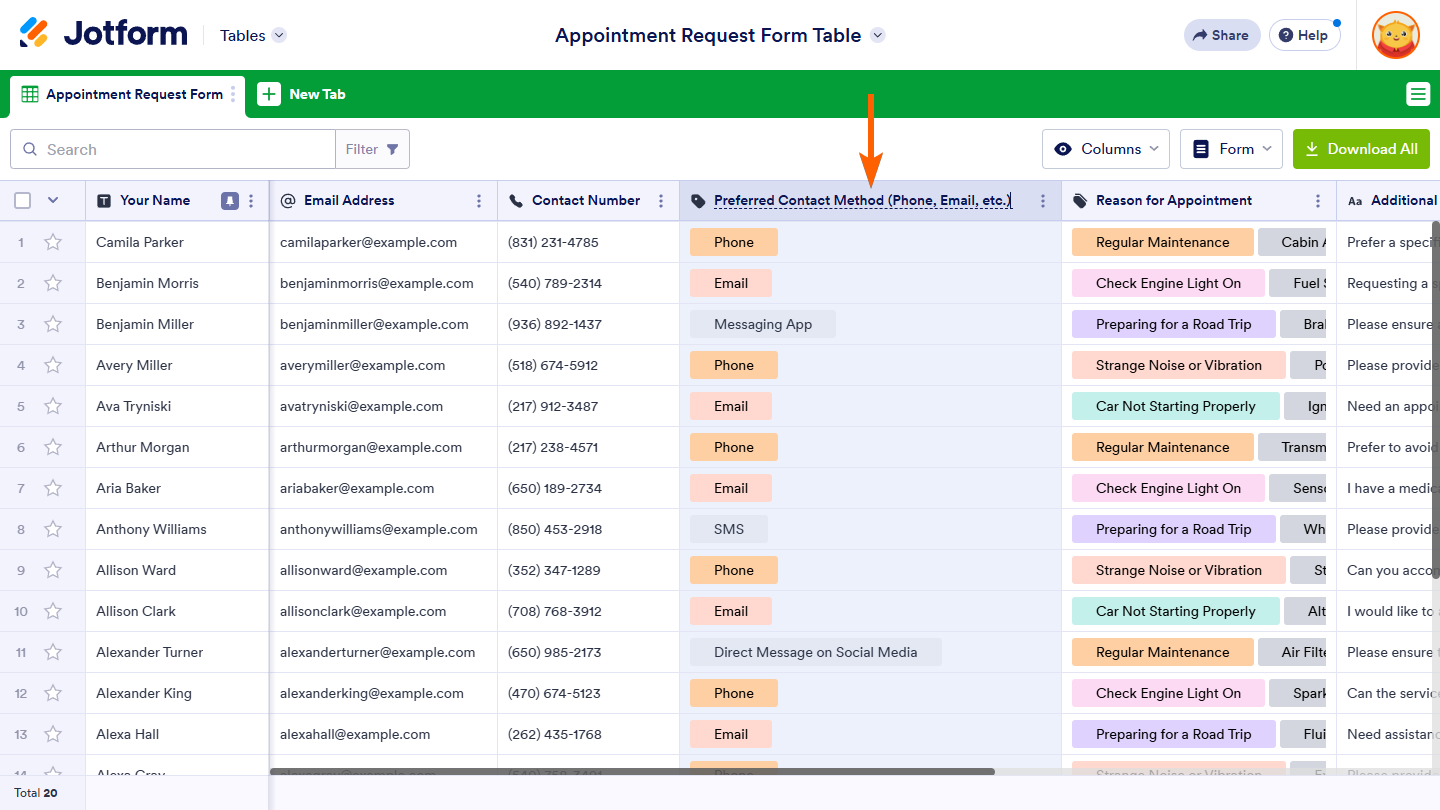
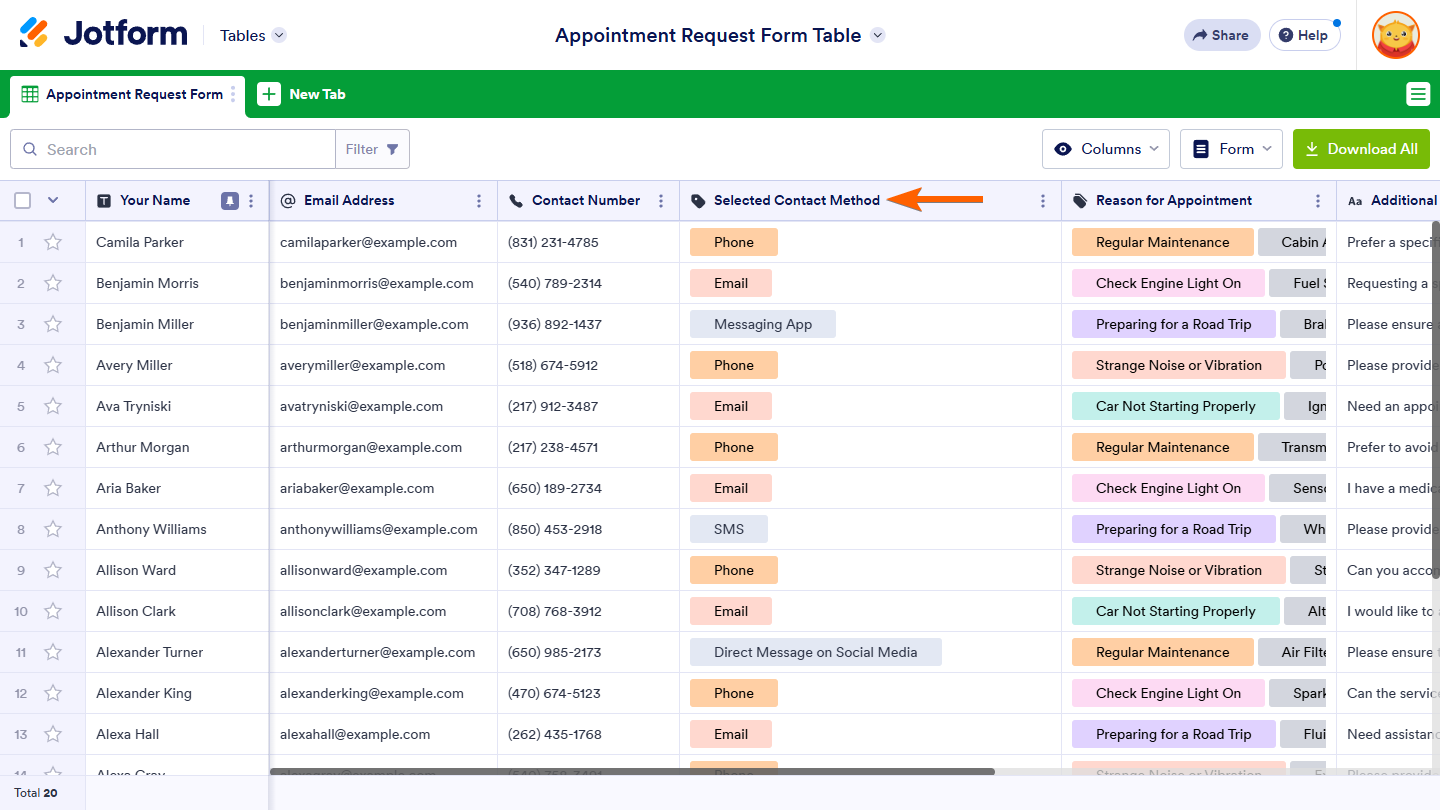
Lo que sí puedes hacer es ajustar los nombres de las columnas para que se vean más claros en tu tablero y, si estás usando la vista de Tabla, interpretar mejor los datos.
Let me help you with eso paso a paso para renombrar la columna ACTIVIDAD (o la que necesites):
- Abre tu formulario en Jotform Tables (desde Mis Formularios, haz clic en tu formulario y luego en Submissions).
- Busca la columna que quieres cambiar (por ejemplo, la que corresponde a ACTIVIDAD).
- Haz doble clic sobre el nombre de la columna en el encabezado.
- Escribe el nuevo nombre que quieras mostrar (por ejemplo, "Actividad" o el texto que prefieras).
- Presiona Enter o haz clic fuera del nombre de la columna para guardar el cambio.
Notas importantes:
- Renombrar la columna no cambia la etiqueta del campo en el formulario, solo cómo se ve en Tables.
- Los cambios se guardan automáticamente.
- Si aún no recargas la página, puedes usar CTRL+Z para deshacer el cambio de nombre.
Si lo que necesitas específicamente es cambiar qué campo se usa como título en la tarjeta (por ejemplo, que la tarjeta muestre "Contratar Líder de Inventarios" desde ACTIVIDAD en lugar de otro texto), por favor confírmame si estás usando la vista Cards de Jotform Tables y envíame una captura de cómo se ve tu tablero; después de que nos compartas eso, podremos tener una mejor idea de lo que está pasando y cómo ayudarte.
Let us know if you have any other questions.
-
INGALDEOCCIDENTE
Te explico lo que necesito.
En la parte marcada de color verde en la imagen que te envio aparece el texto de la columna de Notas de la tabla, lo que necesito esque alli no aparezca eso si no el texto de la columna Actividad de la tabla.
-
 Jerlan Jotform Support
Hi Marly,
Our Spanish Support agents are currently busy helping other Jotform users. I'll try to help you in English using Google Translate, but you can reply in whichever language you feel comfortable using. Or, if you'd rather have support in Spanish, let us know and we can have them do that. But, remember that you'd have to wait until they're available again.
About the issue, let me take a look at this for you. To do that, we’ll need your permission to access your account. Don’t worry, you can turn it off again once we’re done. Let me show you how to do it:
1. In the top-right corner of your Workspace page, click on your Avatar/Profile Image icon.
2. Then, in the Dropdown menu that opens, click on Settings.
3. Next, in the panel on the left, click on the Security tab.
4. If you haven’t opened your Security page in a while, it’ll ask you to verify. To do that, click on Send Verification Code.
5. Then, enter the Verification Code you receive in your email.
6. Finally, at the bottom of the page, toggle on Jotform Support Access.
After we hear back from you, we’ll have a better idea of what’s going on and how to help. -
INGALDEOCCIDENTE
ya les di acceso
-
Jerlan Jotform Support
Hi Marly,
I have accessed the account and checked your Board but I can't find the details on your screenshot. Can you share a quick screen recording of how to see the details included on your screenshot? You can upload it to Google Drive, Dropbox, or record with Loom and send us the link.
Once we hear back from you, we can help you sort this out.



 After we hear back from you, we’ll have a better idea of what’s going on and how to help.