Add and Modify App Elements
Update app elements with Jotform Apps in Claude. Describe the buttons, sections, or other components you want to add or change, and ask AI to adjust their size, content, or colors.
Edit Apps
Agregue, edite o cambie el tamaño de los elementos en Jotform Apps en Claude para actualizar el diseño y el contenido de su app. Describa sus cambios y luego previsualice cómo se ven y funcionan los elementos en conjunto.
Quickly add, edit, or resize app elements in your project. Use plain language in Claude to update buttons, sections, and other components, so your app’s layout and content fit your needs as they evolve.
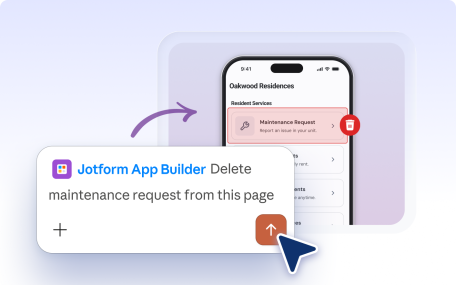
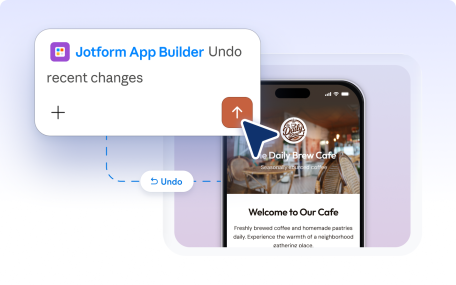
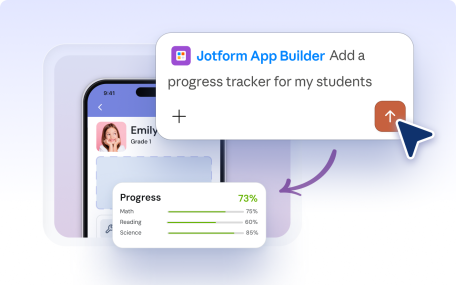
Describe the buttons, sections, or components you want to add, edit, or remove directly in Claude. Jotform Apps in Claude will update your app layout or content as you request, so you can quickly refine your app’s structure and appearance in plain language.
See how you can request a new button, update its color, or adjust a section’s size in Jotform Apps in Claude. The AI makes each change as described, so you can review and refine your app’s layout before sharing it with your audience.
¿Tiene preguntas sobre esta función? Explore las preguntas frecuentes a continuación para obtener respuestas rápidas.
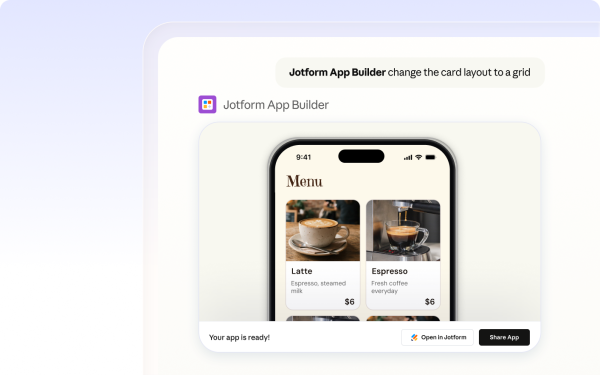
Describe the buttons, sections, or other components you want to add, edit, or remove in your app directly in Claude. The Jotform AI App Builder interprets your request and updates the app layout or content as you specify.
Yes, you can ask Jotform Apps in Claude to resize sections, change colors, update content, or adjust layout for app elements. Describe the changes you want in plain language, and the AI will apply them to your app as requested.
You can manage buttons, sections, cards, lists, and other app components. Use Jotform Apps in Claude to add, edit, remove, or resize these elements by describing your changes in conversation.