Add and Modify App Elements
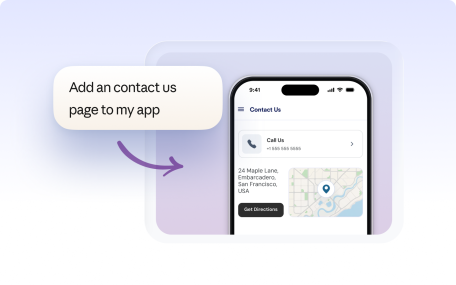
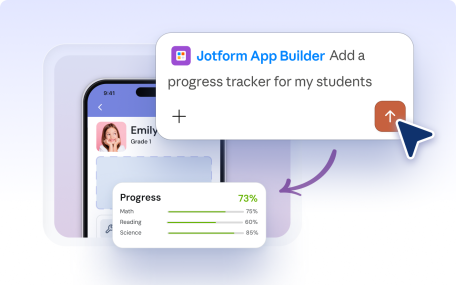
Update app elements with Jotform Apps in Claude. Describe the buttons, sections, or other components you want to add or change, and ask AI to adjust their size, content, or colors.
Edit Apps
Agregue, edite o cambie el tamaño de los elementos en Jotform Apps en Claude para actualizar el diseño y el contenido de su app. Describa sus cambios y luego previsualice cómo se ven y funcionan los elementos en conjunto.
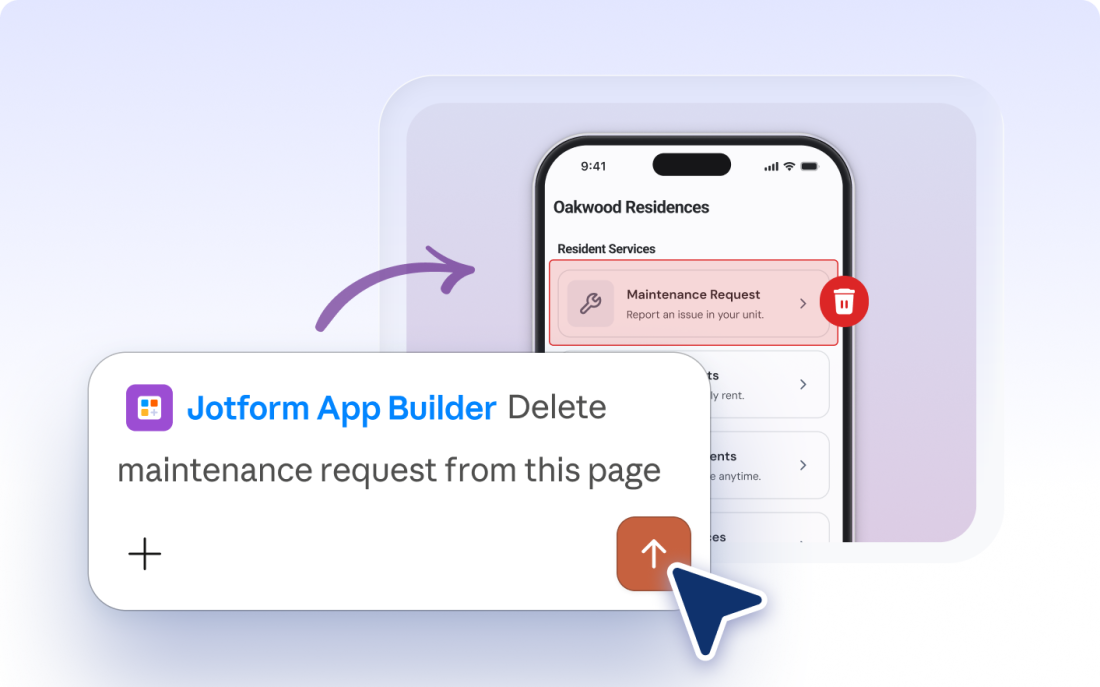
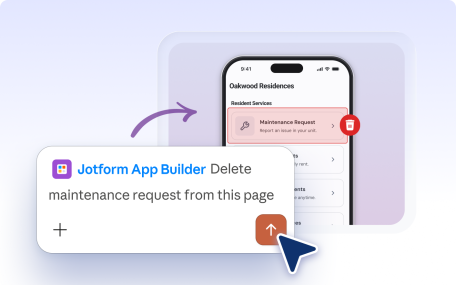
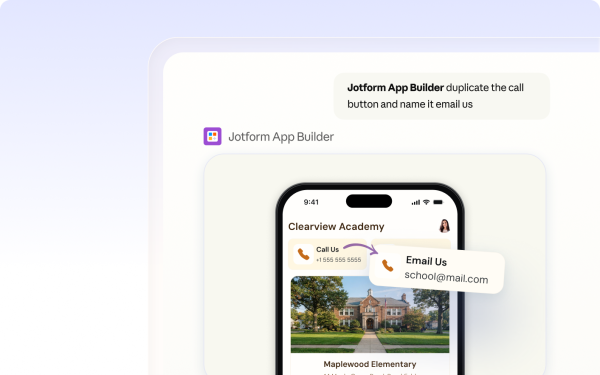
Quickly duplicate or delete any app element in Jotform Apps in Claude to keep your layout organized. Describe which section, button, or page you want to copy or remove, then review the updated app structure to ensure everything fits your needs.
Quickly reuse helpful elements or remove unnecessary content with Jotform Apps in Claude. Just describe which , button, or form to duplicate or delete, then review your app’s updated structure in the conversation.
Describe the element you want to duplicate or remove in Claude. Specify which section, button, or page to update, and the Jotform AI App Builder will adjust your app’s layout so you can review the changes before continuing.
Watch as a feedback form is copied to another page or an outdated banner is removed in your app. Instantly see the updated layout, helping you adjust your app’s structure and keep content organized for your audience.
¿Tiene preguntas sobre esta función? Explore las preguntas frecuentes a continuación para obtener respuestas rápidas.
Describe which element you want to copy in Claude, such as a section, button, or form. The Jotform AI App Builder will create a duplicate of that element in your app, letting you reuse useful content or layouts.
Describe the element you want to remove, such as a section, button, or page, in your message to Jotform Apps in Claude. The AI will update your app by deleting the specified content, and you can then review the new layout.
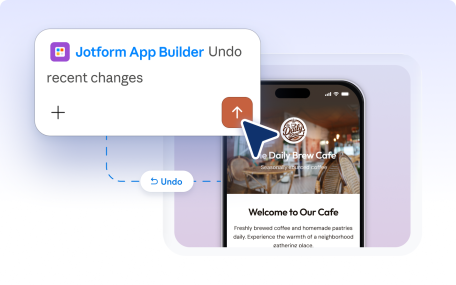
Yes, after you duplicate or delete elements in Jotform Apps in Claude, you can immediately review the updated app layout in the conversation. This lets you see how your changes affect the app and request further adjustments as needed.