Add and Modify App Elements
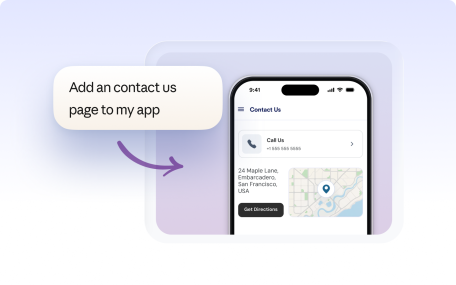
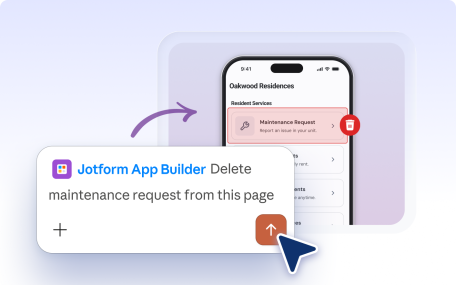
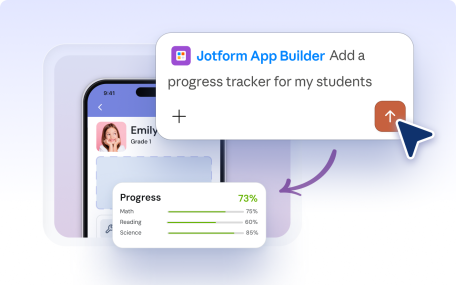
Update app elements with Jotform Apps in Claude. Describe the buttons, sections, or other components you want to add or change, and ask AI to adjust their size, content, or colors.
Edit Apps
Agregue, edite o cambie el tamaño de los elementos en Jotform Apps en Claude para actualizar el diseño y el contenido de su app. Describa sus cambios y luego previsualice cómo se ven y funcionan los elementos en conjunto.
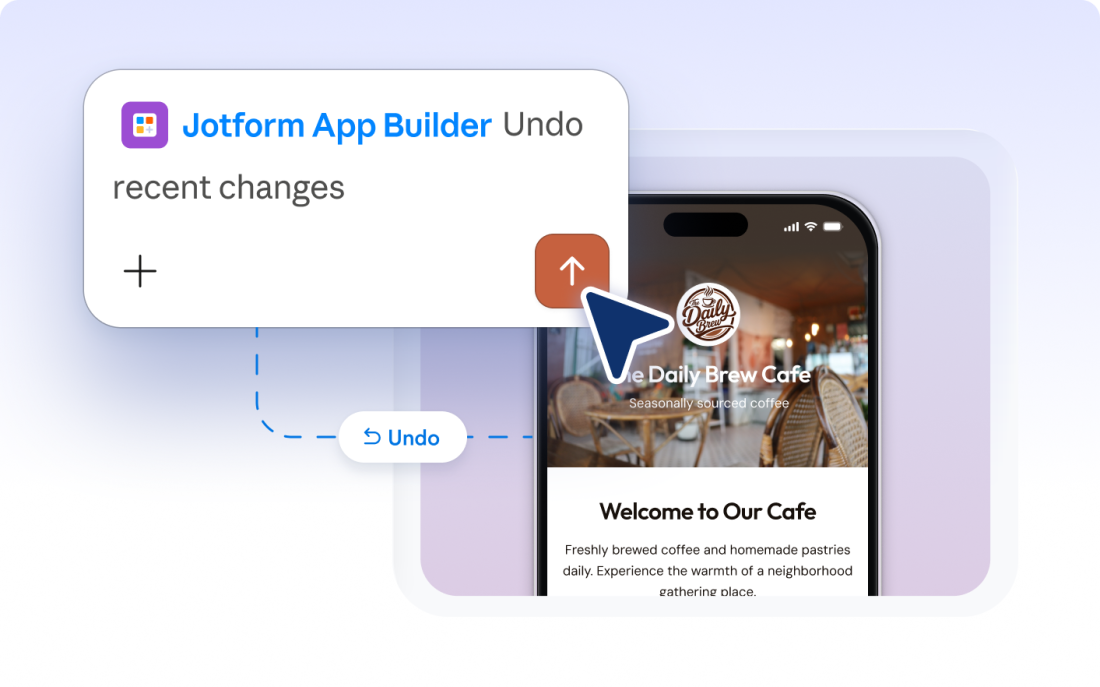
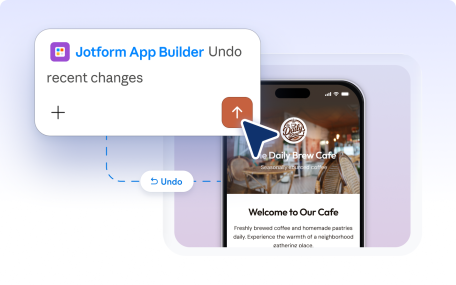
Easily revise your app as you build with Jotform Apps in Claude. Ask the AI to undo a recent change or redo a previous edit, so you can experiment with layouts, styles, and content while keeping full control over your progress.
Stay in control of your app edits with quick undo and redo in Jotform Apps in Claude. Instantly reverse unwanted changes or —from content tweaks to layout adjustments—so you can experiment confidently and always keep your preferred design.
Ask Jotform Apps in Claude to undo an edit or bring back a previous change as you build your app. Quickly revise content, design, or layout to compare options and keep your creative process flexible and in control.
Watch as a creator requests to undo a recent layout change in Claude. The app returns to the previous version, allowing the creator to review the update and redo the change if they want to compare both layouts.
¿Tiene preguntas sobre esta función? Explore las preguntas frecuentes a continuación para obtener respuestas rápidas.
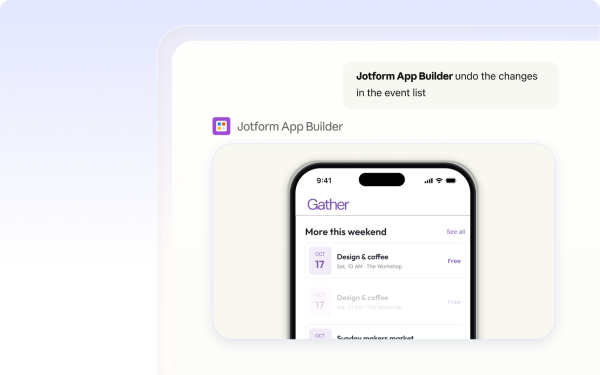
Ask Jotform Apps in Claude to undo your most recent edit. Simply describe which change you want to reverse, and the AI will update your app to restore the previous version.
You can undo or redo changes to your app’s content, layout, and styling. This includes edits like adding or removing elements, updating text, changing colors, and adjusting sections as you build your app in Claude.
Yes, you can ask Jotform Apps in Claude to redo a change after you have undone it. This lets you compare different versions of your app and easily restore previous edits as you refine your design.