Widget Réservation en ligne pour votre site web
Permettez aux visiteurs de sélectionner un service, de choisir une date et une heure disponibles, de saisir leurs coordonnées et d'obtenir une confirmation claire sans quitter votre site web.
Créez votre widget gratuitement !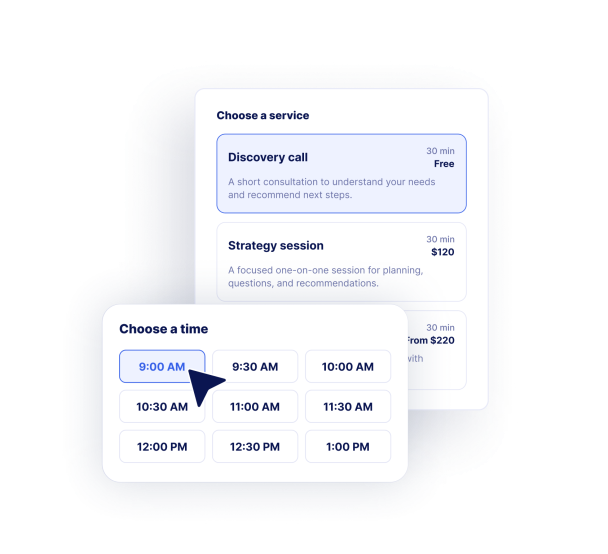

Comment créer un widget Réservation en ligne
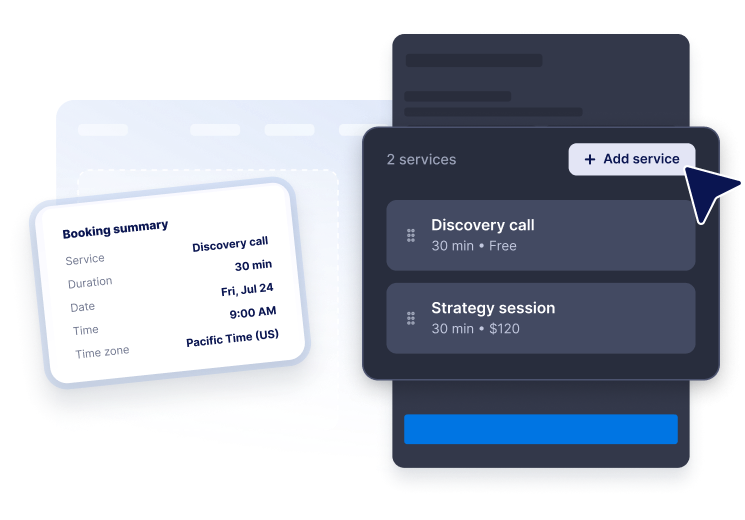
Ajoutez vos services
Indiquez les différents types de rendez-vous avec leur description, leur durée et leur prix afin que les visiteurs puissent choisir l'option qui leur convient.
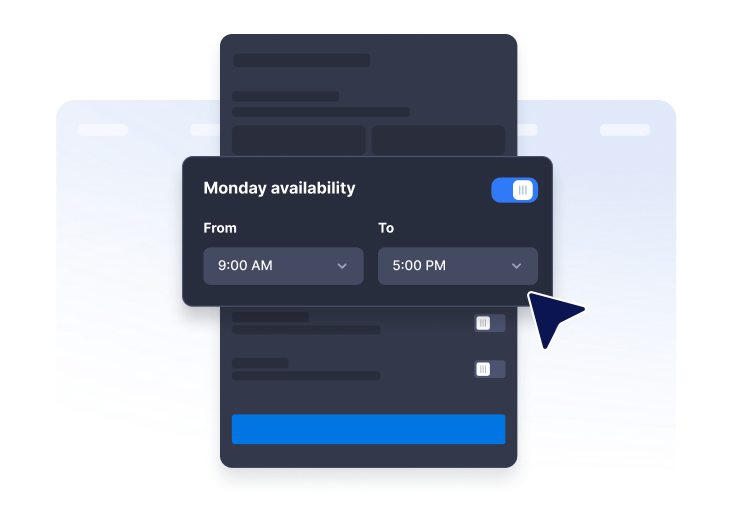
Définissez la disponibilité
Choisissez vos heures de travail hebdomadaires, les intervalles de temps, le préavis de réservation, la période de réservation, le fuseau horaire et les dates d'indisponibilité.

Intégrez-le à votre site web
Personnalisez le formulaire de réservation et son style, puis publiez le widget là où vos clients consultent déjà vos services.
Offrez aux visiteurs de votre site web une expérience de réservation en libre-service fluide et intuitive.
Affichez les services avec leur durée et leur prix
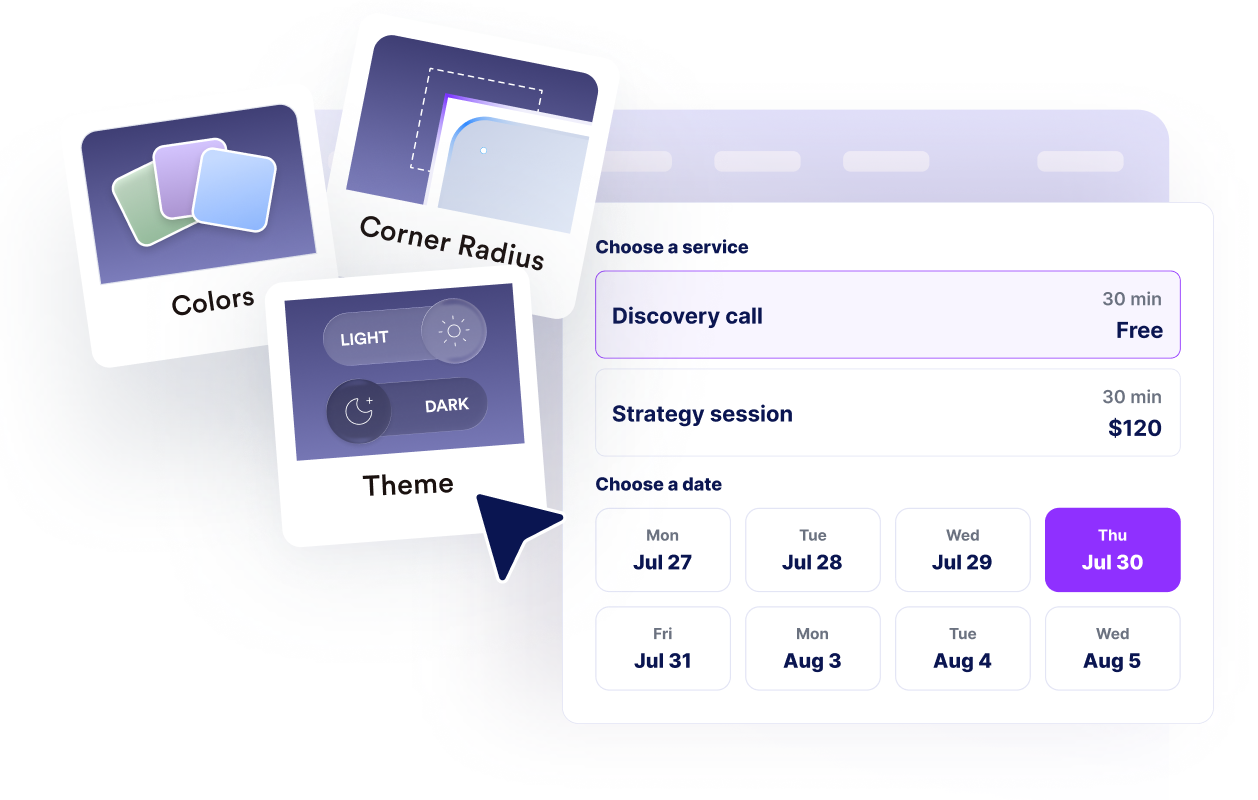
Créez une liste de services claire avec des descriptions, la durée des rendez-vous et des tarifs fixes, libres ou à partir de.

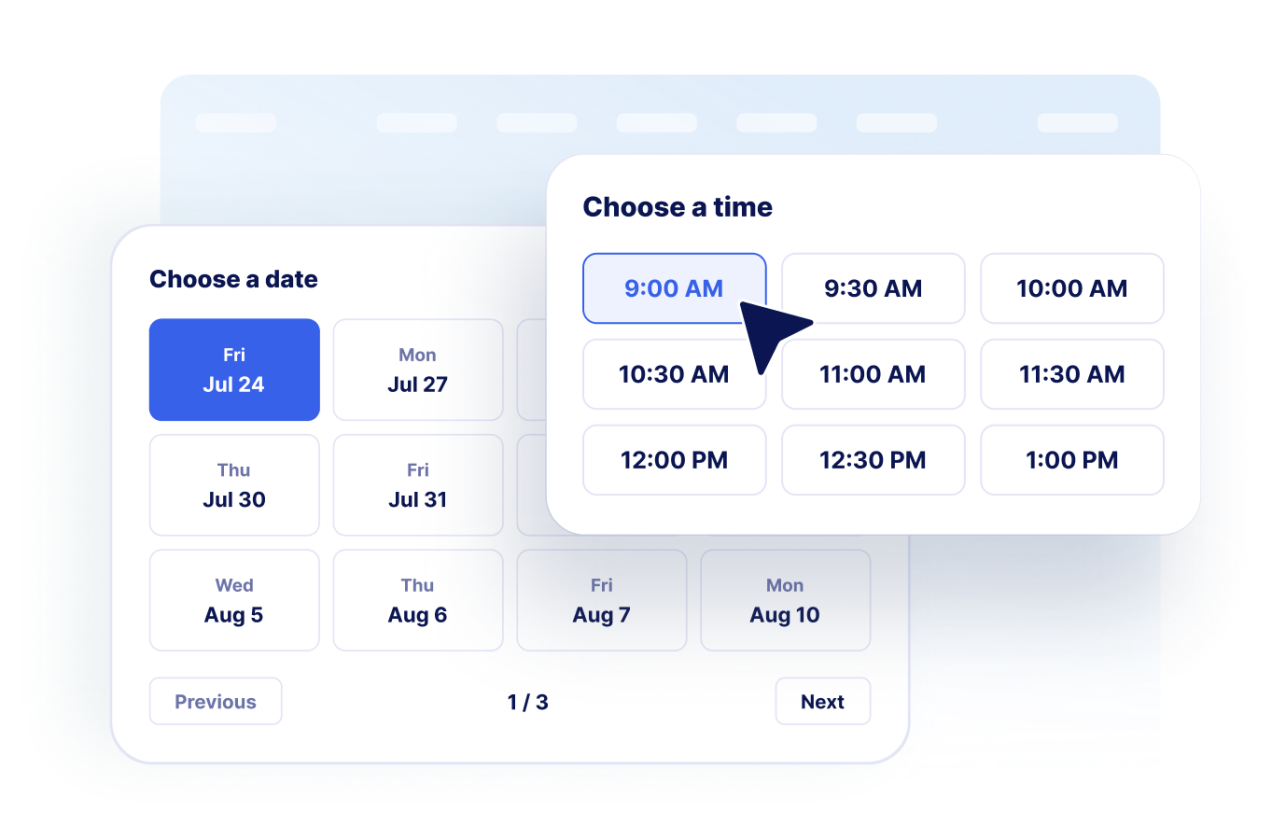
Laissez les clients choisir une date et une heure.
Afficher les dates disponibles et les créneaux horaires générés à partir de vos disponibilités hebdomadaires et de vos règles de réservation.
Collectez les coordonnées des clients
Obtenez le nom, l'adresse email, le numéro de téléphone (facultatif) et les éventuelles observations avant d'afficher l'écran de confirmation.

Harmonisez votre flux de travail aux couleurs de votre marque
Personnalisez la mise en page, les couleurs, le texte de confirmation, l'image de marque, les notes du calendrier et le CSS avancé pour obtenir une intégration parfaite pour votre site web.
Ce qui les rend les widgets de site web Jotform vraiment uniques
Les widgets Jotform rendent votre site web plus interactif et vous aident à augmenter vos conversions. Choisissez parmi de nombreux outils, comme des évaluations par étoiles, des curseurs de témoignages, des fenêtres contextuelles de preuve sociale ou des intégrations de contenus multimédias. Ajoutez des widgets à vos formulaires ou à vos pages de destination afin de collecter des données, d'afficher votre preuve sociale et de générer des prospects, sans coder.
Intégrez un widget Jotform à votre site web en copiant un code simple. Personnalisez, prévisualisez, puis insérez-le dans n'importe quelle page ou block HTML, le tout sans faire appel à un développeur.
Configurez les widgets de site web Jotform pour collecter des prospects, afficher des avis clients, mettre en avant votre preuve sociale, intégrer des contenus multimédias ou ajouter des outils utiles à vos pages web. Chaque widget permet aux visiteurs d'interagir directement avec votre entreprise depuis votre site web.
Si vous avez besoin d'aide pour configurer, personnaliser, intégrer ou résoudre un problème avec votre widget, l'équipe d'assistance de Jotform est disponible 24h/24 et 7j/7. Bénéficiez d'une assistance à tout moment, dès que vous en avez besoin.
Où utiliser votre widget Réservation en ligne
Placez le widget sur les pages où les visiteurs sont le plus susceptibles de vouloir réserver un créneau horaire, demander de l'aide, réserver un service ou entamer une consultation.
Pages de service pour que les visiteurs puissent réserver immédiatement après avoir comparé vos offres.
Pages de contact où planifier une rendez-vous est une meilleure prochaine étape que d'échanger des emails.
Pages de cliniques, salons et centres de bien-être qui nécessitent des demandes de rendez-vous avec des disponibilités claires.
Pages de conseil et d'agence pour les appels découverte, les séances stratégiques et les réunions de suivi.
Pages de destination où un flux de réservation compact peut transformer le trafic de la campagne en prospects qualifiés.
Pages d'assistance et d'intégration où les clients ont besoin d'échanger avec un spécialiste.
Transformez vos prospects en clients grâce au Générateur de formulaires Jotform
Transformez l'engagement en action grâce à Jotform. Créez des formulaires performants capables de collecter des prospects, d'encaisser des paiements et d'automatiser les réponses, le tout depuis un seul et même endroit. Chaque soumission est transférée dans votre Boîte de réception Jotform, d'où vous pouvez assurer le suivi ou l'intégrer à vos applications préférées.
Créez votre formulaire : c'est gratuit !
FAQ
Qu'est-ce qu'un widget Réservation en ligne ?
Un widget Réservation en ligne permet aux visiteurs de votre site web de choisir un service, de sélectionner une date et une heure disponibles, de saisir leurs coordonnées et de demander un rendez-vous en ligne.
Puis-je ajouter plusieurs services ?
Puis-je contrôler les créneaux horaires disponibles ?
Le widget peut-il collecter des informations sur les clients ?
Prend-il en charge les confirmations ?
Puis-je personnaliser le design ?
Faut-il que je sache coder pour ajouter le widget à mon site web ?