Widget Pile ou face en ligne pour votre site web
Proposez à vos visiteurs un jeu de pile ou face en ligne avec une animation 3D fluide et un résultat équitable. Personnalisez les libellés, le type de pièce, le thème, le bouton et la disposition du widget, puis intégrez-le directement à votre page ou affichez-le dans le coin de l’écran de votre choix.
Créez votre widget gratuitement !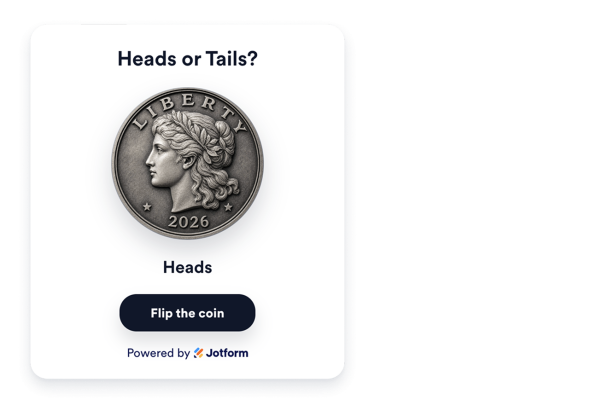

Comment créer un widget Pile ou face
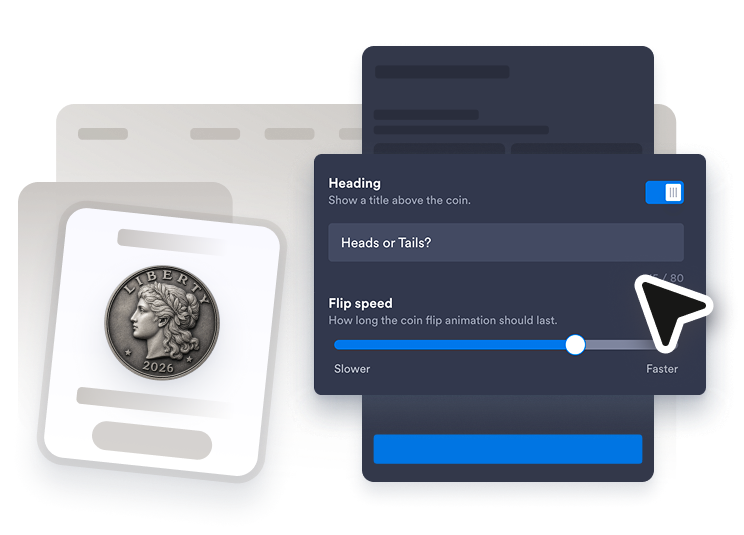
Personnalisez le lancer
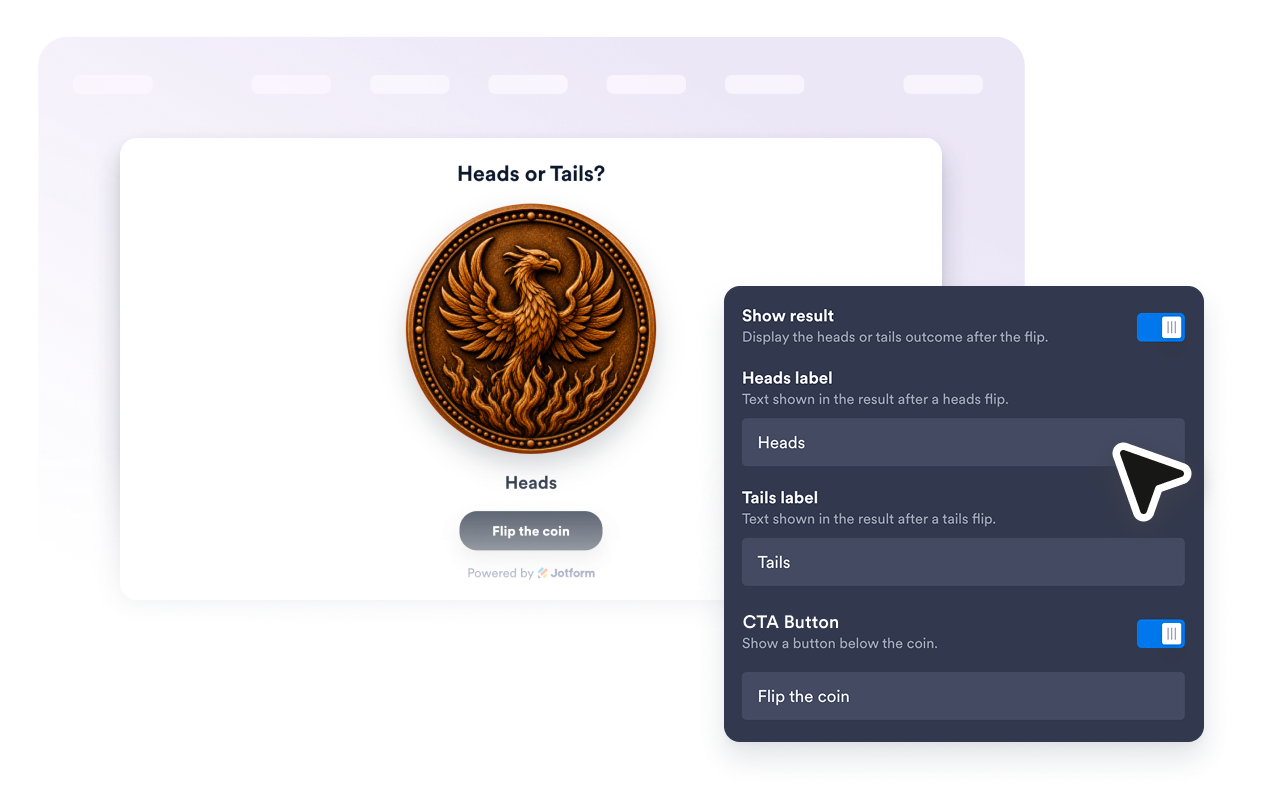
Définissez le titre, les libellés pile et face, le texte du bouton de lancer et la vitesse de l'animation. Affichez ou masquez le titre, le résultat et le bouton de lancer selon l’expérience que vous souhaitez proposer.
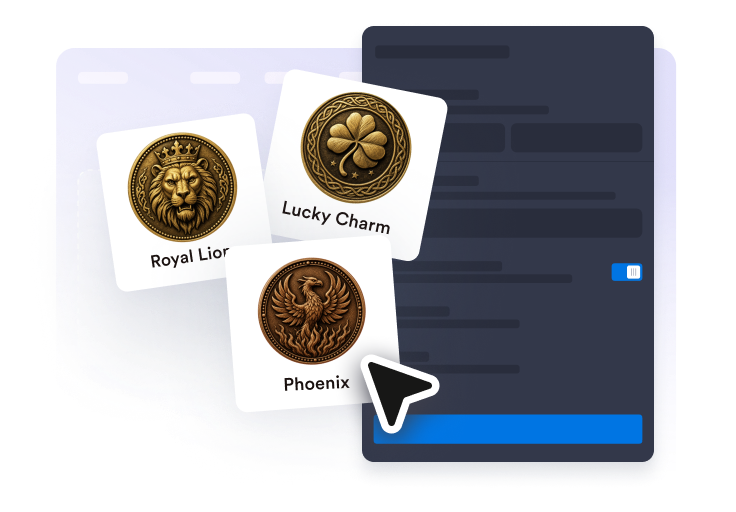
Adaptez-le au style de votre site web
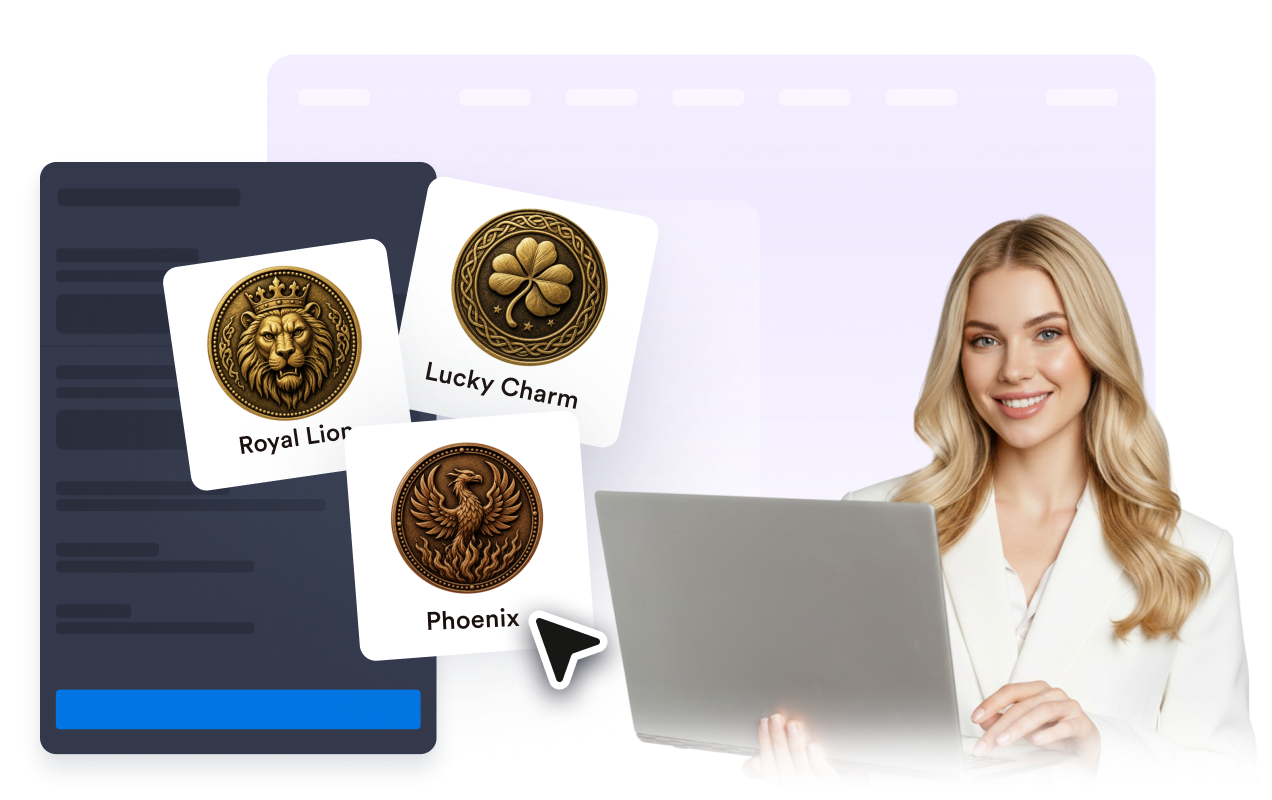
Choisissez parmi les pièces Classic Liberty, Lucky Charm, Pirate Treasure, Decision, Explorer, Royal Lion ou Phoenix, sélectionnez un thème clair, sombre ou personnalisé, puis ajustez la taille de la pièce et son arrondi.
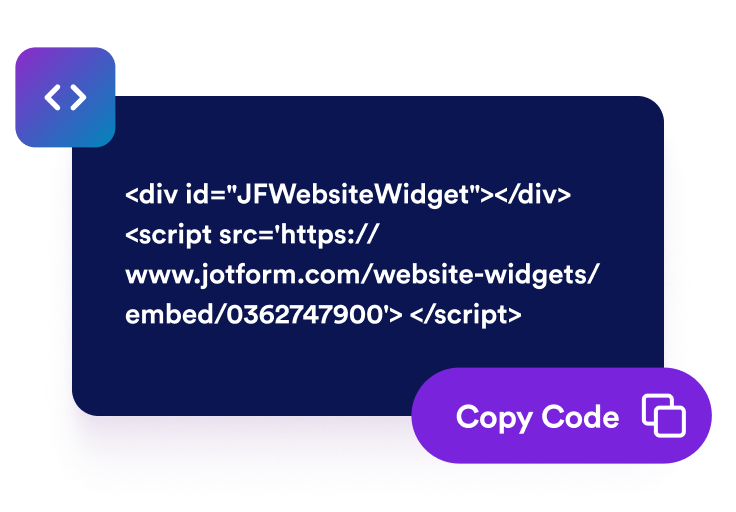
Intégrez-le à votre site
Prévisualisez votre widget Pile ou face en ligne, copiez le code d'intégration fourni dans l'éditeur de widgets pour site web Jotform et placez-le sur votre page en quelques minutes.
Offrez aux visiteurs un moyen simple de prendre une décision
Jouez à pile ou face en ligne avec une animation 3D
Les visiteurs peuvent cliquer ou appuyer sur la pièce ou utiliser le bouton de lancer facultatif, regarder l’animation 3D en CSS et découvrir immédiatement le résultat, pile ou face, sans quitter votre page.

Personnalisez les libellés selon vos besoins
Remplacez "Pile" et "Face" par "Oui/Non", "Équipe A/Équipe B" ou tout autre libellé court adapté à votre page de campagne, page éducative ou page communautaire.
Choisissez un type de pièce adapté à votre page
Choisissez parmi les pièces Classic Liberty, Lucky Charm, Pirate Treasure, Decision, Explorer, Royal Lion ou Phoenix, chacune disposant d'une face pile et d'une face assortie, puis appliquez un thème de couleurs clair, sombre ou personnalisé.
Contrôlez la disposition du widget et sa visibilité selon les appareils
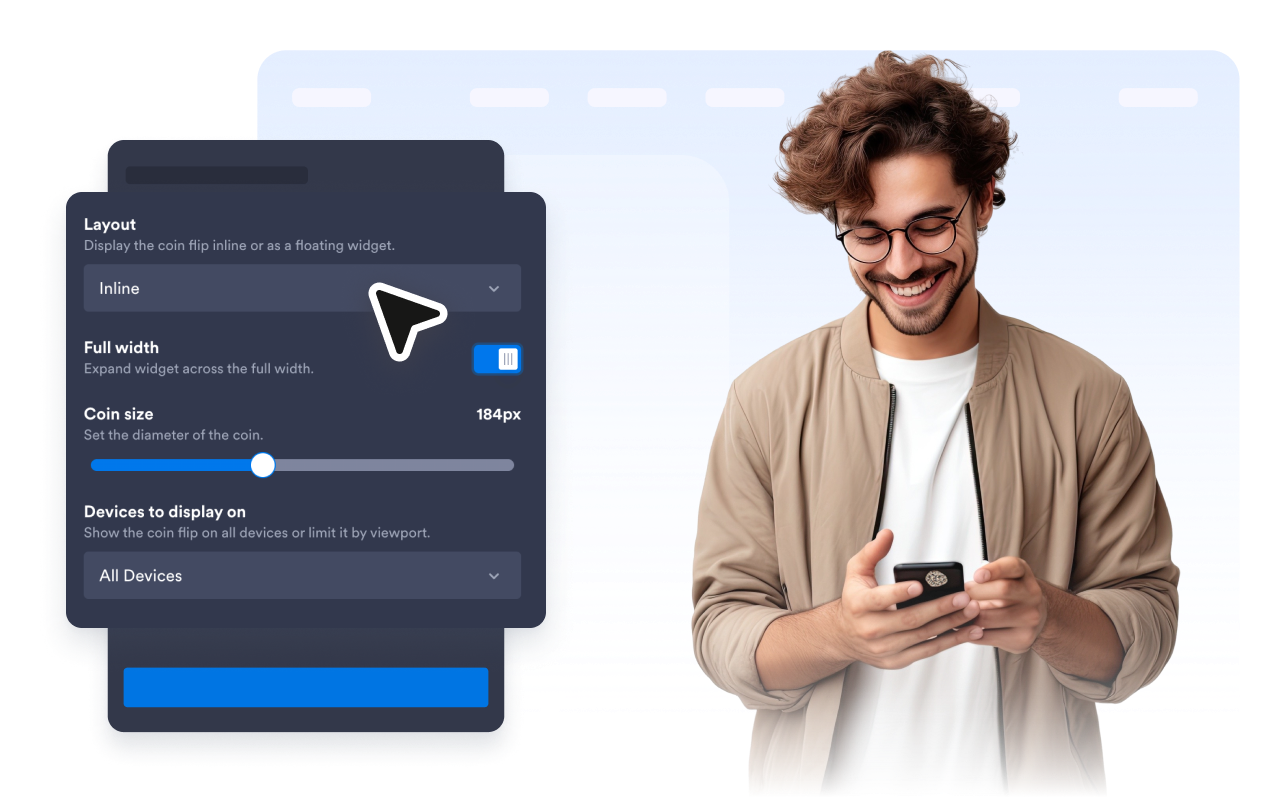
Intégrez le widget directement dans votre page en pleine largeur ou avec une largeur maximale définie. Vous pouvez également le faire flotter dans un coin de l’écran, avec un bouton de fermeture et un bouton de lancement en forme de pièce facultatifs. Choisissez enfin de l’afficher sur tous les appareils, uniquement sur ordinateur ou uniquement sur mobile.
Ce qui les rend les widgets de site web Jotform vraiment uniques
Les widgets Jotform rendent votre site web plus interactif et vous aident à augmenter vos conversions. Choisissez parmi de nombreux outils, comme des évaluations par étoiles, des curseurs de témoignages, des fenêtres contextuelles de preuve sociale ou des intégrations de contenus multimédias. Ajoutez des widgets à vos formulaires ou à vos pages de destination afin de collecter des données, d'afficher votre preuve sociale et de générer des prospects, sans coder.
Intégrez un widget Jotform à votre site web en copiant un code simple. Personnalisez, prévisualisez, puis insérez-le dans n'importe quelle page ou block HTML, le tout sans faire appel à un développeur.
Configurez les widgets de site web Jotform pour collecter des prospects, afficher des avis clients, mettre en avant votre preuve sociale, intégrer des contenus multimédias ou ajouter des outils utiles à vos pages web. Chaque widget permet aux visiteurs d'interagir directement avec votre entreprise depuis votre site web.
Si vous avez besoin d'aide pour configurer, personnaliser, intégrer ou résoudre un problème avec votre widget, l'équipe d'assistance de Jotform est disponible 24h/24 et 7j/7. Bénéficiez d'une assistance à tout moment, dès que vous en avez besoin.
Où utiliser le widget Pile ou face
Ajoutez le widget Pile ou face partout où une décision rapide et équitable ou une interaction ludique maintient l'engagement des visiteurs.
Pages éducatives pour classes pour réaliser des tirages au sort, déterminer les tours de parole et et prendre des décisions pour démarrer une activité.
Pages communautaires et événementielles pour animer des activités brise-glace, des jeux-concours et des animations participatives avec votre audience.
Microsites de campagne pour créer des interactions simples et des jeux promotionnels reposant sur des choix aléatoires.
Blogs et pages de destination pour ajouter une interaction ludique qui incite les visiteurs à rester plus longtemps sur la page.
Pages d'équipe et de sport pour départager rapidement deux options, choisir qui commence ou créer des défis amusants.
Transformez vos prospects en clients grâce au Générateur de formulaires Jotform
Transformez l'engagement en action grâce à Jotform. Créez des formulaires performants capables de collecter des prospects, d'encaisser des paiements et d'automatiser les réponses, le tout depuis un seul et même endroit. Chaque soumission est transférée dans votre Boîte de réception Jotform, d'où vous pouvez assurer le suivi ou l'intégrer à vos applications préférées.
Commencez : c'est gratuit !
FAQ
Qu'est-ce que le widget Pile ou face ?
Le widget Pile ou face est un jeu de pile ou face en ligne intégrable à votre site web. Les visiteurs lancent la pièce, regardent une animation 3D et découvrent immédiatement le résultat sur la page.
Puis-je modifier les libellés "Pile" et "Face" ?
Puis-je personnaliser l’apparence du jeu ?
Peut-on afficher ou masquer le titre, le résultat et le bouton ?
Peut-on modifier le texte du bouton de lancer ?
Peut-on modifier la vitesse du lancer ?
Dois-je coder ?
Le widget Pile ou face est-il gratuit ?