-
AAlleson
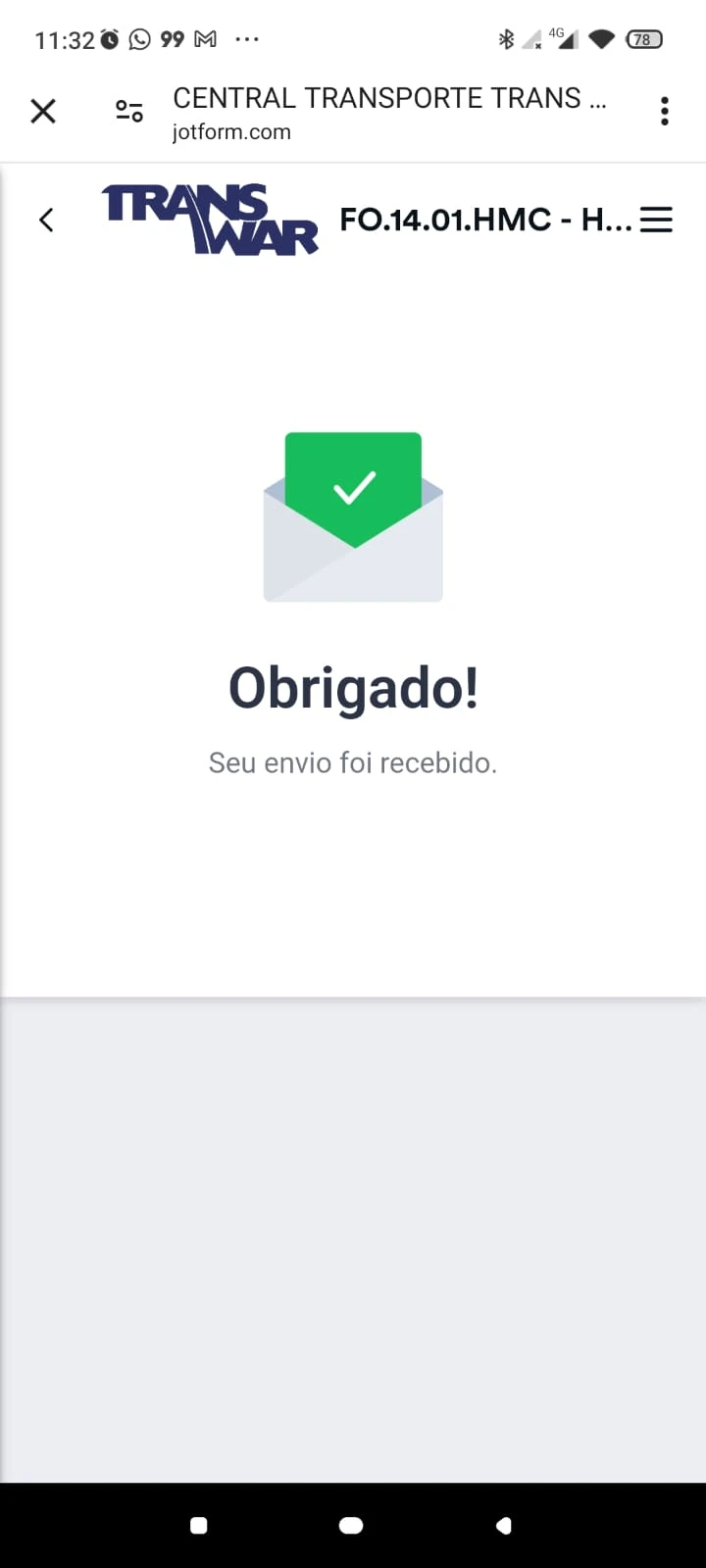
Estamos enfrentando um problema com um formulário específico:
FO.14.01.HMC - HISTÓRICO DE MOVIMENTAÇÃO DA CARGA rv02
O formulário está recebendo os envios normalmente, porém o e-mail de notificação não é enviado após o preenchimento.
Já realizamos os seguintes testes:
- O formulário continua recebendo novos envios normalmente.
- A Notificação por e-mail está habilitada.
- A opção Enviar e-mail automaticamente ao receber um envio está ativada.
- O remetente configurado é noreply@jotform.com.
- Os destinatários estão configurados corretamente.
- O recurso E-mail de Teste funciona e o e-mail é entregue normalmente.
- Outros formulários da mesma conta enviam notificações sem qualquer problema.
- No Microsoft 365 (Message Trace), é possível ver as notificações dos demais formulários, porém não existe nenhuma tentativa de envio referente a este formulário específico, indicando que o Jotform não está gerando a notificação automática.
Solicitamos a verificação deste formulário para identificar se há alguma falha ou corrupção na configuração interna da notificação.
Caso necessário, podemos fornecer o Form ID e os IDs dos envios recentes.
Obrigado.

-
 Lorelie Enterprise Support
Hi Alleson,
Thanks for reaching out to Jotform Support. While we do offer Support in many foreign languages, and we're working hard to add more every day, we don't currently have Portuguese Support agents who can help you. So I'll try to help you in English using Google Translate, but you can reply in whichever language you feel comfortable using.
Now, coming back to your question, I cloned and tested your form, but I received the notification email after I submitted the form. Take a look at the screenshot below showing my result:
I checked the recipient's email address and confirmed it is not on the bounce list. To look more into this, can you answer the questions below:
- Can you share with us the Submission IDs where the notification email was received but the email notification did not sent? You might also want to check out our guide about Where to Find the Submission ID.
- Is this behavior happening only on this form, or do other forms have the same issue? If this is happening on other forms, can you share the form URLs?
- Have you tried removing the Notification email in the form and adding it back?
- Can we send a test submission on your live form to see if we can replicate the behavior?
Once we hear back from you, we'll be able to help you with this.