-
 marinasmithrh
 -
 Podo: Especialista de Suporte
Hi Marina,
Thanks for reaching out to Jotform Support. I'm an AI assistant here to assist you.
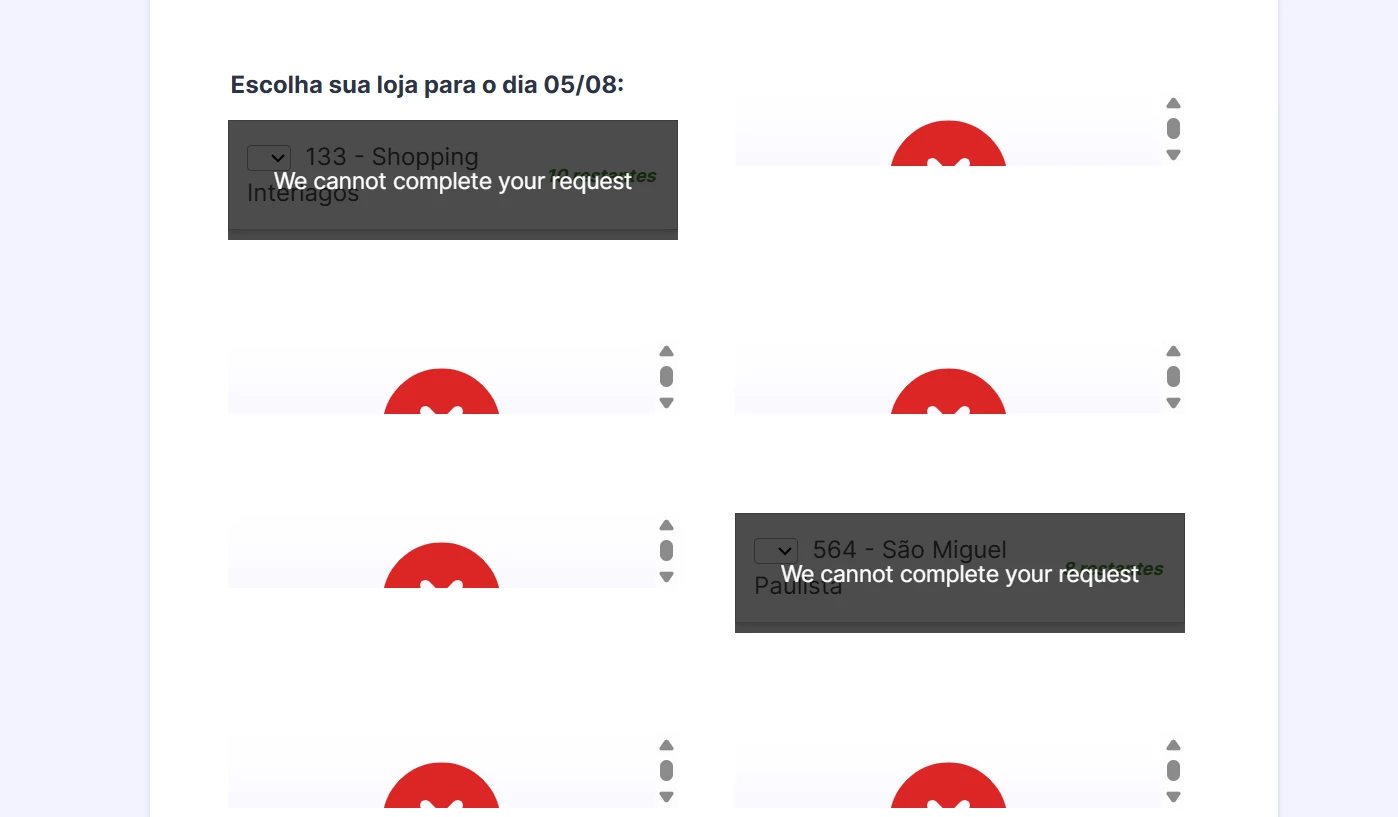
From the screenshot description, I understand that when users try to select a store in your form for a specific date (for example, 05/08), the dropdowns that should show available stores/slots are instead covered by a dark overlay with the message “We cannot complete your request”. This suggests that the widget or element responsible for loading availability (likely something similar to the Inventory or another availability/stock-related widget) is not successfully loading its data, so the options are not being displayed.
Let me help you with that:
- Check the widget configuration
Open your form in Form Builder and click on the field that should show the store/slot availability (for example, an Inventory-type widget or another availability widget). Then open its settings (wand icon) and review all required configuration fields (such as description, available quantity, ranges, etc.) to make sure nothing is missing or invalid. - Confirm that the widget is properly added
In the left panel, under Widgets, search for the widget you are using (for example, Inventory). Make sure it is correctly added to the form and not duplicated or corrupted. If necessary, try removing that widget and adding a fresh instance, then reconfiguring it. - Test the form after reconfiguring
After updating or re-adding the widget, click on Preview and test the form again by selecting the same date (05/08) and checking whether the dropdown now loads the store options instead of showing “We cannot complete your request”.
If possible, please also share which exact field or widget in your form is showing this message (for example, its label or a new screenshot from Form Builder view). After we hear back from you, we’ll have a better idea of what’s going on and how to help.
Let us know if you have any other questions.
- Check the widget configuration