Widget Deslizador de Antes e Depois para seu site
Mostre transformações visuais com um deslizador de comparação interativo. O widget de Deslizador de Antes e Depois do Jotform permite adicionar pares de imagens, escolher a direção de revelação horizontal ou vertical, definir a interação de arraste ou de passar o cursor, adicionar rótulos e legendas, ativar a visualização em tela cheia e incorporar o resultado no seu site sem código.
Crie já — [1[é grátis!]]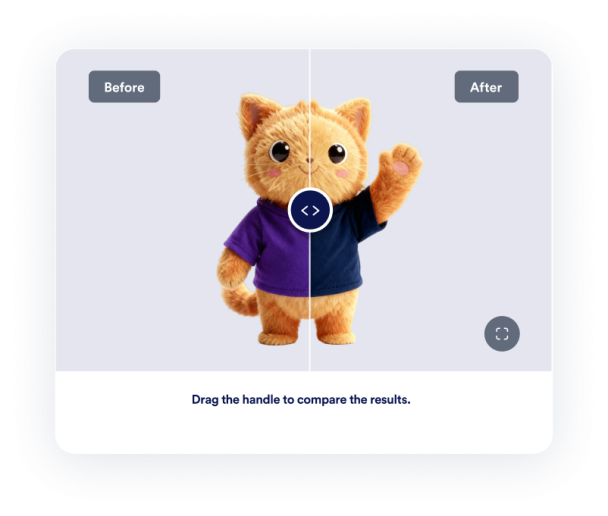

Como criar um widget Deslizador de Antes e Depois
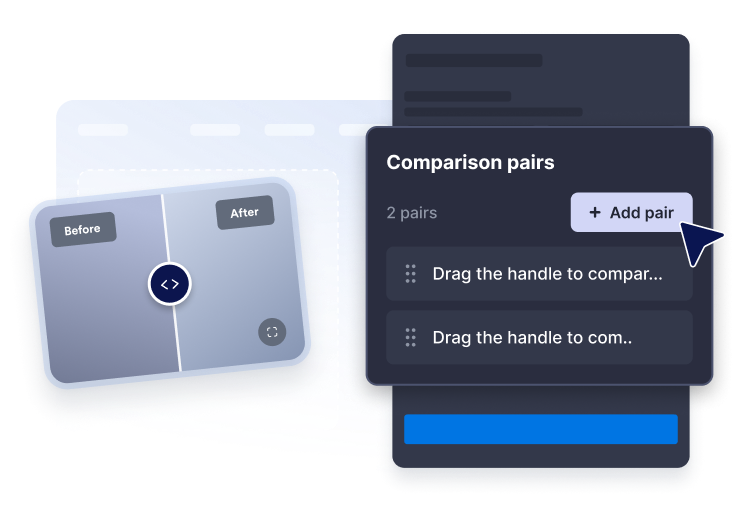
Adicione pares de imagens
Cole as URLs das imagens de antes e depois e escreva rótulos e legendas claros para cada comparação.
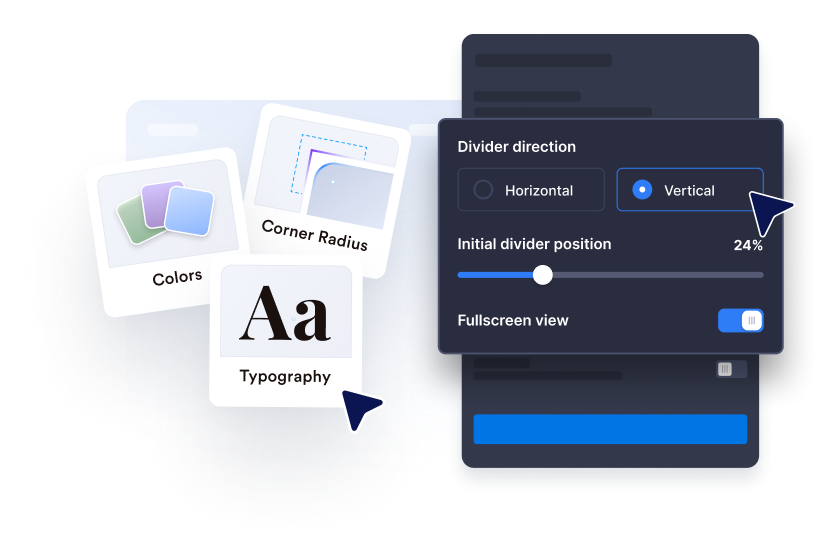
Personalize a revelação
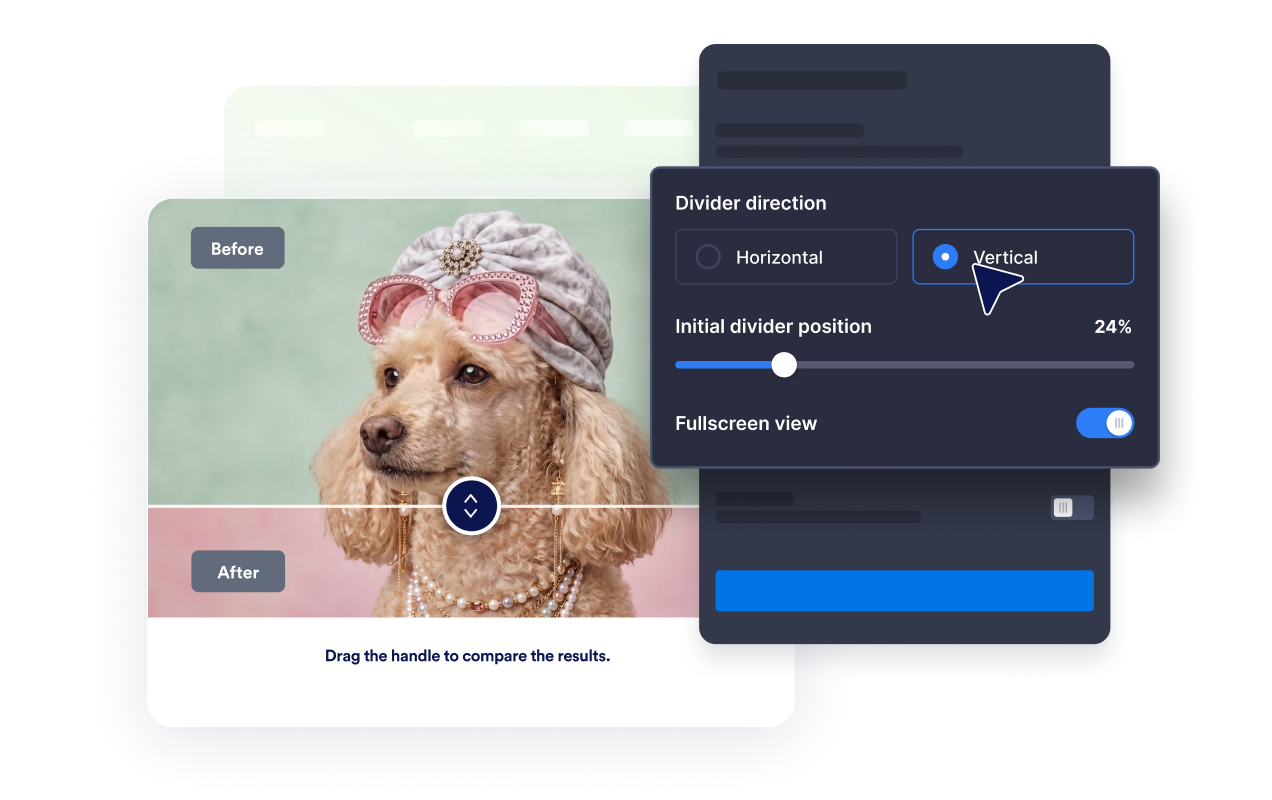
Escolha a direção horizontal ou vertical, defina a posição inicial do separador e use a interação de arrastar, clicar ou passar o cursor.
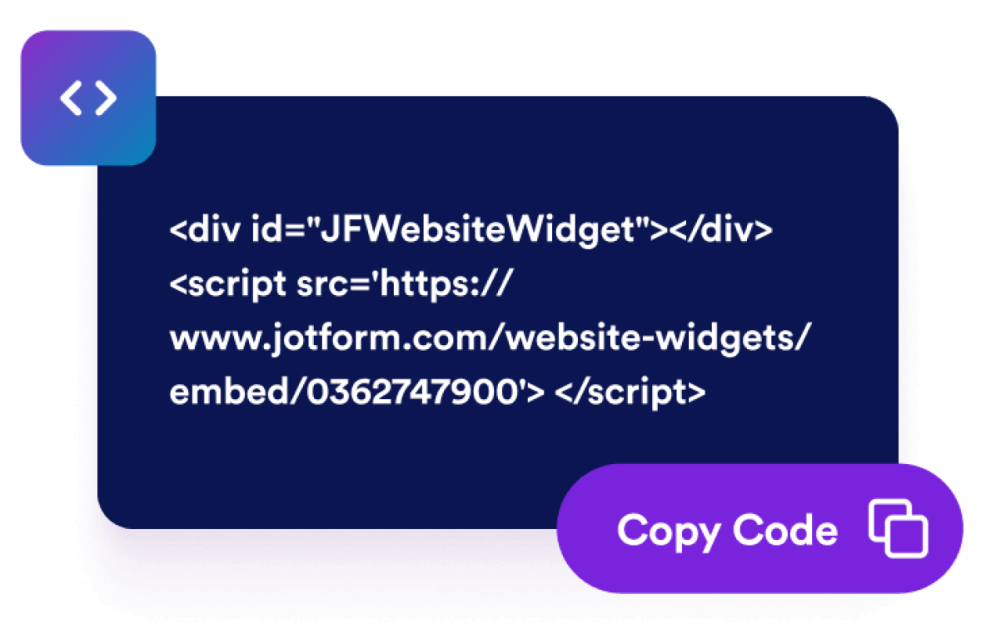
Incorpore ao seu site
Ajuste o tamanho, a proporção, as cores, o comportamento em tela cheia e as regras de exibição antes de publicar o widget.
Mostre transformações com um widget de comparação que combina com sua página
Compare imagens de antes e depois
Coloque duas imagens em uma moldura para que os visitantes entendam instantaneamente mudanças de reforma, design, beleza, reparo ou de produtos.
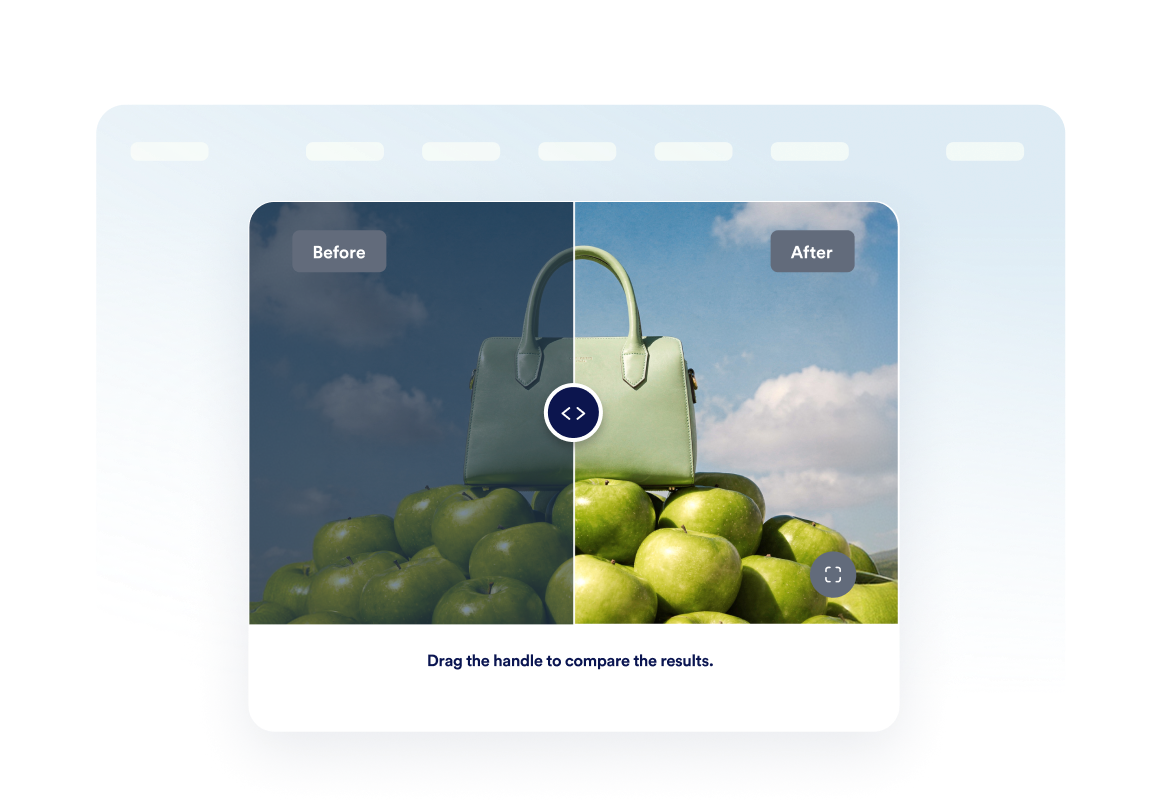
Use a revelação horizontal ou vertical
Altere a direção do separador para combinar com o assunto e permita que os visitantes examinem as mudanças com movimentos de arrastar, clicar ou passar o cursor.
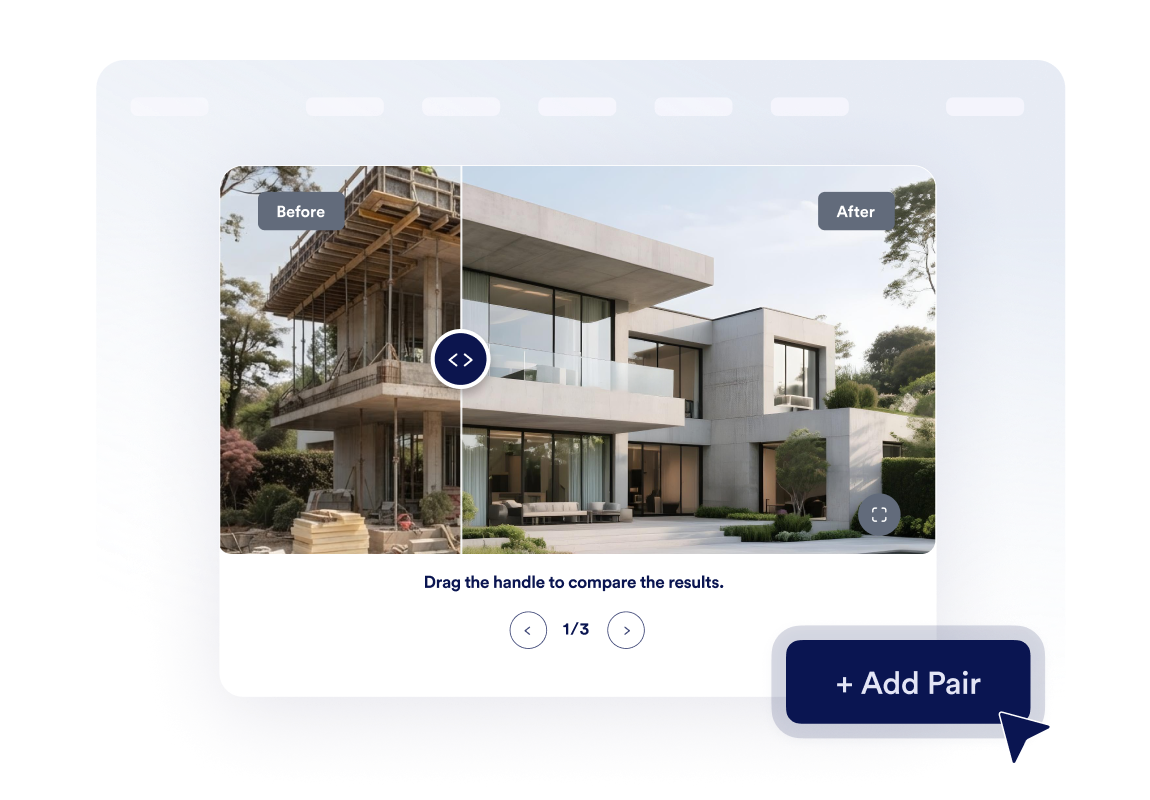
Crie uma pequena galeria de transformações
Adicione até três pares de imagens e ative a navegação em carrossel para que os visitantes possam explorar várias etapas de projetos ou estudos de caso.
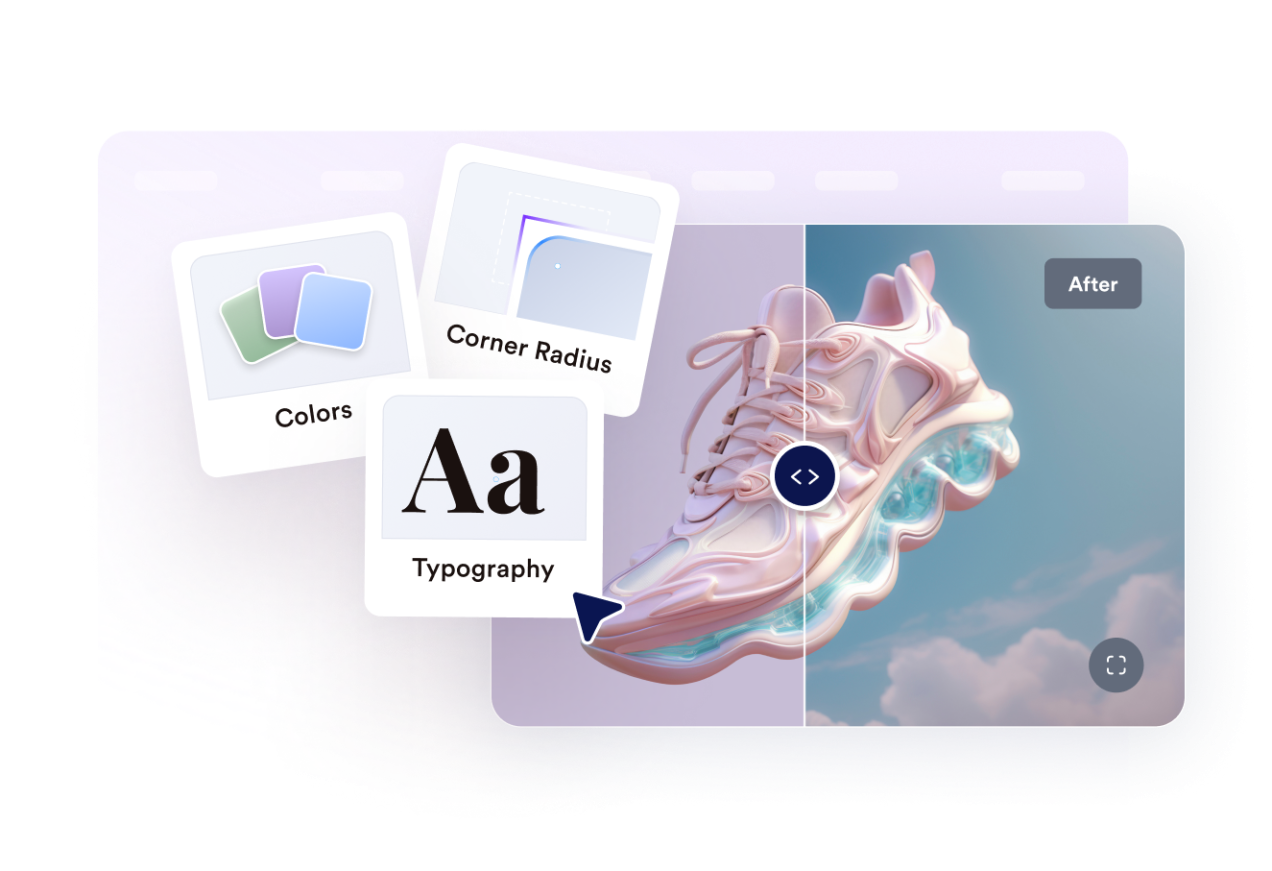
Alinhe o widget ao estilo do seu site
Controle a largura, a proporção da imagem, o raio dos cantos, o tamanho do separador, as cores, os rótulos, as legendas, o CSS personalizado, o modo tela cheia e a visibilidade em dispositivos móveis.
Por que os Widgets para Sites Jotform se destacam
Os widgets da Jotform tornam seu site mais interativo e aumentam as conversões. Há diversas opções disponíveis, desde avaliações com estrelas e deslizadores de depoimentos até pop-ups de prova social e incorporações de mídia. Adicione widgets aos seus formulários ou landing pages para coletar dados, exibir provas sociais e capturar leads — tudo sem precisar programar.
Adicione widgets da Jotform ao seu site com um simples código de incorporação. Personalize o widget, veja uma prévia de como ele ficará e cole-o em qualquer página que aceite HTML personalizado ou blocos de incorporação, sem precisar de um desenvolvedor.
Use os Widgets para Sites Jotform para coletar leads, exibir avaliações de clientes, expor provas sociais, incorporar mídia ou adicionar ferramentas úteis às suas páginas. Cada widget ajuda os visitantes a interagir com sua empresa diretamente no site.
Se precisar de ajuda para configurar, personalizar, incorporar ou solucionar problemas com o seu widget, a equipe de suporte Jotform está disponível 24h. Assim, você pode seguir em frente com confiança, sabendo que terá ajuda sempre que precisar.
Onde usar seu widget de Deslizador de Antes e Depois
Adicione o widget em qualquer lugar onde uma comparação visual ajude os visitantes a confiar no resultado, entender a qualidade ou tomar uma decisão mais rápido.
Páginas de reforma e design de interiores para mostrar transformações de projetos concluídos.
Sites de beleza, bem-estar e fitness para comparar o progresso visível de clientes ou tratamentos.
Páginas de produtos para destacar melhorias, restaurações, edições ou aprimoramentos de recursos.
Páginas de portfólio e estudos de caso para tornar os resultados mais tangíveis do que apenas texto.
Anúncios de imóveis para comparar a preparação, os reparos, o paisagismo ou as reformas.
Páginas de serviços criativos para mostrar retoques, mockups, revisões de design ou renovações de marca.
Converta leads em clientes pagantes com o Criador de Formulários Jotform
Transforme engajamento em ação usando Jotform. Crie formulários poderosos para captar leads, receber pagamentos e automatizar respostas, tudo em um só lugar. Cada envio chega à sua Caixa de Envios Jotform, onde você pode fazer o acompanhamento ou conectar seus apps favoritos.
Comece já — é grátis!
Perguntas Frequentes
O que é um widget de Deslizador de Antes e Depois?
Um widget de Deslizador de Antes e Depois exibe duas imagens relacionadas em uma moldura interativa. Os visitantes movem um separador para revelar mais da imagem de antes ou de depois e comparar a transformação.
Posso escolher a direção do deslizador?
Como os visitantes podem mover o separador?
Posso definir a posição inicial do separador?
Posso mostrar mais de uma comparação?
Posso adicionar rótulos e legendas?
O widget é compatível com a visualização em tela cheia?
Funciona em dispositivos móveis?
Preciso escrever código?