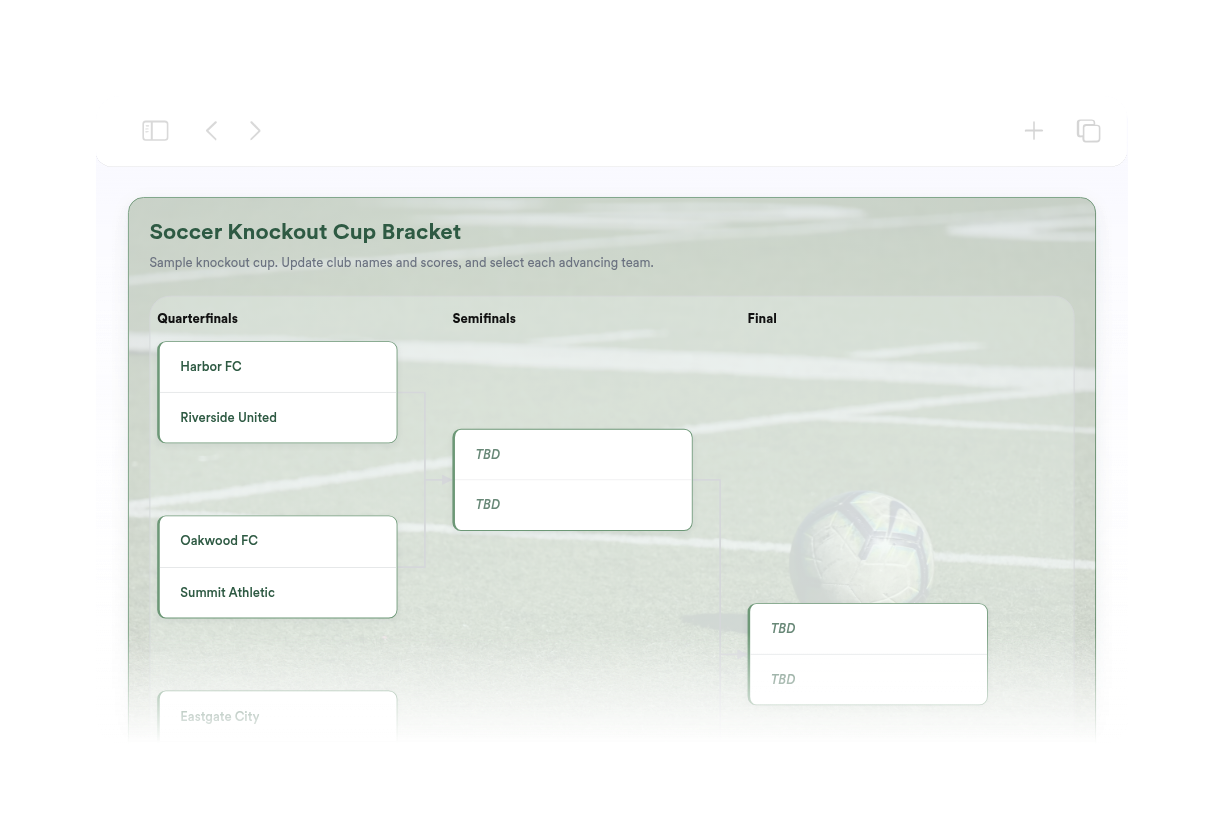
Soccer Bracket Maker
We couldn't create your widget. Please try again.
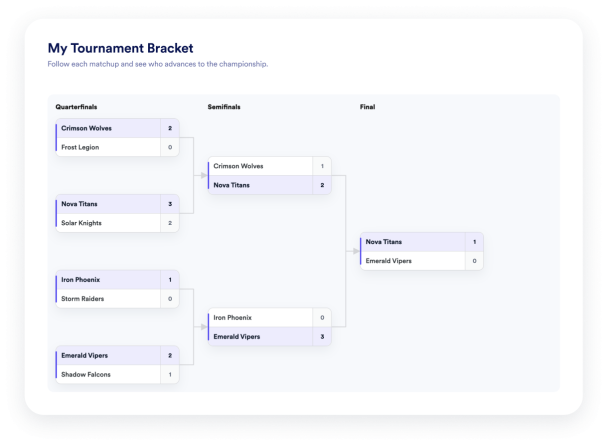

We couldn't create your widget. Please try again.
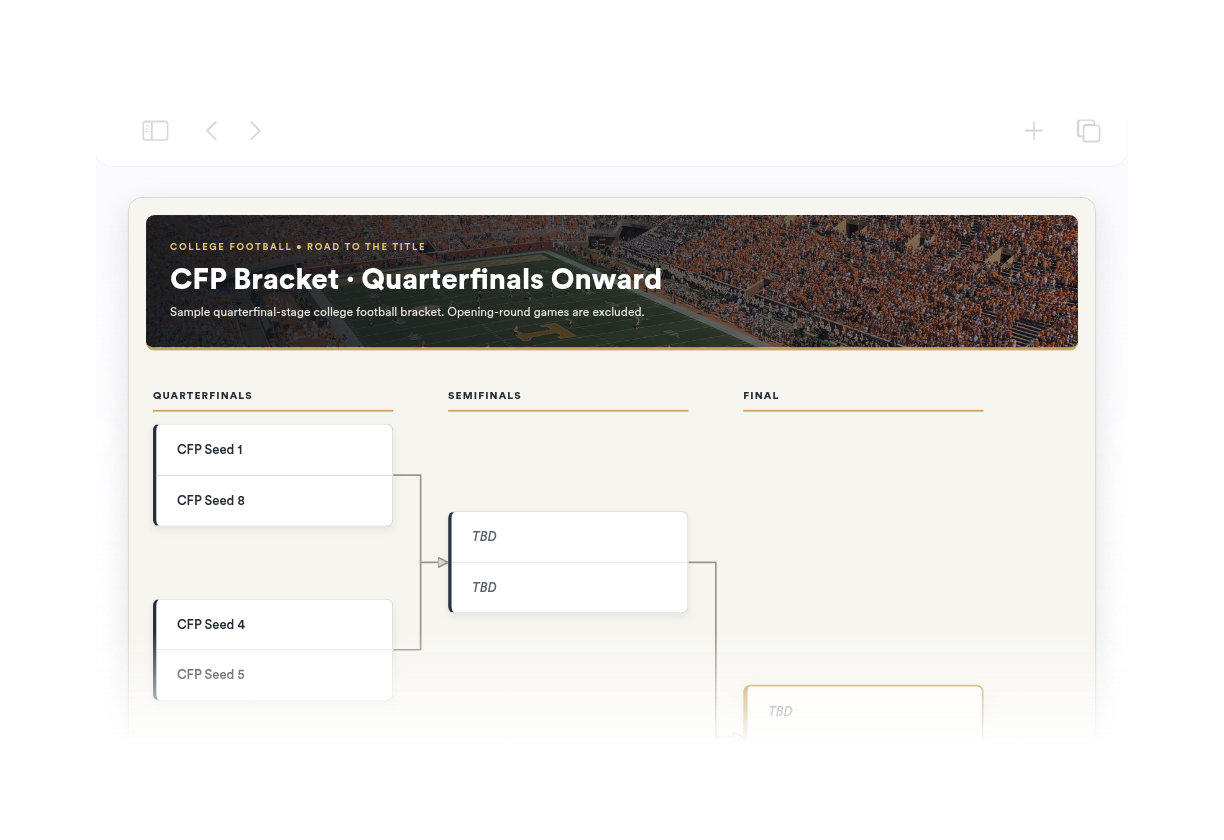
We couldn't create your widget. Please try again.
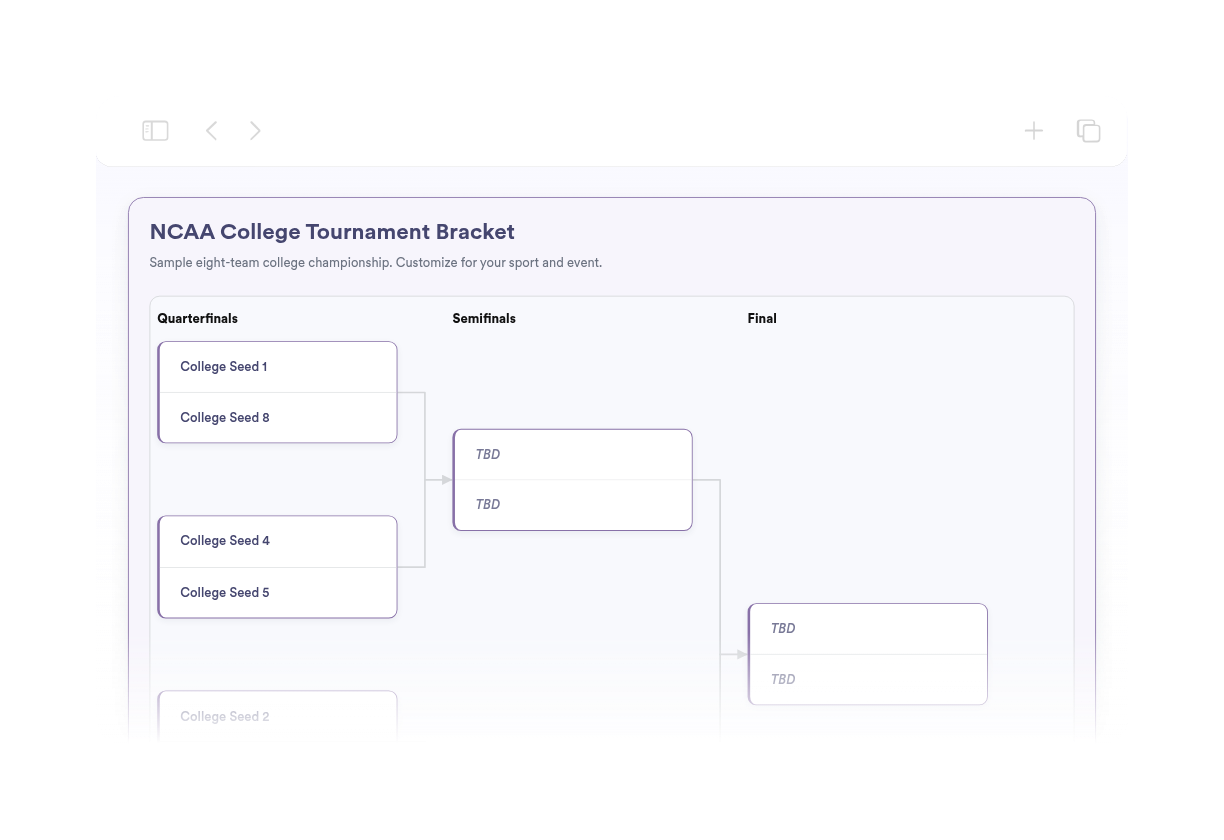
We couldn't create your widget. Please try again.
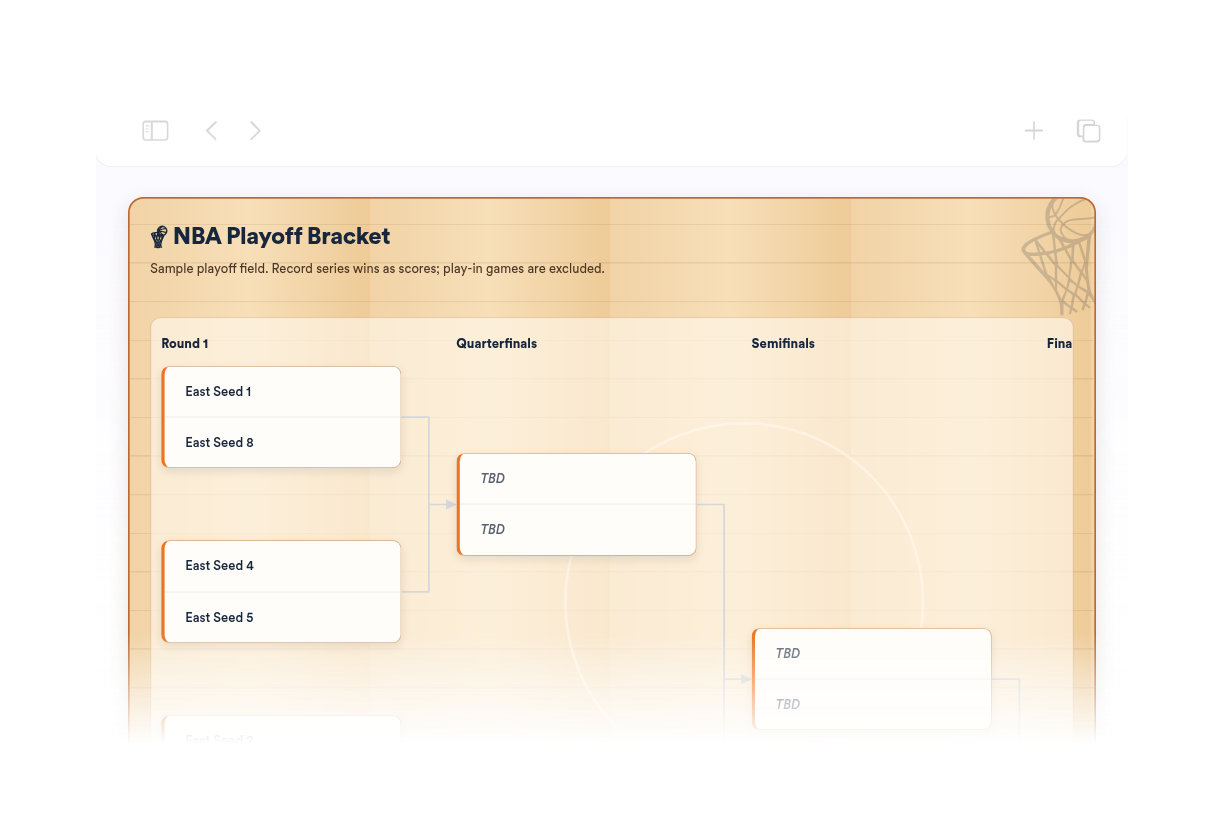
We couldn't create your widget. Please try again.
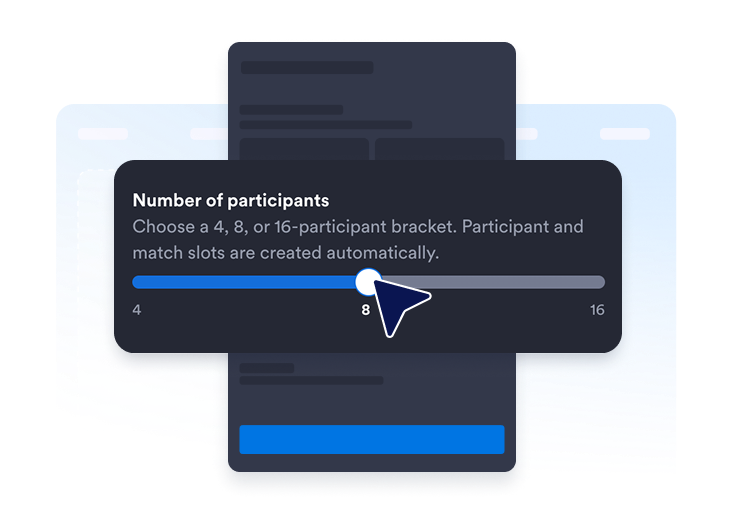
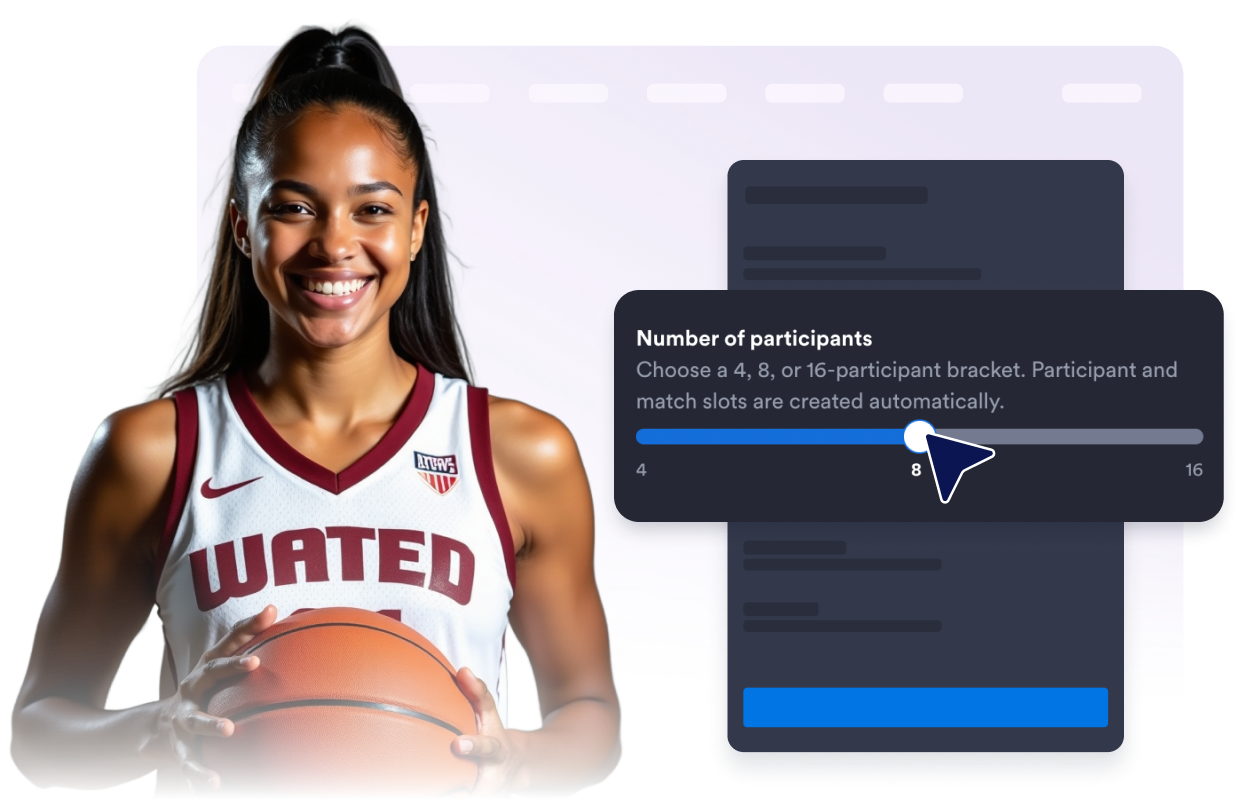
Selecione uma chave para 4, 8 ou 16 participantes. Os espaços necessários para participantes e confrontos serão criados automaticamente.
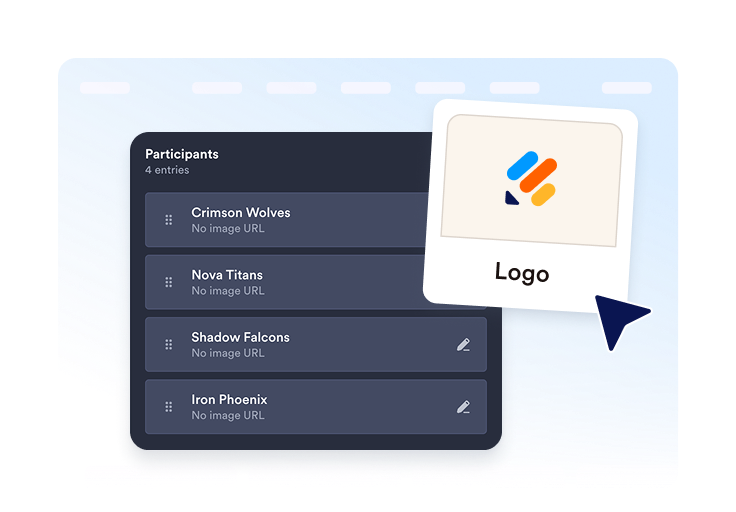
Adicione equipes ou jogadores, inclua logotipos ou avatares opcionais e organize cada entrada antes de publicar.
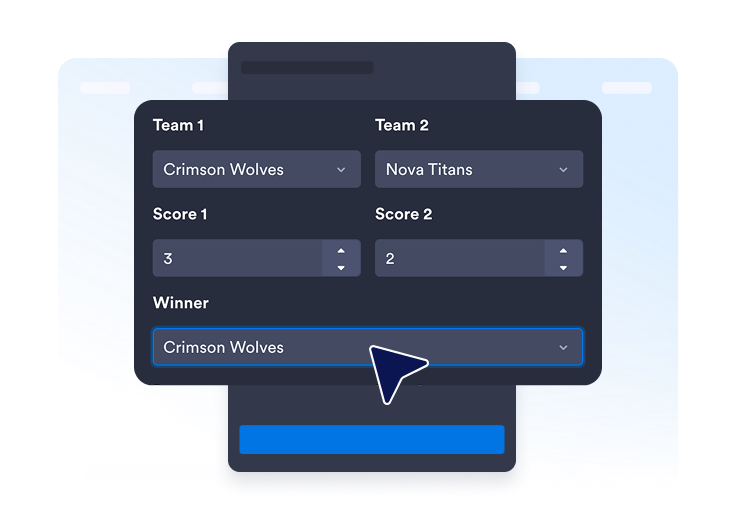
Insira placares, vencedores, datas ou locais quando necessário. Publique o widget, copie o código de incorporação e adicione-o ao seu site.
Escolha o tamanho da chave que melhor se adapta ao seu evento. Os espaços para participantes e confrontos são preparados automaticamente, então você não precisa desenhar a chave.
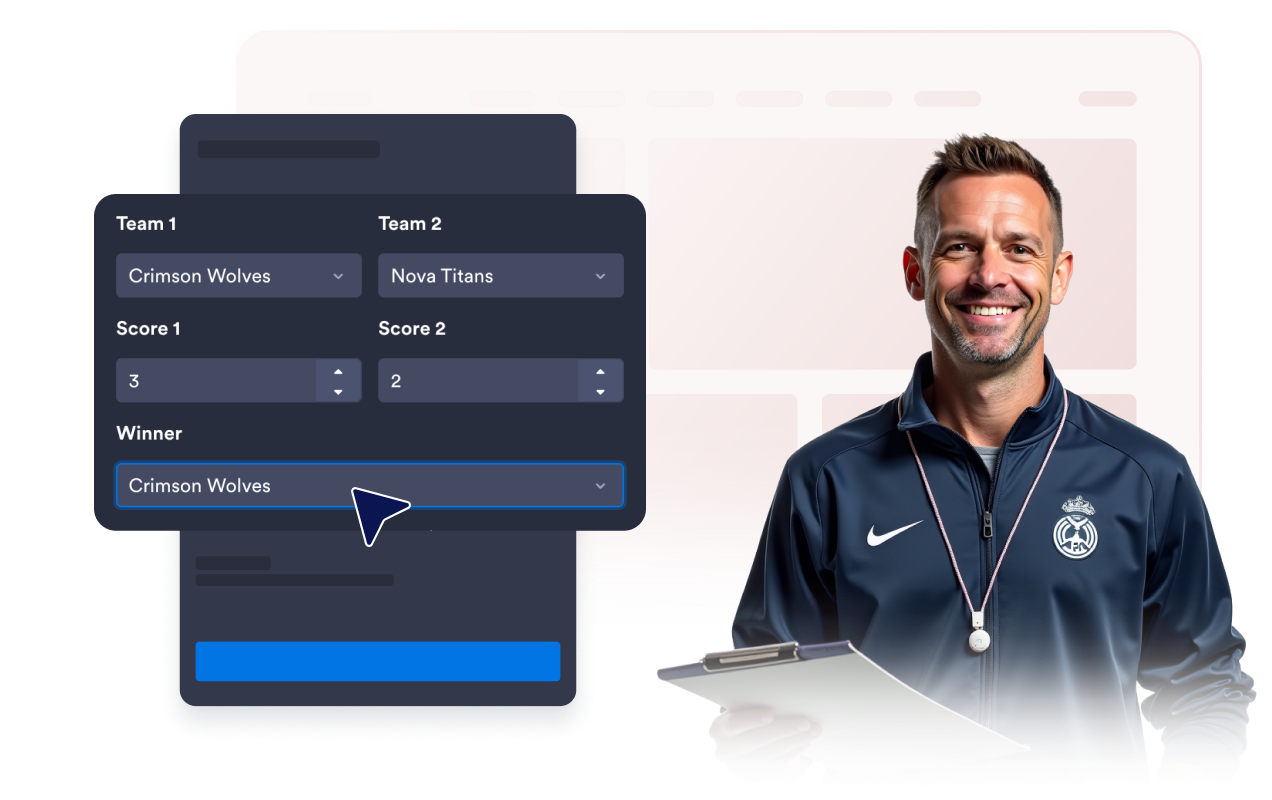
Edite os nomes dos participantes, atribua posições, adicione logotipos ou avatares opcionais, duplique entradas e mantenha todos os competidores organizados.
Insira placares e vencedores para confrontos concluídos. Inclua datas ou locais opcionais quando os visitantes precisarem de mais contexto.
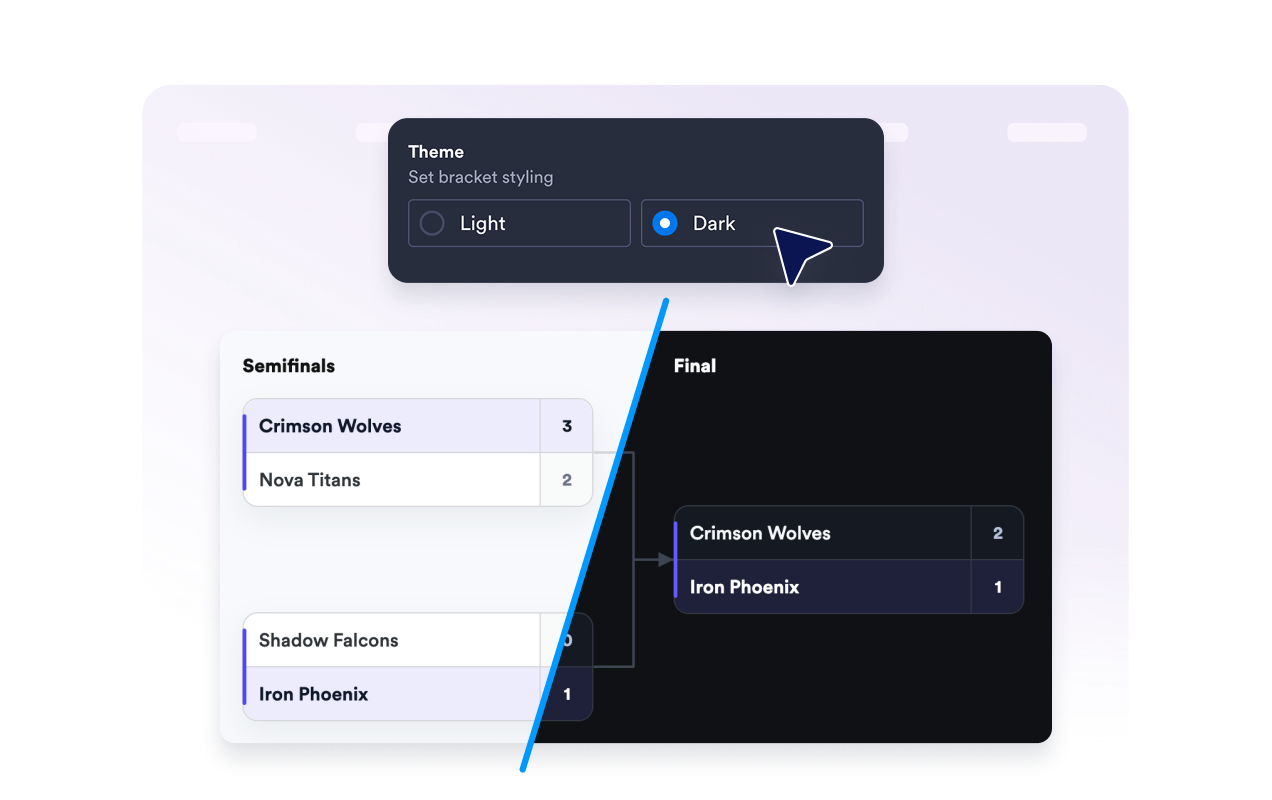
Mostre ou oculte o título e a descrição da chave, os rótulos das fases, os placares, as datas e os locais para manter a exibição focada.
Escolha um tema claro ou escuro, selecione um estilo de canto para os cards das partidas e defina se o branding da Jotform será exibido abaixo do widget.
Os widgets da Jotform tornam seu site mais interativo e aumentam as conversões. Há diversas opções disponíveis, desde avaliações com estrelas e deslizadores de depoimentos até pop-ups de prova social e incorporações de mídia. Adicione widgets aos seus formulários ou landing pages para coletar dados, exibir provas sociais e capturar leads — tudo sem precisar programar.
Adicione widgets da Jotform ao seu site com um simples código de incorporação. Personalize o widget, veja uma prévia de como ele ficará e cole-o em qualquer página que aceite HTML personalizado ou blocos de incorporação, sem precisar de um desenvolvedor.
Use os Widgets para Sites Jotform para coletar leads, exibir avaliações de clientes, expor provas sociais, incorporar mídia ou adicionar ferramentas úteis às suas páginas. Cada widget ajuda os visitantes a interagir com sua empresa diretamente no site.
Se precisar de ajuda para configurar, personalizar, incorporar ou solucionar problemas com o seu widget, a equipe de suporte Jotform está disponível 24h. Assim, você pode seguir em frente com confiança, sabendo que terá ajuda sempre que precisar.
Adicione uma chave onde quer que os visitantes precisem de uma visão clara dos participantes do torneio, confrontos, resultados e progresso.
Sites de ligas esportivas para times escolares, torneios locais, playoffs e campeonatos.
Páginas de games e e-sports para competições online, clubes de jogos e eventos transmitidos ao vivo.
Sites escolares e de salas de aula para debates, torneios de trívia, desafios de leitura e atividades de clubes.
Páginas de eventos corporativos para competições entre equipes, atividades de integração e torneios internos.
Sites de comunidades e organizações sem fins lucrativos para eventos beneficentes, competições recreativas e ligas de bairro.
Páginas de concursos e entretenimento para desafios individuais e resultados em formato de torneio.
Transforme engajamento em ação usando Jotform. Crie formulários poderosos para captar leads, receber pagamentos e automatizar respostas, tudo em um só lugar. Cada envio chega à sua Caixa de Envios Jotform, onde você pode fazer o acompanhamento ou conectar seus apps favoritos.
Comece já — é grátis!
Um widget Criador de Chaveamento é uma ferramenta incorporável que exibe torneios no seu site, mostrando participantes, confrontos, rodadas, placares, vencedores e o caminho até o campeão.

