Widget Clique para Ligar para seu site
Ofereça aos visitantes uma maneira conveniente de entrar em contato com sua empresa por telefone. O widget Clique para Ligar da Jotform adiciona um botão de chamada flutuante personalizável ao seu site, com controles de rótulo, design, posicionamento e visibilidade por dispositivo — tudo sem precisar programar.
Crie já — [1[é grátis!]]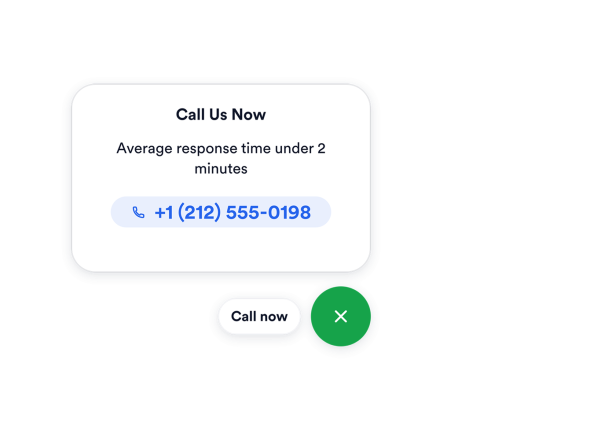

Como criar um widget Clique para Ligar
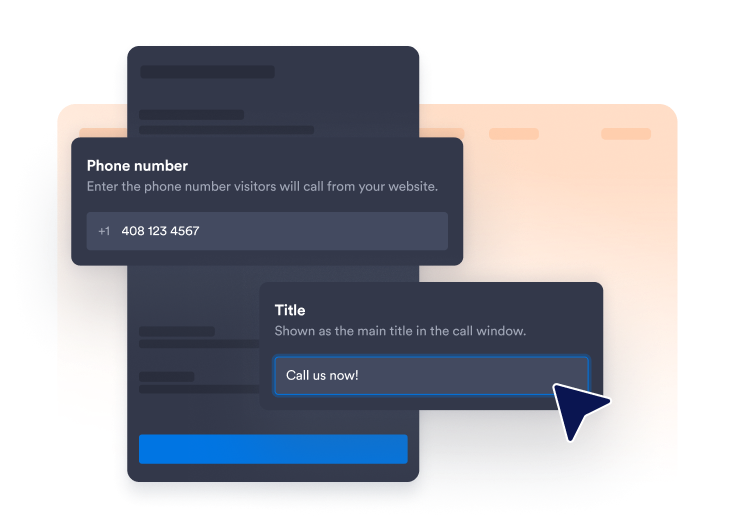
Adicione seu número de telefone
Insira o número para o qual os visitantes devem ligar e escolha se deseja exibir um rótulo curto ao lado do ícone de telefone.
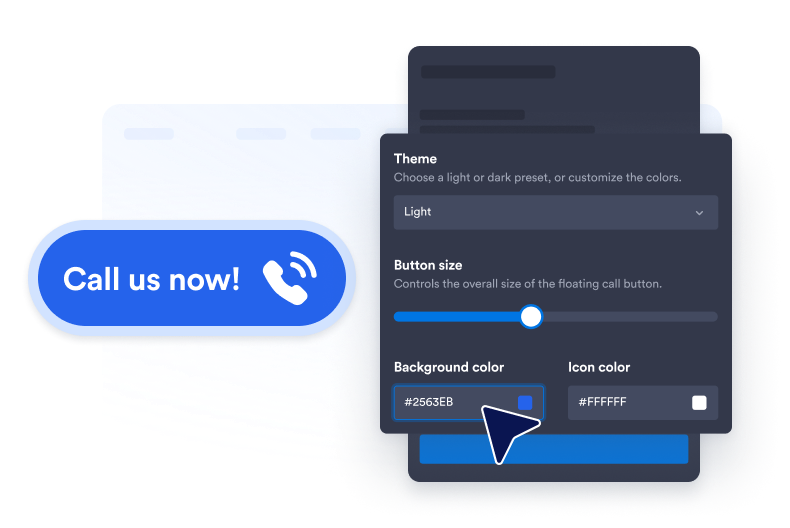
Personalize o estilo do botão
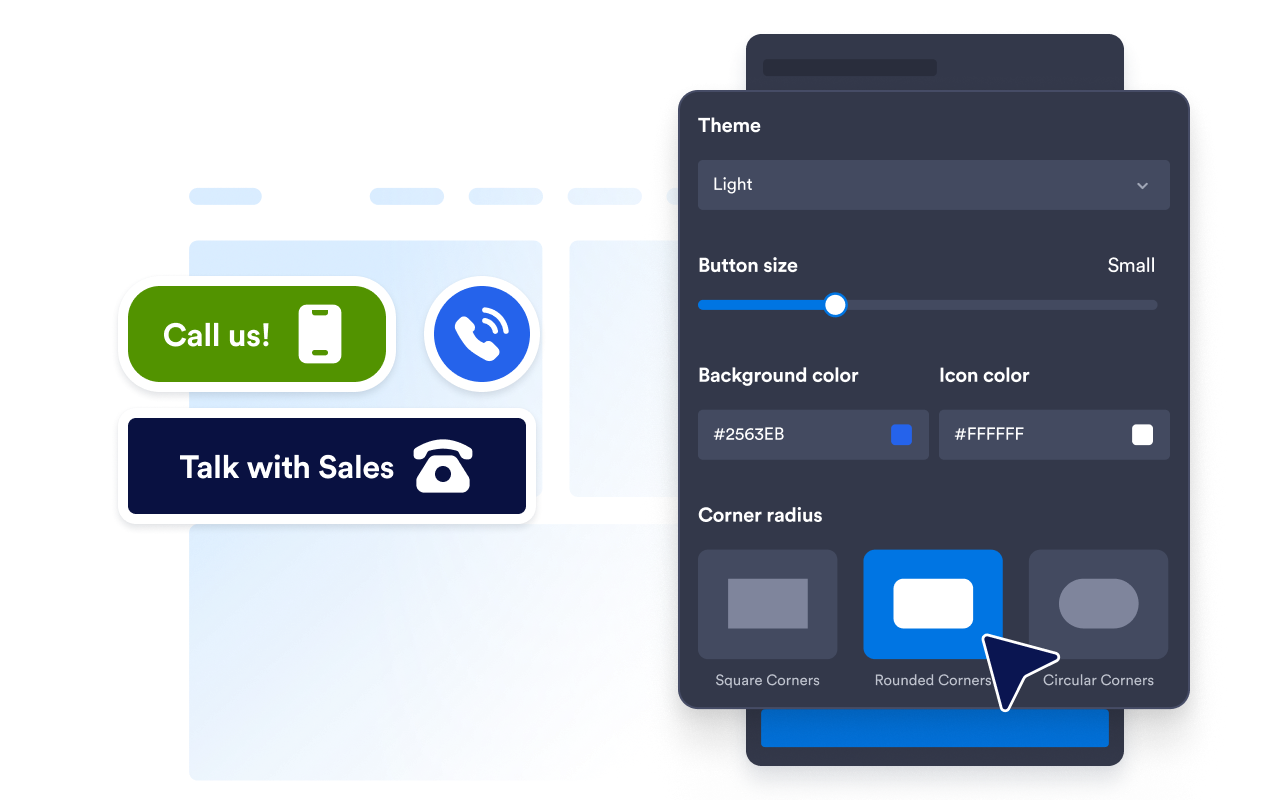
Ajuste as cores do plano de fundo, do ícone e do texto, o tamanho do botão, o raio dos cantos e a sombra projetada para combinar com seu site.

Incorpore ao seu site
Cole o código de incorporação em um bloco de HTML personalizado ou de incorporação e, em seguida, publique sua página para exibir o widget.
Facilite o suporte por telefone com chamadas com um toque
Conecte os visitantes à sua equipe
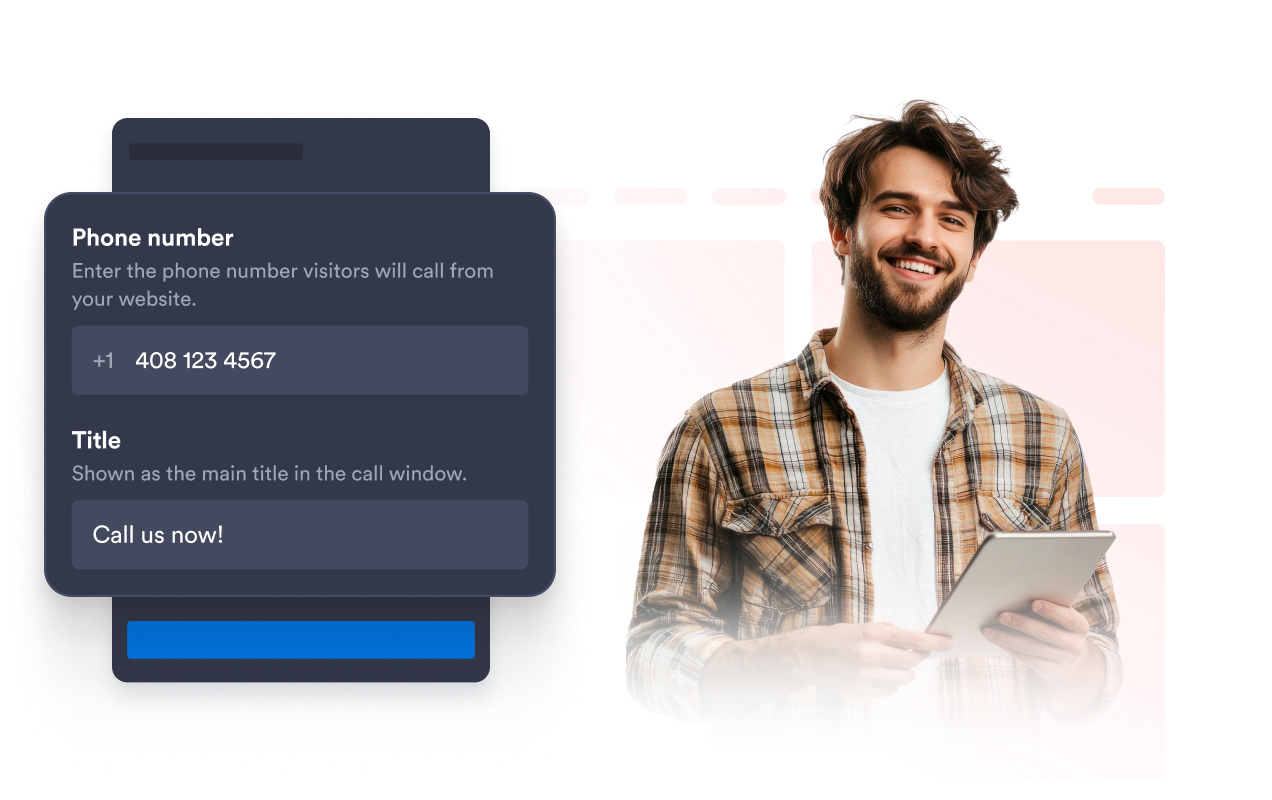
Vincule o botão flutuante ao número de telefone usado pela sua equipe de vendas, suporte, agendamento ou atendimento ao cliente. Adicione um rótulo opcional, como "Ligue para nós", para que os visitantes entendam imediatamente a ação disponível.
Mantenha os botões de chamada alinhados à sua marca
Personalize o plano de fundo do botão, ícone de telefone, cor do texto, tamanho, raio dos cantos e sombra projetada. Essas configurações ajudam o botão de chamada a permanecer visível e, ao mesmo tempo, combinar com o estilo visual do seu site.
Posicione o botão sem cobrir seu conteúdo
Ajuste a distância do botão em relação à parte inferior e à lateral da janela do navegador. Um espaçamento adequado mantém a opção de chamada acessível sem cobrir a navegação, os formulários, as ferramentas de chat ou outros elementos importantes da página.

Exiba chamadas nos dispositivos escolhidos
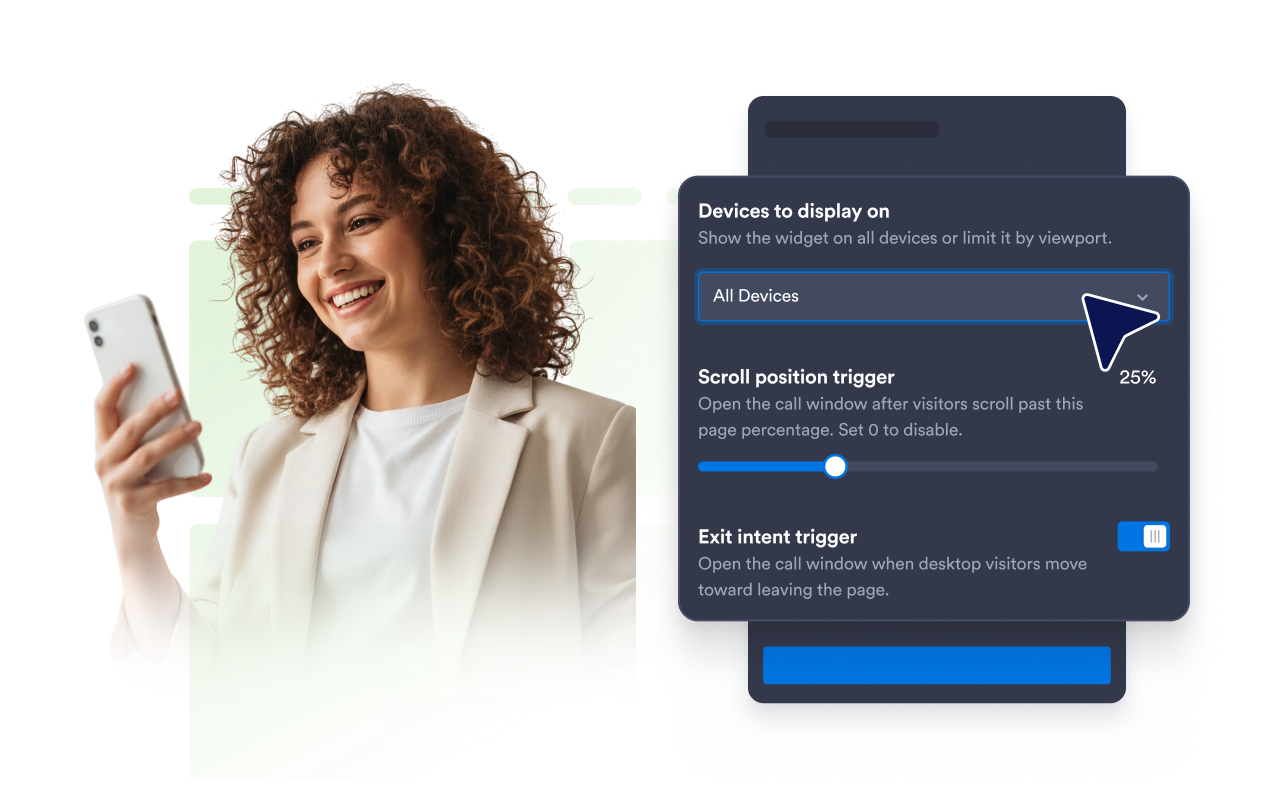
Controle se o widget Clique para Ligar aparece em telas de computadores, dispositivos móveis ou ambos. Você pode priorizar o acesso de tocar para ligar para visitantes de dispositivos móveis ou manter o suporte por telefone disponível em todo o seu site.
Por que os Widgets para Sites Jotform se destacam
Os widgets da Jotform tornam seu site mais interativo e aumentam as conversões. Há diversas opções disponíveis, desde avaliações com estrelas e deslizadores de depoimentos até pop-ups de prova social e incorporações de mídia. Adicione widgets aos seus formulários ou landing pages para coletar dados, exibir provas sociais e capturar leads — tudo sem precisar programar.
Adicione widgets da Jotform ao seu site com um simples código de incorporação. Personalize o widget, veja uma prévia de como ele ficará e cole-o em qualquer página que aceite HTML personalizado ou blocos de incorporação, sem precisar de um desenvolvedor.
Use os Widgets para Sites Jotform para coletar leads, exibir avaliações de clientes, expor provas sociais, incorporar mídia ou adicionar ferramentas úteis às suas páginas. Cada widget ajuda os visitantes a interagir com sua empresa diretamente no site.
Se precisar de ajuda para configurar, personalizar, incorporar ou solucionar problemas com o seu widget, a equipe de suporte Jotform está disponível 24h. Assim, você pode seguir em frente com confiança, sabendo que terá ajuda sempre que precisar.
Onde usar seu widget Clique para Ligar
Adicione o widget às páginas onde falar com sua equipe pode ajudar os visitantes a obter informações ou dar o próximo passo.
Páginas de contato para tornar seu número de telefone acionável imediatamente.
Páginas de serviços para discutir preços, disponibilidade ou requisitos do projeto.
Landing pages de campanhas para oferecer uma opção de contato direto aos visitantes interessados.
Sites para dispositivos móveis para oferecer aos usuários uma opção conveniente de tocar para ligar.
Páginas de empresas locais para restaurantes, clínicas, salões, agências e serviços residenciais.
Páginas de vendas e suporte onde as dúvidas podem ser resolvidas mais facilmente por telefone.
Converta leads em clientes pagantes com o Criador de Formulários Jotform
Transforme engajamento em ação usando Jotform. Crie formulários poderosos para captar leads, receber pagamentos e automatizar respostas, tudo em um só lugar. Cada envio chega à sua Caixa de Envios Jotform, onde você pode fazer o acompanhamento ou conectar seus apps favoritos.
Comece já — é grátis!
Perguntas Frequentes
O que é um widget Clique para Ligar?
Um widget Clique para Ligar adiciona um botão de telefone flutuante ao seu site. Quando os visitantes o selecionam, o dispositivo ou navegador pode abrir a opção de chamada disponível usando o número de telefone configurado.
Como adiciono um botão Clique para Ligar ao meu site?
Posso personalizar o número de telefone e o rótulo do botão?
Posso alterar o design do botão de chamada?
Posso alterar onde o botão flutuante é exibido?
Posso exibir o widget apenas em dispositivos móveis?
O que acontece quando um visitante seleciona o botão?
Posso usar um número de telefone internacional?
Preciso escrever código?
Posso criar um widget Clique para Ligar gratuito?
Quais plataformas de sites são compatíveis com o widget Clique para Ligar?
Posso receber ajuda para configurar meu widget Clique para Ligar?