Widget de FAQ para seu site
Crie uma seção de FAQ com pesquisa para ajudar os visitantes a encontrar respostas sem sair da página. O widget de FAQ da Jotform permite organizar perguntas, adicionar respostas com texto formatado e conteúdo multimídia, escolher layouts flexíveis, personalizar o design e incorporar tudo sem precisar de código.
Crie já — [1[é grátis!]]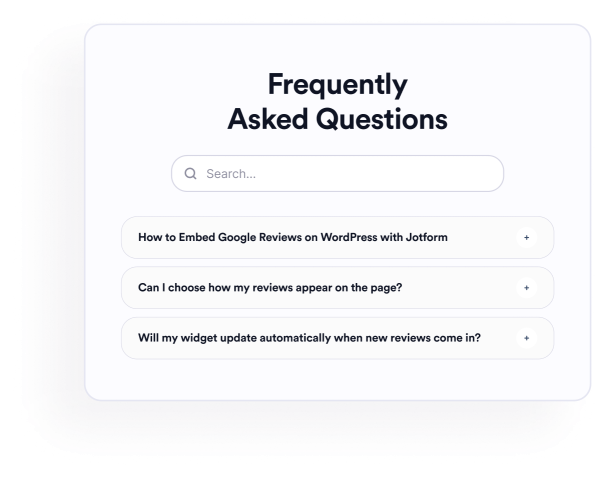

Como criar um widget Perguntas Frequentes
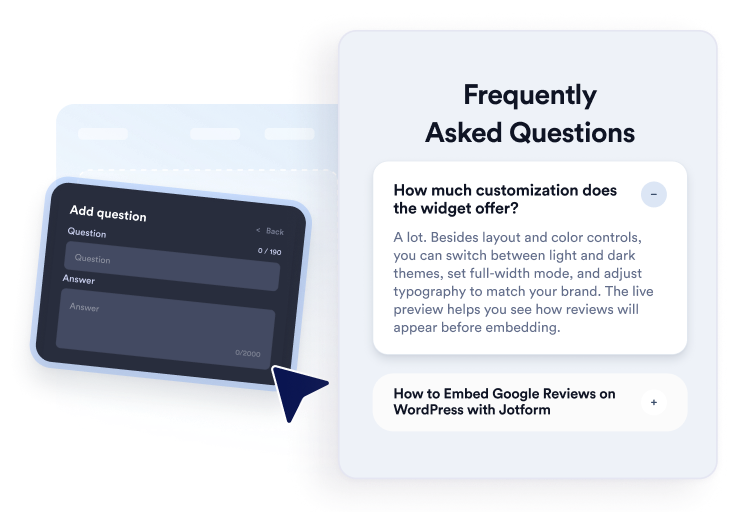
Adicione suas perguntas
Escreva e organize respostas para tópicos sobre produtos, preços, suporte, políticas ou integração. Adicione links ou imagens quando necessário e, em seguida, duplique, reorganize ou remova perguntas no editor visual.
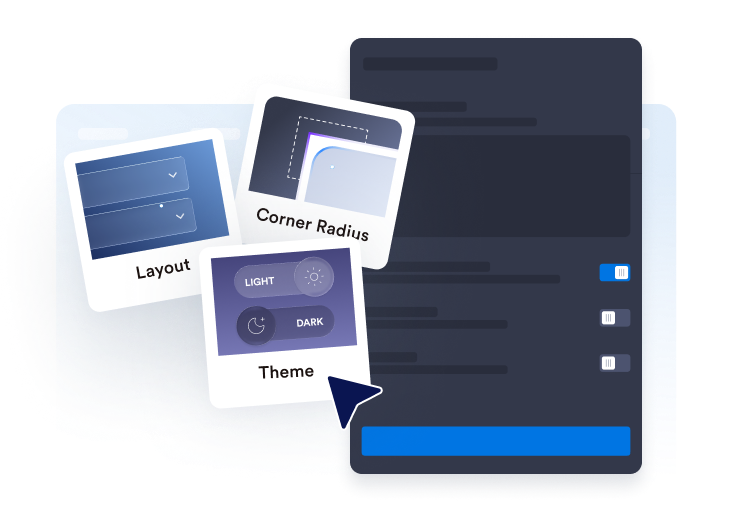
Personalize seu layout e estilo
Escolha um layout em acordeão, lista ou várias colunas. Configure a barra de pesquisa, os ícones, o comportamento das perguntas, as cores, o espaçamento e outras opções de design para personalizar sua seção de FAQ.

Incorpore ao seu site
Visualize a FAQ pronta, copie o código de incorporação gerado e cole-o em um bloco HTML personalizado ou de incorporação. Depois, publique a página e teste as perguntas, a pesquisa, os links e os elementos de mídia.
Crie FAQs úteis e pesquisáveis com facilidade
Organize suas perguntas em um único editor
Adicione, duplique, reorganize e remova perguntas sem precisar recriar a seção manualmente. Use respostas com texto formatado para organizar detalhes de produtos, políticas de cobrança, instruções de configuração, informações de envio ou outros tópicos sobre os quais os visitantes costumam ter dúvidas.

Adapte as FAQs a diferentes layouts
Escolha um layout em acordeão para grupos compactos de perguntas, uma lista para manter as respostas sempre visíveis ou um layout em várias colunas para seções de FAQ mais amplas. O layout certo facilita encontrar as informações que os visitantes procuram.
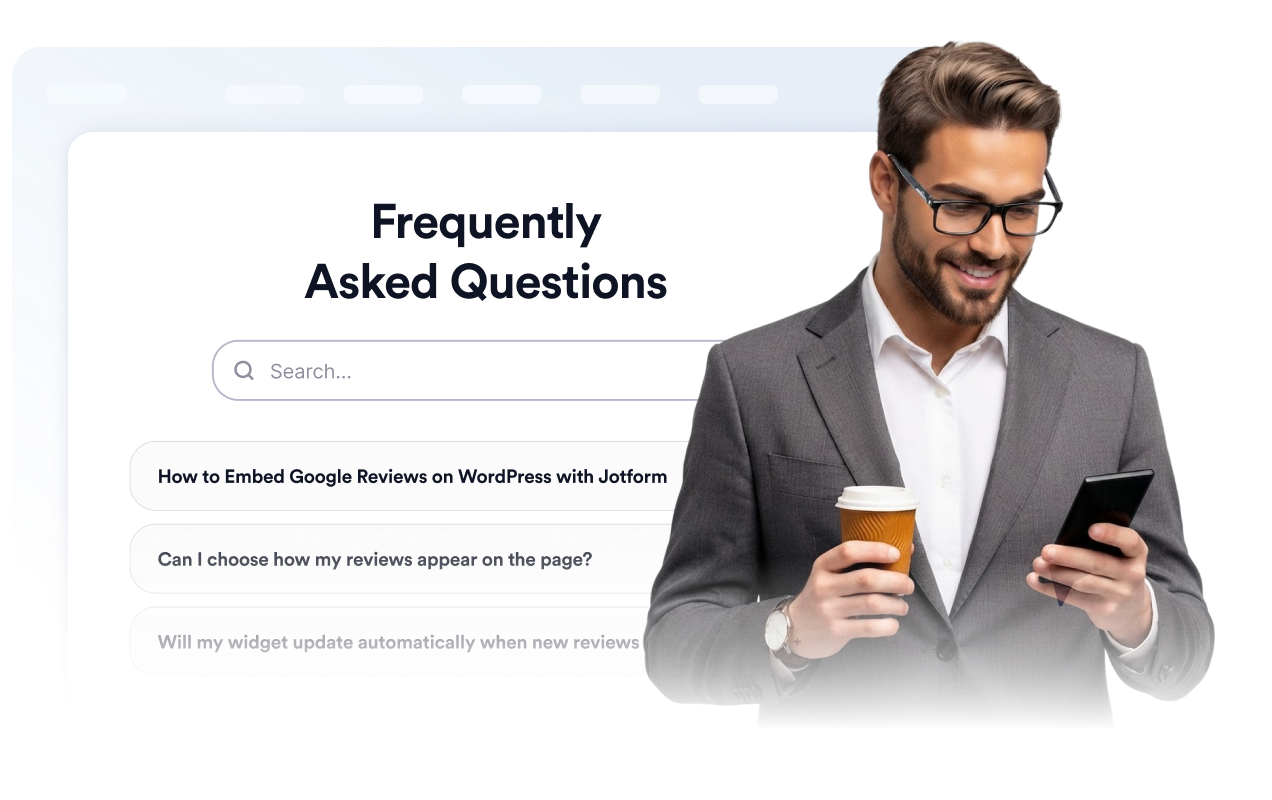
Ajude os visitantes a pesquisar o conteúdo da FAQ
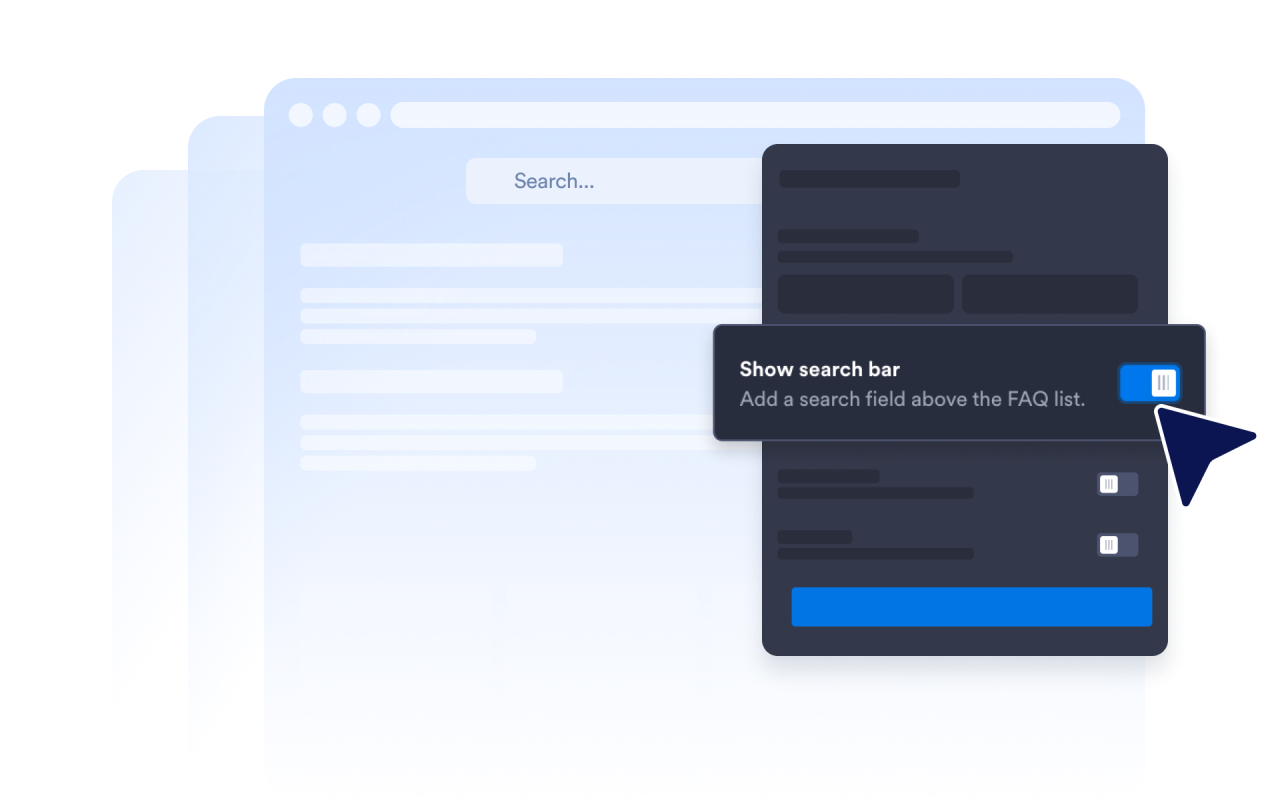
Ative a barra de pesquisa para que os visitantes possam filtrar perguntas e respostas usando palavras-chave. A pesquisa é especialmente útil em páginas de ajuda e seções de FAQ mais detalhadas, onde revisar todas as perguntas manualmente levaria mais tempo.
Controle como as respostas são expandidas
Escolha o ícone do acordeão e sua posição, defina quantas perguntas serão exibidas inicialmente e decida se uma ou várias respostas podem permanecer abertas. Essas configurações permitem personalizar a forma como os visitantes exploram seções de FAQ mais longas.

Por que os Widgets para Sites Jotform se destacam
Os widgets da Jotform tornam seu site mais interativo e aumentam as conversões. Há diversas opções disponíveis, desde avaliações com estrelas e deslizadores de depoimentos até pop-ups de prova social e incorporações de mídia. Adicione widgets aos seus formulários ou landing pages para coletar dados, exibir provas sociais e capturar leads — tudo sem precisar programar.
Adicione widgets da Jotform ao seu site com um simples código de incorporação. Personalize o widget, veja uma prévia de como ele ficará e cole-o em qualquer página que aceite HTML personalizado ou blocos de incorporação, sem precisar de um desenvolvedor.
Use os Widgets para Sites Jotform para coletar leads, exibir avaliações de clientes, expor provas sociais, incorporar mídia ou adicionar ferramentas úteis às suas páginas. Cada widget ajuda os visitantes a interagir com sua empresa diretamente no site.
Se precisar de ajuda para configurar, personalizar, incorporar ou solucionar problemas com o seu widget, a equipe de suporte Jotform está disponível 24h. Assim, você pode seguir em frente com confiança, sabendo que terá ajuda sempre que precisar.
Onde usar seu widget de FAQ
Adicione o widget às páginas em que respostas claras possam ajudar os visitantes a entender suas opções e decidir o que fazer em seguida.
Páginas de produtos para responder a dúvidas sobre recursos, tamanhos, configuração, compatibilidade e entrega.
Páginas de preços para esclarecer dúvidas sobre planos, períodos de teste, ciclos de cobrança, cancelamentos e upgrades.
Centrais de ajuda para organizar as dúvidas mais comuns de suporte em uma seção com pesquisa.
Páginas de reservas e eventos para explicar horários, locais, políticas de reembolso e requisitos de participação.
Páginas de cursos e assinaturas para responder a dúvidas sobre acesso, currículo, pagamentos e suporte.
Landing pages para responder às dúvidas mais comuns antes que os visitantes se cadastrem, façam uma reserva ou enviem um formulário.
Converta leads em clientes pagantes com o Criador de Formulários Jotform
Transforme engajamento em ação usando Jotform. Crie formulários poderosos para captar leads, receber pagamentos e automatizar respostas, tudo em um só lugar. Cada envio chega à sua Caixa de Envios Jotform, onde você pode fazer o acompanhamento ou conectar seus apps favoritos.
Comece já — é grátis!
Perguntas Frequentes
O que é um widget de FAQ?
Um widget de FAQ é uma seção incorporável de perguntas e respostas para um site. Ele ajuda os visitantes a encontrar respostas para as dúvidas mais comuns através de layouts pesquisáveis em acordeão, lista ou várias colunas, sem precisar navegar para outra página.
O widget de FAQ da Jotform é gratuito?
Como posso adicionar uma FAQ ao meu site?
Preciso escrever código?
Quantas perguntas posso adicionar?
O widget de FAQ inclui pesquisa?
Quais layouts de FAQ posso usar?
Várias respostas da FAQ podem permanecer abertas ao mesmo tempo?
As respostas da FAQ podem incluir links, imagens ou vídeos?
Posso personalizar o design da FAQ?
O widget de FAQ funciona em dispositivos móveis?
Quais plataformas de sites são compatíveis com o widget de FAQ?
Posso obter ajuda para configurar meu widget de FAQ?