Widget de Central de Ajuda para seu site
Ajude os visitantes a encontrar respostas por conta própria, pesquisando perguntas comuns e falando com sua equipe quando precisarem de mais.
Como criar um widget Central de Ajuda
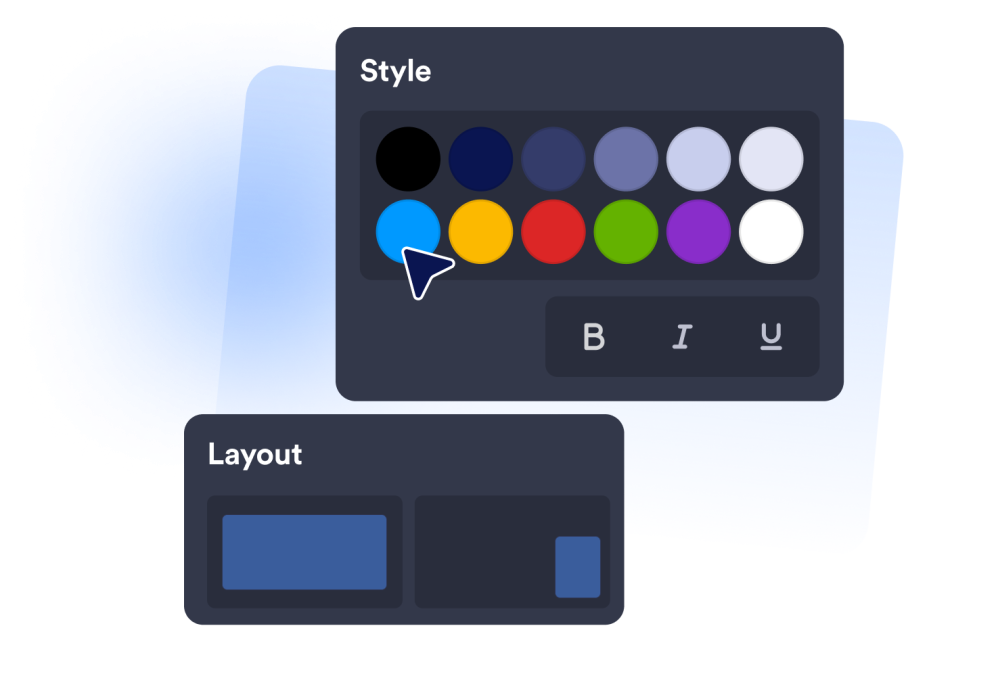
Escolha como o suporte aparece
Use um widget flutuante para ajuda em todo o site ou uma seção incorporada para uma área de suporte dedicada.
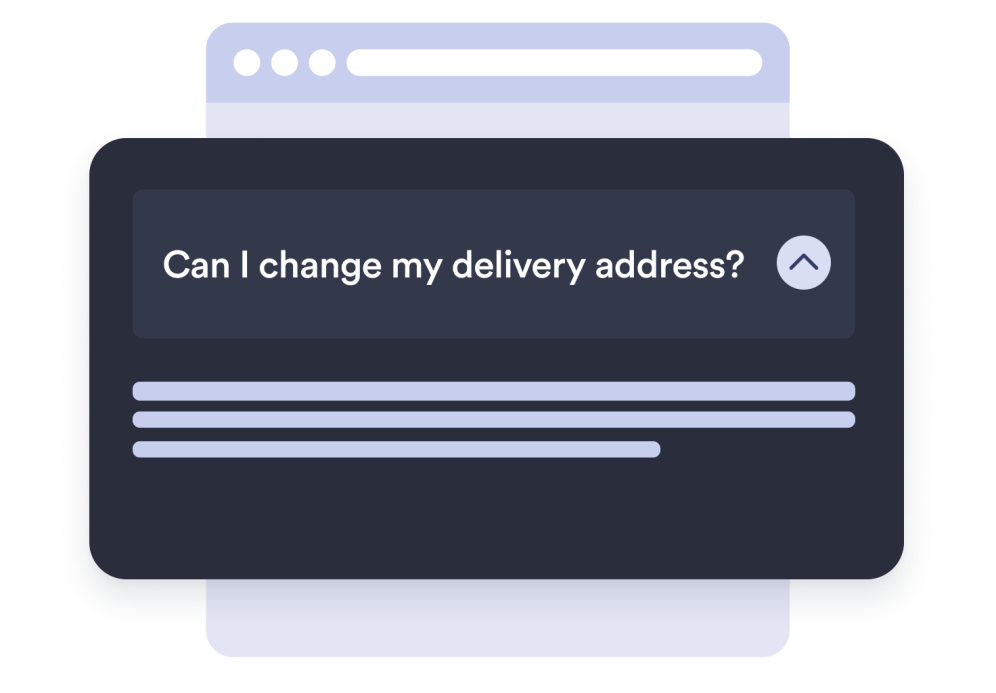
Adicione as respostas que os clientes precisam
Create questions and answers so visitors can resolve repeat questions faster.
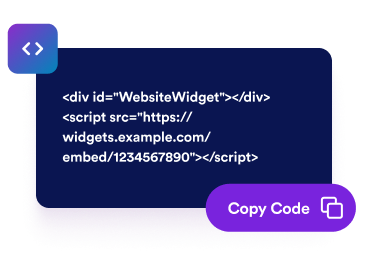
Incorpore em seu site
Visualize o widget, copie o código de incorporação e coloque a central de ajuda onde os visitantes precisam de suporte.
Crie uma central de suporte compacta para qualquer site
Encontre respostas em segundos
À medida que os visitantes digitam uma pergunta, respostas correspondentes aparecem imediatamente, para que encontrem o que precisam antes de entrar em contato com você.
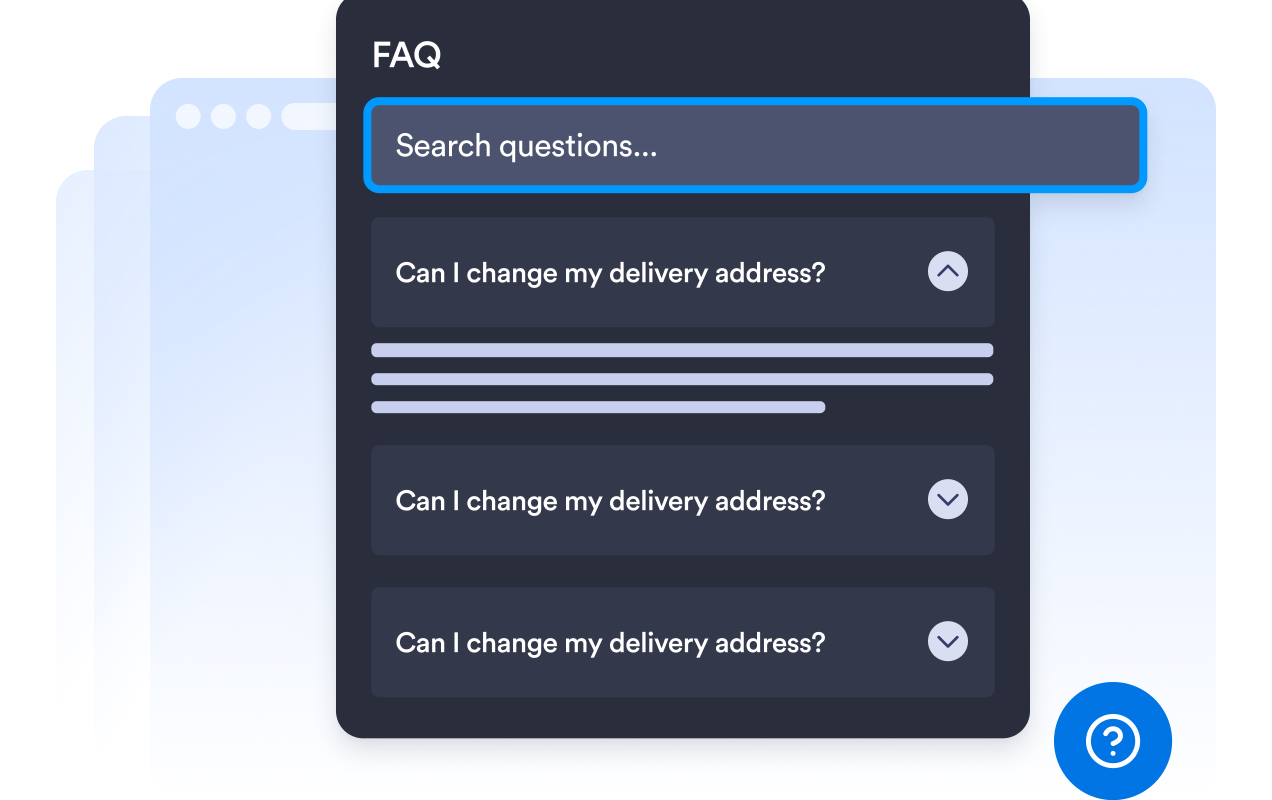
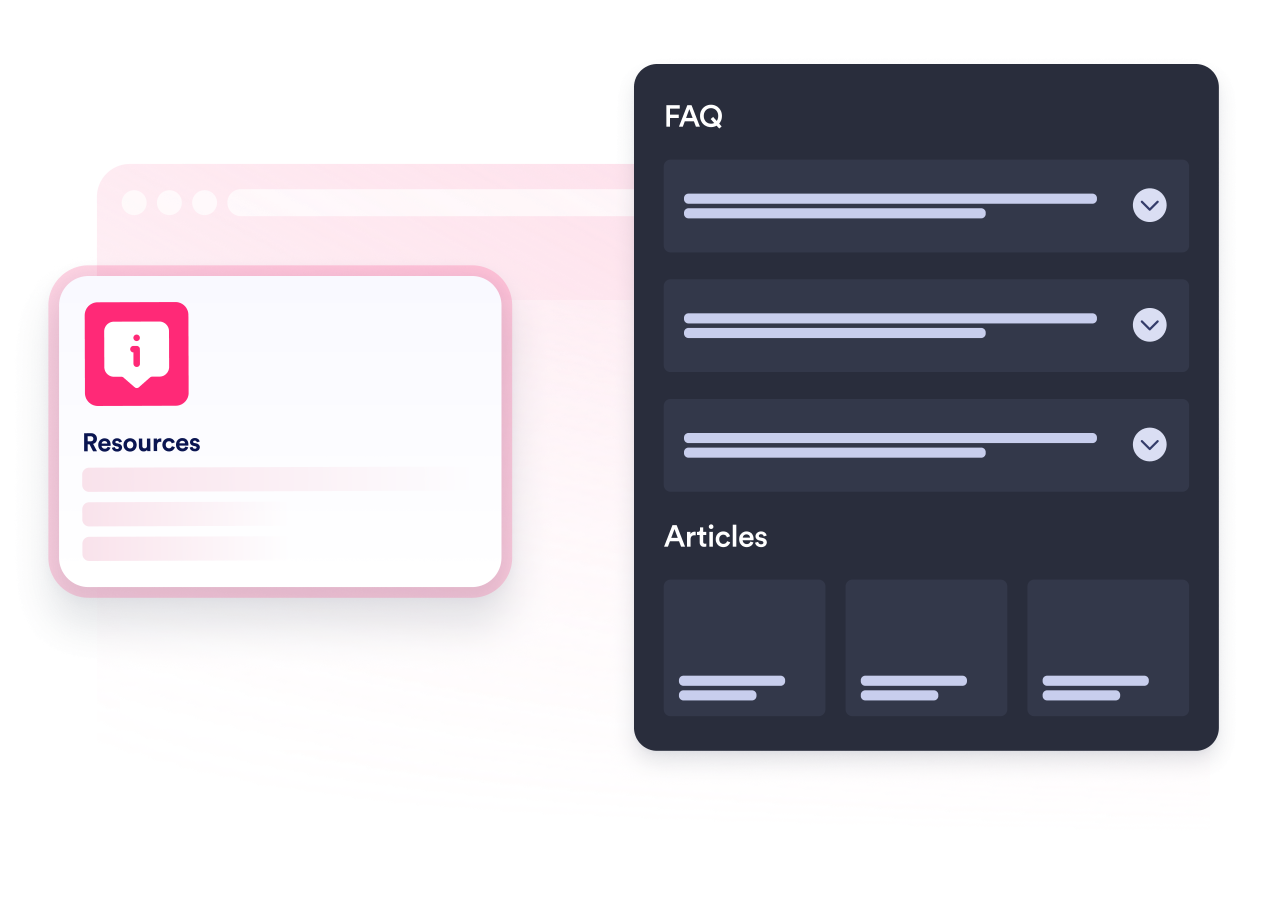
Organize perguntas e respostas
Adicione perguntas claras com respostas úteis, escolha a exibição em acordeão ou em cartões e mostre cada item diretamente no widget.
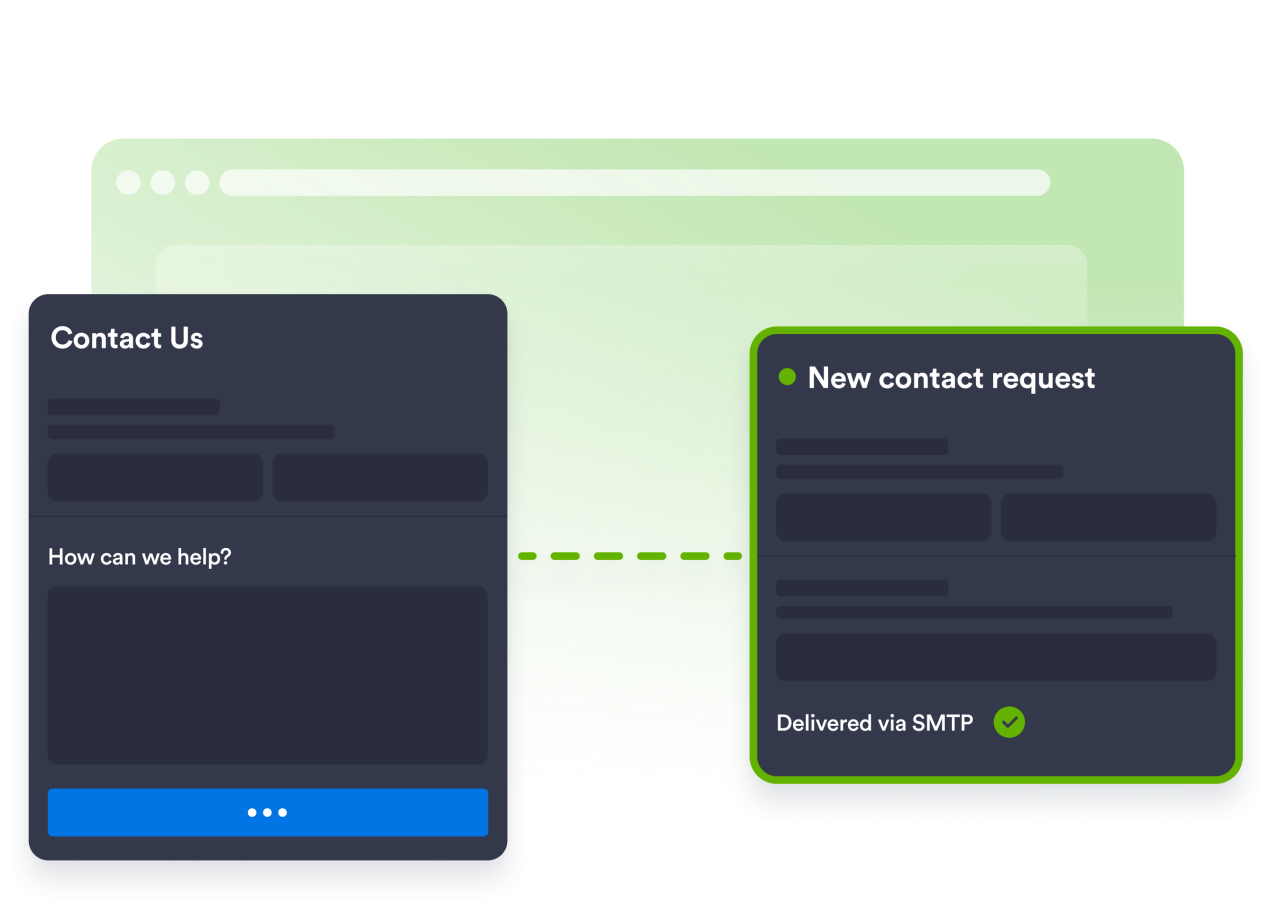
Colete solicitações por meio de um formulário de contato
Inclua um formulário de contato personalizável para que os visitantes possam falar diretamente com você, com cada envio entregue na sua caixa de entrada. Você também pode enviar e-mails do seu próprio endereço.
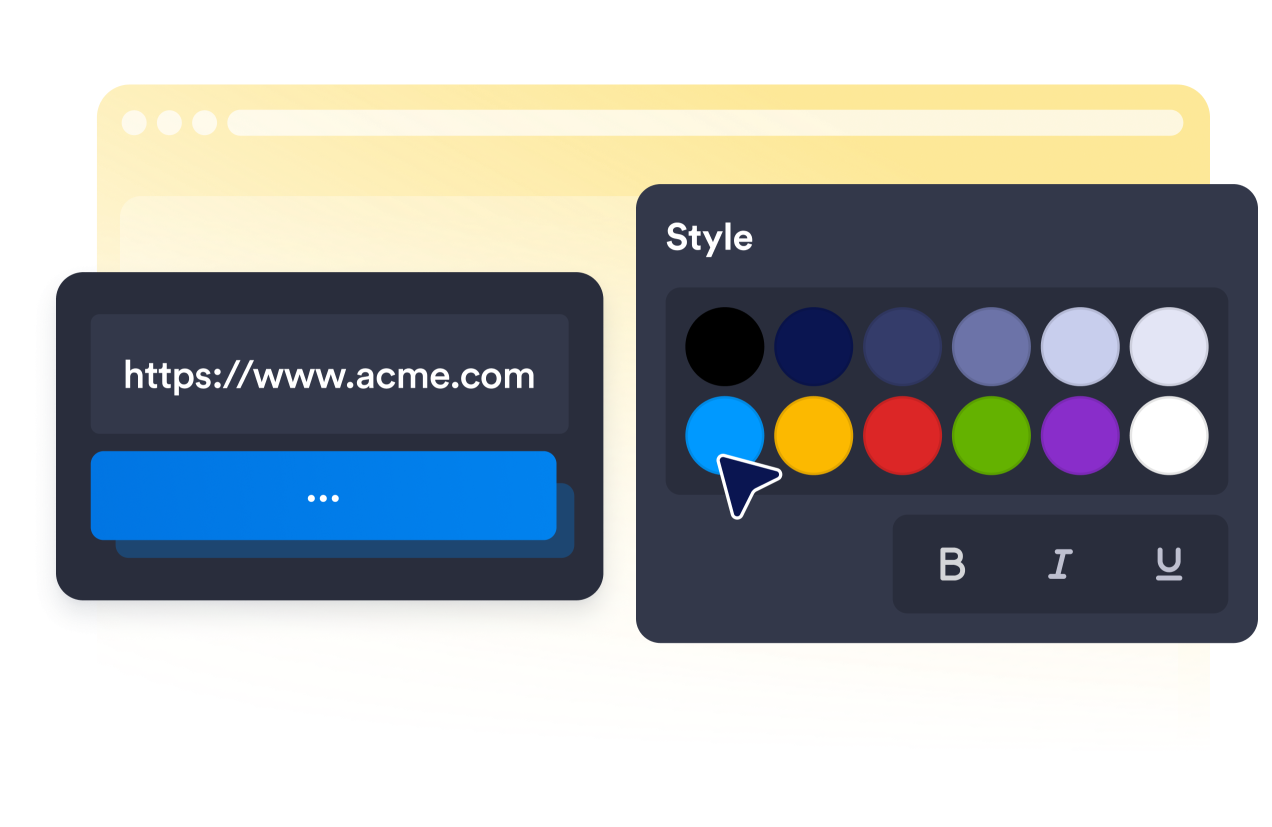
Faça a experiência de ajuda parecer nativa
Escolha um tema, personalize as cores, ajuste o raio dos cantos, refine o iniciador e mantenha a experiência impecável no desktop e no mobile.
Por que os Widgets para Sites Jotform se destacam
Os widgets da Jotform tornam seu site mais interativo e aumentam as conversões. Há diversas opções disponíveis, desde avaliações com estrelas e deslizadores de depoimentos até pop-ups de prova social e incorporações de mídia. Adicione widgets aos seus formulários ou landing pages para coletar dados, exibir provas sociais e capturar leads — tudo sem precisar programar.
Adicione widgets da Jotform ao seu site com um simples código de incorporação. Personalize o widget, veja uma prévia de como ele ficará e cole-o em qualquer página que aceite HTML personalizado ou blocos de incorporação, sem precisar de um desenvolvedor.
Use os Widgets para Sites Jotform para coletar leads, exibir avaliações de clientes, expor provas sociais, incorporar mídia ou adicionar ferramentas úteis às suas páginas. Cada widget ajuda os visitantes a interagir com sua empresa diretamente no site.
Se precisar de ajuda para configurar, personalizar, incorporar ou solucionar problemas com o seu widget, a equipe de suporte Jotform está disponível 24h. Assim, você pode seguir em frente com confiança, sabendo que terá ajuda sempre que precisar.
Onde usar seu widget de central de ajuda
Adicione um widget de central de ajuda a sites onde os visitantes precisam de respostas rápidas e de uma forma clara de entrar em contato.
Lojas de e-commerce que respondem a perguntas sobre pedidos, envio e devoluções
Sites de SaaS e de produtos que oferecem suporte aos usuários
Sites de suporte ao cliente que oferecem respostas de autoatendimento antes do contato
Agências e estúdios que oferecem suporte a sites de clientes
Sites educacionais que compartilham políticas e respostas comuns
Empresas de serviços que combinam respostas de autoatendimento e solicitações de contato
Converta leads em clientes pagantes com o Criador de Formulários Jotform
Transforme engajamento em ação usando Jotform. Crie formulários poderosos para captar leads, receber pagamentos e automatizar respostas, tudo em um só lugar. Cada envio chega à sua Caixa de Envios Jotform, onde você pode fazer o acompanhamento ou conectar seus apps favoritos.
Comece já — é grátis!
Perguntas Frequentes
Os visitantes podem pesquisar as respostas?
Sim. Os visitantes podem usar o campo de busca para encontrar rapidamente perguntas e respostas correspondentes. Você também pode ocultar a busca quando quiser uma lista mais simples.
O que acontece quando os visitantes não encontram a resposta que precisam?
Quantas perguntas e respostas posso adicionar?
Posso alterar como as respostas aparecem?
Posso personalizar o formulário de Fale Conosco para o meu fluxo de suporte?
Posso atualizar o conteúdo de ajuda depois que o widget for incorporado?
Posso usar o mesmo widget de central de ajuda em diferentes plataformas de site?
O widget de central de ajuda é útil apenas para equipes de suporte ao cliente?