Widget para criar tabela de preços para seu site
Compare planos, destaque recursos e aumente as conversões com um widget de Tabela de Preços personalizável para qualquer site.
Crie já — [1[é grátis!]]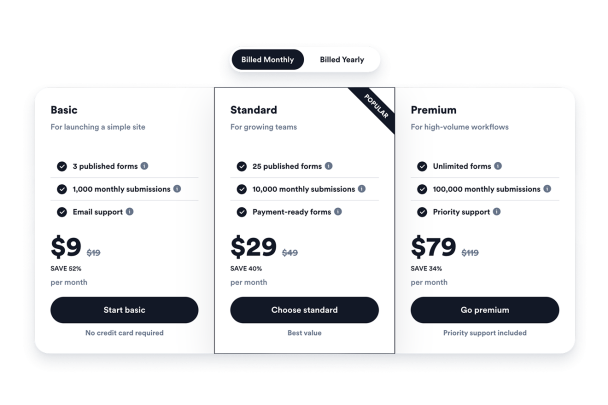

Como criar um widget Tabela de Preços
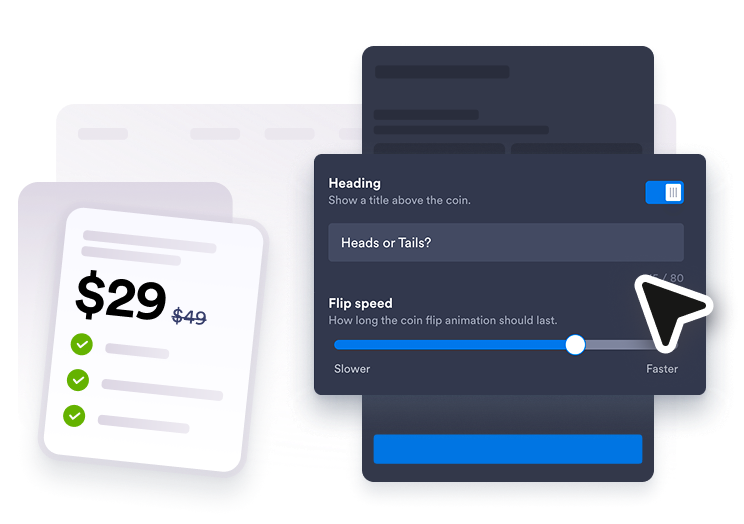
Adicione seus planos de preços
Crie tabelas para preços mensais, anuais, de pacotes ou de serviços e edite cada título de plano, preço, recurso, dica e botão.
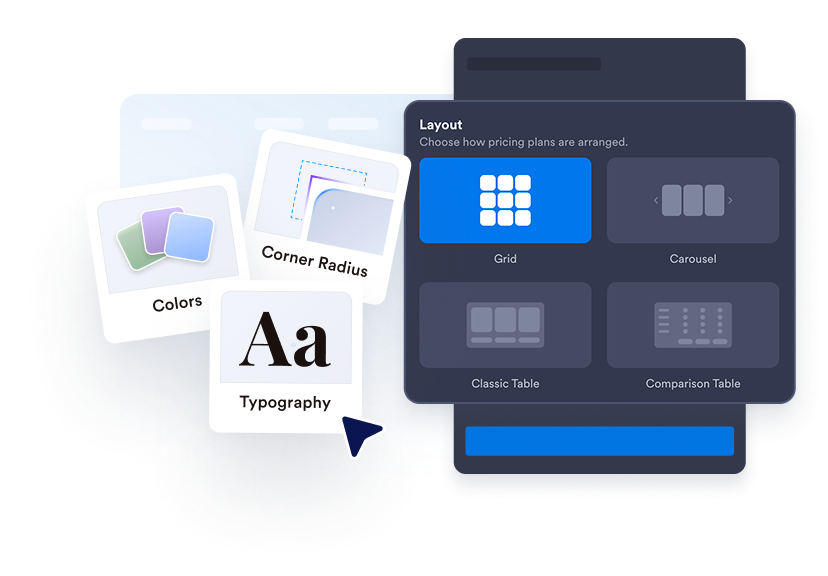
Escolha um layout de tabela
Use grades de preços, colunas alinhadas, tabelas comparativas ou layouts em carrossel para se ajustar à seção da página.
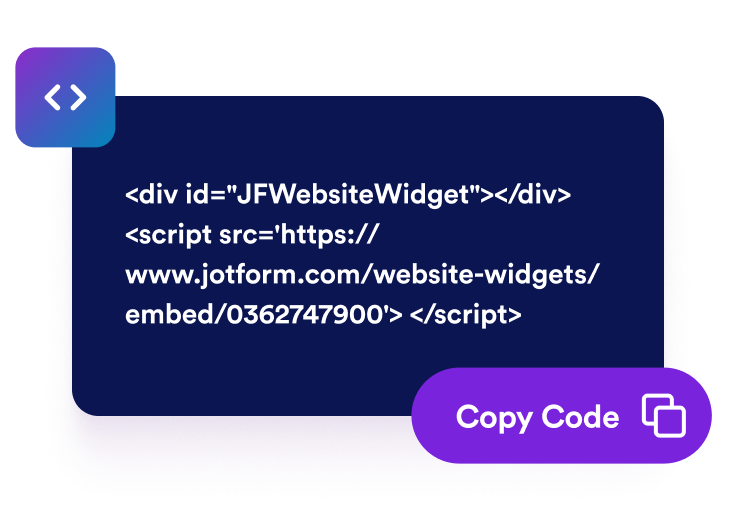
Personalize e incorpore
Personalize cores, rótulos, tipografia, cantos, botões, identidade visual e CSS com escopo e, em seguida, copie o código de incorporação para o seu site.
Torne os preços mais fáceis de visualizar e comparar
Crie Várias Tabelas de Preços
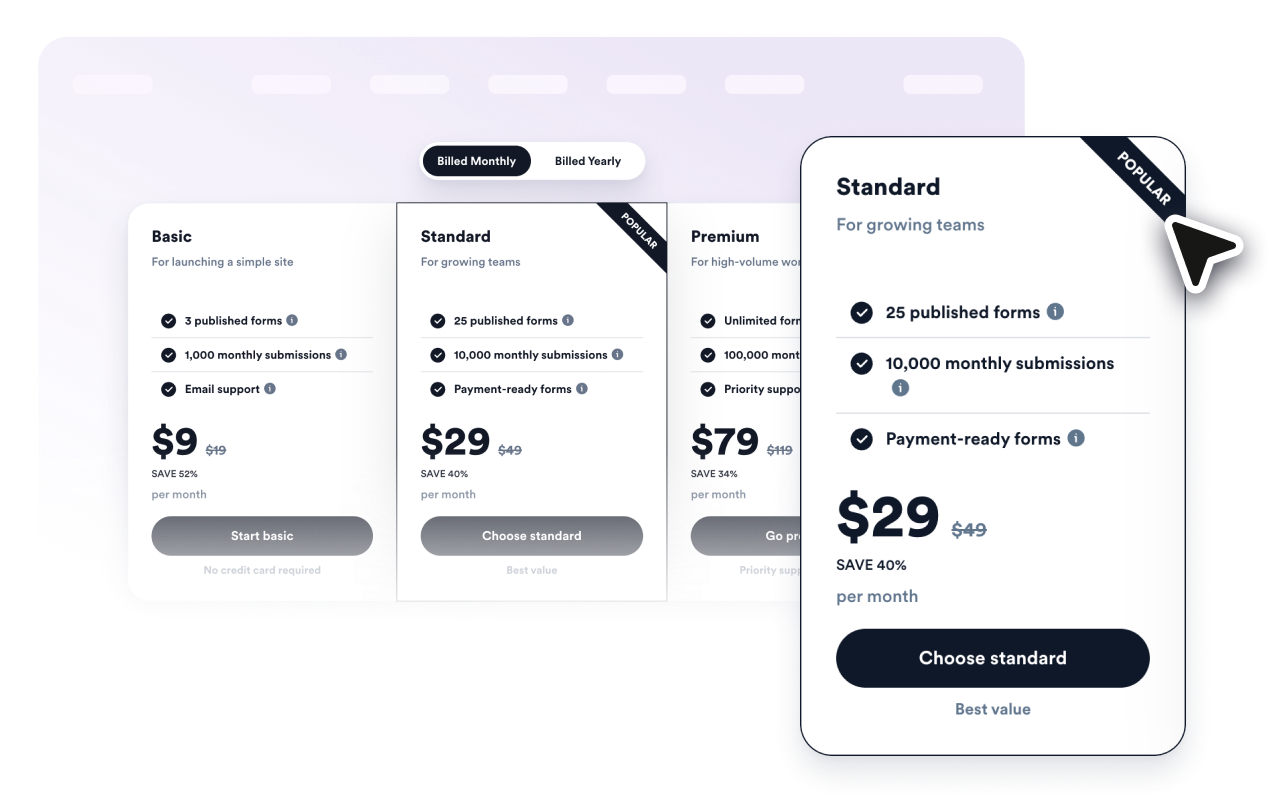
Crie tabelas mensais, anuais, de serviços, de pacotes, de atacado ou por níveis e permita que os visitantes alternem entre elas com um botão de cobrança.

Destaque o melhor plano
Adicione rótulos de popularidade, textos de promoção, preços antigos, descontos, legendas e cores específicas por plano para que os clientes identifiquem as opções recomendadas.
Compare recursos com clareza
Liste os recursos incluídos em cada plano, adicione textos de dica úteis e alterne para o modo de tabela comparativa para avaliar planos lado a lado.

Reflita o design do seu site
Controle layouts, estilos de cartão, cores, tamanhos de texto, estilo de botão, cantos das colunas, largura, comportamento em dispositivos móveis, identidade visual e CSS personalizado com escopo.

Por que os Widgets para Sites Jotform se destacam
Os widgets da Jotform tornam seu site mais interativo e aumentam as conversões. Há diversas opções disponíveis, desde avaliações com estrelas e deslizadores de depoimentos até pop-ups de prova social e incorporações de mídia. Adicione widgets aos seus formulários ou landing pages para coletar dados, exibir provas sociais e capturar leads — tudo sem precisar programar.
Adicione widgets da Jotform ao seu site com um simples código de incorporação. Personalize o widget, veja uma prévia de como ele ficará e cole-o em qualquer página que aceite HTML personalizado ou blocos de incorporação, sem precisar de um desenvolvedor.
Use os Widgets para Sites Jotform para coletar leads, exibir avaliações de clientes, expor provas sociais, incorporar mídia ou adicionar ferramentas úteis às suas páginas. Cada widget ajuda os visitantes a interagir com sua empresa diretamente no site.
Se precisar de ajuda para configurar, personalizar, incorporar ou solucionar problemas com o seu widget, a equipe de suporte Jotform está disponível 24h. Assim, você pode seguir em frente com confiança, sabendo que terá ajuda sempre que precisar.
Onde usar seu Widget de Tabela de Preços
Adicione tabelas de preços onde quer que os visitantes precisem comparar opções antes de se cadastrar, agendar ou comprar.
Páginas de preços de SaaS para comparar assinaturas mensais e anuais com níveis de recursos
Páginas de serviços para mostrar pacotes de consultoria, marketing, design, reparos, bem-estar e serviços locais
Páginas de cursos para comparar pacotes de aprendizagem autoguiados, em turma, com certificado e premium
Landing pages de produtos para apresentar pacotes, complementos, assinaturas e ofertas de lançamento
Portfólios de agências para explicar contratos iniciais, de crescimento e premium com entregas claras
Páginas de atacado ou associação para mostrar faixas de volume, descontos e detalhes de elegibilidade
Converta leads em clientes pagantes com o Criador de Formulários Jotform
Transforme engajamento em ação usando Jotform. Crie formulários poderosos para captar leads, receber pagamentos e automatizar respostas, tudo em um só lugar. Cada envio chega à sua Caixa de Envios Jotform, onde você pode fazer o acompanhamento ou conectar seus apps favoritos.
Comece já — é grátis!
Perguntas Frequentes
O que é um Widget de Tabela de Preços?
Um Widget de Tabela de Preços é um widget incorporável que exibe planos, preços, listas de recursos, descontos e botões no seu site.
Posso criar tabelas mensais e anuais?
É possível destacar um plano recomendado?
Ele oferece suporte à comparação de recursos?
Posso conectar botões a páginas de checkout ou de cadastro?
Preciso saber programar para incorporá-lo?