Widgets de E-commerce Gratuitos para Sites

Promote products, sales, events, and offers with no-code e-commerce widgets that help visitors take action on your website.

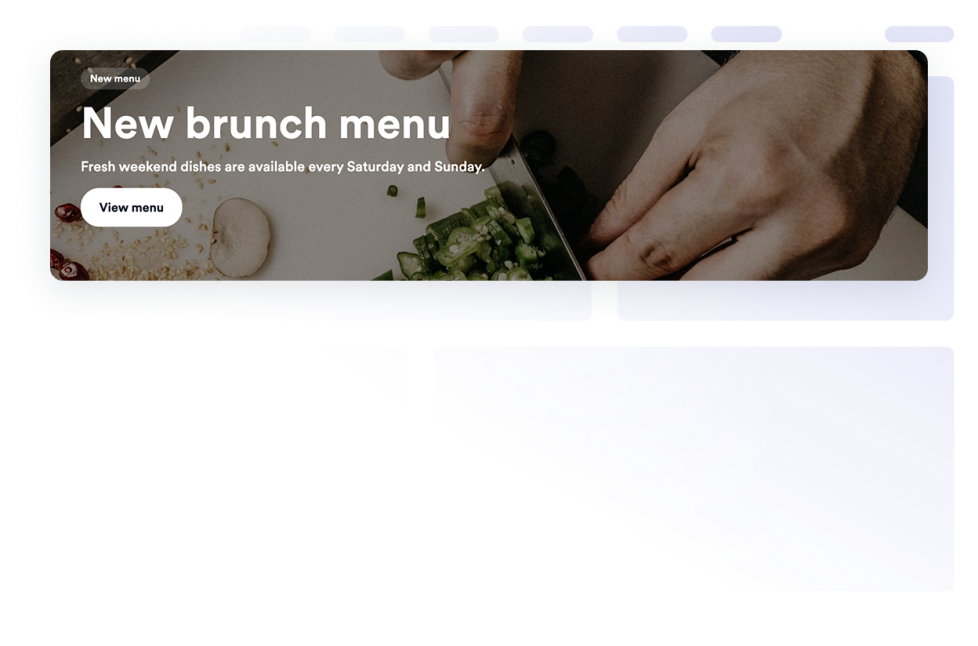
Banner

Adicione um widget de Banner ao seu site para exibir promoções, anúncios, ofertas, eventos, cupons, contagens regressivas, formulários, imagens, vídeos, botões e banners de campanhas clicáveis.

Ir para Categoria:E-commerceUsar Widget
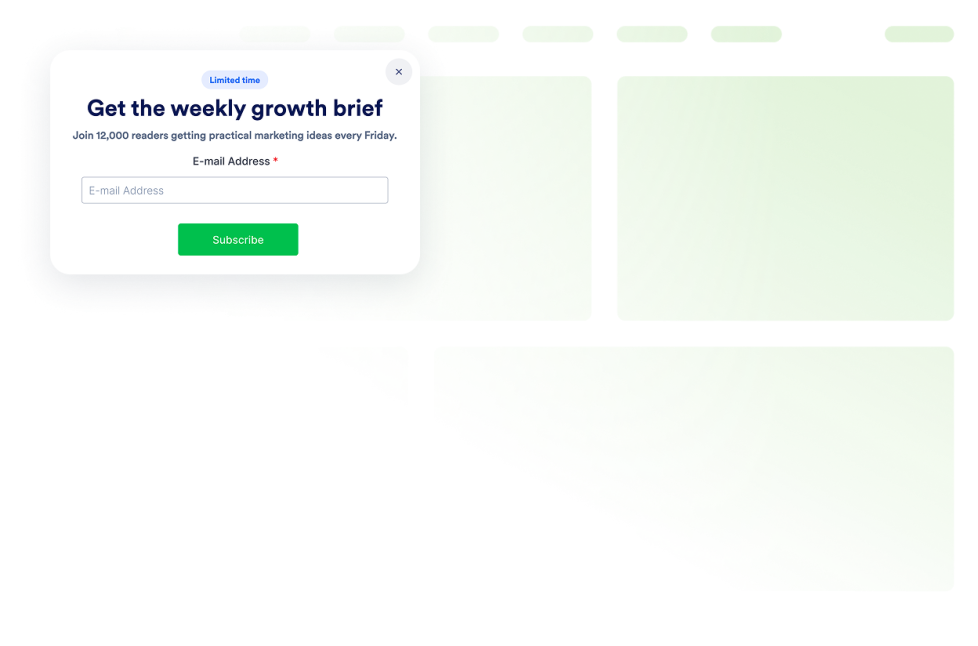
Pop-up

Adicione um widget de Pop-up ao seu site para capturar leads, divulgar anúncios, oferecer descontos, incentivar inscrições em newsletters, exibir ofertas de saída e criar barras fixas. Crie e incorpore tudo com a Jotform.

Ir para Categoria:E-commerceUsar Widget
Barra de Anúncios

Adicione um widget Barra de Anúncios ao seu site para divulgar promoções, lançamentos, avisos sobre entregas, eventos, cupons, atualizações e mensagens urgentes.

Ir para Categoria:E-commerceUsar Widget

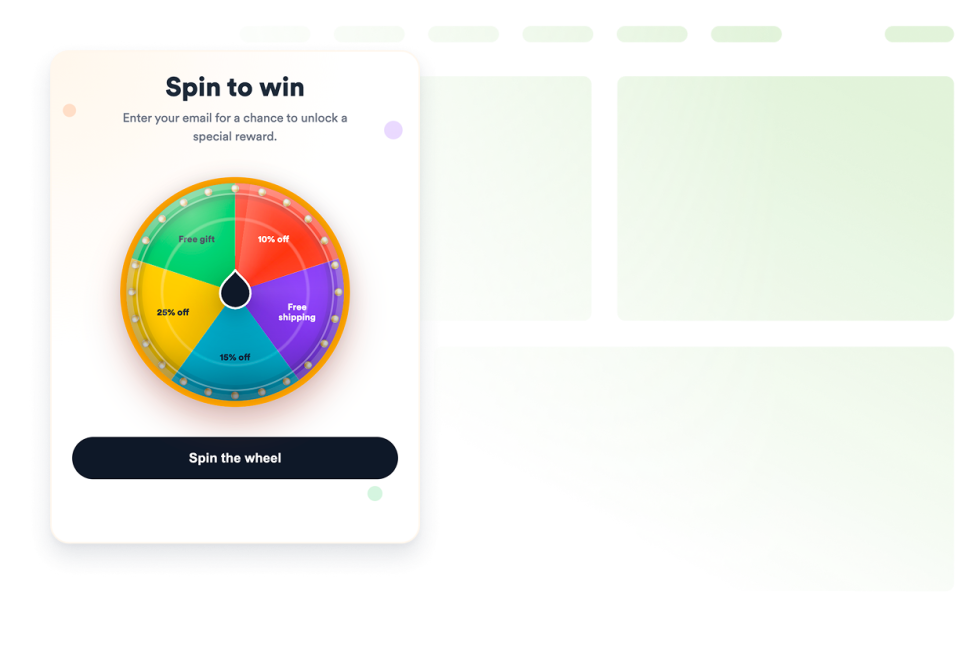
Roda Giratória

Adicione um widget Roda Giratória personalizável ao seu site para realizar sorteios, coletar leads, divulgar ofertas e aumentar o engajamento, sem precisar programar.

Ir para Categoria:E-commerceUsar Widget
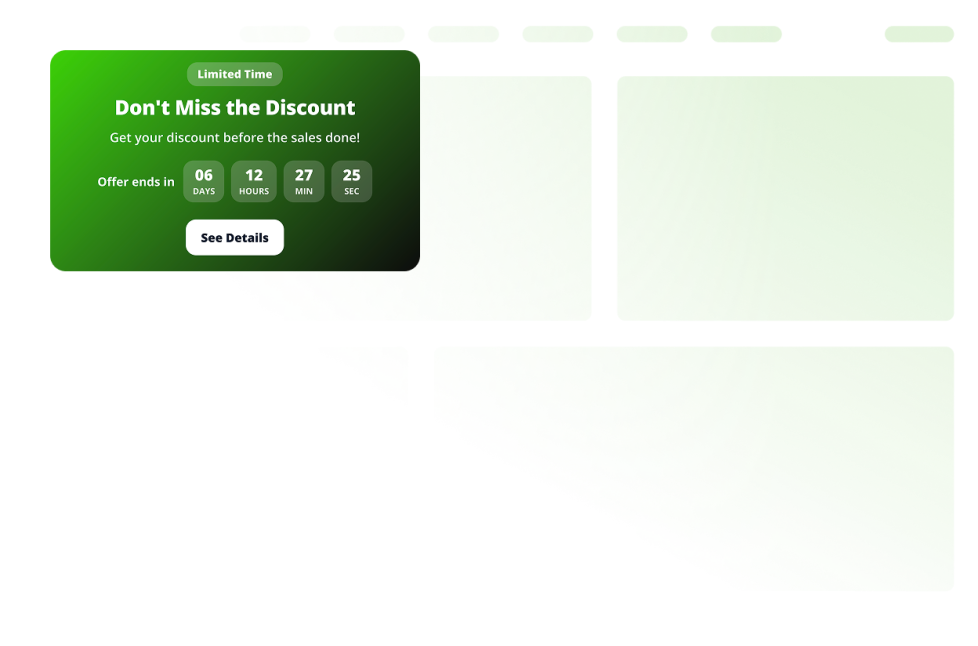
Tabela de Preços

Compare planos, destaque recursos e aumente as conversões com um widget de Tabela de Preços personalizável para qualquer site.

Ir para Categoria:E-commerceUsar Widget
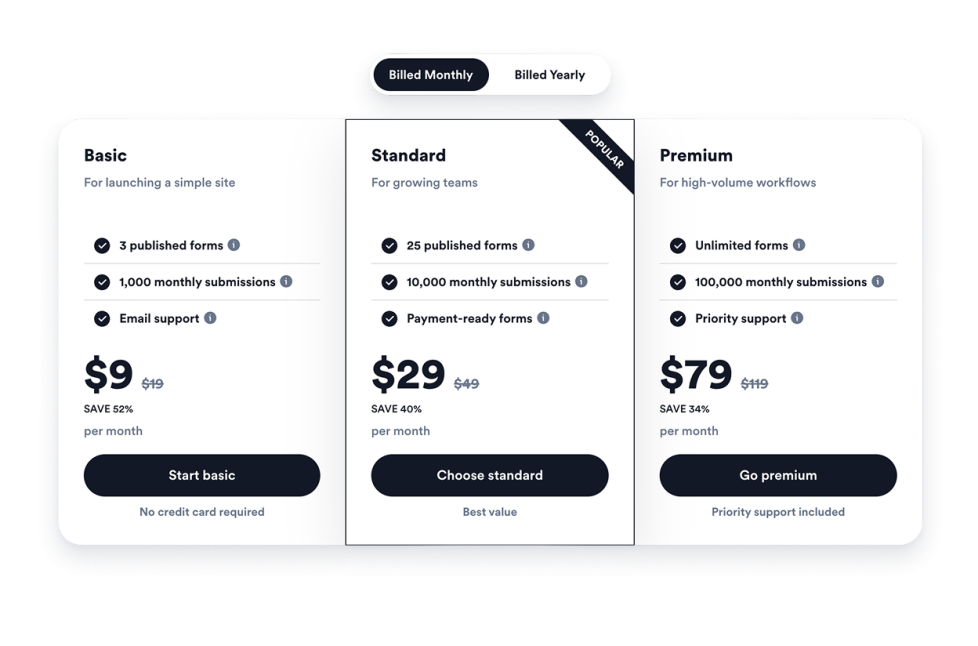
Raspadinha

Adicione um widget de cartão raspadinha personalizável ao seu site para realizar sorteios, coletar leads, divulgar ofertas e aumentar o engajamento, sem precisar programar.

Ir para Categoria:E-commerceUsar Widget
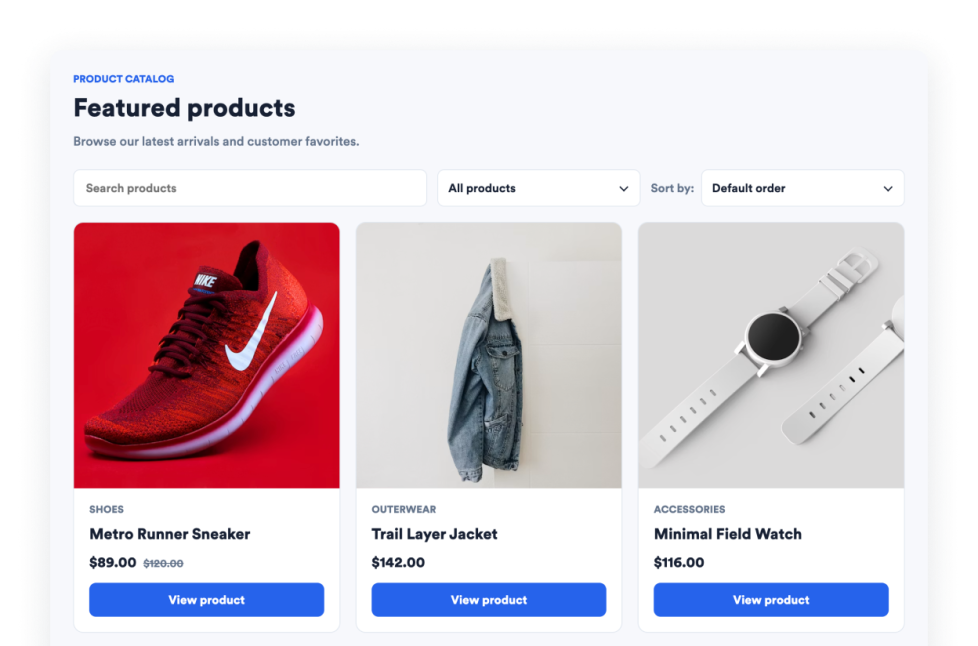
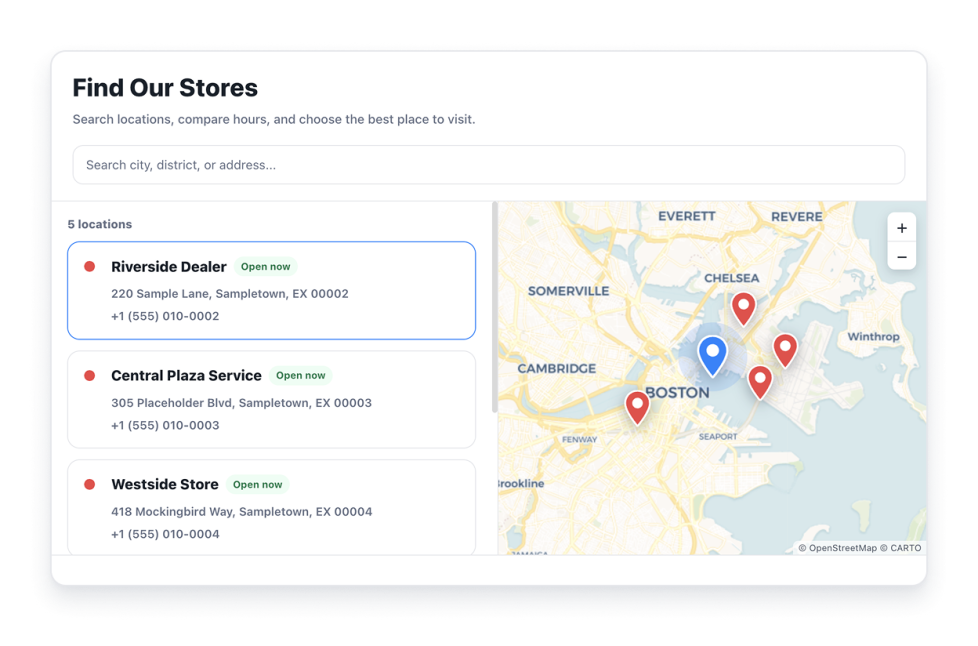
Localizador de Lojas

Crie um widget Localizador de Lojas gratuito para seu site, com locais pesquisáveis, mapa interativo, filtros, horários de funcionamento, rotas e personalização de estilo.

Ir para Categoria:E-commerceUsar Widget
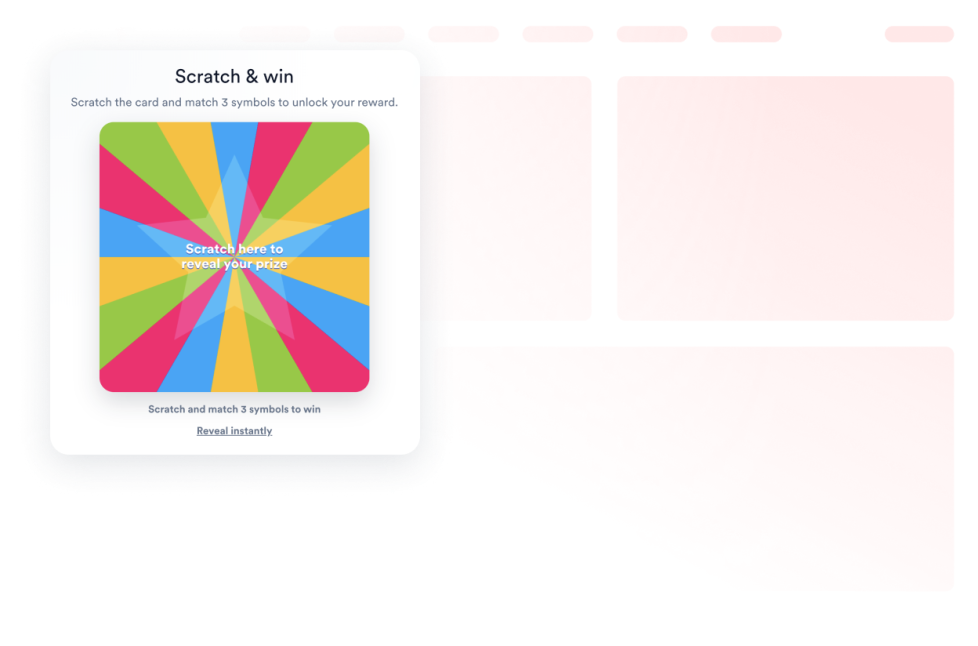
Notificações de Vendas

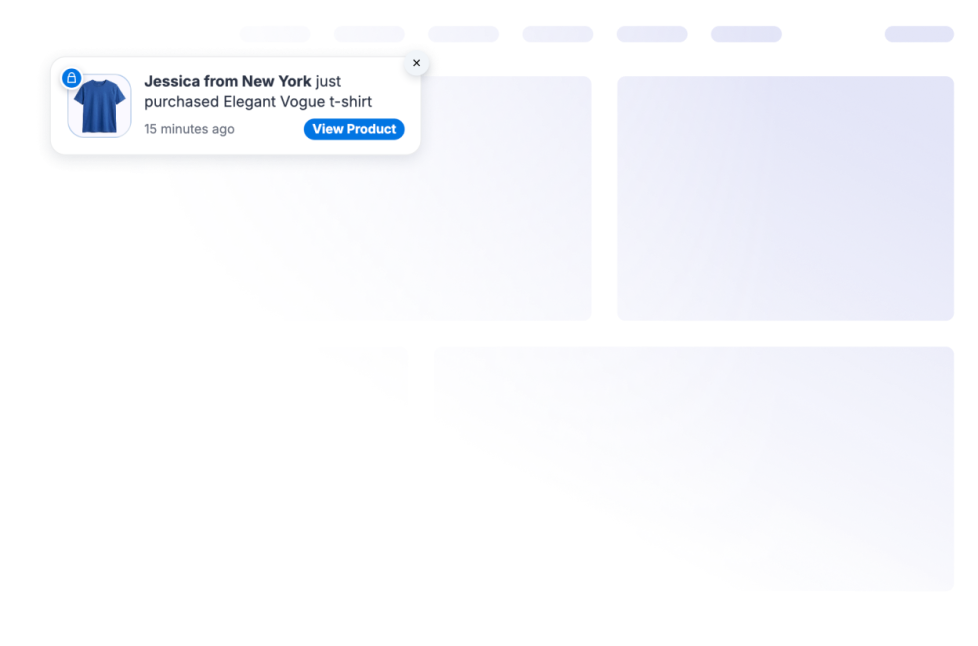
Exiba notificações de vendas em tempo real no seu site para aumentar a confiança, criar um senso de urgência e impulsionar as conversões. Personalize seu widget Notificações de Vendas e incorpore-o ao site em poucos minutos, sem precisar programar.

Ir para Categoria:E-commerceUsar Widget
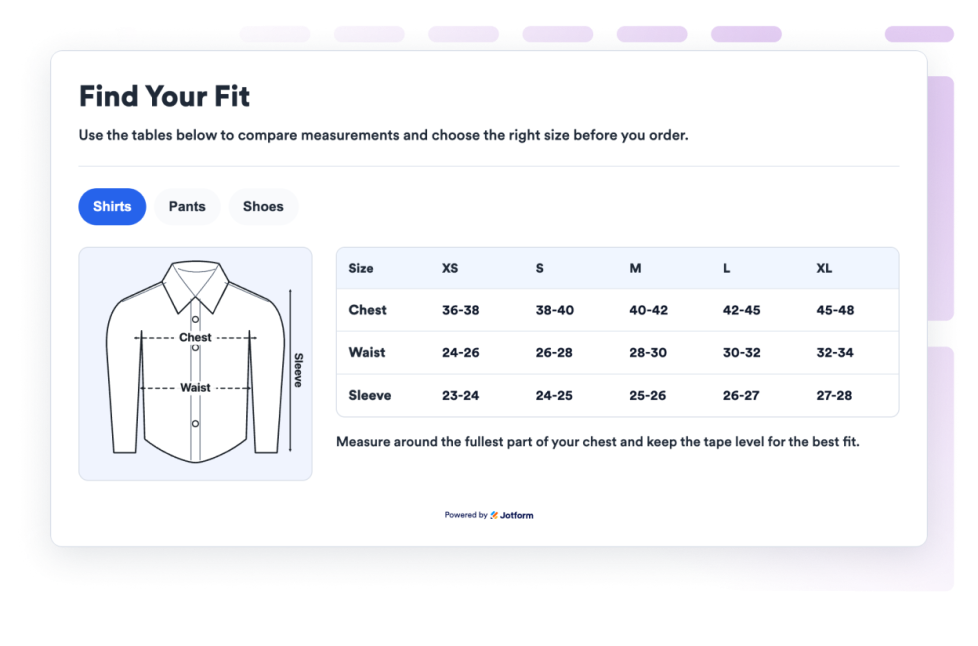
Size Chart

Add a Size Chart widget to your website so that shoppers can compare measurements, switch product categories, view guide images, and choose sizes without code.

Ir para Categoria:E-commerceUsar Widget
Smart App Banner

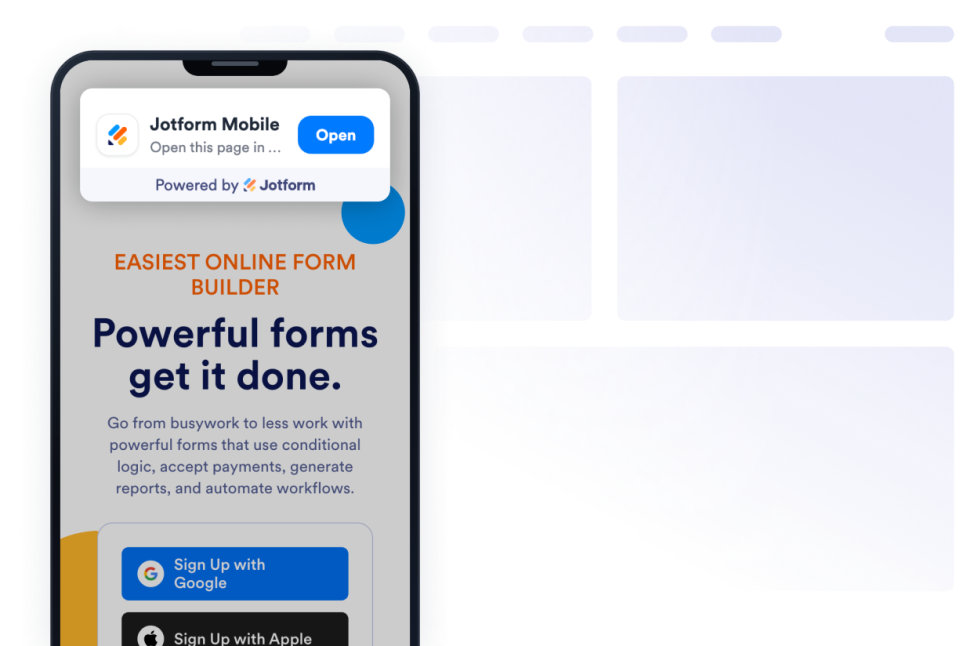
Add a Smart App Banner Widget to your website to promote your mobile app, direct visitors to the right app store, and customize the banner design with no code.

Ir para Categoria:E-commerceUsar Widget
Product Catalog

Add a Product Catalog widget to your website to showcase products with images, descriptions, pricing, categories, and customizable layouts that help visitors browse and discover your offerings.

Ir para Categoria:E-commerceUsar Widget

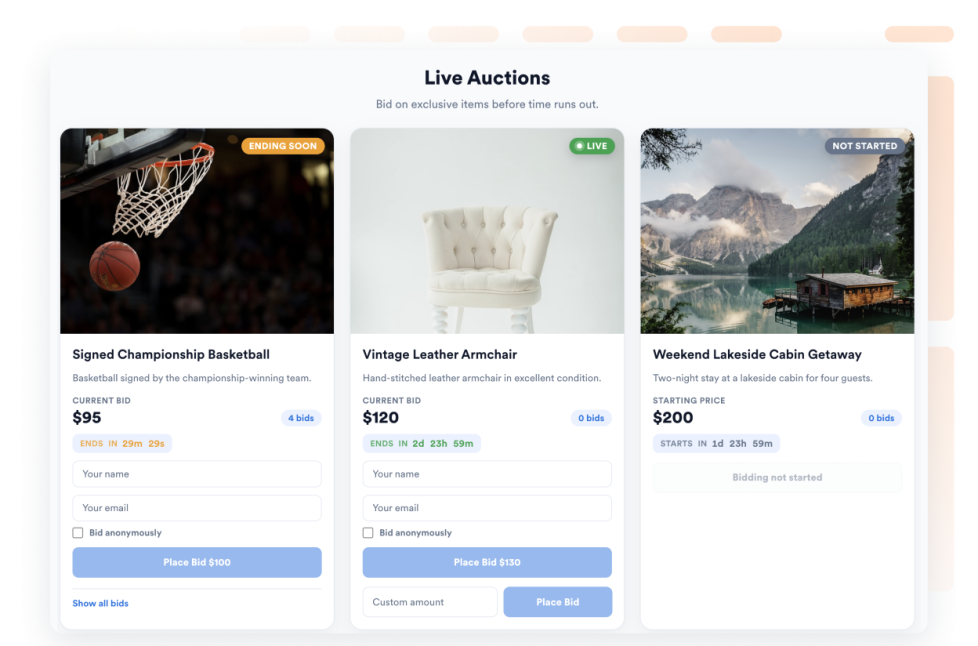
Auction

Showcase auction lots on your website with images, descriptions, starting prices, bid increments, and a live countdown to each lot's end time. Visitors can place the next available bid or enter a custom bid amount, all without writing code.

Ir para Categoria:E-commerceUsar Widget

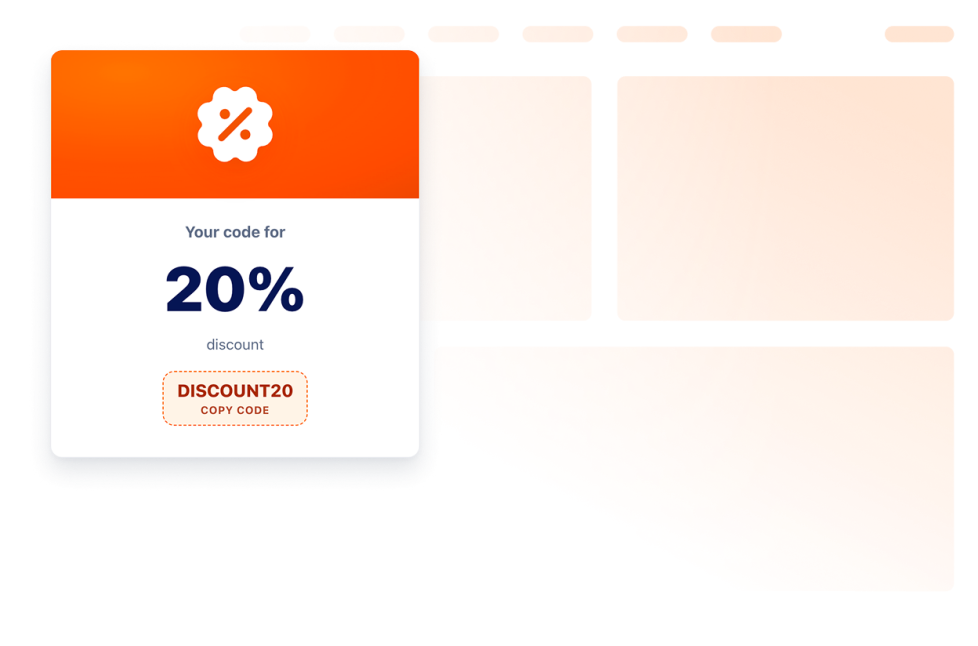
Coupon

Incorpore um widget de cupons ao seu site em segundos. Exiba códigos de desconto, ofertas, promoções e ofertas de recuperação de carrinho. Personalize cada oferta para combinar com a sua identidade visual.

Ir para Categoria:E-commerceUsar Widget
Vouchers

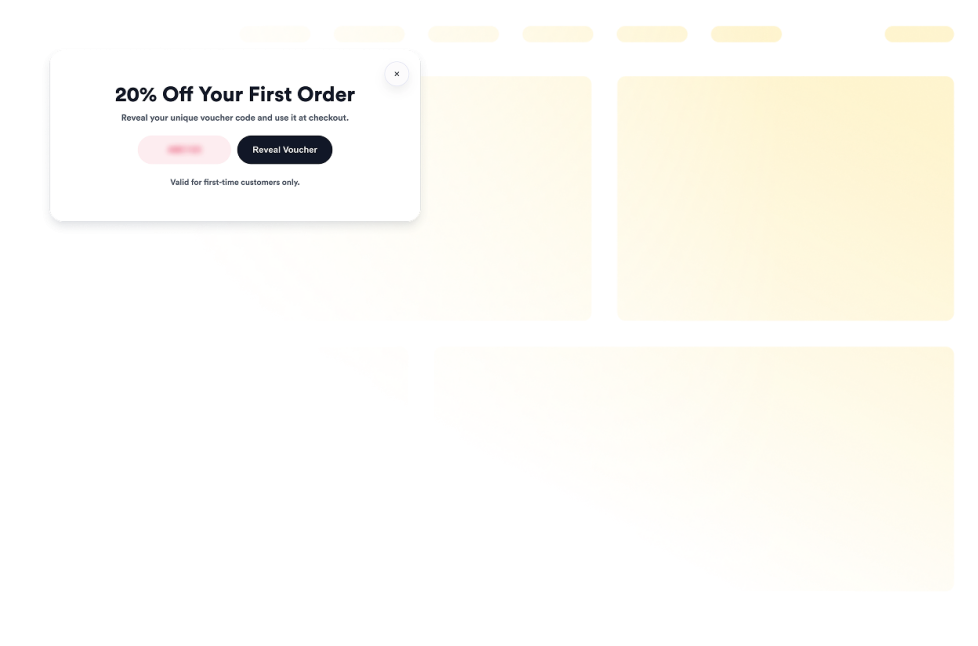
Add vouchers to your website in seconds. Customize the design, choose how your offer appears, and embed it with Jotform’s no-code website widget builder.

Ir para Categoria:E-commerceUsar Widget
Product Recommendations

Add a free Product Recommendations widget to your website. Showcase curated product suggestions with customizable layouts and embed them without coding.

Ir para Categoria:E-commerceUsar Widget
Product Cards

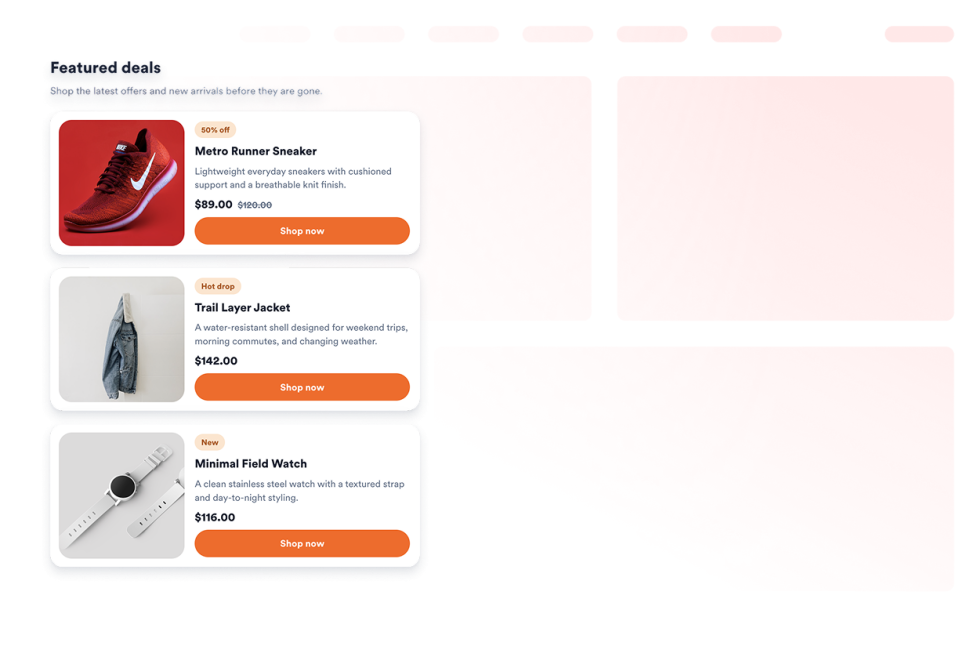
Add a Product Cards widget to your website. Curate up to six products with images, prices, badges, and CTA buttons, then style the grid with no code.

Ir para Categoria:E-commerceUsar Widget
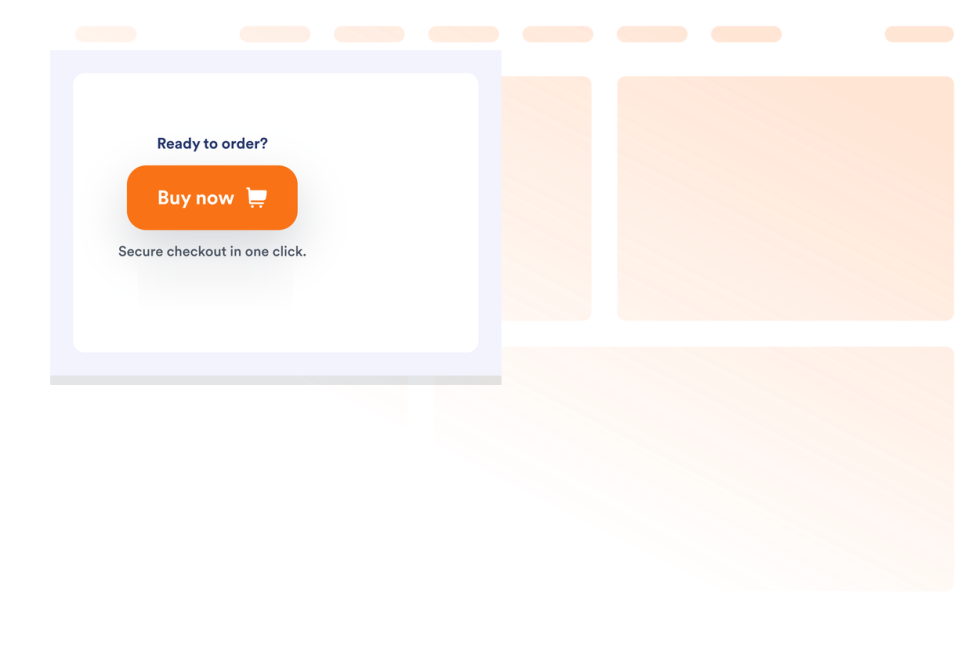
Buy Button

Add a Buy Button widget to send shoppers to product, cart, checkout, or payment URLs with a customizable purchase CTA.

Ir para Categoria:E-commerceUsar Widget
About E-commerce Widgets

E-commerce widgets help you promote products, sales, events, offers, store details, and purchase actions on your website without custom code. These embeddable widgets can support common shopping and campaign needs, such as showing banners, displaying coupons, adding product cards, sharing store locations, comparing pricing, or guiding visitors to checkout.

With Jotform’s e-commerce widgets, you can choose a widget, customize its settings, adjust the design, and embed it on your website. E-commerce widgets work well on online stores, product pages, landing pages, pricing pages, campaign pages, event pages, restaurant websites, and service websites where visitors may need clear offers, product information, or purchase paths.

What can you do with e-commerce widgets?

E-commerce widgets can help you:

  • Promote sales, product launches, events, coupons, and special offers
  • Add embeddable product sections such as product cards, product catalogs, and product recommendations
  • Display pricing tables, buy buttons, vouchers, auctions, and size charts
  • Show store locations, sales notifications, announcement bars, popups, and campaign banners
  • Help visitors compare products, understand offers, find stores, choose sizes, or move toward checkout
  • Customize layouts, colors, buttons, messages, and display options to match your website
  • Keep visitors on your website instead of sending them to another tool or campaign page

Popular e-commerce widget use cases

E-commerce widgets can be used across different parts of a website based on what visitors need before they take action. For example, a Banner widget or Announcement Bar widget can promote sales, shipping notices, product launches, or limited-time offers, while a Coupon widget or Vouchers widget can highlight discounts and deals. A Product Catalog widget can help visitors browse products with images, pricing, categories, and descriptions, and a Buy Button widget can send shoppers to a product, cart, checkout, or payment URL.

E-commerce widgets are especially useful when a page needs to make product information, offers, or purchase actions easier to find. They can support product discovery, campaign promotion, lead capture, store visits, pricing comparison, size selection, auctions, discounts, and checkout actions in a compact section.

Easy e-commerce widgets for online stores and campaigns

Embeddable e-commerce widgets are useful for small teams, SMBs, online stores, local businesses, creators, restaurants, agencies, event teams, and service providers that want to promote products, offers, or purchase actions without relying on a developer or designer.

With Jotform, users can choose an e-commerce widget, customize product details, offers, buttons, layouts, and display settings, copy the embed code, and add it to their website without custom code. This makes it easier to highlight campaigns, showcase products, share discounts, guide shoppers, or move visitors toward a purchase or signup action from a single no-code builder.

Related guides

Para saber mais sobre como configurar e gerenciar widgets, os usuários podem consultar o guia da Jotform sobre gerenciamento de widgets para sites. O guia explica como criar novos widgets, editar widgets existentes, copiar códigos de incorporação, controlar a visibilidade dos widgets e organizar seus recursos de widgets na página Meus Widgets para Sites.

E-commerce Widgets FAQ

What are e-commerce widgets?

E-commerce widgets are embeddable website tools that help display products, offers, pricing, coupons, store details, purchase buttons, campaign messages, or shopping-related information directly on a webpage.

Where should I use e-commerce widgets?

You can use e-commerce widgets on online stores, product pages, pricing pages, landing pages, checkout-related pages, campaign pages, event pages, restaurant websites, and local business websites. The best placement depends on whether visitors need to browse products, compare pricing, use a coupon, find a store, or take action.

Can I customize e-commerce widgets?

Yes. E-commerce widgets can usually be customized before they are embedded. Depending on the widget, you can adjust product details, pricing, images, buttons, offers, layouts, colors, spacing, display rules, and other design options.

Do e-commerce widgets require coding?

No. Jotform e-commerce widgets can be added without custom coding. After customizing a widget, users can embed it on a website using the provided embed code.