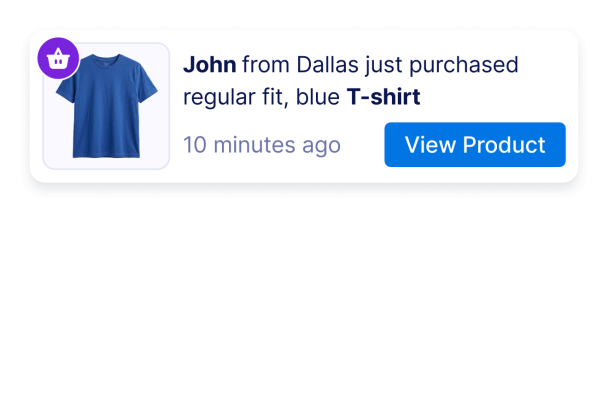

Como criar um widget Sales Notification
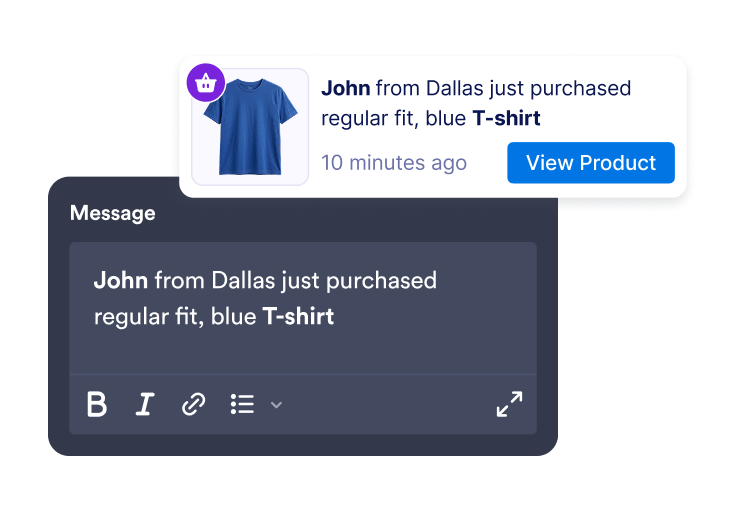
Adicione mensagens de atividade
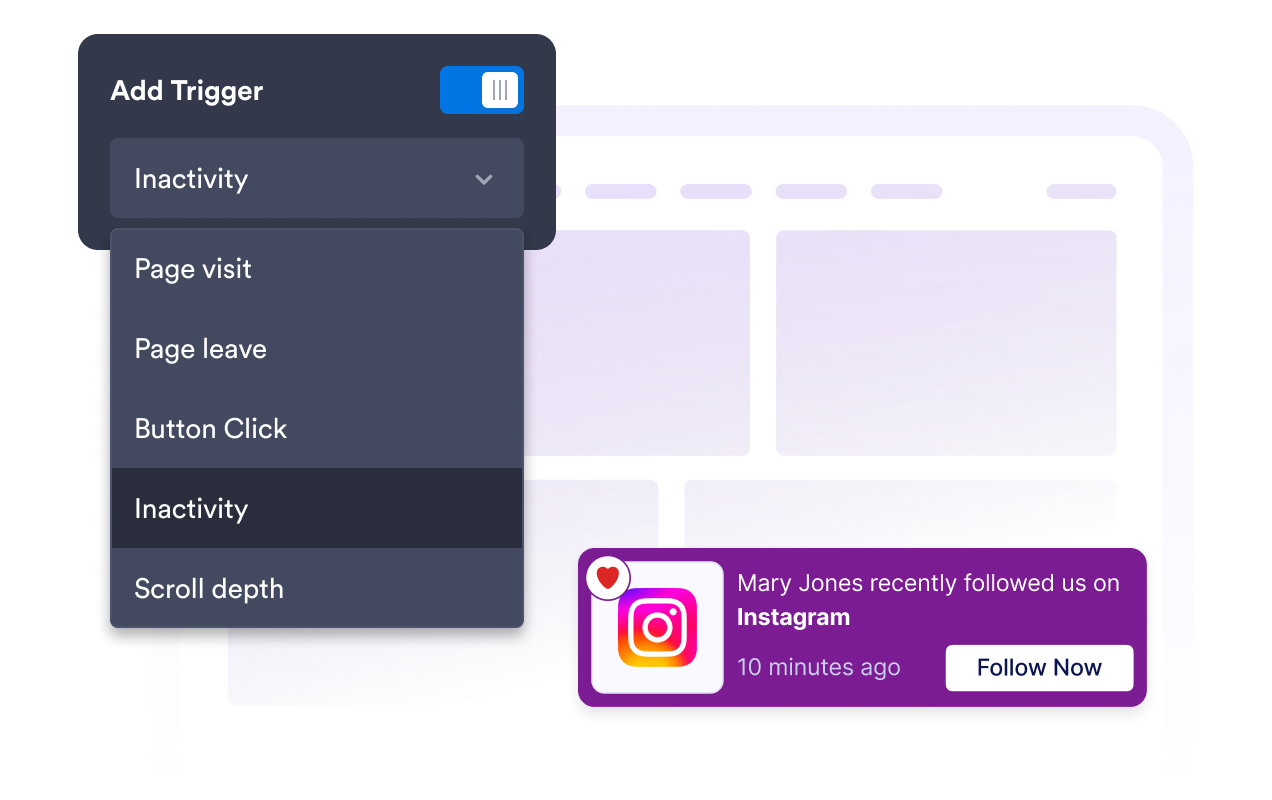
Crie notificações de vendas ou de atividade com nomes de clientes, localizações, nomes de produtos, carimbos de data/hora, imagens, selos e links de CTA.
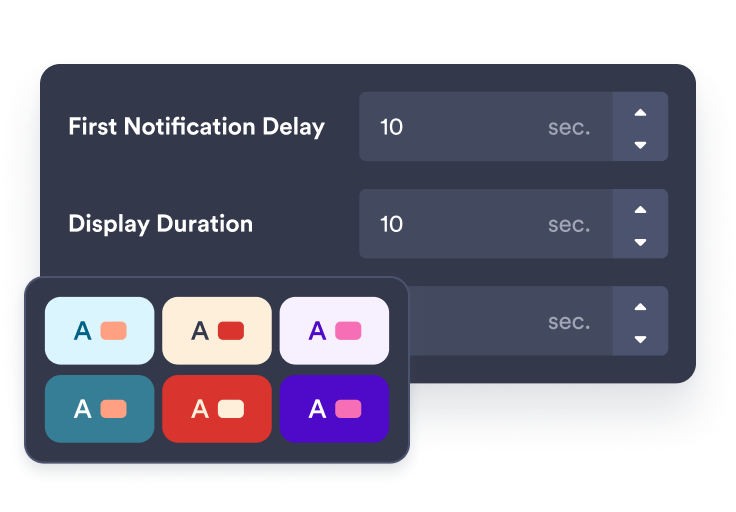
Personalize o tempo e o estilo
Escolha onde a notificação aparece, por quanto tempo fica visível, com que frequência é alternada e como combina com sua marca.
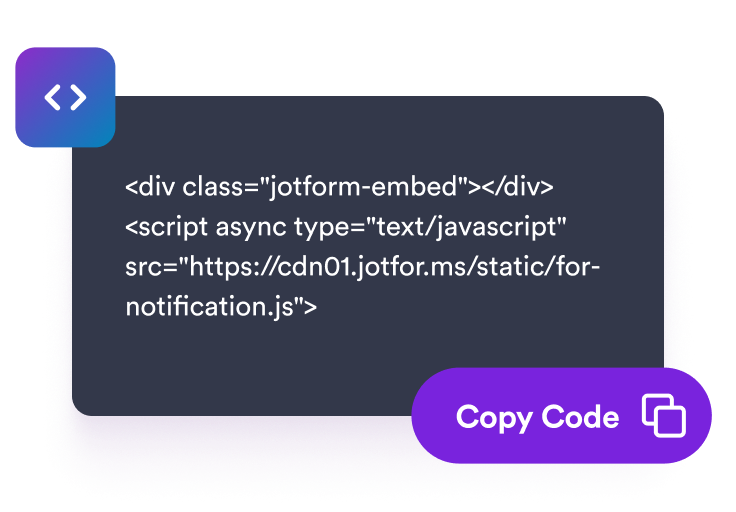
Incorpore ao seu site
Visualize seu widget de notificação, copie o código de incorporação e adicione-o às páginas onde a atividade recente pode ajudar nas decisões dos visitantes.
Exiba notificações de atividade oportunas que combinem com sua loja
Crie alertas de vendas e atividades recentes
Adicione notificações editáveis para compras, reservas, inscrições, doações, atualizações de estoque baixo ou outras atividades que reforcem a mensagem da sua página.
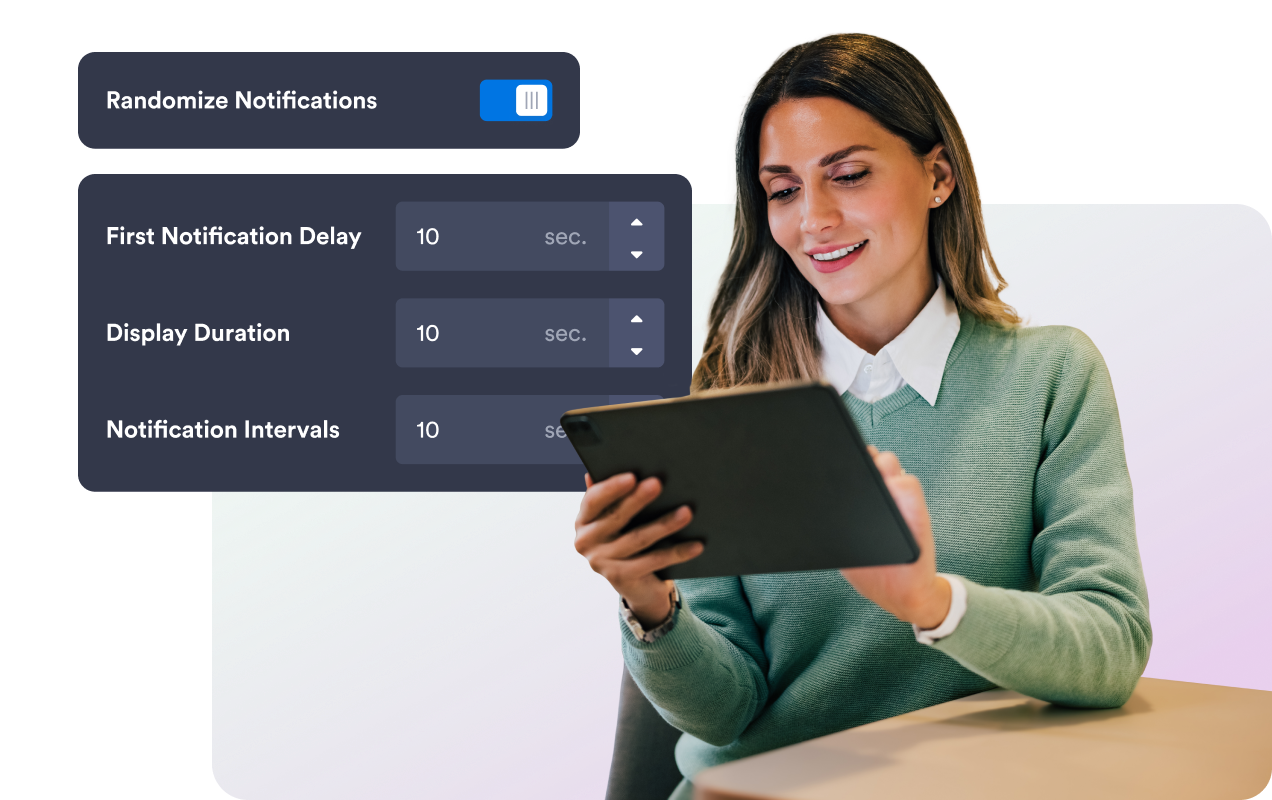
Alterne as notificações com uma temporização clara
Defina o atraso inicial, a duração de exibição, o intervalo, a ordem aleatória e as regras de memória do visitante para que as notificações sejam oportunas sem sobrecarregar os visitantes.
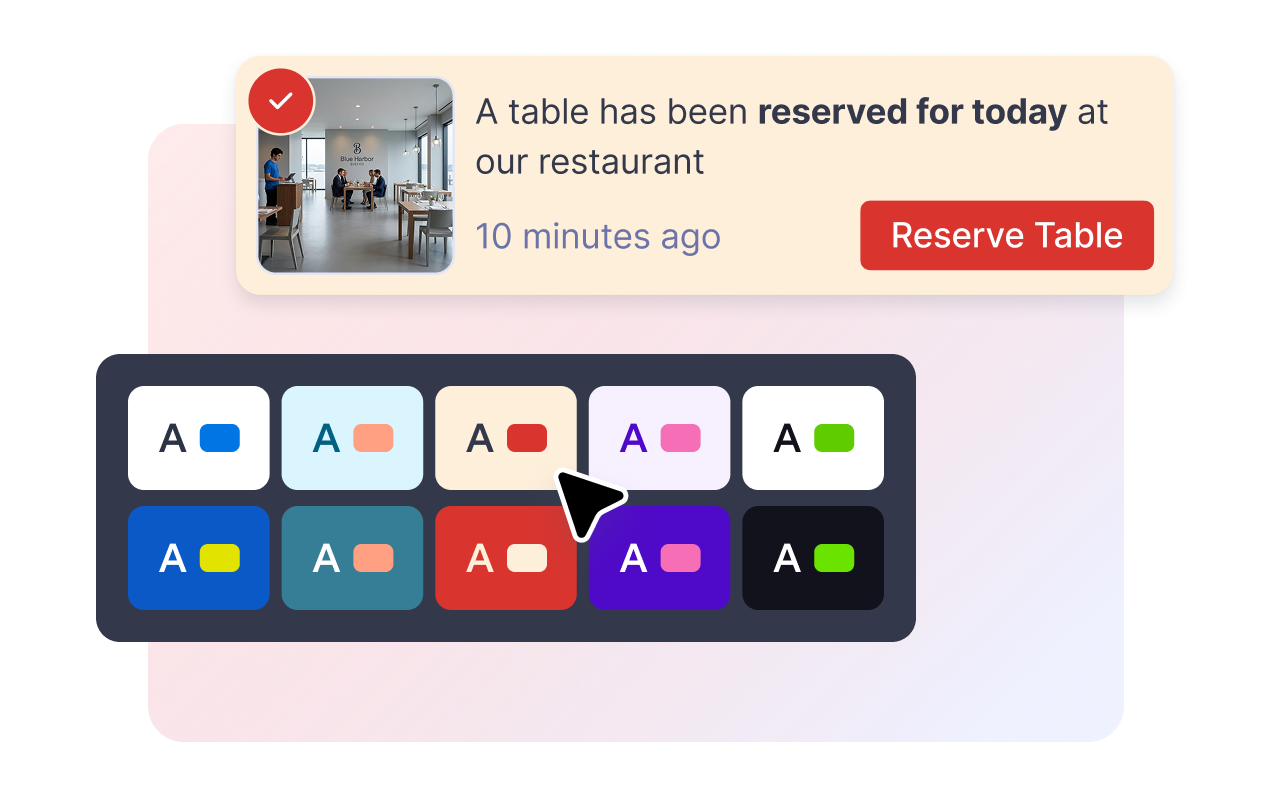
Combine a notificação com seu site
Ajuste as cores do cartão, o texto da mensagem, as cores do botão de CTA, a cor do selo, os cantos arredondados, o tamanho da imagem, a sombra, a identidade visual e o CSS personalizado com escopo definido.
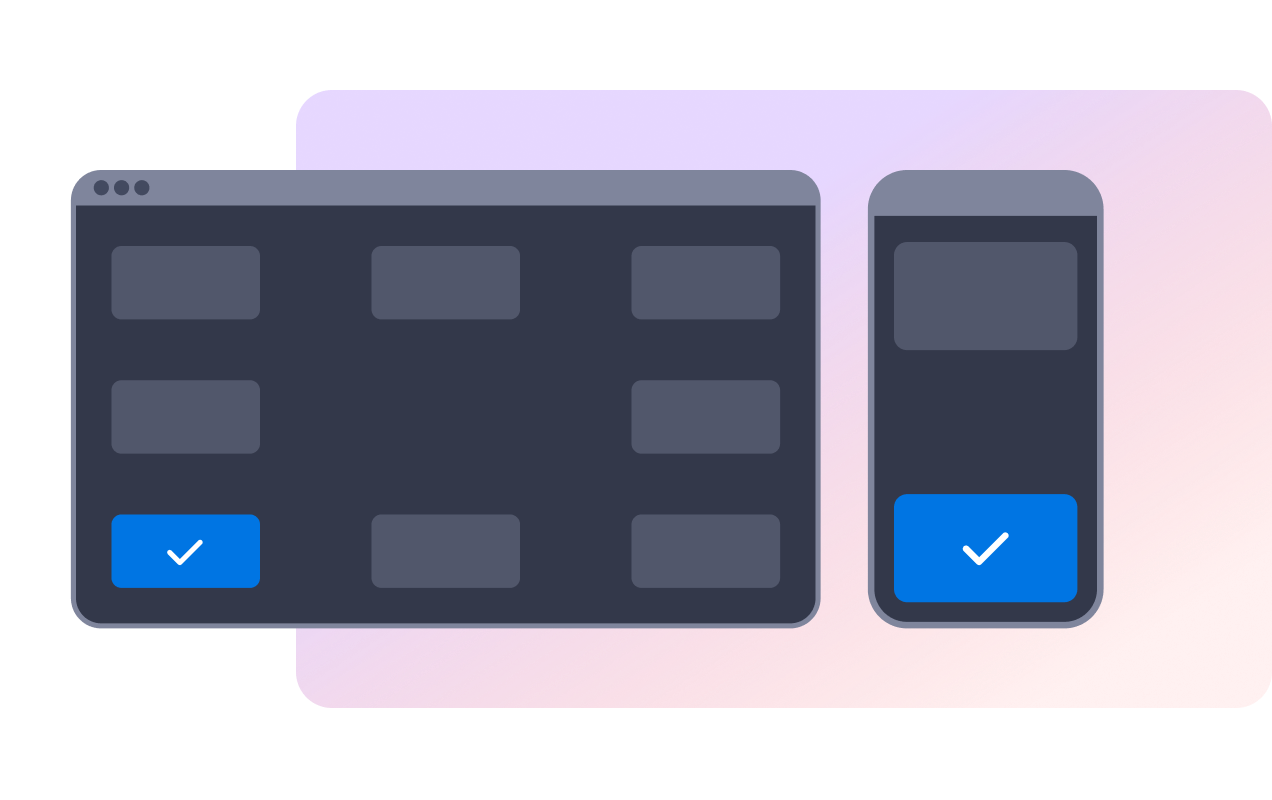
Controle o posicionamento no computador e em dispositivos móveis
Posicione a notificação em um canto da tela no computador, escolha topo ou base em dispositivos móveis e deixe os visitantes dispensarem as mensagens com controles de fechar ou deslizar.
Por que os Widgets para Sites Jotform se destacam
Os widgets da Jotform tornam seu site mais interativo e aumentam as conversões. Há diversas opções disponíveis, desde avaliações com estrelas e deslizadores de depoimentos até pop-ups de prova social e incorporações de mídia. Adicione widgets aos seus formulários ou landing pages para coletar dados, exibir provas sociais e capturar leads — tudo sem precisar programar.
Adicione widgets da Jotform ao seu site com um simples código de incorporação. Personalize o widget, veja uma prévia de como ele ficará e cole-o em qualquer página que aceite HTML personalizado ou blocos de incorporação, sem precisar de um desenvolvedor.
Use os Widgets para Sites Jotform para coletar leads, exibir avaliações de clientes, expor provas sociais, incorporar mídia ou adicionar ferramentas úteis às suas páginas. Cada widget ajuda os visitantes a interagir com sua empresa diretamente no site.
Se precisar de ajuda para configurar, personalizar, incorporar ou solucionar problemas com o seu widget, a equipe de suporte Jotform está disponível 24h. Assim, você pode seguir em frente com confiança, sabendo que terá ajuda sempre que precisar.
Onde usar seu widget de notificação de vendas
Adicione notificações de vendas onde a atividade recente pode fazer com que um produto, oferta, reserva ou fluxo de inscrição pareça ativo e atual.
Páginas de produto para mostrar compras recentes, itens populares e links de CTA perto das decisões de compra.
Páginas de coleção para destacar atividades em torno de categorias específicas ou campanhas sazonais.
Páginas de reserva para mostrar reservas, agendamentos ou inscrições recentes.
Páginas de suporte ao checkout para reforçar que outros visitantes estão realizando ações semelhantes.
Páginas de doação ou eventos para exibir contribuições, compras de ingressos ou inscrições recentes.
Converta leads em clientes pagantes com o Criador de Formulários Jotform
Transforme engajamento em ação usando Jotform. Crie formulários poderosos para captar leads, receber pagamentos e automatizar respostas, tudo em um só lugar. Cada envio chega à sua Caixa de Envios Jotform, onde você pode fazer o acompanhamento ou conectar seus apps favoritos.
Comece já — é grátis!
Perguntas Frequentes
O que é um widget de notificação de vendas?
Um widget de notificação de vendas é um popup incorporável em sites que exibe mensagens de compras ou atividades recentes em um cartão de notificação flutuante.
Posso editar as mensagens de notificação?
Posso controlar quando as notificações aparecem?
Os visitantes podem fechar a notificação?
Posso personalizar o design?
O widget sincroniza automaticamente com os pedidos da minha loja?
Ele funciona no celular?
Preciso programar algo?