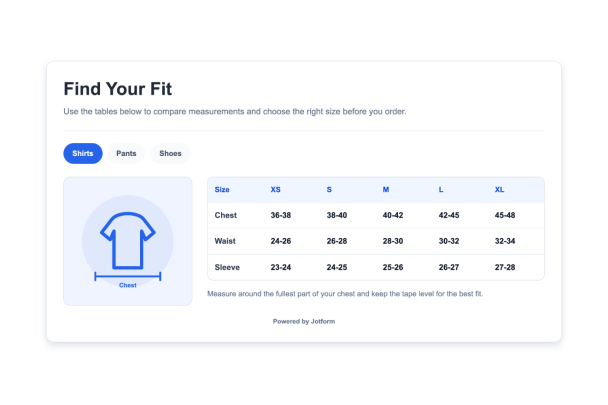

Como criar um widget Tabela de Tamanhos
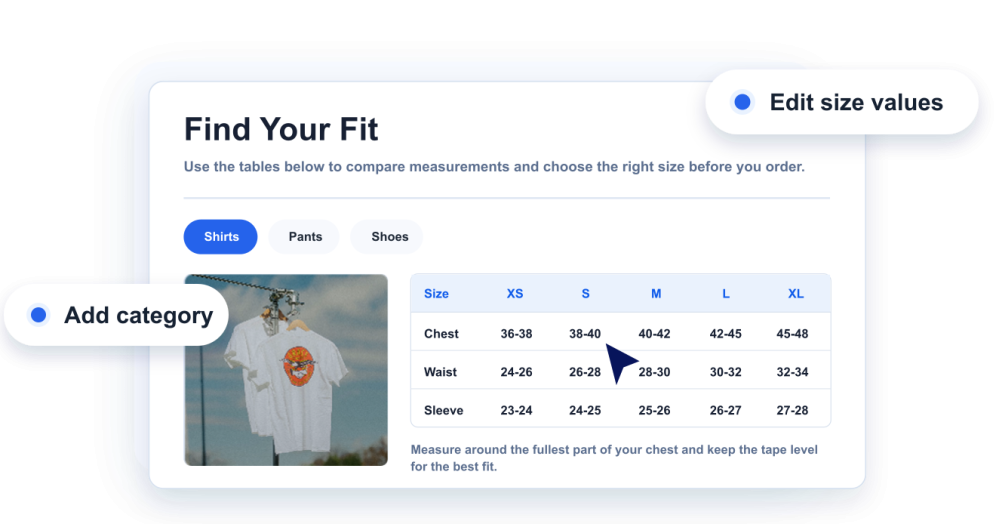
Adicione suas medidas
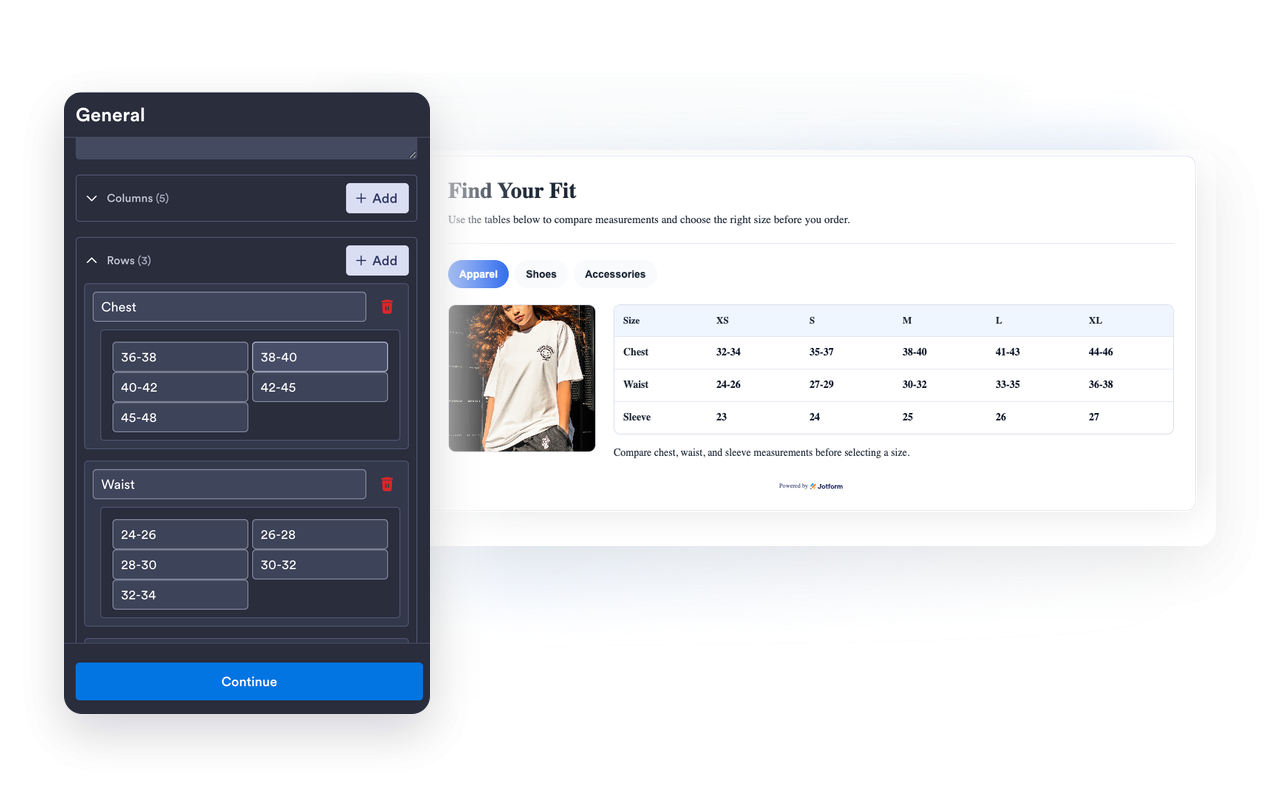
Crie categorias de tabela de medidas, colunas, linhas, valores de tamanhos e observações úteis para cada tipo de produto.
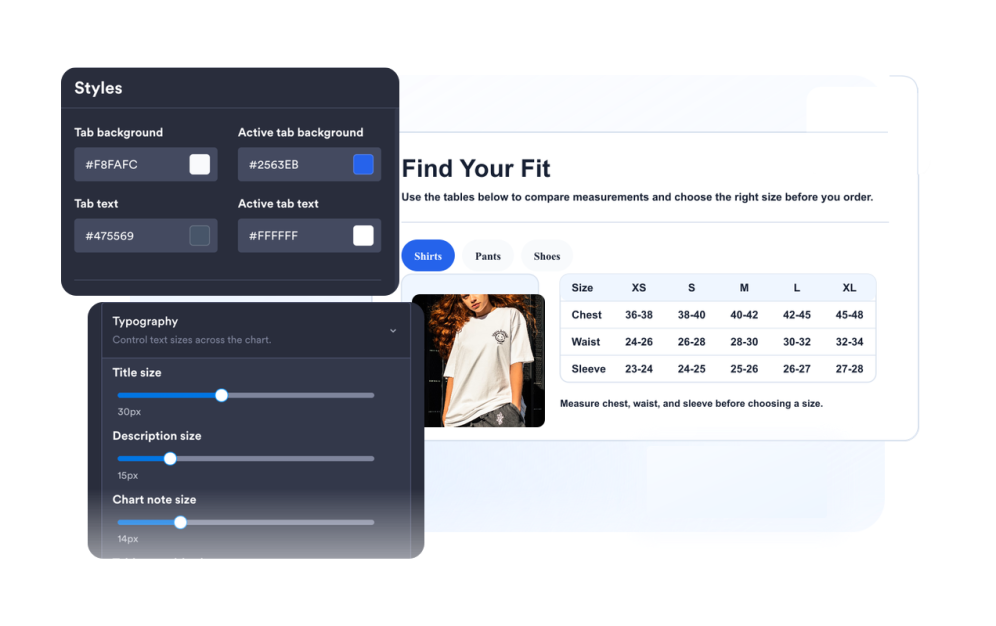
Personalize o guia
Escolha ilustrações de medidas, layout, cores, abas, densidade da tabela, raio dos cantos e marca.
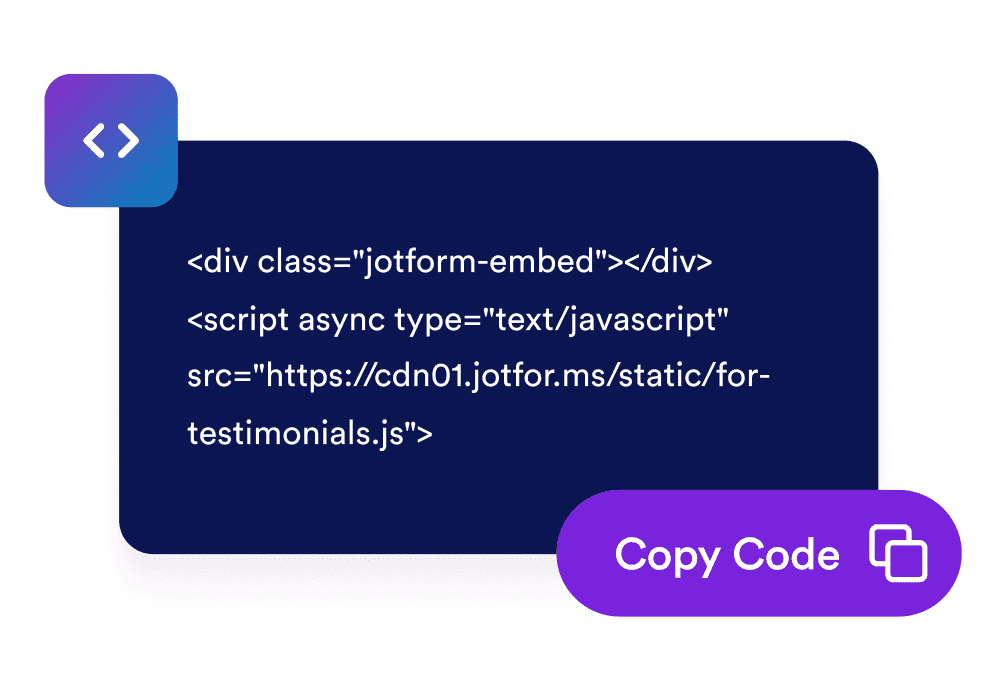
Incorpore ao seu site
Visualize o widget, copie o código de incorporação gerado e publique seu guia de tamanhos nas páginas de produto ou de ajuda.
Ofereça aos compradores um guia de tamanhos claro em cada página de produto
Crie tabelas de medidas editáveis
Adicione colunas, linhas, rótulos e valores para roupas, calçados, acessórios ou qualquer categoria de produto que precise de contexto de tamanhos.
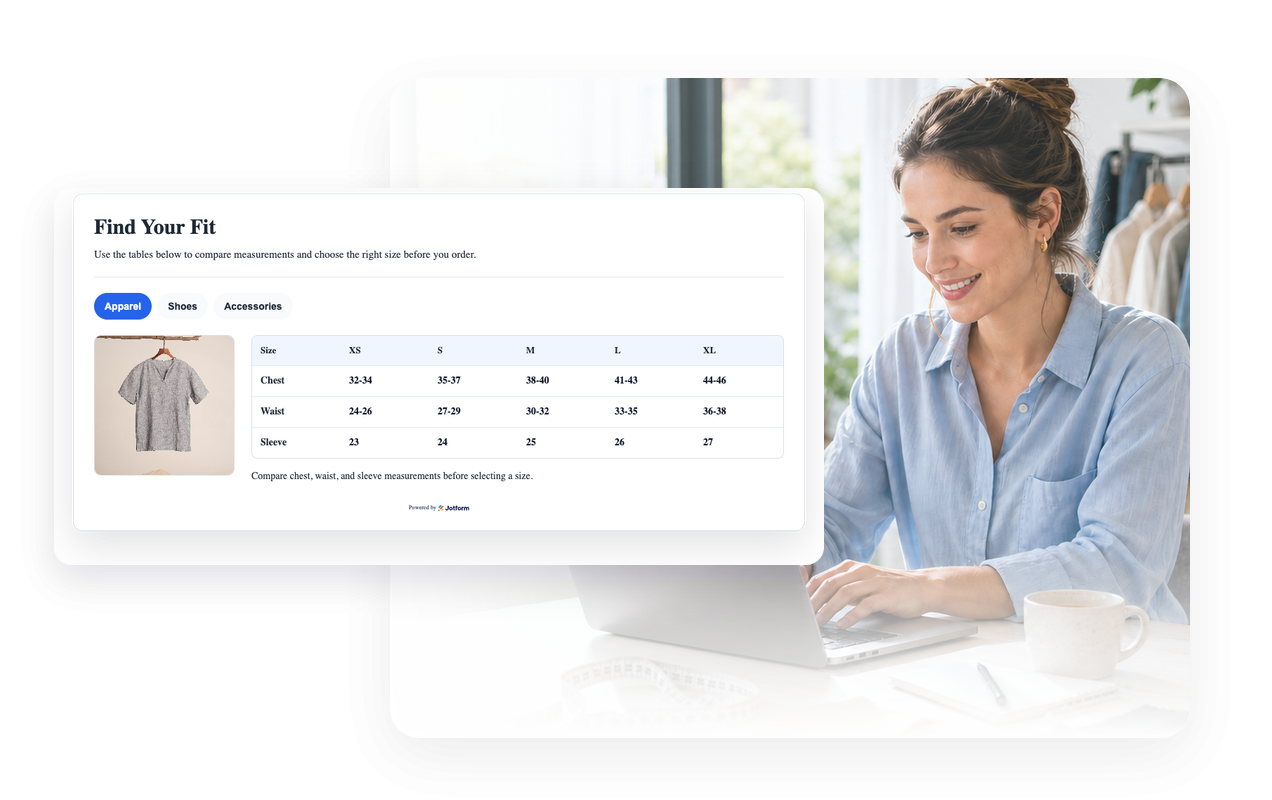
Combine cada tabela com uma imagem de medidas
Use ilustrações de guia integradas ou uma URL de imagem personalizada para que os visitantes entendam onde e como medir.
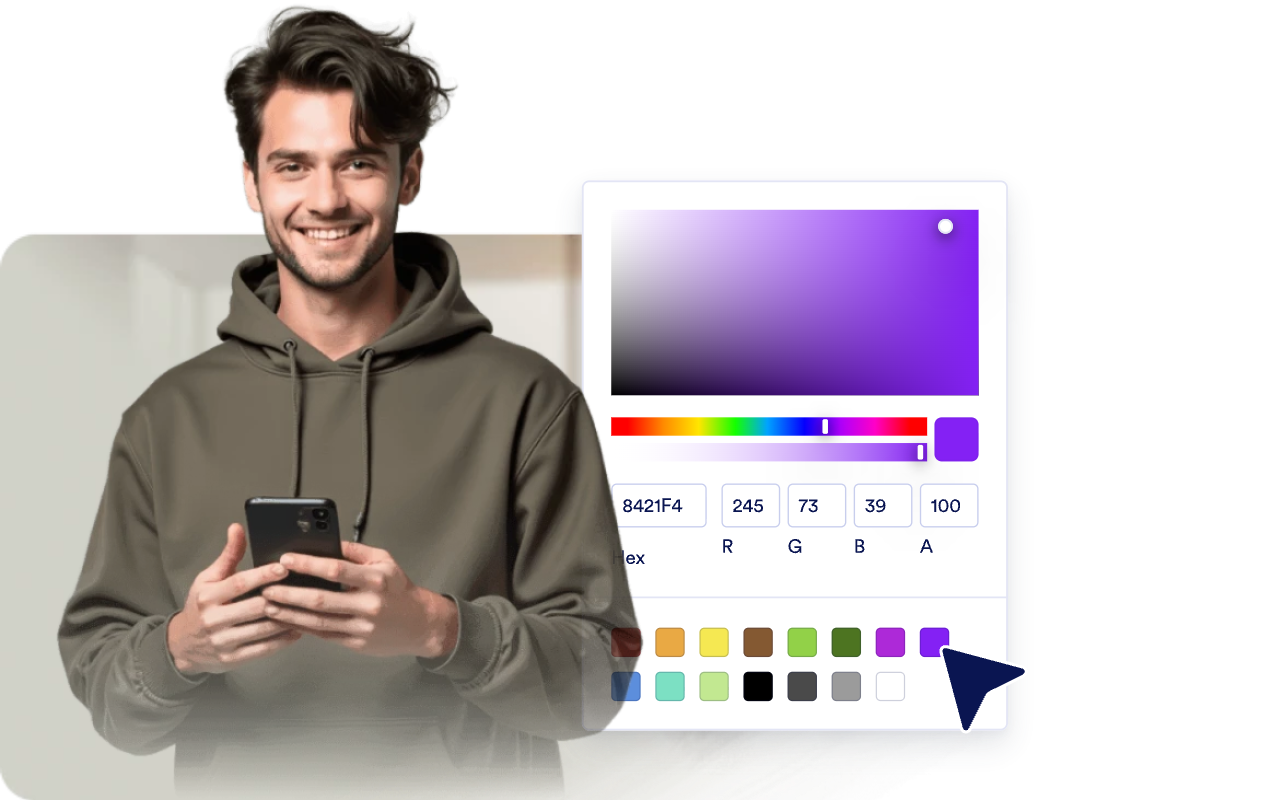
Combine com o design da sua loja
Ajuste temas claros ou escuros, cores da tabela, cores das abas, bordas, raio dos cantos, marca e CSS personalizado com escopo.
Mantenha tabelas largas legíveis no celular
Escolha o posicionamento de mídia, a largura responsiva, a densidade da tabela e a rolagem horizontal da tabela para telas compactas.

Por que os Widgets para Sites Jotform se destacam
Os widgets da Jotform tornam seu site mais interativo e aumentam as conversões. Há diversas opções disponíveis, desde avaliações com estrelas e deslizadores de depoimentos até pop-ups de prova social e incorporações de mídia. Adicione widgets aos seus formulários ou landing pages para coletar dados, exibir provas sociais e capturar leads — tudo sem precisar programar.
Adicione widgets da Jotform ao seu site com um simples código de incorporação. Personalize o widget, veja uma prévia de como ele ficará e cole-o em qualquer página que aceite HTML personalizado ou blocos de incorporação, sem precisar de um desenvolvedor.
Use os Widgets para Sites Jotform para coletar leads, exibir avaliações de clientes, expor provas sociais, incorporar mídia ou adicionar ferramentas úteis às suas páginas. Cada widget ajuda os visitantes a interagir com sua empresa diretamente no site.
Se precisar de ajuda para configurar, personalizar, incorporar ou solucionar problemas com o seu widget, a equipe de suporte Jotform está disponível 24h. Assim, você pode seguir em frente com confiança, sabendo que terá ajuda sempre que precisar.
Onde usar seu widget de tabela de medidas
Coloque tabelas de medidas em qualquer lugar em que os compradores precisem de orientação sobre medidas antes de comprar, reservar ou comparar produtos.
Páginas de produtos para ajudar os compradores a comparar tamanhos sem abrir um guia separado.
Lojas de roupas para mostrar medidas de blusas, calças, vestidos e casacos em um único widget com abas.
Páginas de calçados para explicar conversões por região, comprimento do pé e observações sobre o caimento.
Páginas de acessórios para chapéus, cintos, luvas, joias ou bolsas com tamanhos específicos de medidas.
Anúncios em marketplaces em que diferentes marcas ou vendedores usam sistemas de tamanhos distintos.
Centrais de ajuda e páginas de guia de tamanhos para centralizar as instruções de medidas em todo o seu catálogo.
Converta leads em clientes pagantes com o Criador de Formulários Jotform
Transforme engajamento em ação usando Jotform. Crie formulários poderosos para captar leads, receber pagamentos e automatizar respostas, tudo em um só lugar. Cada envio chega à sua Caixa de Envios Jotform, onde você pode fazer o acompanhamento ou conectar seus apps favoritos.
Comece já — é grátis!
Perguntas Frequentes
O que é um widget de tabela de medidas?
Um widget de tabela de medidas é um guia incorporável ao site que exibe medidas de produtos, colunas de tamanhos, abas de categorias e imagens de medidas opcionais.
Posso criar várias tabelas de medidas?
Posso editar linhas e colunas?
Posso exibir imagens de medidas?
Posso personalizar cores e layout?
Funciona em dispositivos móveis?
Preciso escrever código?