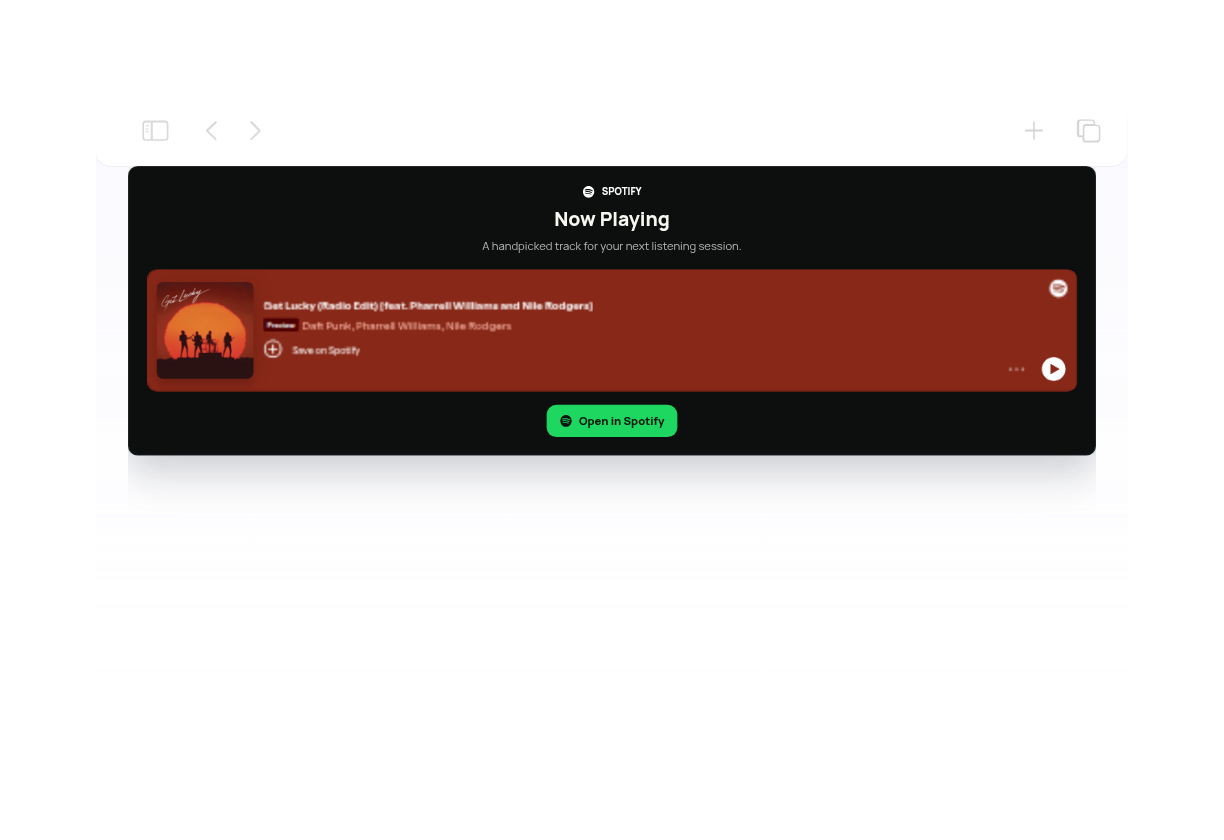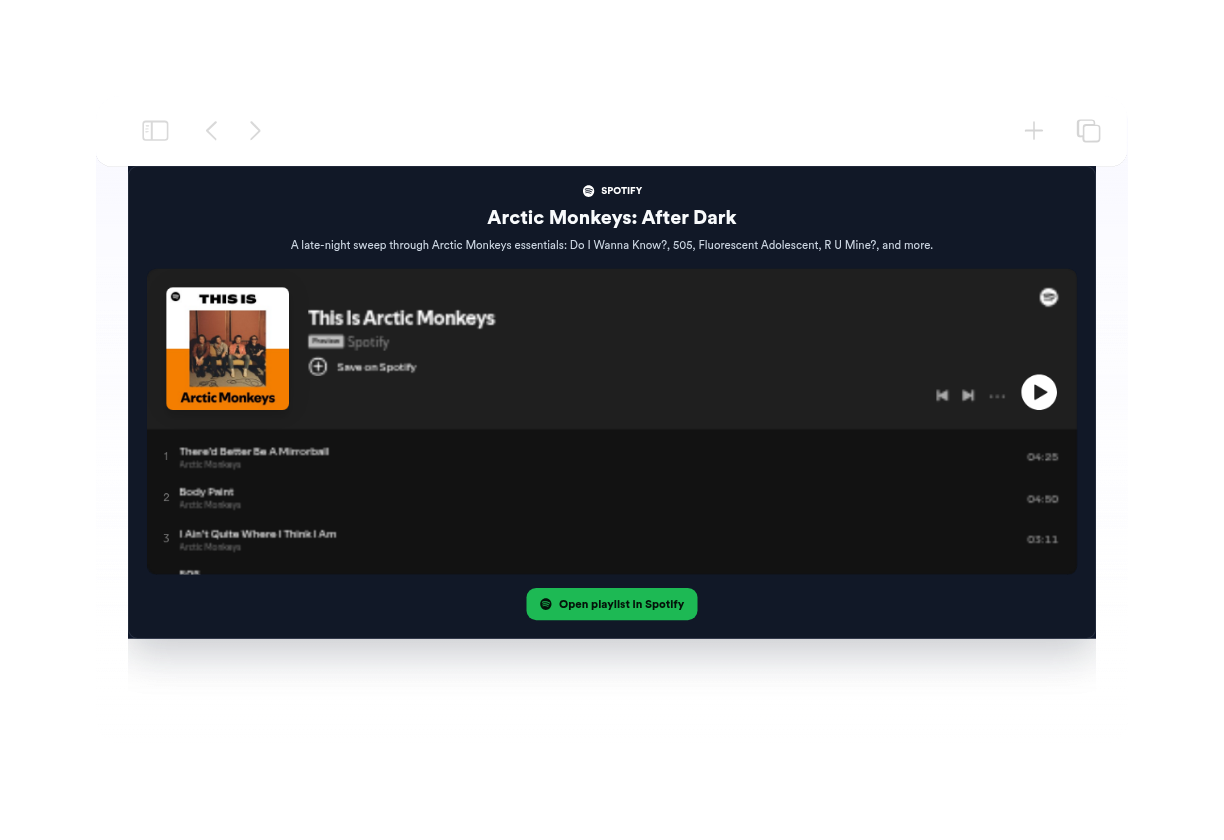
Widget Incorporação do Spotify para seu site

Embed Spotify tracks, albums, playlists, artists, podcast shows, and episodes on any website. Paste a Spotify URL, choose the player size, match the widget to your brand, and publish it without code.

How to add a Spotify Embed widget

Paste a Spotify URL

Paste a Spotify URL

Add a Spotify track, album, playlist, artist, show, or episode link to generate the player.

Customize your Spotify Embed widget

Customize your Spotify Embed widget

Choose compact or regular size, set colors, edit header text, align the player, and add an optional Spotify button.

Copy and publish the embed

Copy and publish the embed

Preview the Spotify Embed widget, copy the generated embed code, and place the player on your website.

Build a Spotify Embed widget that fits your website

Turn any Spotify link into a player

Paste a Spotify track, album, playlist, artist, podcast show, or episode URL and turn it into an embeddable website player.

Turn any Spotify link into a player

Choose the right player layout

Use compact mode for a single track, regular mode for longer Spotify content, and adjust width or alignment for your page.

Choose the right player layout

Match the widget to your site design

Set light or dark mode, background, card, text, accent, and button colors, then fine-tune radius, spacing, and CSS.

Match the widget to your site design

Send listeners to Spotify

Add a branded button that opens the embedded Spotify content or a custom artist, playlist, podcast, or profile link in a new tab.

Send listeners to Spotify

How to embed your Spotify Embed into WordPress

1Get your embed code

After customizing your Jotform website widget, click Try it on your website for free, and copy the generated embed code.

2Open the page editor

Go to the WordPress post or page where you want to display the widget, then add a new block.

3Add a Custom HTML block

Select Custom HTML and paste your Jotform website widget embed code into the HTML field.

4Update and view

Click Update or Publish, then open the page to check your embedded widget.

Por que os Widgets para Sites Jotform se destacam

Os widgets da Jotform tornam seu site mais interativo e aumentam as conversões. Há diversas opções disponíveis, desde avaliações com estrelas e deslizadores de depoimentos até pop-ups de prova social e incorporações de mídia. Adicione widgets aos seus formulários ou landing pages para coletar dados, exibir provas sociais e capturar leads — tudo sem precisar programar.

Incorpore widgets sem precisar programar

Adicione widgets da Jotform ao seu site com um simples código de incorporação. Personalize o widget, veja uma prévia de como ele ficará e cole-o em qualquer página que aceite HTML personalizado ou blocos de incorporação, sem precisar de um desenvolvedor.

Crie páginas mais interativas

Use os Widgets para Sites Jotform para coletar leads, exibir avaliações de clientes, expor provas sociais, incorporar mídia ou adicionar ferramentas úteis às suas páginas. Cada widget ajuda os visitantes a interagir com sua empresa diretamente no site.

Receba suporte sempre que precisar

Se precisar de ajuda para configurar, personalizar, incorporar ou solucionar problemas com o seu widget, a equipe de suporte Jotform está disponível 24h. Assim, você pode seguir em frente com confiança, sabendo que terá ajuda sempre que precisar.

Where to embed a Spotify Embed widget

Add Spotify audio to pages where music, podcasts, or playlists can help visitors listen, follow, and explore your content.

Artist and band websites to promote new singles, albums, playlists, tour pages, and release campaigns.

Podcast websites and episode pages to embed a Spotify show, trailer, or featured episode.

Event, venue, and campaign pages to share playlists before visitors attend, RSVP, or buy tickets.

Blogs, portfolios, and media pages to share recommended tracks, inspiration playlists, interviews, and featured audio.

Converta leads em clientes pagantes com o Criador de Formulários Jotform

Transforme engajamento em ação usando Jotform. Crie formulários poderosos para captar leads, receber pagamentos e automatizar respostas, tudo em um só lugar. Cada envio chega à sua Caixa de Envios Jotform, onde você pode fazer o acompanhamento ou conectar seus apps favoritos.

Comece jáé grátis!
Convert leads into customers

Perguntas Frequentes

  • What is a Spotify Embed widget?

    A Spotify Embed widget embeds Spotify content on your website so visitors can play or open tracks, albums, playlists, artists, podcast shows, and episodes from the page.

  • How do I embed a Spotify playlist on my website?

  • Which Spotify links can I use?

  • Can I customize the Spotify embed?

  • Can I embed Spotify without coding?

  • Can visitors open the content in Spotify?