Widget de Feed do Twitter / X para o seu site
Adicione um feed do X ao seu site para que os visitantes possam navegar por posts recentes, anúncios, lançamentos e atualizações sociais sem sair da página. Use o Widget de Feed do Twitter / X para exibir posts de perfil em cartões responsivos, personalizar os detalhes dos posts, adicionar popups e estilizar o feed sem código personalizado.
Crie já — [1[é grátis!]]

Como criar um widget Feed do Twitter/X

Conecte um perfil do X
Adicione a fonte pública do Twitter/X que você deseja exibir no feed do seu site.
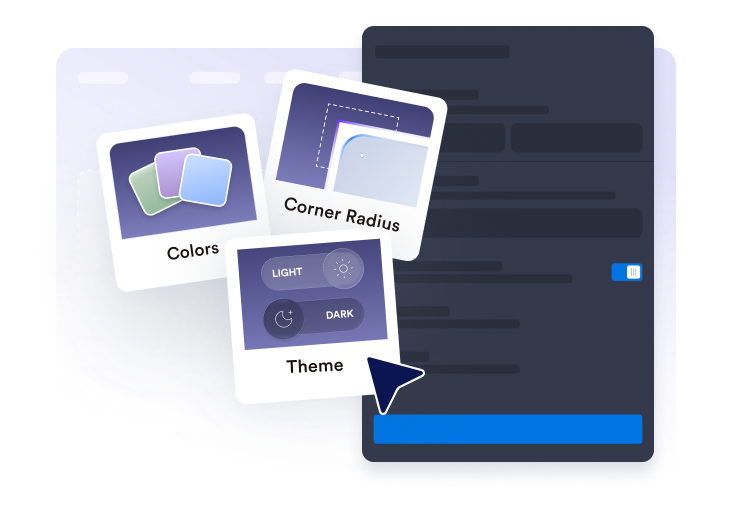
Personalize o feed
Escolha o layout, os detalhes dos posts, o comportamento do popup, as cores e as configurações de destaque no estilo Twitter/X.

Obtenha o código de incorporação
Copie o código de incorporação gerado e publique o widget de feed do Twitter em seu site.
Exiba posts do Twitter/X em seu site
Conecte posts de perfil do Twitter/X
Adicione um perfil público do X e exiba posts em um feed incorporado. O widget de feed do Twitter ajuda os visitantes a navegar por atualizações recentes, lançamentos de produtos, anúncios, dicas e provas sociais diretamente do seu site.

Encaixe as postagens no seu layout
Escolha layouts em grade, mosaico, lista, carrossel ou deslizante para combinar com sua página. Use o feed do X como um bloco social compacto, uma seção de atualizações na página inicial, um feed de página de lançamento ou uma área de anúncios rotativos.

Escolha os detalhes das publicações que serão exibidos
Controle o que cada prévia de post do Twitter/X exibe. Mostre ou oculte nomes de autores, datas, legendas, rótulos de fonte, contagens de ações, links e detalhes do popup para que os visitantes tenham o contexto certo antes de abrir um post.

Estilize seu feed do Twitter/X
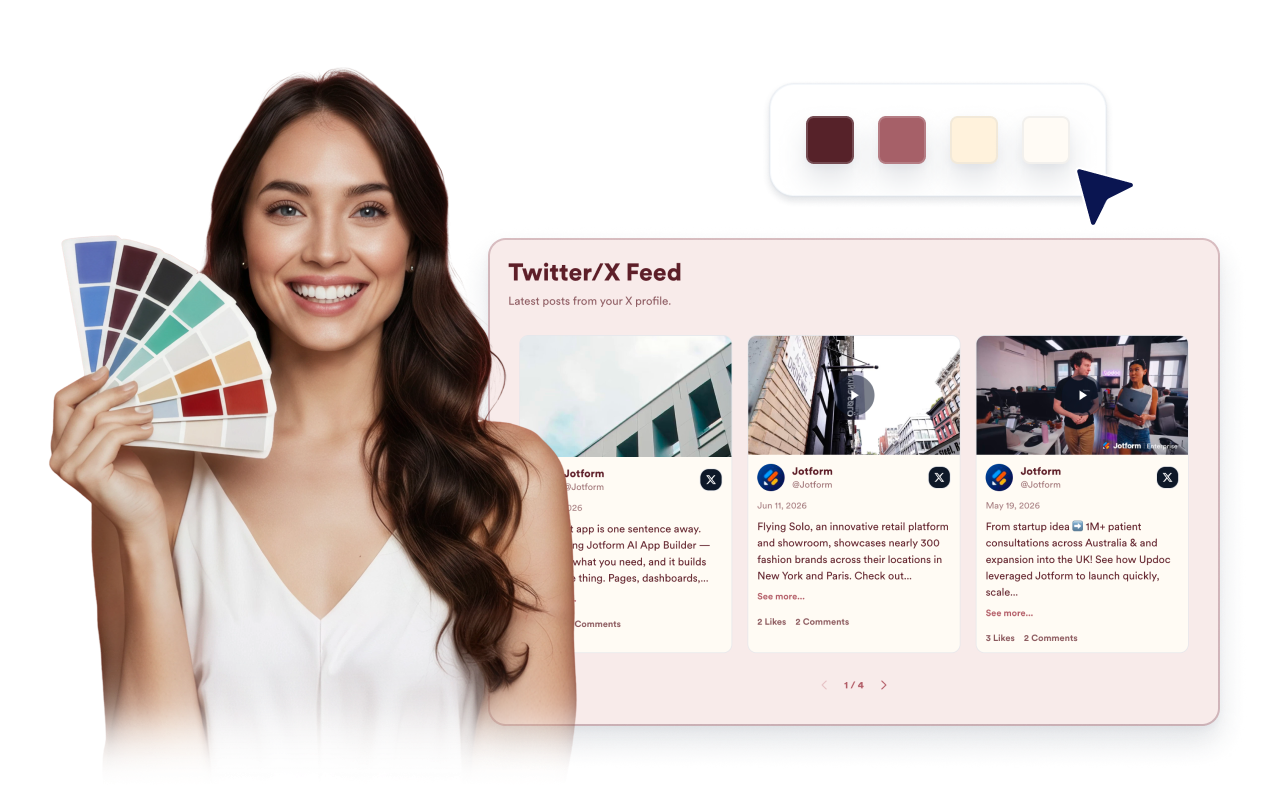
Combine o Widget de Feed do Twitter/X com o seu site, mantendo os posts fáceis de ler. Personalize temas, destaques da plataforma, cores dos cartões, setas, paginação e CSS personalizado para um feed incorporado mais limpo.
Por que os Widgets para Sites Jotform se destacam
Os widgets da Jotform tornam seu site mais interativo e aumentam as conversões. Há diversas opções disponíveis, desde avaliações com estrelas e deslizadores de depoimentos até pop-ups de prova social e incorporações de mídia. Adicione widgets aos seus formulários ou landing pages para coletar dados, exibir provas sociais e capturar leads — tudo sem precisar programar.
Adicione widgets da Jotform ao seu site com um simples código de incorporação. Personalize o widget, veja uma prévia de como ele ficará e cole-o em qualquer página que aceite HTML personalizado ou blocos de incorporação, sem precisar de um desenvolvedor.
Use os Widgets para Sites Jotform para coletar leads, exibir avaliações de clientes, expor provas sociais, incorporar mídia ou adicionar ferramentas úteis às suas páginas. Cada widget ajuda os visitantes a interagir com sua empresa diretamente no site.
Se precisar de ajuda para configurar, personalizar, incorporar ou solucionar problemas com o seu widget, a equipe de suporte Jotform está disponível 24h. Assim, você pode seguir em frente com confiança, sabendo que terá ajuda sempre que precisar.
Converta leads em clientes pagantes com o Criador de Formulários Jotform
Transforme engajamento em ação usando Jotform. Crie formulários poderosos para captar leads, receber pagamentos e automatizar respostas, tudo em um só lugar. Cada envio chega à sua Caixa de Envios Jotform, onde você pode fazer o acompanhamento ou conectar seus apps favoritos.
Comece já — é grátis!
Perguntas Frequentes
O que é um widget de Feed do Twitter/X?
O widget de feed do Twitter/X exibe posts públicos de um perfil do X em seu site em um feed incorporado responsivo. Ele ajuda os visitantes a navegar por atualizações recentes, anúncios, lançamentos e posts sociais sem sair imediatamente da sua página.
Posso incorporar conteúdo de feed do Twitter em meu site?
Posso usá-lo como um criador de feed do Twitter?
Qual é a diferença entre um criador de feed do Twitter e um gerador de feed do Twitter aqui?
Qual conteúdo do Twitter/X posso exibir?
Posso personalizar o layout do Widget de Feed do Twitter/X?
Os visitantes podem abrir posts do Twitter/X a partir do widget?
O widget de Feed do Twitter/X funciona em dispositivos móveis?
Preciso escrever código para incorporar conteúdo de feed do Twitter?
Quais plataformas de site suportam o Widget de Feed do Twitter/X?
Posso obter ajuda para configurar meu Widget de Feed do Twitter/X?