Widgets de Redes Sociais Gratuitos para Sites
Explore os widgets Sociais para incorporar no seu site. Incorpore o feed do seu widget no seu site com as últimas publicações de mídias sociais do Instagram, Facebook e outros meios.

Feed do Instagram
Incorpore as publicações da sua conta do Instagram ao seu site com layouts responsivos, pop-ups de publicações, personalização da fonte e sem precisar de código personalizado.
Ir para Categoria:Redes SociaisUsar Widget
Feed de Redes Sociais
Adicione um widget Feed Social ao seu site. Conecte fontes públicas de redes sociais, busque publicações automaticamente e exiba tudo em um feed responsivo, sem precisar programar.
Ir para Categoria:Redes SociaisUsar Widget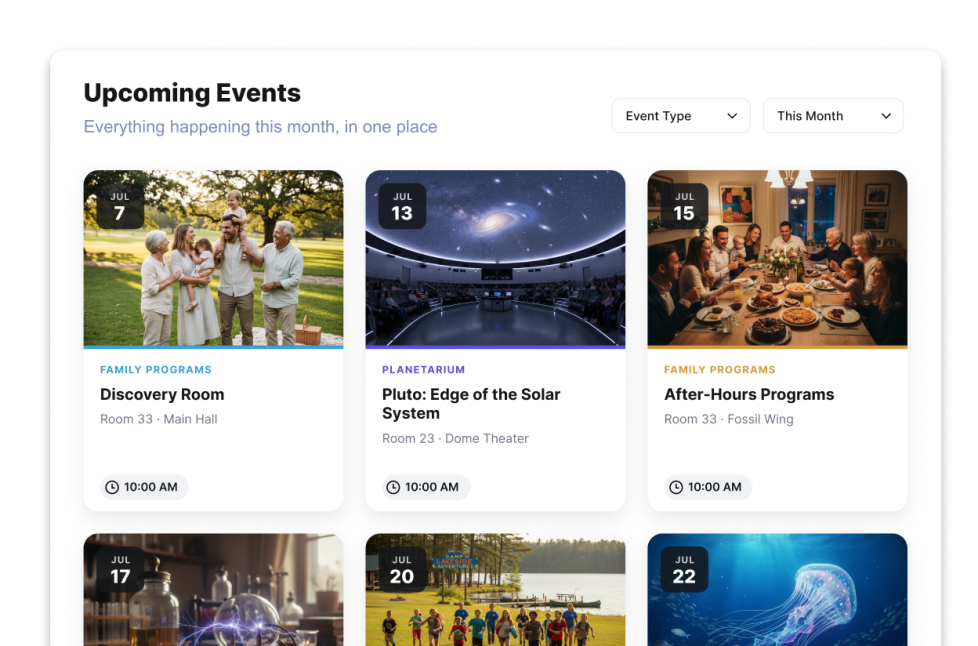
Calendário de Eventos
Adicione um widget Calendário de Eventos ao seu site. Compartilhe eventos, filtros, layouts de calendário, detalhes em pop-up e links de inscrição, sem precisar de código.
Ir para Categoria:Redes SociaisUsar Widget
Feed do Facebook
Incorpore atualizações da sua Página do Facebook ao seu site com layouts responsivos, pop-ups de publicações, personalização da fonte e sem precisar de código personalizado.
Ir para Categoria:Redes SociaisUsar Widget
Depoimentos
Crie um carrossel de depoimentos responsivo para seu site. Exiba comentários de clientes, avaliações, fotos, logotipos e slides com CTAs usando Jotform.
Ir para Categoria:Redes SociaisUsar Widget
Novidades
Com o Widget de Notícias da Jotform, mantenha os visitantes informados com um feed de notícias responsivo. Adicione um feed RSS público, escolha um layout e combine com o seu site.
Ir para Categoria:Redes SociaisUsar Widget
Ícones de Mídias Sociais
Adicione um widget de Ícones de Mídias Sociais gratuito e personalizável ao seu site. Vincule seus perfis sociais, personalize os estilos e o posicionamento dos ícones e incorpore-o no seu site sem programação.
Ir para Categoria:Redes SociaisUsar Widget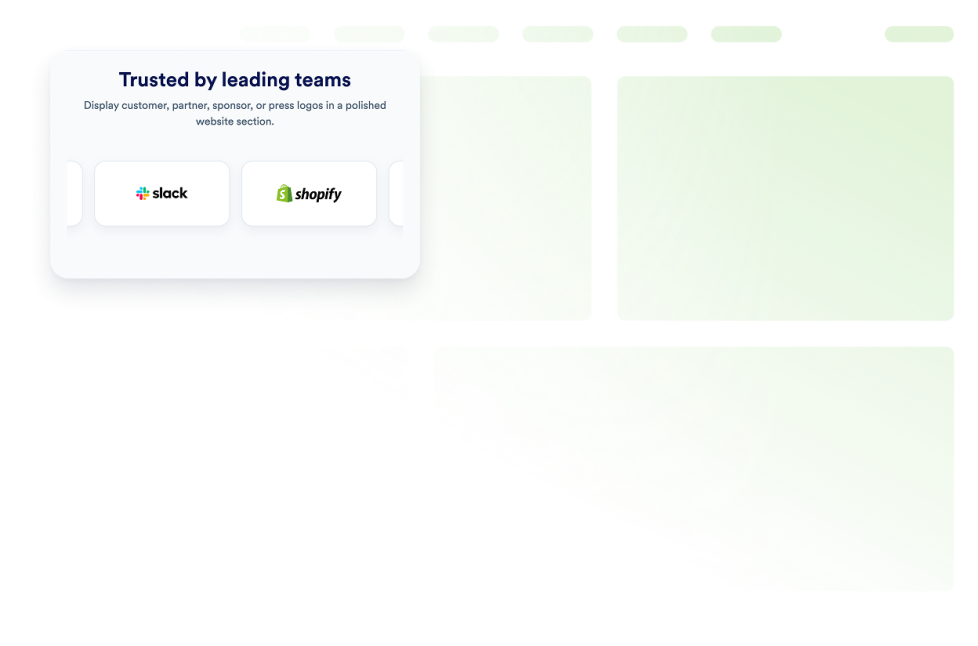
Exibição de Logotipos
Crie um widget Exibição de Logotipos para mostrar logotipos de clientes, parceiros, patrocinadores ou veículos de imprensa. Escolha entre os layouts de grade, carrossel ou faixa deslizante e incorpore o widget ao seu site sem precisar programar.
Ir para Categoria:Redes SociaisUsar Widget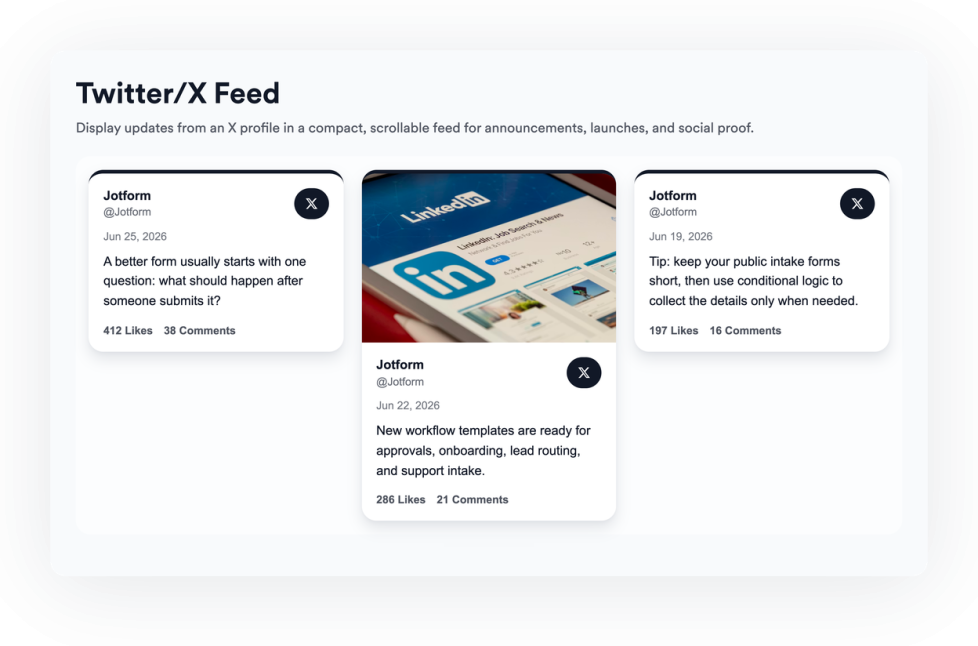
Feed do Twitter/X
Adicione um widget de Feed do Twitter/X ao seu site para exibir publicações recentes, personalizar o layout e manter os visitantes conectados às suas atualizações nas redes sociais.
Ir para Categoria:Redes SociaisUsar Widget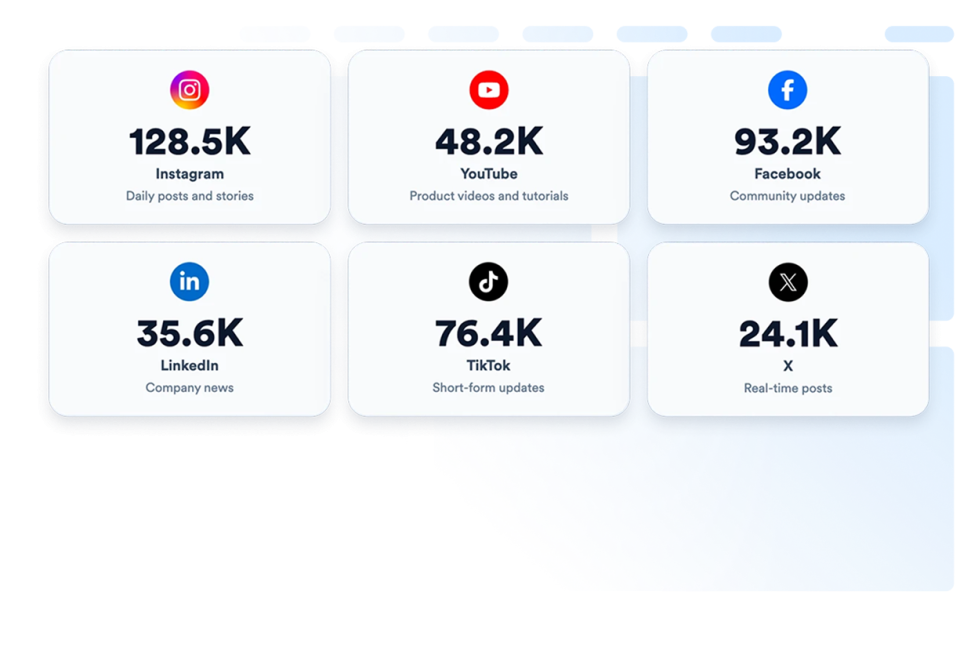
Contagem de Seguidores de Mídias Sociais
Exiba contagens ao vivo de seguidores de mídias sociais no seu site com um widget de contagem de seguidores personalizável. Incorpore prova social em tempo real em minutos—sem necessidade de programação.
Ir para Categoria:Redes SociaisUsar Widget
Feed RSS
Adicione um feed RSS ou Atom ao seu site e exiba artigos recentes em layouts de lista, grade, mosaico, carrossel ou deslizador.
Ir para Categoria:Redes SociaisUsar Widget
Feed do LinkedIn
Incorpore atualizações de uma empresa ou perfil do LinkedIn ao seu site com cards responsivos, pop-ups e opções flexíveis de personalização.
Ir para Categoria:Redes SociaisUsar Widget
Compartilhamento Social
Adicione um compartilhamento social ao seu site em segundos. Personalize o design e incorpore-o com o criador de widgets para sites sem código da Jotform.
Ir para Categoria:Redes SociaisUsar Widget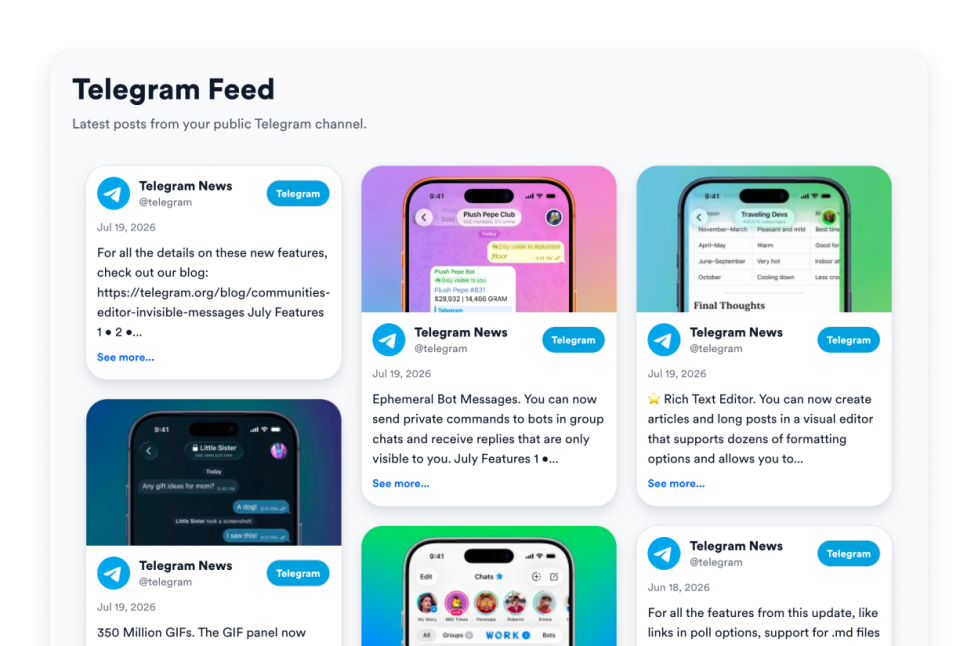
Feed do Telegram
Incorpore qualquer canal público do Telegram ao seu site com o widget Feed do Telegram gratuito da Jotform: layouts responsivos, estilo personalizado e sem precisar de código ou chave de API.
Ir para Categoria:Redes SociaisUsar Widget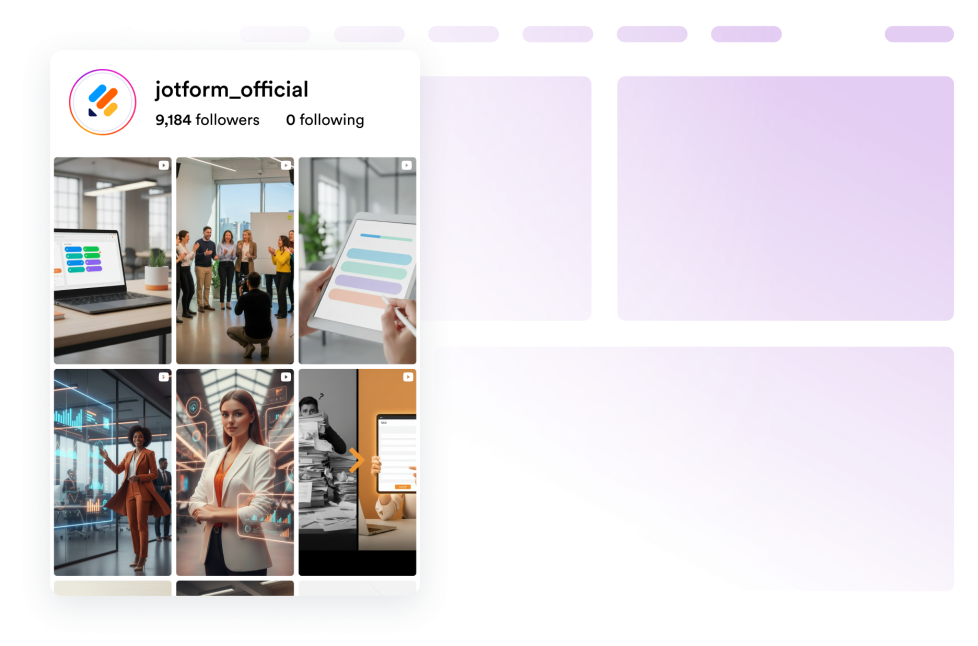
Widget de Reels
Incorpore um widget de Reels responsivo no seu site com cards em formato retrato, pop-ups, controles de fonte e opções de estilo visual.
Ir para Categoria:Redes SociaisUsar Widget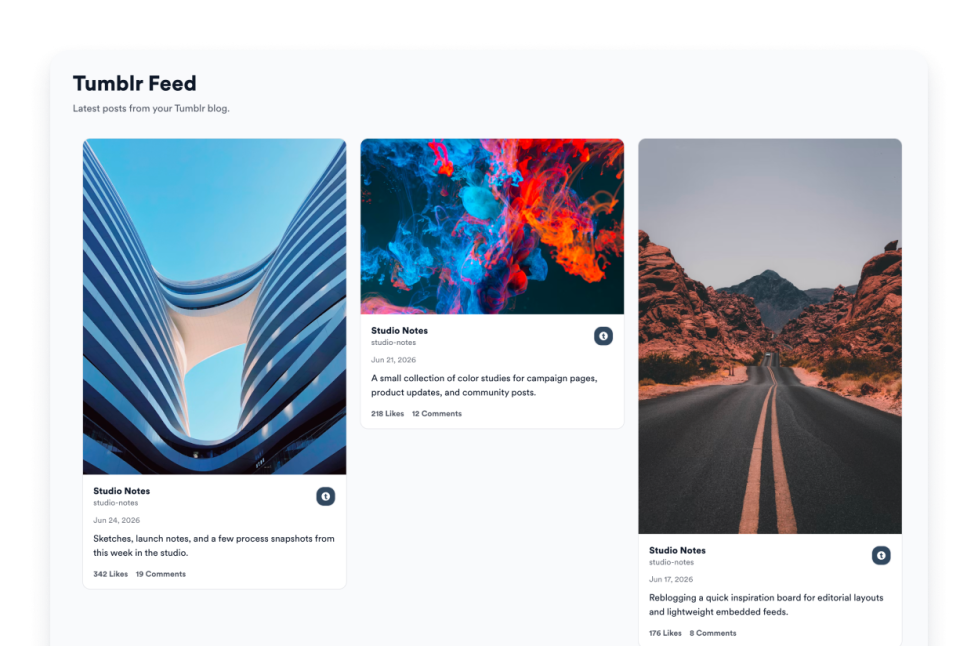
Feed do Tumblr
Exiba publicações de blogs do Tumblr no seu site em layouts de feed responsivos, com imagens, legendas, links e pop-ups.
Ir para Categoria:Redes SociaisUsar Widget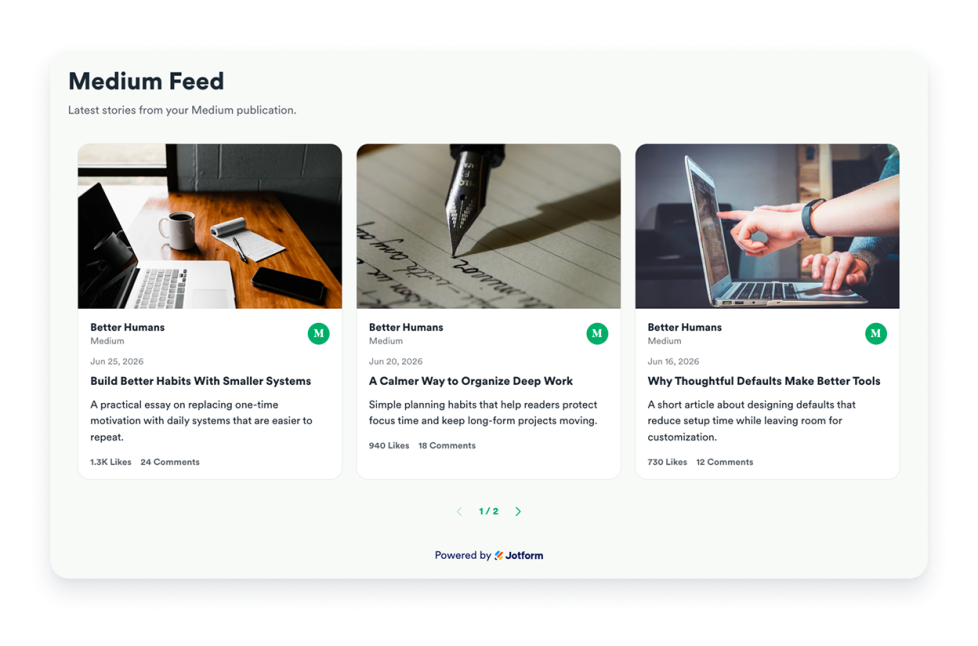
Feed do Medium
Incorpore histórias públicas do Medium com layouts responsivos, modais de artigos, contagens de engajamento, controles de atualização e estilo da marca.
Ir para Categoria:Redes SociaisUsar Widget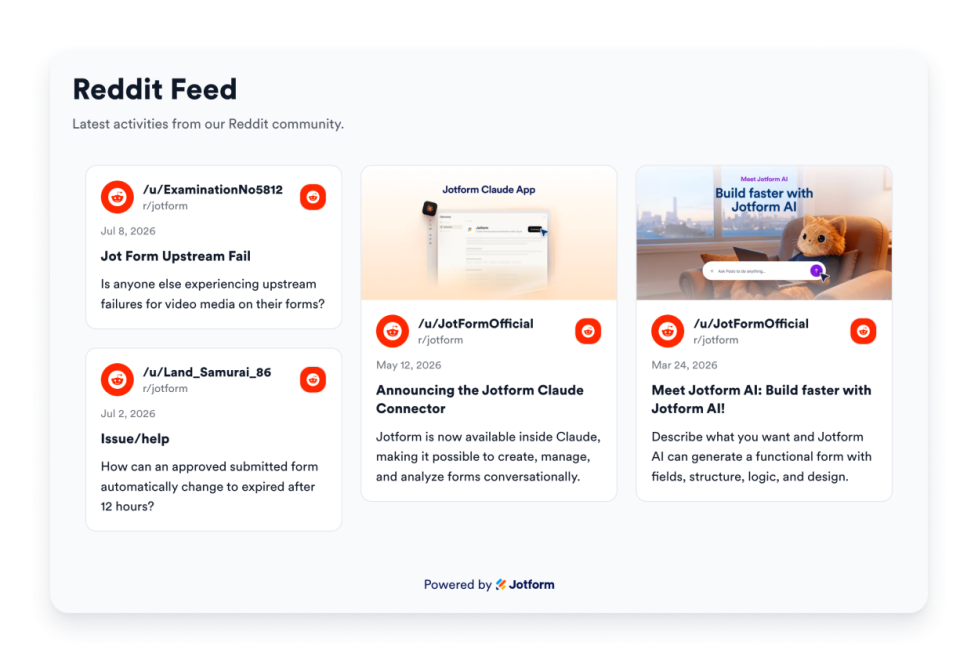
Feed do Reddit
Adicione um widget de Feed do Reddit ao seu site e exiba publicações de subreddits ou perfis públicos em layouts responsivos e personalizados.
Ir para Categoria:Redes SociaisUsar Widget
Feed do Pinterest
Adicione um widget de Feed do Pinterest ao seu site. Conecte um quadro ou perfil público, escolha um layout responsivo e publique um feed de pins personalizado sem código.
Ir para Categoria:Redes SociaisUsar Widget
Ops, nenhum resultado encontrado
No results match your search. Please try another keyword.