Widget de Chat do Viber para Sites
Adicione um botão flutuante de chat do Viber ao seu site para que os visitantes possam iniciar uma conversa por mensagem familiar com sua empresa. Personalize a saudação, o texto do botão, as cores, o posicionamento, o selo e a exibição em dispositivos móveis sem precisar de código.
Como criar um widget Chat do Viber
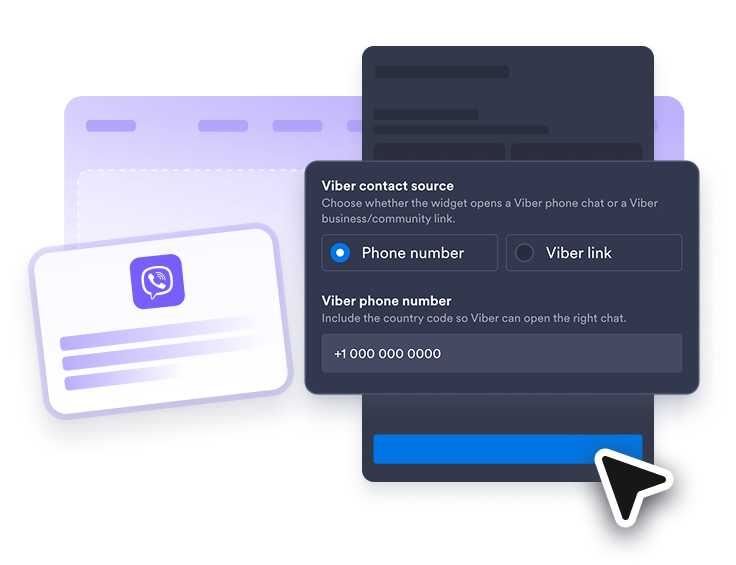
Conecte seu contato do Viber
Adicione seu número de telefone do Viber, perfil empresarial, link de comunidade ou URL compatível do Viber para que os visitantes abram a conversa certa.
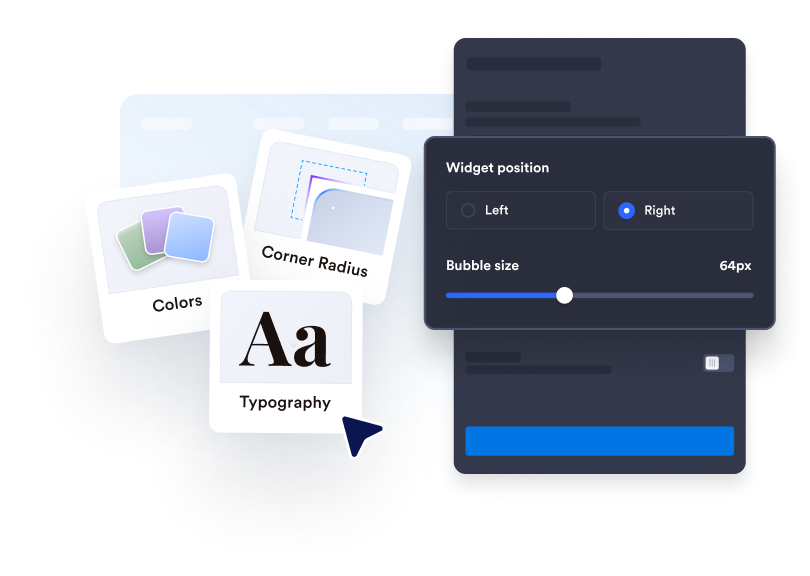
Personalize a experiência de chat
Edite o rótulo do balão, o nome do agente, a mensagem de boas-vindas, as cores, o tamanho, o selo, os cantos arredondados, a exibição em dispositivos móveis e o posicionamento na tela.
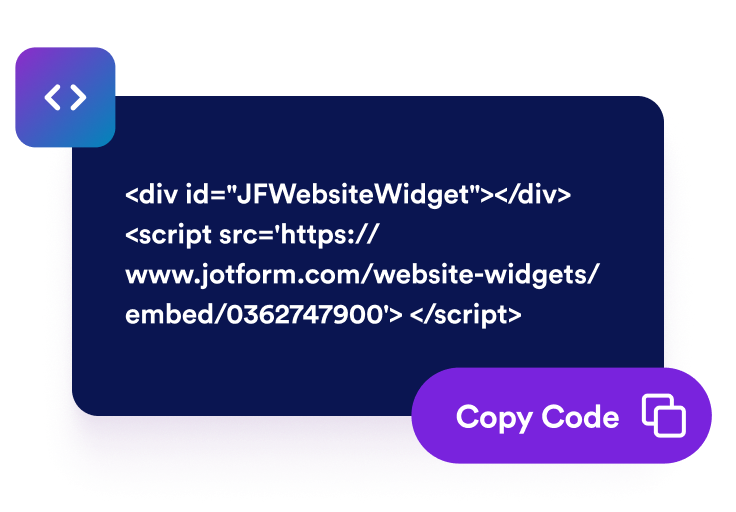
Incorpore ao seu site
Copie o código de incorporação gerado e publique seu widget de chat do Viber nas páginas onde os visitantes precisam de uma forma rápida de entrar em contato com você.
Ajude os visitantes a iniciar a conversa certa no Viber
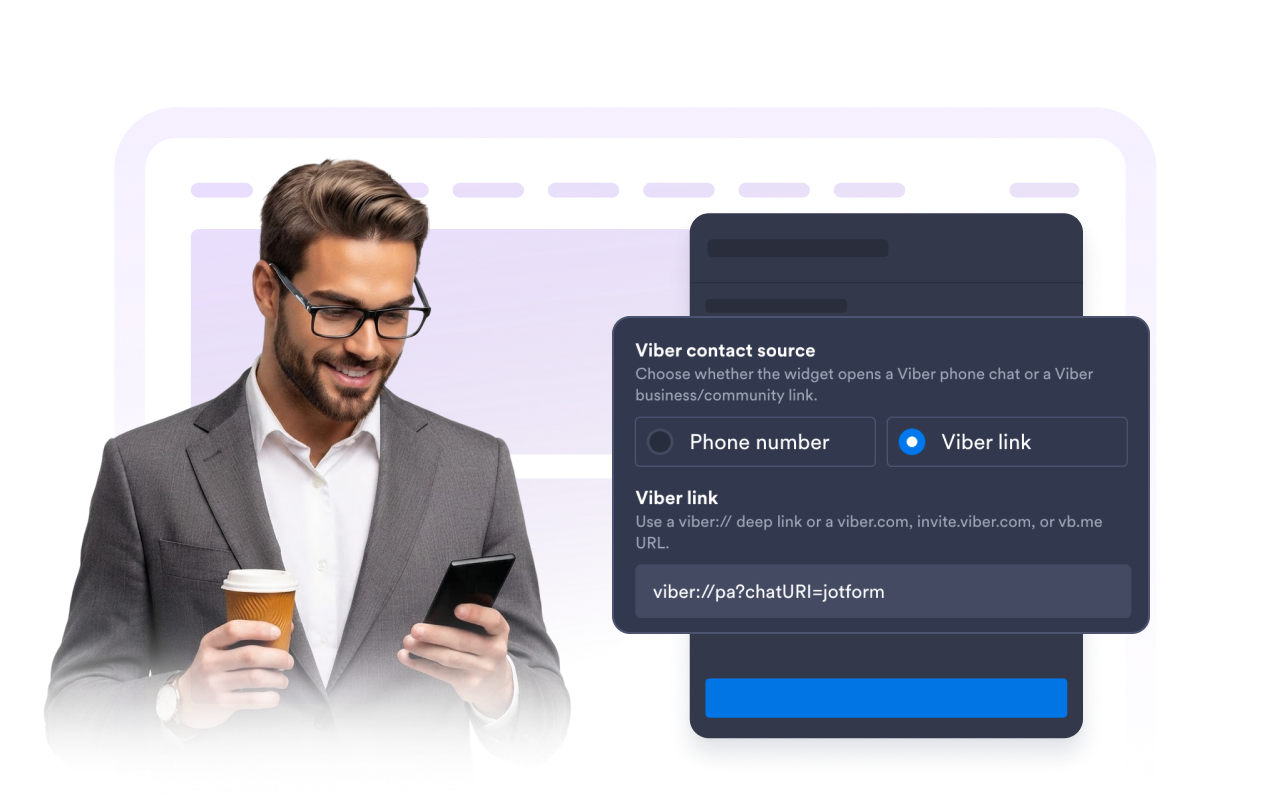
Use um link de contato do Viber
Conecte o widget a um deep link de telefone do Viber, perfil empresarial do Viber, link de comunidade ou URL curta compatível para que os visitantes cheguem à conversa certa.
Defina expectativas claras para o chat
Apresente sua equipe, explique sobre o que os visitantes podem perguntar e defina expectativas de resposta antes de abrirem o Viber. Uma mensagem de boas-vindas útil torna a transição mais intencional.
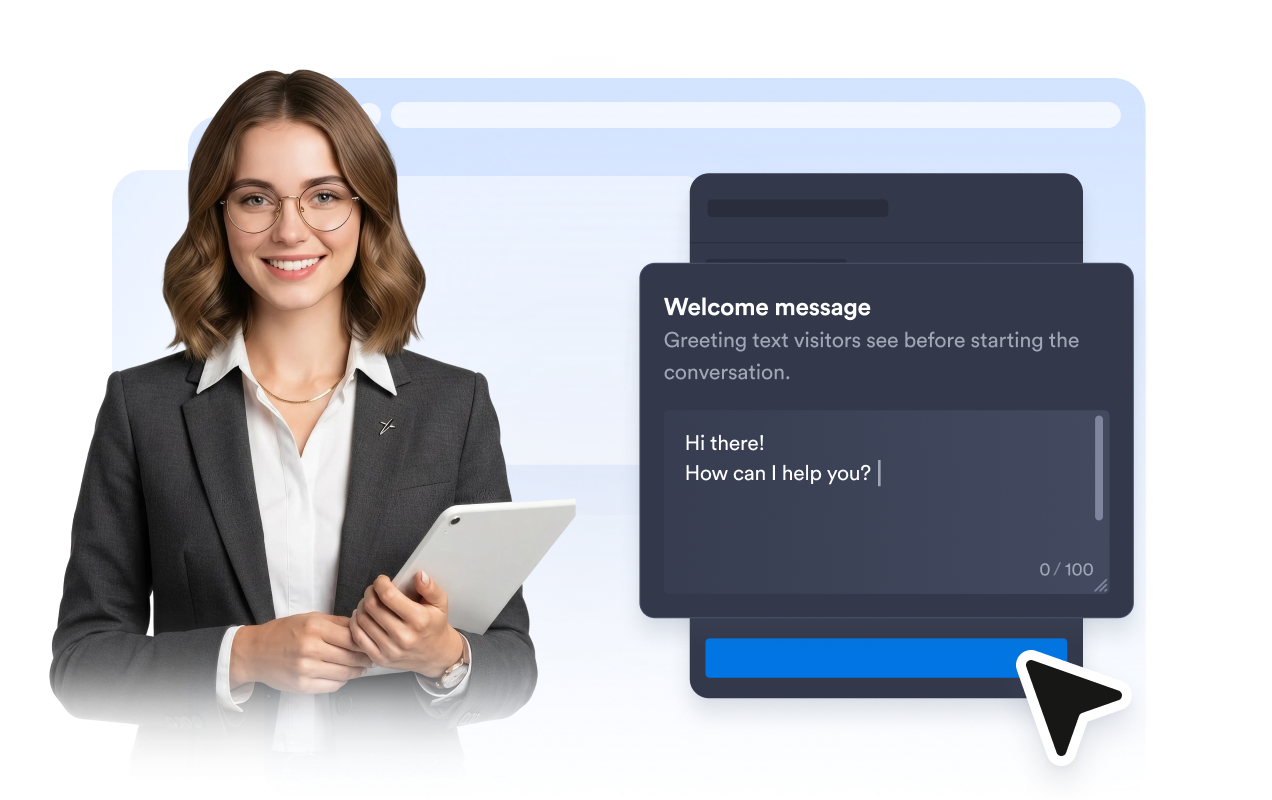
Oriente os cliques com CTAs claros
Use um call-to-action do Viber bem definido, edite o texto do botão e mantenha a prévia do chat focada no próximo passo, para que os visitantes saibam exatamente como continuar a conversa.
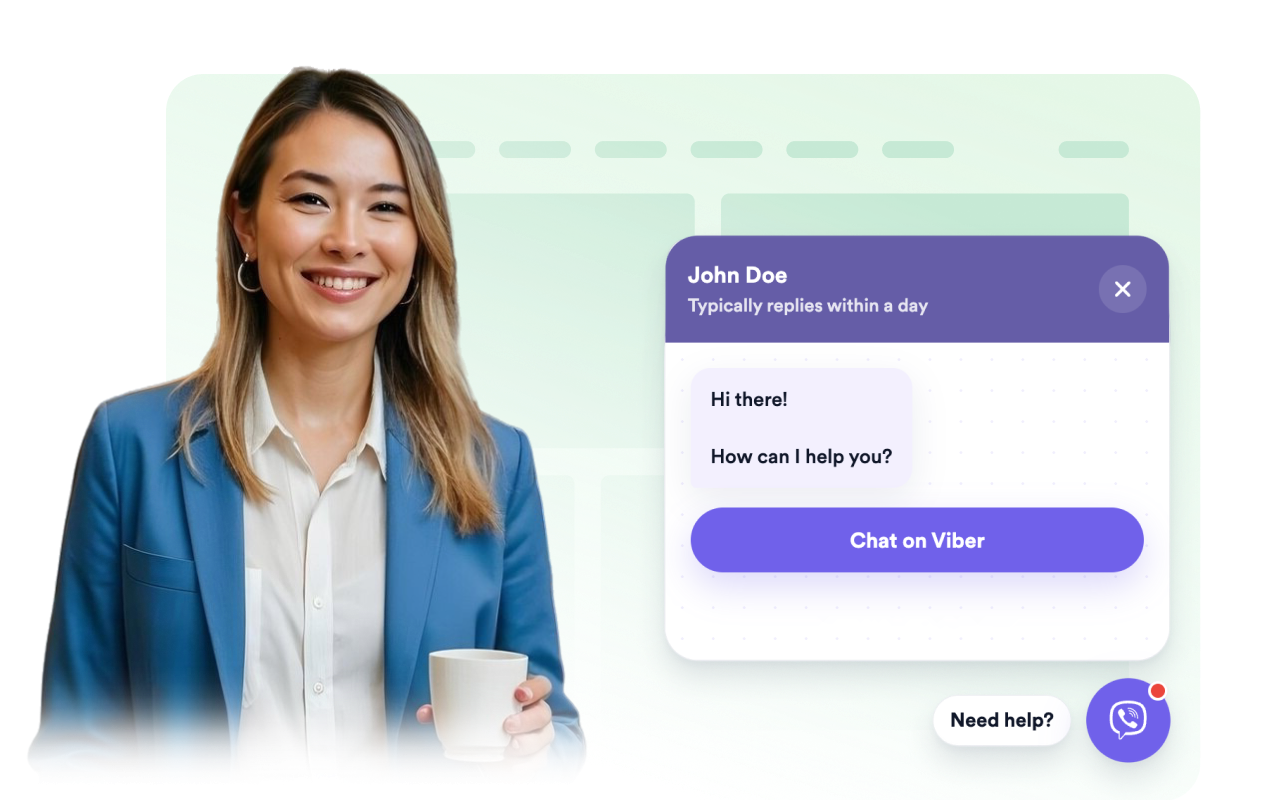
Combine o botão com seu site
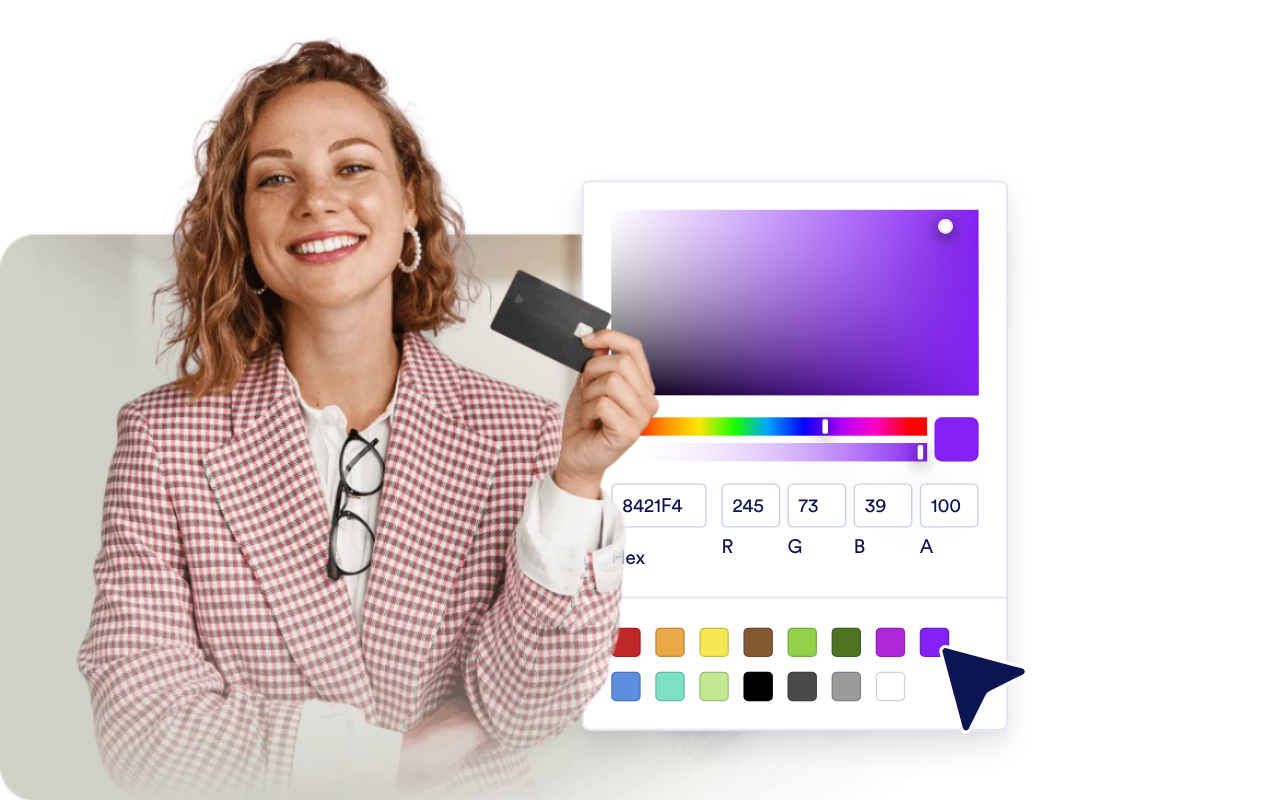
Ajuste o balão de chat, o cabeçalho, o fundo das mensagens, as cores do CTA, a largura, os cantos arredondados, o selo e a posição na tela para que o widget de chat do Viber se encaixe no design da sua página.
Por que os Widgets para Sites Jotform se destacam
Os widgets da Jotform tornam seu site mais interativo e aumentam as conversões. Há diversas opções disponíveis, desde avaliações com estrelas e deslizadores de depoimentos até pop-ups de prova social e incorporações de mídia. Adicione widgets aos seus formulários ou landing pages para coletar dados, exibir provas sociais e capturar leads — tudo sem precisar programar.
Adicione widgets da Jotform ao seu site com um simples código de incorporação. Personalize o widget, veja uma prévia de como ele ficará e cole-o em qualquer página que aceite HTML personalizado ou blocos de incorporação, sem precisar de um desenvolvedor.
Use os Widgets para Sites Jotform para coletar leads, exibir avaliações de clientes, expor provas sociais, incorporar mídia ou adicionar ferramentas úteis às suas páginas. Cada widget ajuda os visitantes a interagir com sua empresa diretamente no site.
Se precisar de ajuda para configurar, personalizar, incorporar ou solucionar problemas com o seu widget, a equipe de suporte Jotform está disponível 24h. Assim, você pode seguir em frente com confiança, sabendo que terá ajuda sempre que precisar.
Onde usar seu widget de Chat do Viber
Coloque o widget em páginas onde os visitantes precisam de uma forma rápida de tirar dúvidas ou continuar a conversa no Viber.
Lojas online para responder a perguntas sobre produtos, envio, disponibilidade e pedidos pelo Viber.
Páginas de empresas de serviços para coletar solicitações de agendamento, consulta ou orçamento de visitantes interessados.
Páginas de reservas e eventos para ajudar os visitantes a confirmar datas, locais, horários ou detalhes de inscrição antes de se cadastrarem.
Sites de empresas locais para direcionar consultas de restaurantes, salões, clínicas, imobiliárias ou serviços de reparo a um aplicativo de chat familiar.
Converta leads em clientes pagantes com o Criador de Formulários Jotform
Transforme engajamento em ação usando Jotform. Crie formulários poderosos para captar leads, receber pagamentos e automatizar respostas, tudo em um só lugar. Cada envio chega à sua Caixa de Envios Jotform, onde você pode fazer o acompanhamento ou conectar seus apps favoritos.
Comece já — é grátis!
Perguntas Frequentes
O que é um widget de Chat do Viber?
Um widget de Chat do Viber é um botão flutuante para site com uma prévia do chat que permite aos visitantes iniciar uma conversa no Viber com sua empresa.
Preciso programar para adicioná-lo ao meu site?
Posso personalizar a saudação e o botão?
Onde o chat é aberto?
Isso oferece uma caixa de entrada completa do Viber?
Como posso atender visitantes que preferem ligar em vez de enviar mensagens?