Widget de Clima Gratuito para seu Site
Ajude os visitantes a consultar as condições atuais e a previsão dos próximos dias sem sair do seu site. O widget de Clima da Jotform permite escolher o local, selecionar uma visualização por hora, diária, detalhada, do clima atual ou somente da temperatura, personalizar o design e incorporar o widget gratuitamente, sem precisar programar.
Crie já — [1[é grátis!]]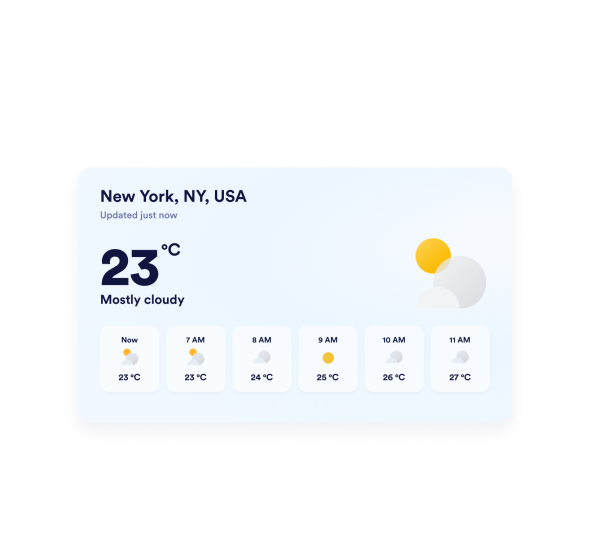

Como criar um widget Clima
Escolha a localização
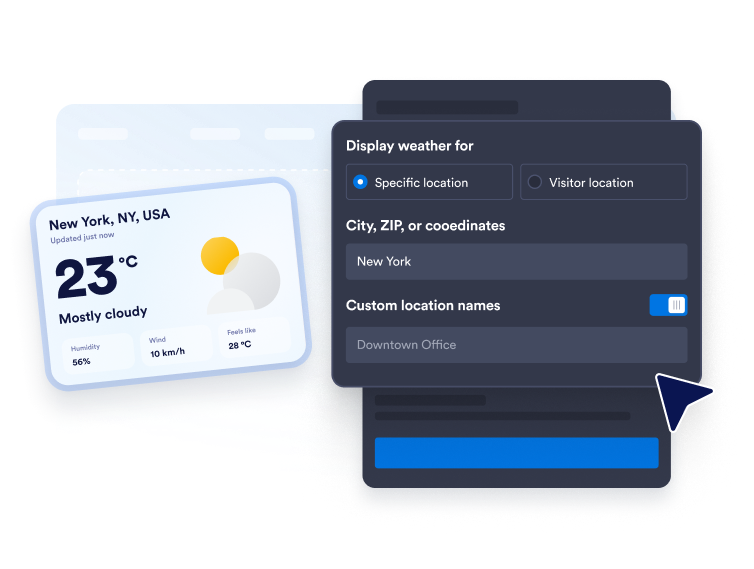
Digite uma cidade, CEP ou coordenadas para definir uma previsão fixa. Você também pode usar o modo de localização do visitante quando quiser exibir o clima de acordo com a localização de quem está acessando o site.
Personalize a exibição da previsão
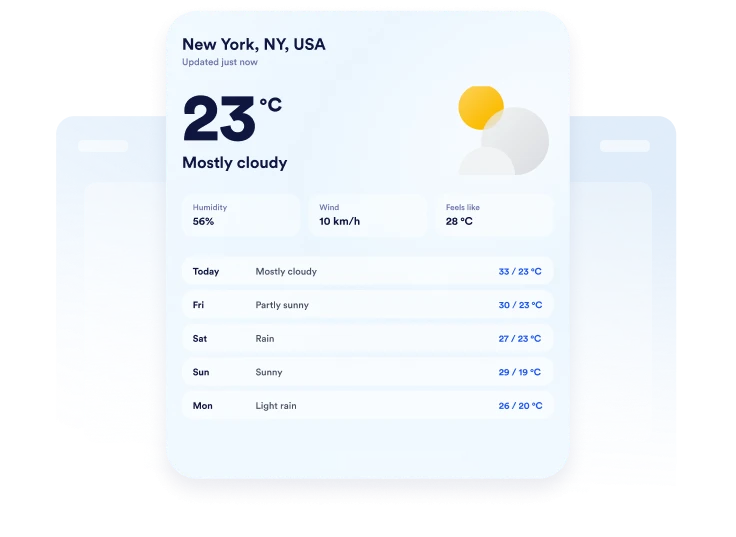
Escolha Fahrenheit ou Celsius, defina a duração da previsão e selecione quais informações deseja exibir. Dependendo do layout, você pode incluir temperatura, umidade, vento e sensação térmica.

Incorpore ao seu site
Personalize as cores, visualize o cartão de clima responsivo e copie o código de incorporação gerado. Cole-o em um bloco de HTML personalizado ou de incorporação, publique a página e confira como o widget é exibido.
Exiba o clima em diferentes layouts no seu site
Mostre o clima para locais de sua escolha
Exiba o clima de uma cidade, CEP ou conjunto de coordenadas relevantes para seu público. Adicione um nome personalizado ao local para tornar a previsão mais adequada a um hotel, espaço de eventos, escola, destino turístico ou empresa local.
Escolha a visualização de previsão ideal
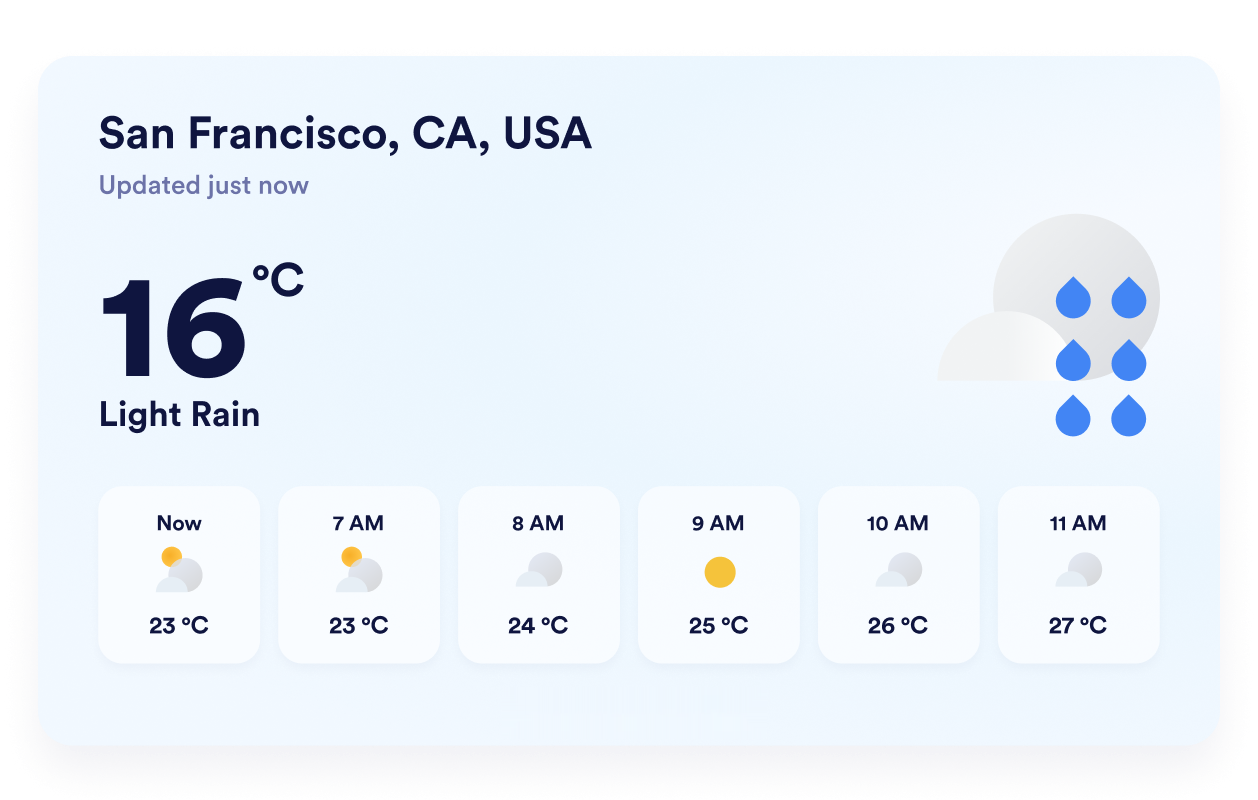
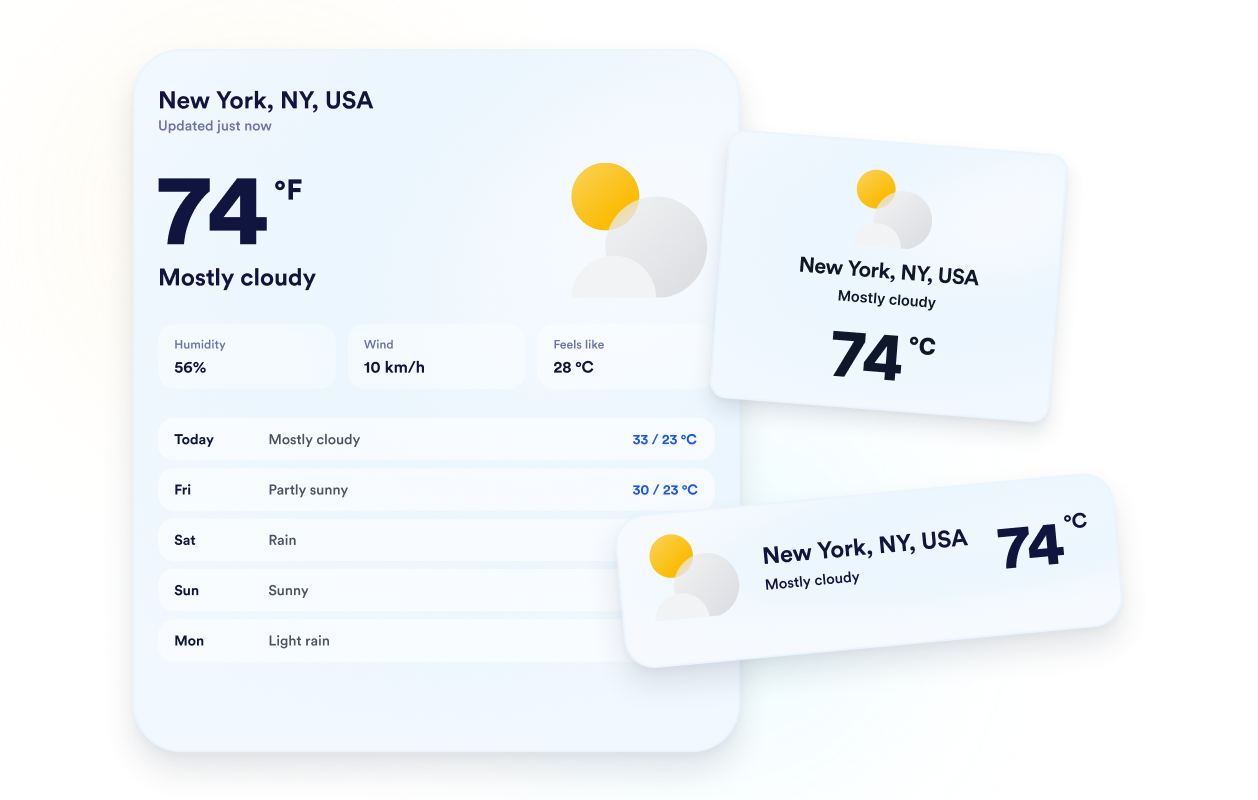
Escolha entre os layouts detalhado, diário, por hora, clima atual ou somente temperatura, de acordo com o espaço disponível. Assim, você pode exibir uma previsão completa ou destacar apenas as informações que mais importam para os visitantes.
Adapte a previsão ao seu site
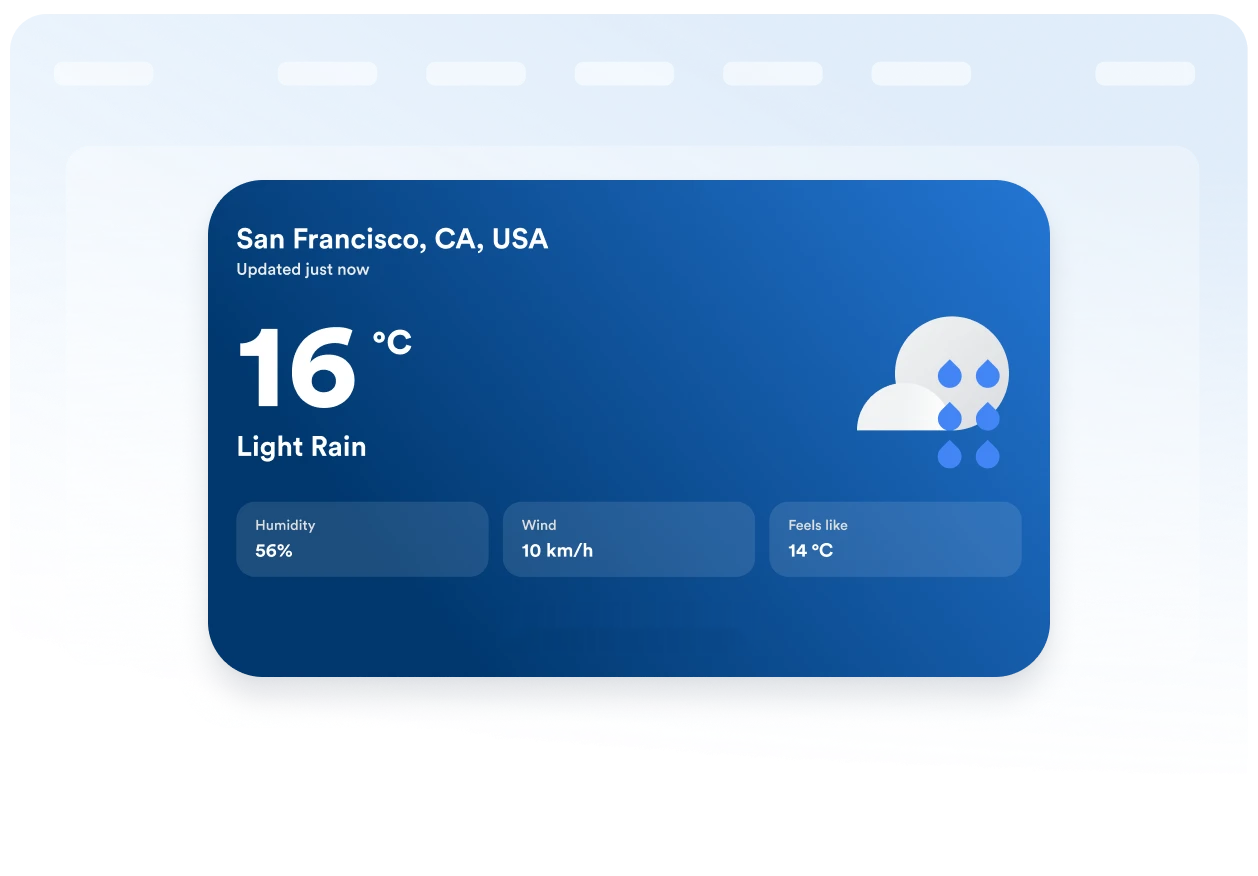
Escolha um plano de fundo temático ou uma cor sólida e ajuste as cores do cartão, das linhas da previsão, do texto e dos destaques, além da largura e do arredondamento dos cantos. Com essas opções, você pode adaptar o widget de Clima ao design da sua página.
Mantenha unidades e rótulos claros
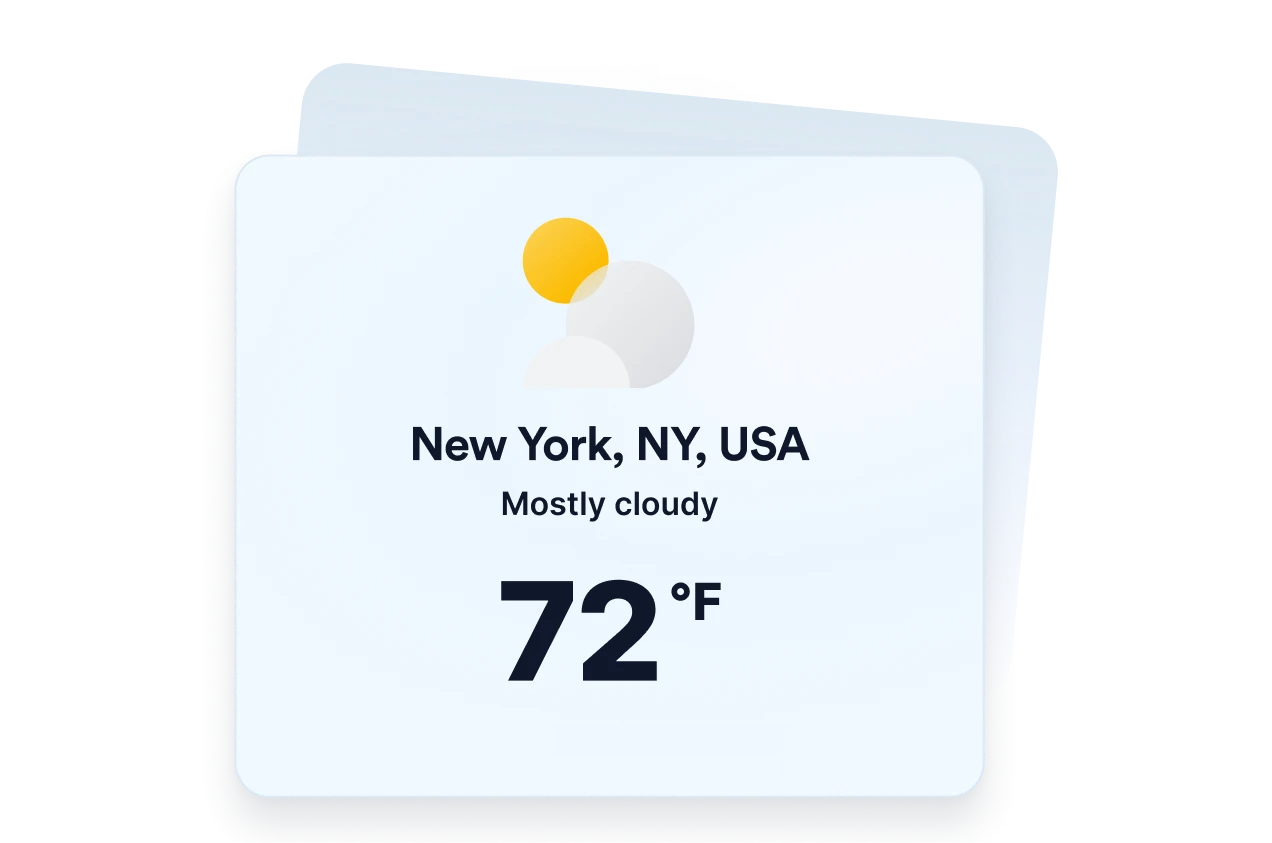
Exiba as temperaturas em Fahrenheit ou Celsius e traduza os principais rótulos do widget para o seu público. O layout responsivo e os controles de visibilidade para desktop e dispositivos móveis ajudam a manter as informações sobre o clima claras em diferentes tamanhos de tela.
Por que os Widgets para Sites Jotform se destacam
Os widgets da Jotform tornam seu site mais interativo e aumentam as conversões. Há diversas opções disponíveis, desde avaliações com estrelas e deslizadores de depoimentos até pop-ups de prova social e incorporações de mídia. Adicione widgets aos seus formulários ou landing pages para coletar dados, exibir provas sociais e capturar leads — tudo sem precisar programar.
Adicione widgets da Jotform ao seu site com um simples código de incorporação. Personalize o widget, veja uma prévia de como ele ficará e cole-o em qualquer página que aceite HTML personalizado ou blocos de incorporação, sem precisar de um desenvolvedor.
Use os Widgets para Sites Jotform para coletar leads, exibir avaliações de clientes, expor provas sociais, incorporar mídia ou adicionar ferramentas úteis às suas páginas. Cada widget ajuda os visitantes a interagir com sua empresa diretamente no site.
Se precisar de ajuda para configurar, personalizar, incorporar ou solucionar problemas com o seu widget, a equipe de suporte Jotform está disponível 24h. Assim, você pode seguir em frente com confiança, sabendo que terá ajuda sempre que precisar.
Onde usar seu widget de Clima
Adicione informações relevantes sobre o clima às páginas em que as condições climáticas possam afetar os planos, a preparação ou as decisões dos visitantes.
Páginas de hotéis e resorts para ajudar os hóspedes a se prepararem para as condições climáticas locais antes da estadia.
Páginas de eventos para mostrar aos participantes a previsão do tempo antes de eventos ao ar livre ou presenciais.
Páginas de passeios e atividades para ajudar viajantes a planejar roupas, equipamentos e datas de reserva.
Páginas de escolas e comunidades para compartilhar as condições climáticas locais com famílias, alunos e moradores.
Páginas de esportes e recreação para ajudar os visitantes a se prepararem para jogos, instalações ou atividades ao ar livre.
Sites de empresas locais para oferecer informações úteis sobre o clima antes da visita dos clientes.
Converta leads em clientes pagantes com o Criador de Formulários Jotform
Transforme engajamento em ação usando Jotform. Crie formulários poderosos para captar leads, receber pagamentos e automatizar respostas, tudo em um só lugar. Cada envio chega à sua Caixa de Envios Jotform, onde você pode fazer o acompanhamento ou conectar seus apps favoritos.
Comece já — é grátis!
Perguntas Frequentes
O que é um widget de Clima?
Um widget de Clima exibe as condições atuais e informações sobre a previsão do tempo diretamente no site. Dependendo do layout escolhido, os visitantes podem consultar temperaturas, previsões diárias ou por hora, umidade, vento e sensação térmica sem sair da página.
O widget de Clima da Jotform é gratuito?
Posso escolher o local exibido no widget?
O widget pode usar a localização do visitante?
Quais layouts de previsão do tempo posso usar?
Posso exibir outras informações sobre o clima além da temperatura?
Posso usar Celsius em vez de Fahrenheit?
Posso personalizar o design do widget de Clima?
O widget de Clima funciona em dispositivos móveis?
Preciso escrever código para criar um widget de Clima?
Quais plataformas de sites são compatíveis com o widget de Clima?
Posso obter ajuda para configurar meu widget de Clima?