Muestre listas dinámicas
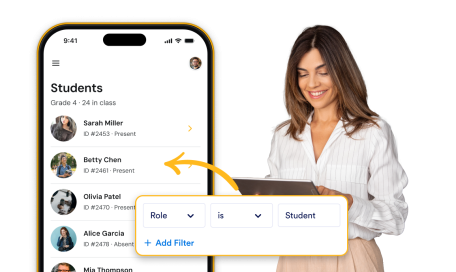
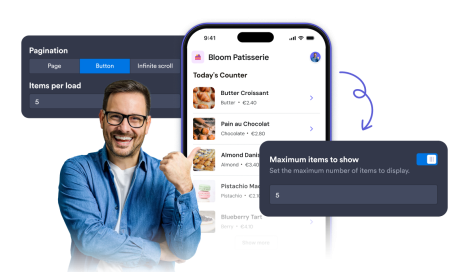
Muestre elementos ilimitados con páginas personalizadas y acciones interactivas que aumentan la participación. Use diseños flexibles y opciones de diseño creativas para crear experiencias únicas.
Collect & Display Data
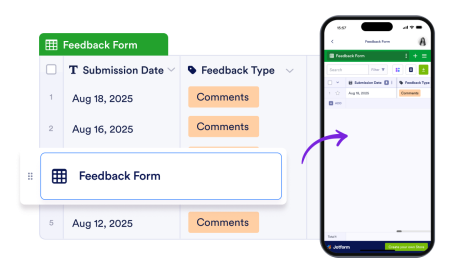
Recopile y muestre datos dentro de su app, permitiendo que tanto usted como sus usuarios hagan seguimiento de los envíos, revisen las entradas y se mantengan informados de un vistazo.
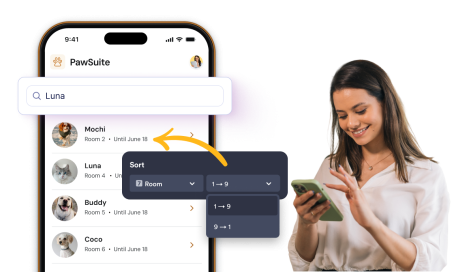
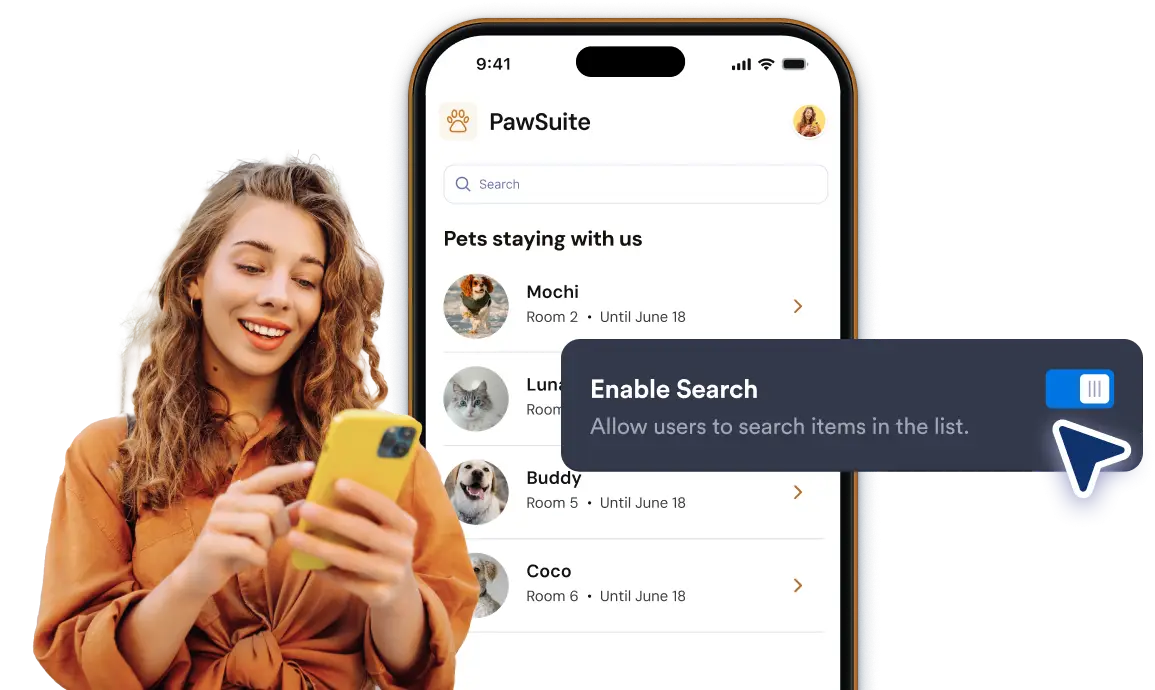
Add an interactive search bar to let users instantly find specific entries within your list elements. Allow users to locate relevant items quickly using keyword searches.
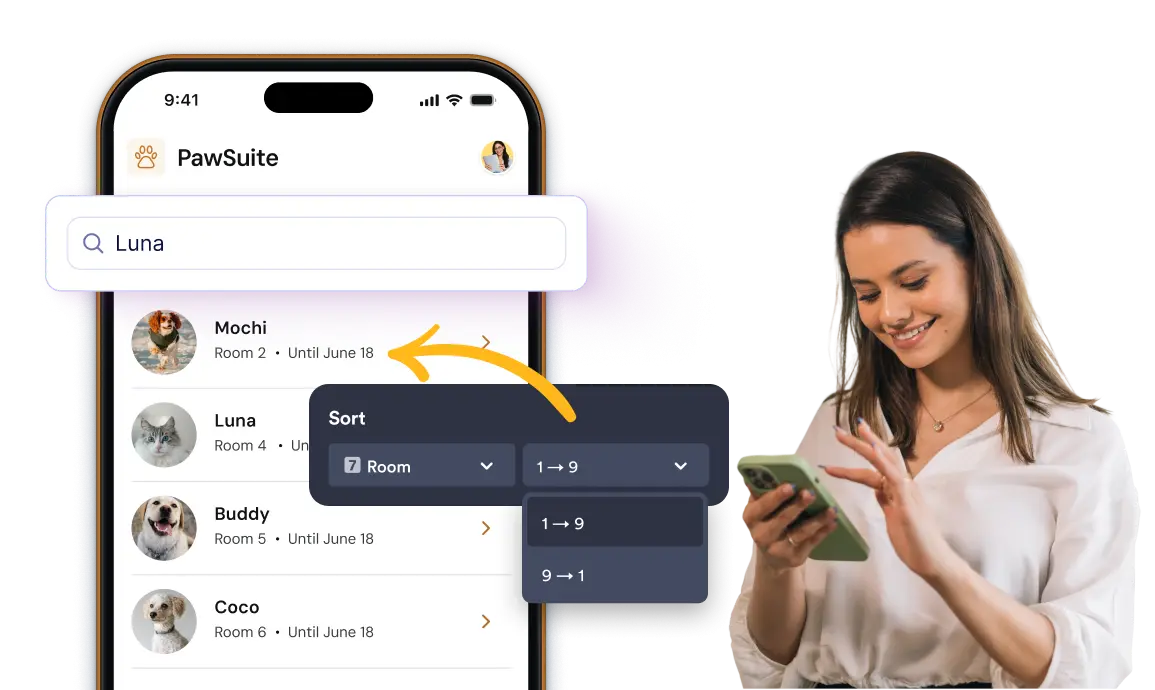
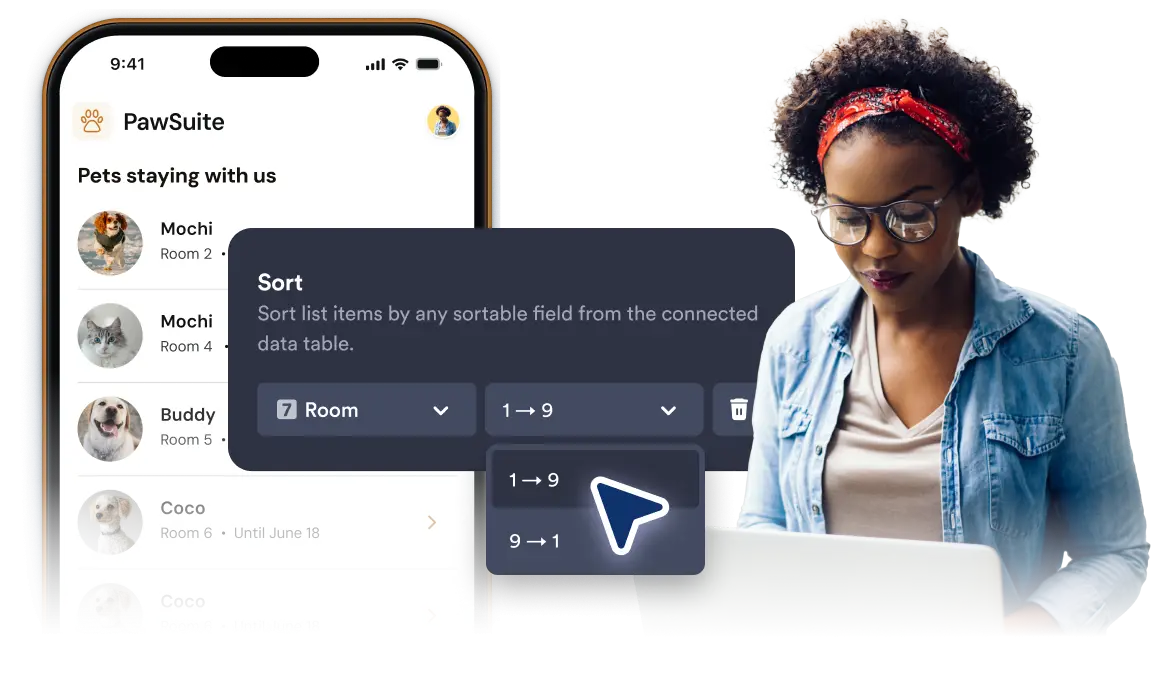
Enable quick text searching and organize list entries automatically using field-based ascending or descending sort rules.
Select any field connected to your list and set custom sorting criteria. Display entries in ascending or descending order to present your data in a clear, organized layout.
Toggle the search bar to allow app users to filter through large datasets using instant text keywords.
Choose specific list fields and apply ascending or descending sort orders to arrange items logically.
It allows users to type keywords and instantly filter the visible list items on screen.
You can choose a specific field from your list data and set the items to display in ascending or descending order.
Yes, you can enable the search bar and configure sorting rules together to give users full control over how they view list data.